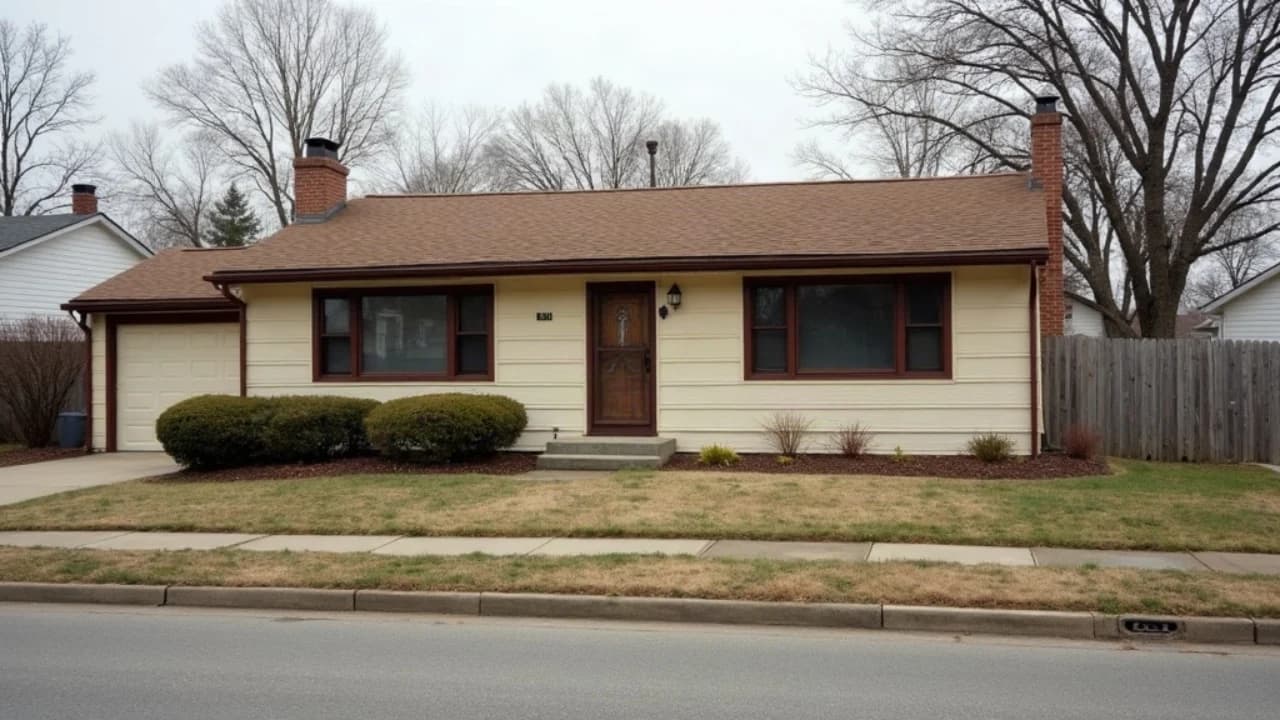
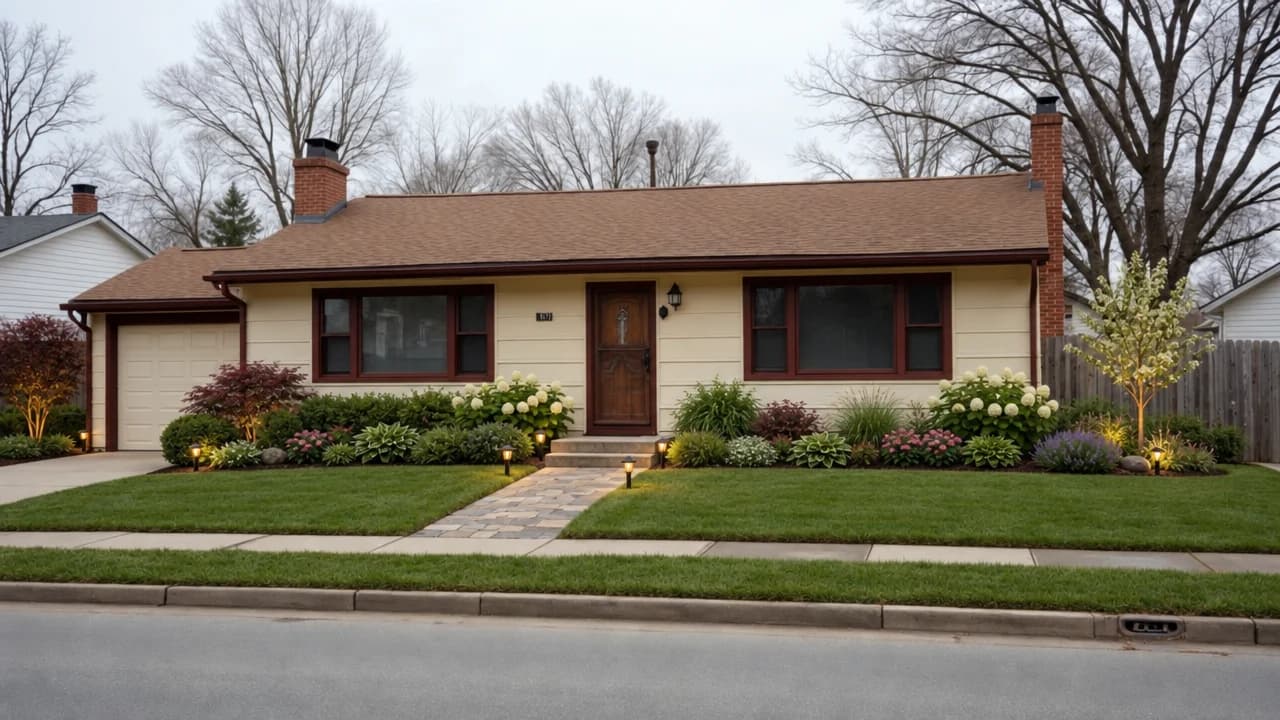
A new front garden
Planting beds, a stone path and garden lights on a plain front lawn, with the house kept.
Attach a photo of the front of the house or the garden and Mixos AI redesigns the planting, paths and lighting while keeping the house and the camera. Stack exterior looks, such as a porch, fresh paint or a dusk photo, and compare each with the original.
Mixos AI is available in this build. Conversational tools require paid access or purchased credits.
 MADE IN MIXOS
See an idea on your own house before you dig. Each look is one image edit, and the original is always one slide away.
A straight-on photo of the front of the house or the garden, in daylight, works best.
Choose the landscaping look, or say what you want: a gravel path, low planting, a hedge, garden lights.
Check it on the before-and-after slider, then add a porch, fresh paint or a dusk photo on top.
Every result below is unedited Mixos output. Inputs are public-domain or openly licensed drawings, drawings made for these examples, or AI-generated example photos.
Planting beds, a stone path and garden lights on a plain front lawn, with the house kept.
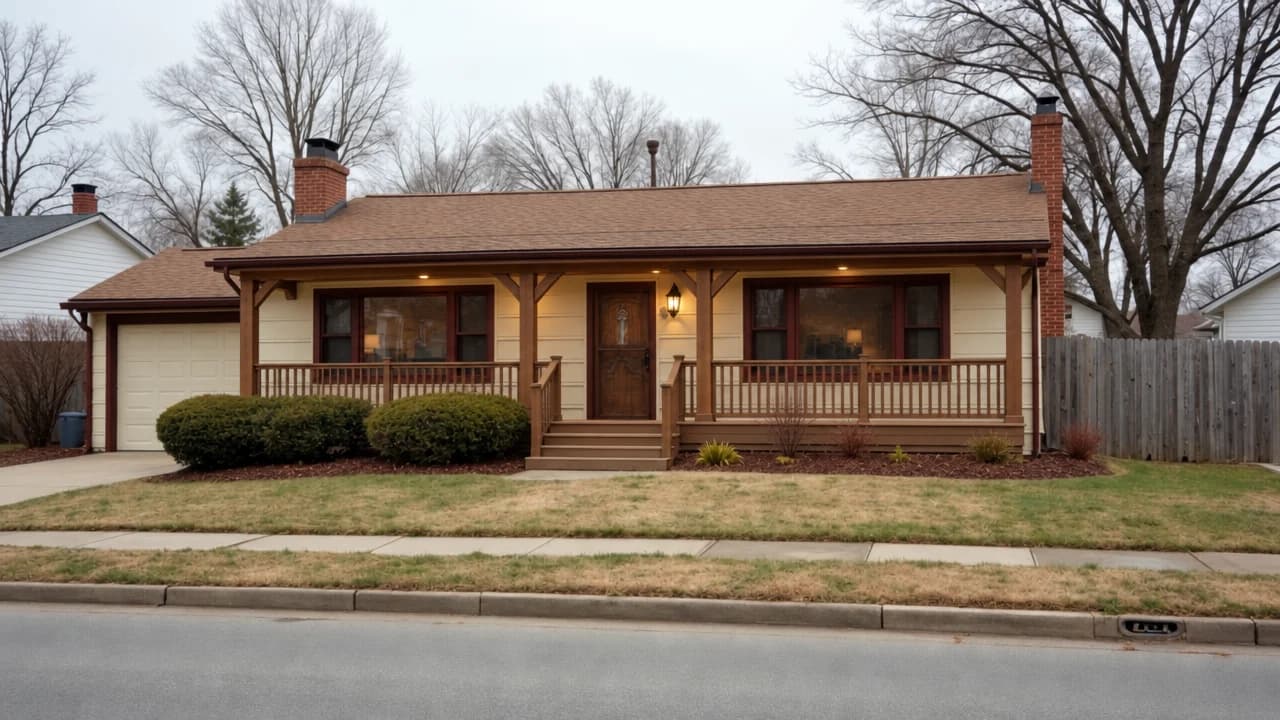
A covered timber porch with railings and steps across the front of the same house.
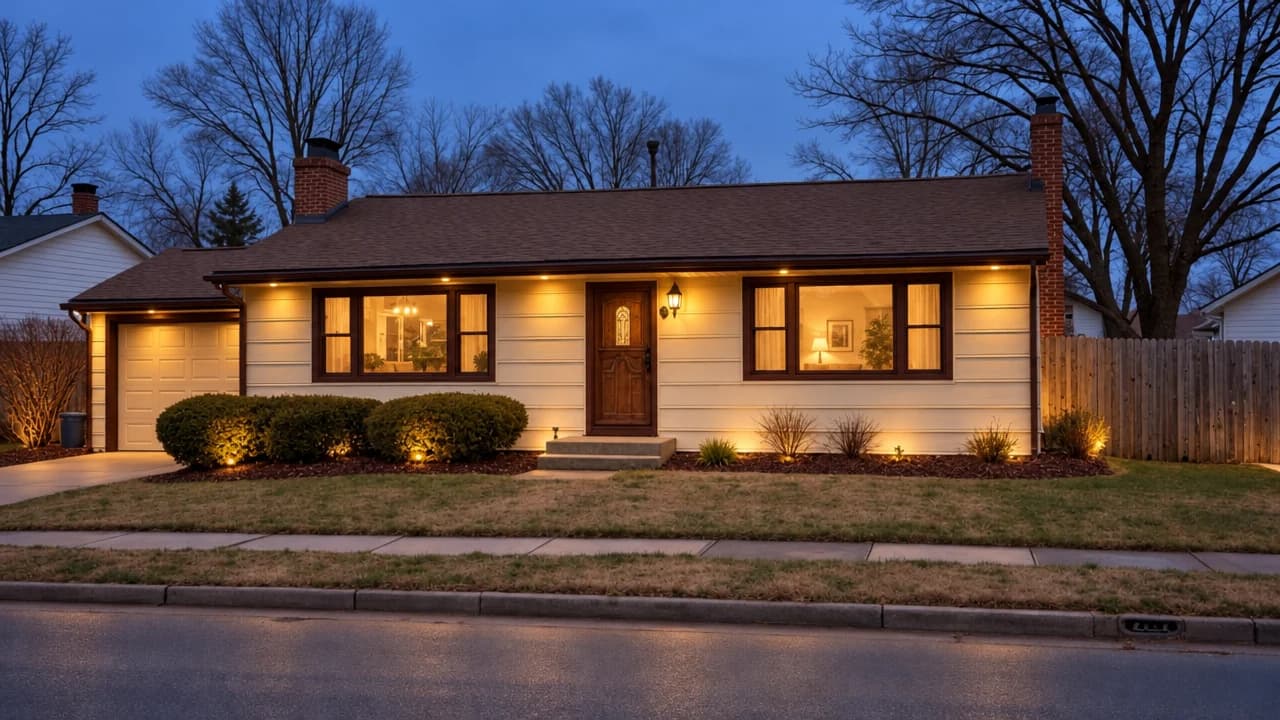
The same house relit for blue hour, with warm light in the windows.
The viewport makes the result visible. Inspect the shape, placement and materials before moving on to the next change.
The edit is asked to keep the house, the camera and the light, so before and after line up on the slider.
Landscaping, a front porch, fresh paint, a second storey and a dusk photo cost 3 credits each and can be combined.
A concept image, not a planting plan: there is no plant list or climate check. Take it to a local nursery or landscaper.
“Landscape this front yard with a stone path to the door, low planting beds and warm garden lights. Keep the house exactly as it is.”Open Mixos AI
“Add a covered front porch, then show the house at dusk.”Open Mixos AI
Example briefs to adapt to your project. Concept images show a creative direction; live results depend on your prompt and the tools used.
Build, finish and animate real 3D scenes. Choose an example, play the walkthrough or jump to any step.
“Create a sculptural perfume bottle on a warm stone set. Give it amber glass, brass details and dramatic studio lighting.”
The chat explains the change. The viewport shows the result. Play all steps, or use the numbered controls to explore.

Prepared walkthroughs with editable 3D, animation and illustrative AI images. Prompts and replies are scripted; playback uses no credits. AI video generation is a separate paid step, illustrated above.
Mixos AI is available in this build. Open the workspace with your Mixos account; conversational tools require paid access or unspent purchased credits. The expanded creation workspace is rolling out in preview builds.
Each look costs 3 credits, and the price is shown before it runs.
It shows a design, not a plant list. Check plants for your climate with a local nursery.
Yes. Any clear outdoor photo works: a back garden, a patio or a side yard.
Yes, as a concept. Agree the actual plan, materials and costs with them.
Describe the house or attach its floor plan and ask for a lawn and trees, and Mixos AI builds it in 3D.
Editing in the released Mixos apps is free with a Mixos account. AI generation consumes credits. Production exports require a paid plan or licence; the free plan includes a 512px watermarked render preview. See Pricing for current allowances. Watching the demonstrations on this page does not spend AI credits.
See Pricing for current AI credits and export allowances. Studio is available now for manual 3D creation.