One prompt. Every surface.
Upload a model and describe the finish. Auto projects a coherent material across the entire mesh, then gives you editable PBR maps and a textured GLB.
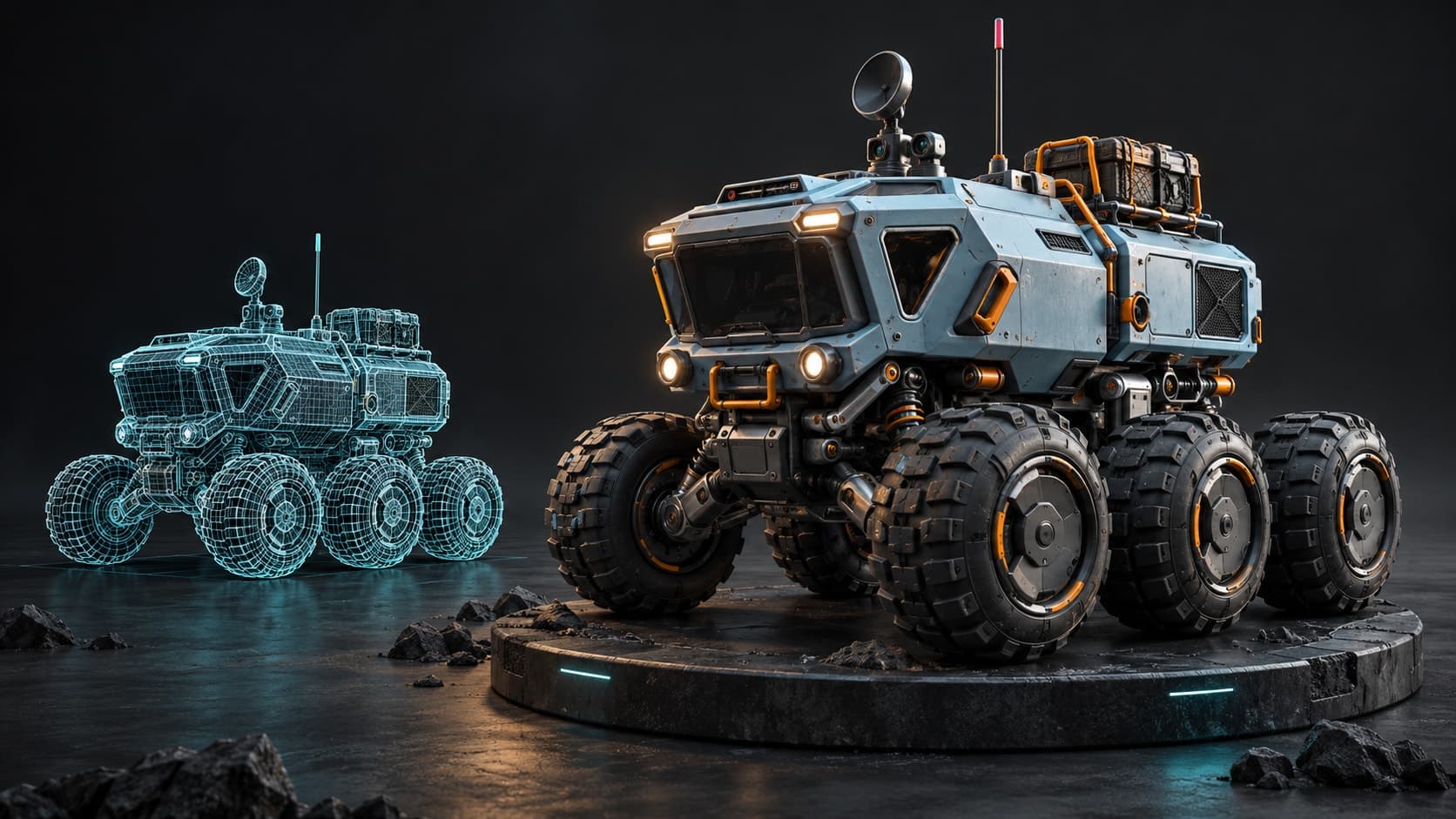
Illustrative concept artwork.
See the transformation
Same mesh. A completely new first impression.
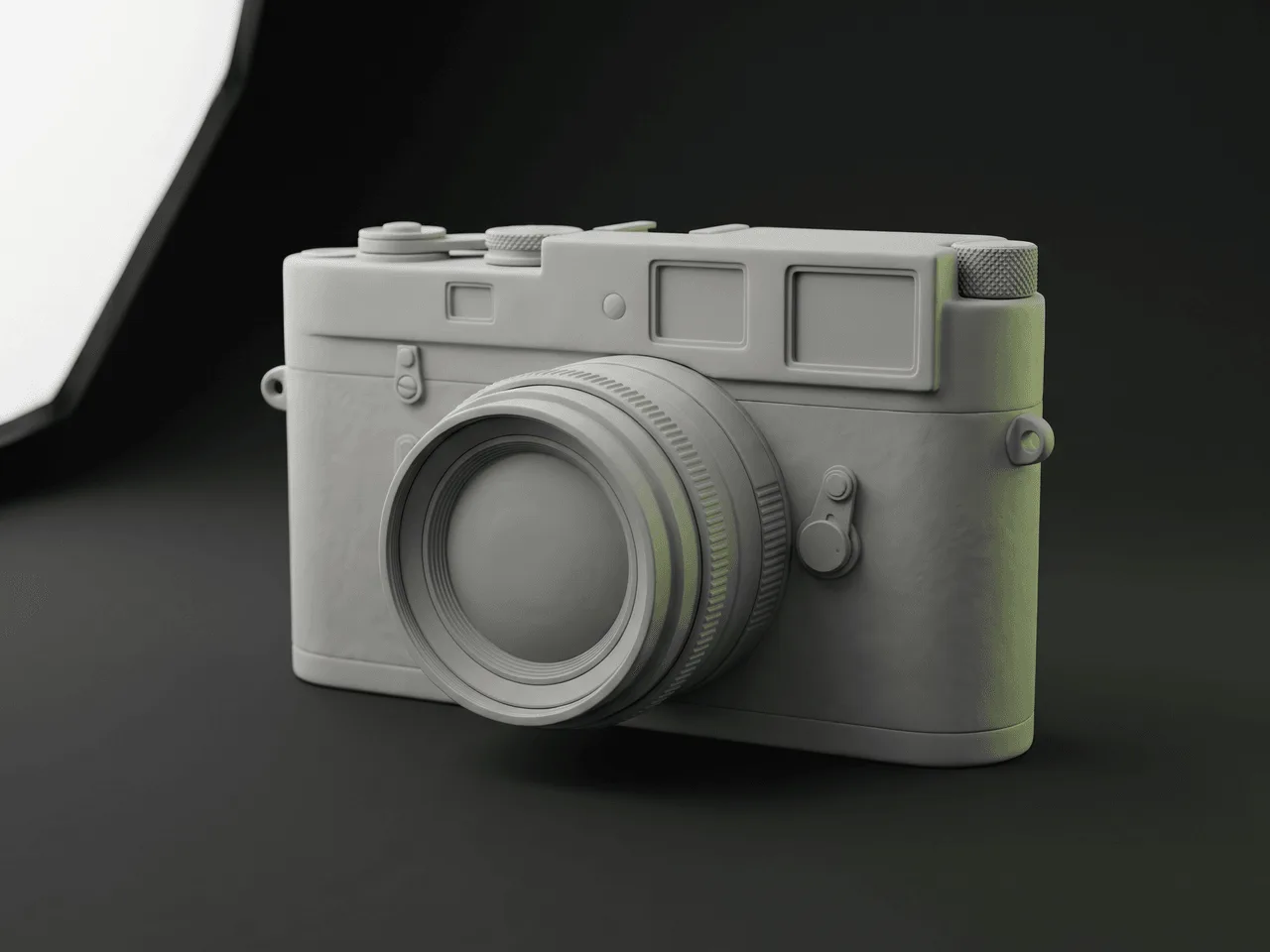
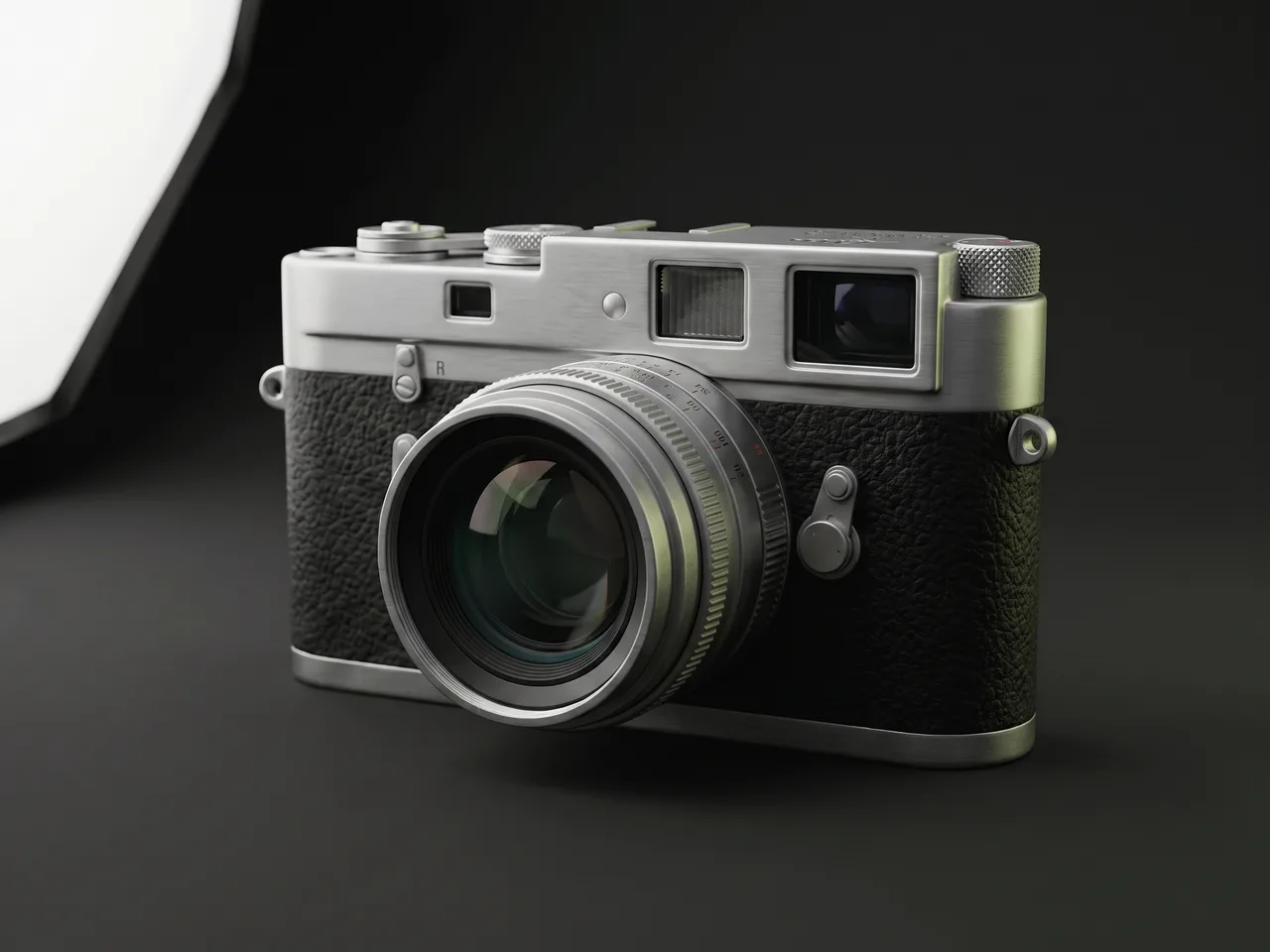
 Before — clay
 After — one prompt
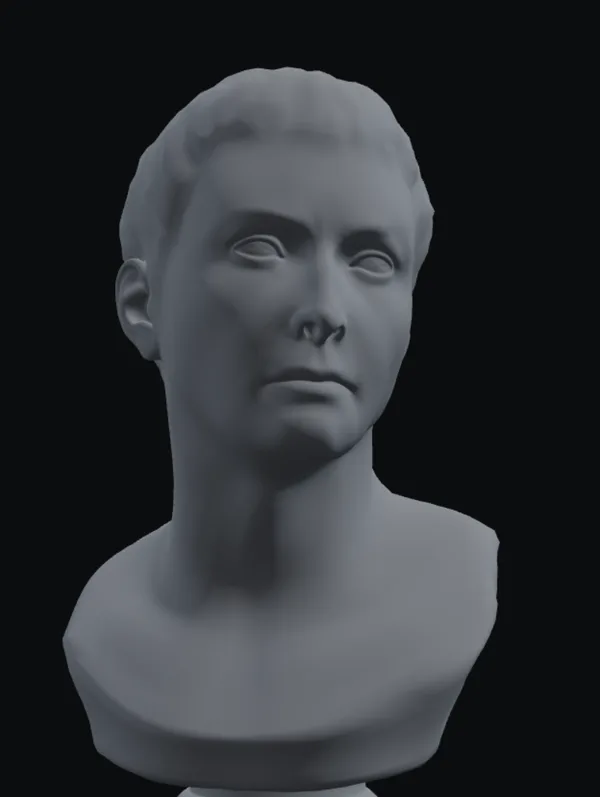 Before — clay
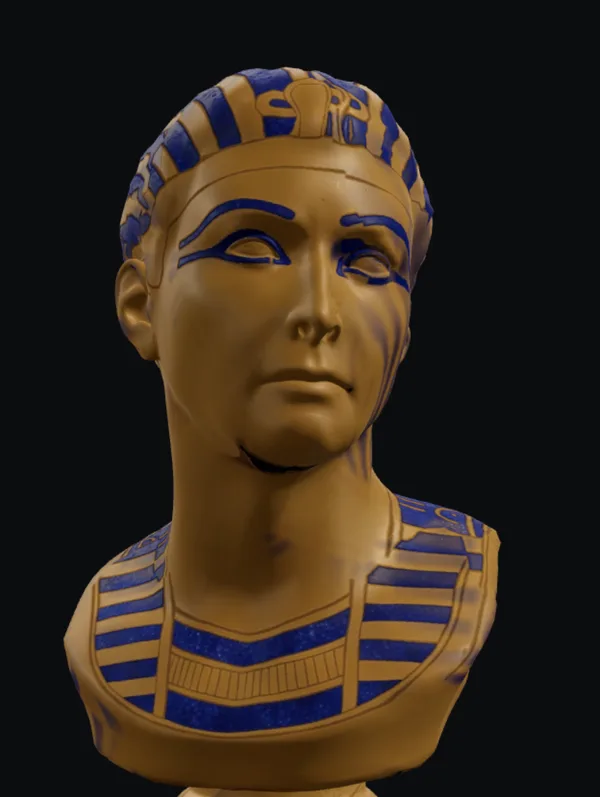 After — one prompt
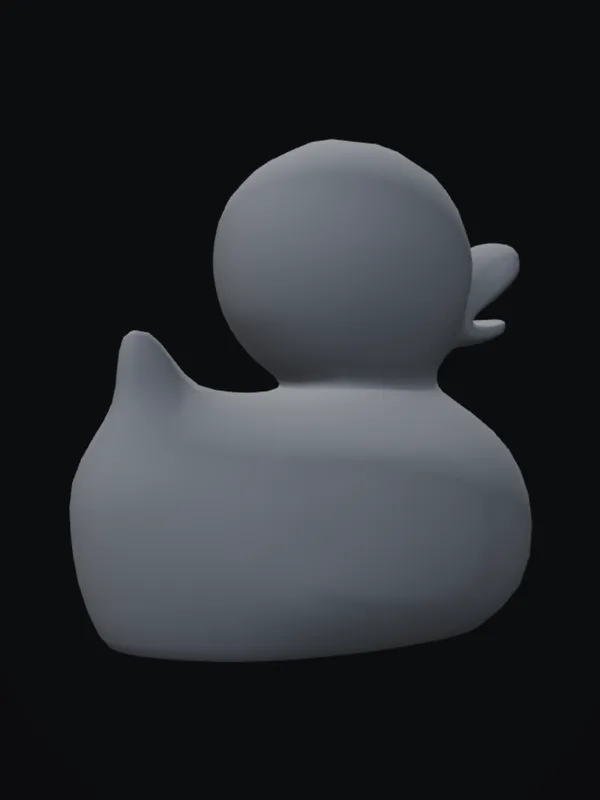 Before — clay
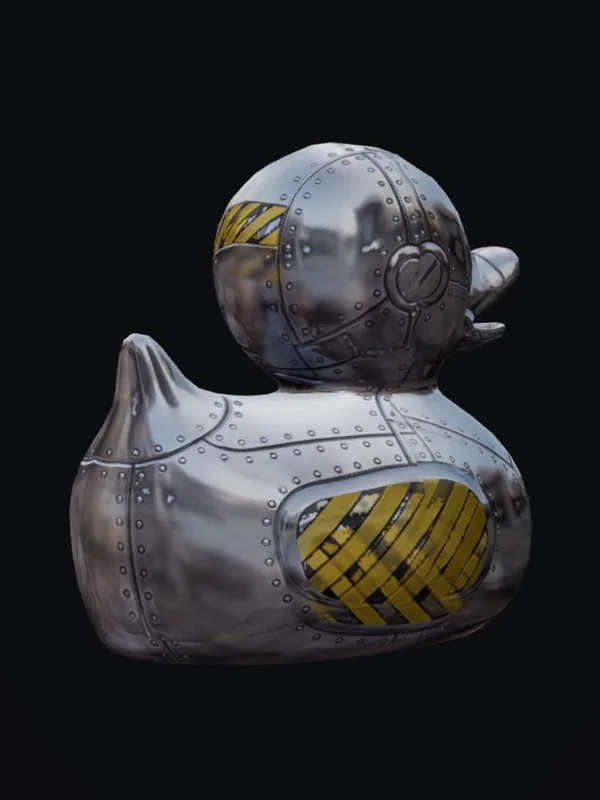 After — one prompt
 Before — clay
 After — one prompt
Three easy moves
From blank mesh to ready-to-use material.
- 01
Step 1
Add a model
Upload a .glb, .gltf, .obj, or .fbx — or pick one of the free CC0 models. Missing UVs are unwrapped automatically.
- 02
Step 2
Describe the look
One prompt — 'weathered bronze statue', 'mossy sandstone', 'worn leather'. Auto renders the model from eight views, textures them in two style-matched AI passes, and projects the result back onto the surface.
- 03
Step 3
Download or refine
Preview the full PBR result in 3D — base color, normal, roughness, metallic, height — and refine it in the Mixos editor. Download the maps as PNGs plus a textured GLB on any paid plan.
Real PBR output, not a screenshot
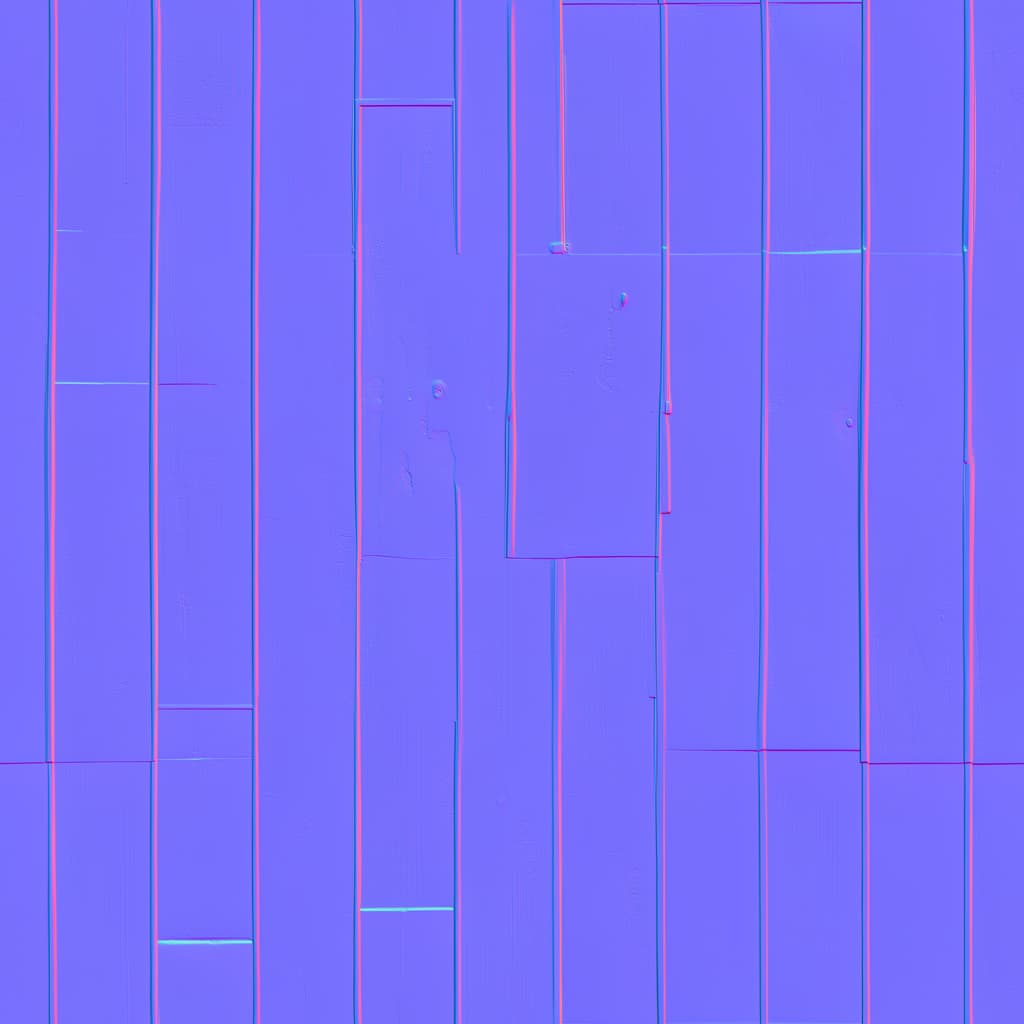
Five editable maps
Base color plus derived normal, roughness, metallic, and height — a full material, ready for any engine or DCC.
A textured GLB
Download the model with textures embedded — drop it straight into Blender, Unreal, Unity, or a web viewer. Full-res on paid plans.
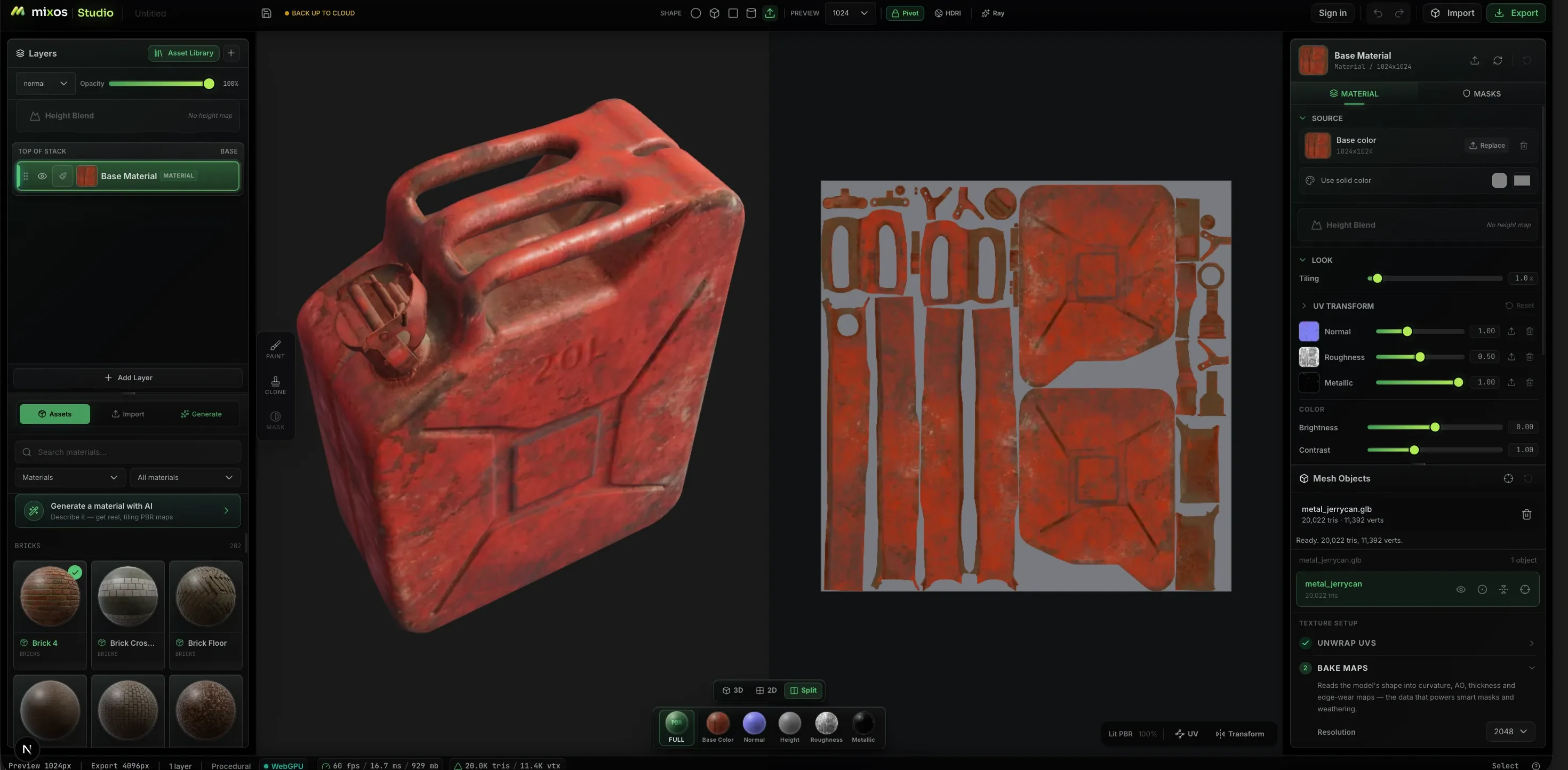
A head start, not a dead end
Open the result in the Mixos editor as a layer: paint over it, mask it, add wear — the AI pass is just layer one.
Curious how it works under the hood? Read what auto-texturing is and how AI textures a 3D model. Looking for tiling materials from a prompt instead? That's the AI texture generator inside the editor. No model handy? Grab one from the free CC0 model library.
The whole pipeline
The rest of the suite works on the same model.
An Auto pass is where a model starts, not where it has to stop — the result opens in Paint as an editable layer stack, on the same model, out of the same library. The rest of the suite picks up where the prompt left off.
Studio
Scene assembly, modeling & animationAssemble a shot: a real scene graph with parenting and transforms, polygon modeling on a half-edge core, and keyframe animation on a timeline — with an assistant that can drive all of it.
Paint
3D texture paintingImport a mesh and paint, layer, and mask production PBR materials right on it — then export clean map sets for any engine.
Mold
3D sculptingSculpt organic form directly on the GPU — subdivide, push, pull, and smooth clay with pressure brushes, then hand the mesh to Paint to texture.
Logo
AI 3D logo designTurn a flat mark — yours or one described to an AI — into a stack of real extruded 3D layers, then give it metal, glass or neon, light it, and render a still or a turntable.
Any device
Texture on the machine you already have.
Auto’s engine is the browser’s: no build to pick, no installer, and no minimum spec beyond a browser that provides WebGPU. The pass runs the same way everywhere, and the result lands in the library you sign in to.
Mac, Windows, Linux
Chrome, Edge, Firefox or Brave, plus Safari 26+. Nothing to install — the pass runs from a tab and the GLB lands in your downloads.
iPad
A touch layout with the panels as slide-up sheets. Auto ships inside the free Mixos app, or open it in Safari.
Android
Phones and tablets on a current Chrome. Same tab, same pass, no separate build to sideload.
Chromebook
Texturing on hardware that cannot run a desktop texturing package at all, as long as ChromeOS provides WebGPU.
On iPhone and iPad, there’s an app now.
Auto ships inside the free Mixos app, with a touch and Apple Pencil layout — and the browser still needs nothing installed. iOS 26 or later.
Find the autotexture workflow for your model.
Start with your file format, asset type or reference image. Each workflow includes a material prompt and specific details to inspect.
Common questions
What is autotexture?
Autotexture (or auto-texturing) means texturing an entire 3D model automatically from a single text prompt instead of painting it by hand. Auto is an autotexture tool: it renders your mesh from multiple angles, generates style-matched AI material for each view, projects the result back onto the surface, and derives a full PBR map set — base color, normal, roughness, metallic, and height — in one pass.
What do I actually get out of it?
A complete PBR texture set projected onto your model's UVs: base color plus derived normal, roughness, metallic, and height maps. The result lands as an editable layer you can carry into the Mixos editor, and on a paid plan you can download the maps as PNGs together with a .glb that has the textures embedded — full resolution, watermark-free.
Is it free?
Auto opens with a free Mixos account — uploading, previewing, and picking free models cost nothing. Generating a texture uses 6 AI credits, which come with the paid plans and refill monthly. Downloading the result is the paid part: paid plans take out the full-res, watermark-free maps and GLB.
What file formats can I texture?
Auto opens GLB, GLTF, FBX, OBJ, PLY, STL, DAE, 3MF, USDZ, USD, USDA, USDC, IFC, 3DM, STEP, STP, IGES, IGS, BREP, DXF, 3DS, KMZ, WRL, VRML, LWO or AMF files — or skip the upload and start from one of the free CC0 models.
Does my model need UVs?
No. If the mesh has no usable UV layout, Auto unwraps it automatically before texturing. Multi-part models are combined into one surface so the whole model is textured in a single pass.
Can I retexture a model that already has textures?
Yes. Upload it, describe the new finish, and Auto paints a fresh PBR set fitted to that model. It works from the bare shape and never sees the old texture, so anything you want to keep — a logo, a color, a marking — has to be described again or shown in a reference image. The mesh is prepared the way any upload is: a model made of several parts is combined into one, its UVs are re-unwrapped when the existing layout can't hold a projection, and very dense meshes are decimated first.
Can I retexture just one part of a model?
Not on its own — a pass always covers the whole model. The result opens in the Mixos editor as an editable layer, though, so you can mask it back to the part you wanted and paint the rest by hand.
Can I use a reference image instead of a prompt?
Yes. Attach a photo, artwork or material swatch as a PNG, JPEG or WebP — alongside your description or in place of it. Auto takes the reference's colors, materials, markings and wear, never its shape, and where the picture and your words disagree, your words win.
Does it work on characters?
It runs on them, but faces are its weak spot, and that is worth saying plainly. Each view of the model is painted as a separate picture, so eyes, mouths and other small features can land a little off the geometry and come out smeared once they are projected back. Expect to touch up a character's face in the editor.
Which browsers work?
Generation runs on WebGPU, so use Chrome or Edge on desktop. Uploading and previewing models works in any modern browser; phones and tablets aren't supported yet.
How is this different from an AI material generator?
A material generator produces a tiling texture you still have to map onto your model. Auto textures the model itself — it understands the geometry from multiple angles and paints the whole surface in one consistent pass, seams and all.
Can I use the results commercially?
Yes — textures you generate on your own models are yours to use, including commercially. The free model library is CC0, so those models are free for any use too.
Your model, textured in minutes.
Drop a mesh in, describe the material, and see it textured from every angle — then take the maps with you or keep refining in the full editor.
Open Auto