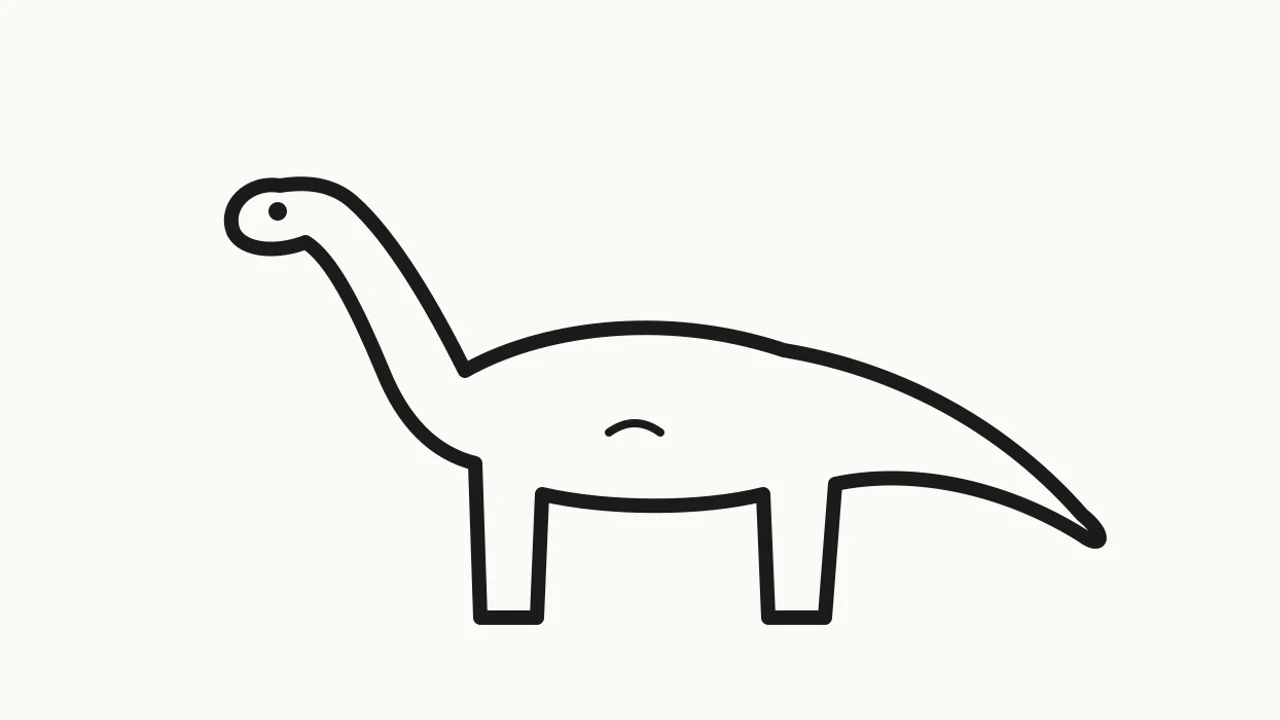
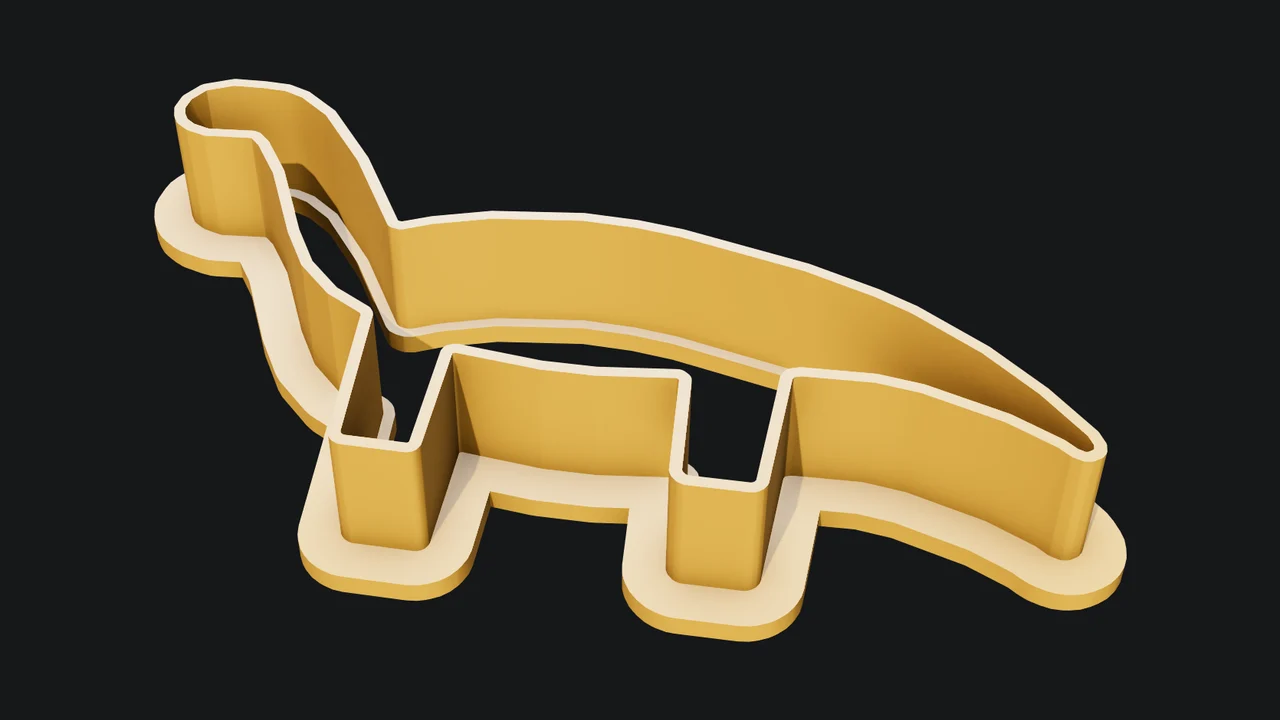
A drawing to a cutter
The outline traced from a line drawing, smoothed, then given its blade and lip.
Attach a child's drawing, a logo or a photo of a shape, or just name one. Mixos AI traces the outline, cleans it up, and builds a cutter with a 1 mm blade and a flat lip to press on, at the size you ask for.
Mixos AI is available in this build. Conversational tools require paid access or purchased credits.
 MADE IN MIXOS
The outline sets the shape; Mixos AI handles the parts that make a cutter work: the blade, the lip and the clean-up between them.
Attach a drawing or a picture with a clear outline on a plain background, or name a shape such as a heart, a star or a cloud. You can also describe a shape and Mixos AI draws the outline.
Give the width in millimetres, or use 80 mm. Mixos AI reports the finished size and how tall the blade is.
Download the STL or 3MF. The cutter prints lip down with no supports. Use a food-safe filament and wash it before use.
Every result below is unedited Mixos output. Inputs are public-domain or openly licensed drawings, drawings made for these examples, or AI-generated example photos.
The outline traced from a line drawing, smoothed, then given its blade and lip.
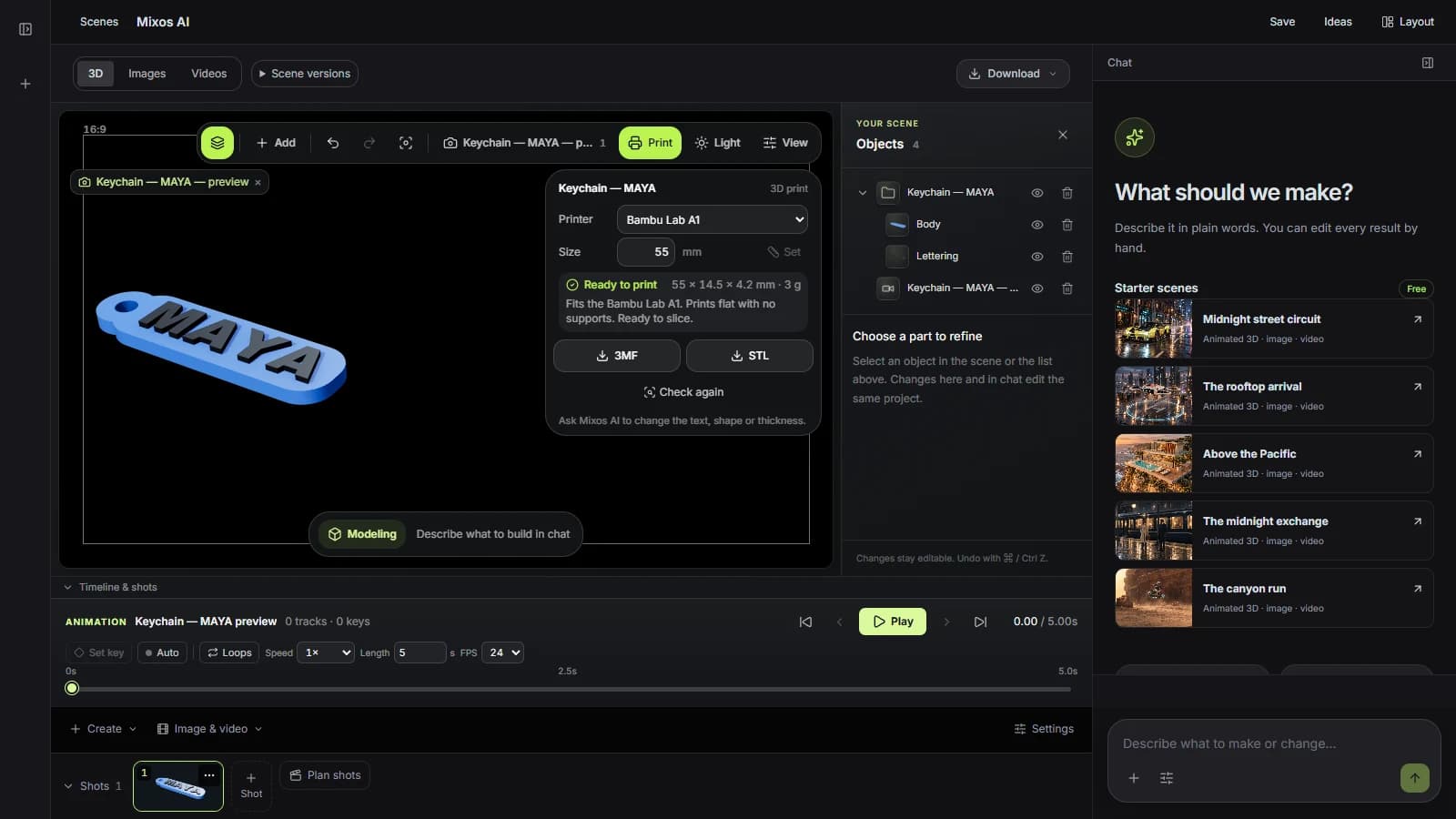
The viewport makes the result visible. Inspect the shape, placement and materials before moving on to the next change.
Traced outlines are smoothed so tiny notches the dough could never fill and sharp spikes that would snap are removed, while the shape stays recognisable.
A 1 mm blade 14 mm tall follows the outline, standing on a 4 mm lip that stiffens it and gives your palm somewhere to press. Ask for a taller blade or a thicker wall.
The cutter lies on its lip with the blade pointing up, so nothing overhangs and the first layer grips the bed along the whole outline.
“Make a cookie cutter from the drawing I've attached, about 90 mm across.”Open Mixos AI
“Make a dinosaur cookie cutter 80 mm long. Draw a simple side-on outline first and show it to me.”Open Mixos AI
Example briefs to adapt to your project. Concept images show a creative direction; live results depend on your prompt and the tools used.
Build, finish and animate real 3D scenes. Choose an example, play the walkthrough or jump to any step.
“Build a compact studio speaker with an olive enclosure, a copper driver and a fine metal-mesh grille. Keep the components separate.”
The chat explains the change. The viewport shows the result. Play all steps, or use the numbered controls to explore.
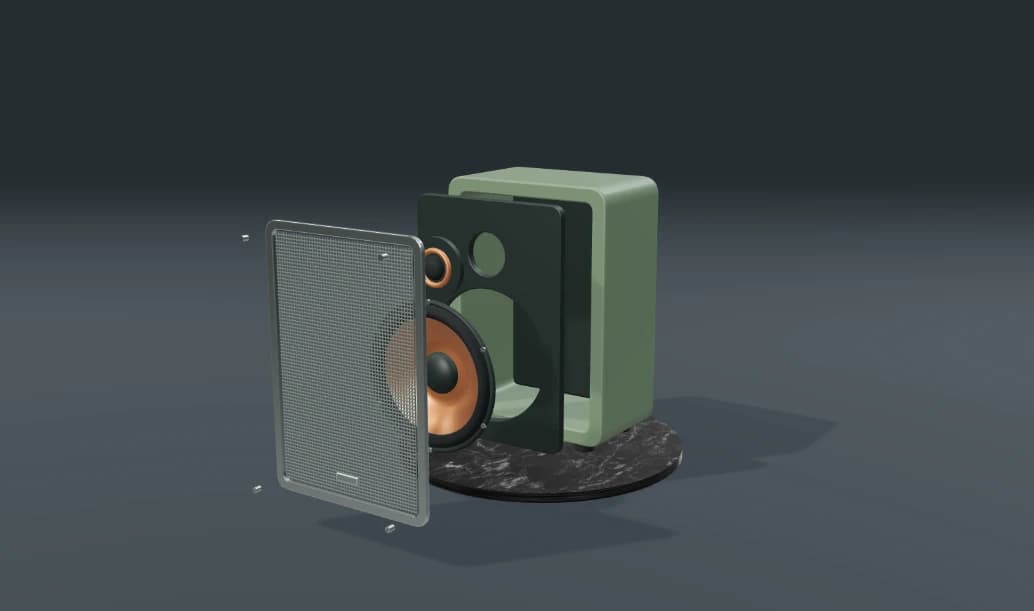
Prepared walkthroughs with editable 3D, animation and illustrative AI images. Prompts and replies are scripted; playback uses no credits. AI video generation is a separate paid step, illustrated above.
Mixos AI is available in this build. Open the workspace with your Mixos account; conversational tools require paid access or unspent purchased credits. The expanded creation workspace is rolling out in preview builds.
A dark outline or a filled shape on a plain, light background traces best. Busy photos can trace the background instead; Mixos AI says so when the outline looks doubtful.
Not yet. The cutter follows the outer outline. Lines inside the drawing are not stamped into the dough.
That depends on the filament and the printer. Use a filament sold as food-contact safe, and treat printed cutters as single-batch or occasional use, as many makers recommend.
Making the cutter uses Mixos AI chat credits. Downloading STL or 3MF files is part of Studio's export, which is included in every paid plan.
Editing in the released Mixos apps is free with a Mixos account. AI generation consumes credits. Production exports require a paid plan or licence; the free plan includes a 512px watermarked render preview. See Pricing for current allowances. Watching the demonstrations on this page does not spend AI credits.
See Pricing for current AI credits and export allowances. Studio is available now for manual 3D creation.