Let the silhouette stay in charge
Generate on the model you already simplified, so color and material support its planes instead of hiding them under unrelated photographic detail.
Low-poly asset texturing
Import a low-poly asset, describe its palette and material style, and generate a first pass across the model. Refine the broad shapes and export only the texture resolution the asset can use.
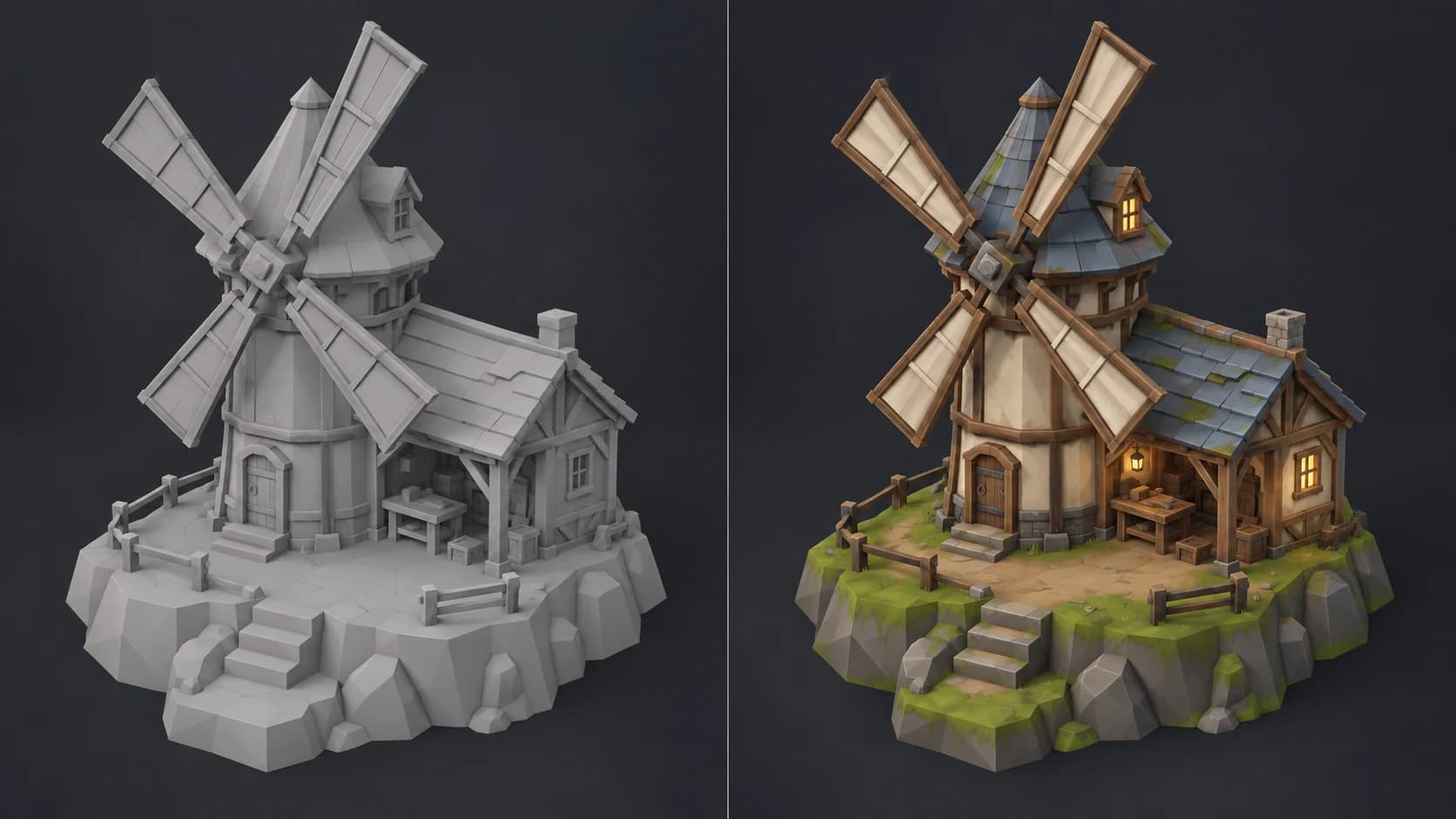
Generate on the model you already simplified, so color and material support its planes instead of hiding them under unrelated photographic detail.
Use the generated palette as a base, then simplify noisy regions and strengthen the large light, midtone and shadow shapes that survive at game distance.
Add controlled edge accents, gradients and small focal marks in layers instead of spending memory on surface noise the player will never see.
Choose an appropriate power-of-two size, inspect mip behavior in the engine and keep only the channels that materially improve the asset.
Why Mixos
A low-poly asset usually fails when its texture tries to compensate for every missing polygon. Fine grain and high-frequency scratches disappear in motion, muddy the planes and consume memory without improving the read. The useful generated pass is one that finds a palette and material breakdown you can simplify.
Judge the result at the distance and screen size the game uses. Preserve strong color blocks, reduce random variation and place the sharpest contrast around doors, faces, handles or other interaction points. Painted gradients and a few edge accents often contribute more than a dense 4K surface.
Auto-Texture may replace stacked or tiled UVs and can combine multipart assets. Review the atlas before committing to cleanup. At export, choose a power-of-two size, test mipmaps and compression in the target engine, and remove maps whose contribution is invisible under the actual shader and lighting.
It needs a usable mapping for a texture. Auto-Texture can generate a new atlas when UVs are missing, stacked or tiled, but you should inspect that layout before production use.
Usually only when the asset appears large enough to benefit. Test lower power-of-two sizes in the engine and keep the smallest resolution that preserves the intended read.
Yes as a first direction. Prompt for a limited palette, broad painted gradients and restrained detail, then simplify and repaint the result so it stays consistent with the rest of the asset set.
Yes. You can export a textured GLB for review or use separate maps when your engine pipeline needs explicit import and compression settings.
Read next
The whole pass, from import to exported maps.
The maps a modern material is made of, and what each one does.
Why the same texture reads bigger on one model than another.
Drop the files in and see the material lit, in the browser.
Keep exploring
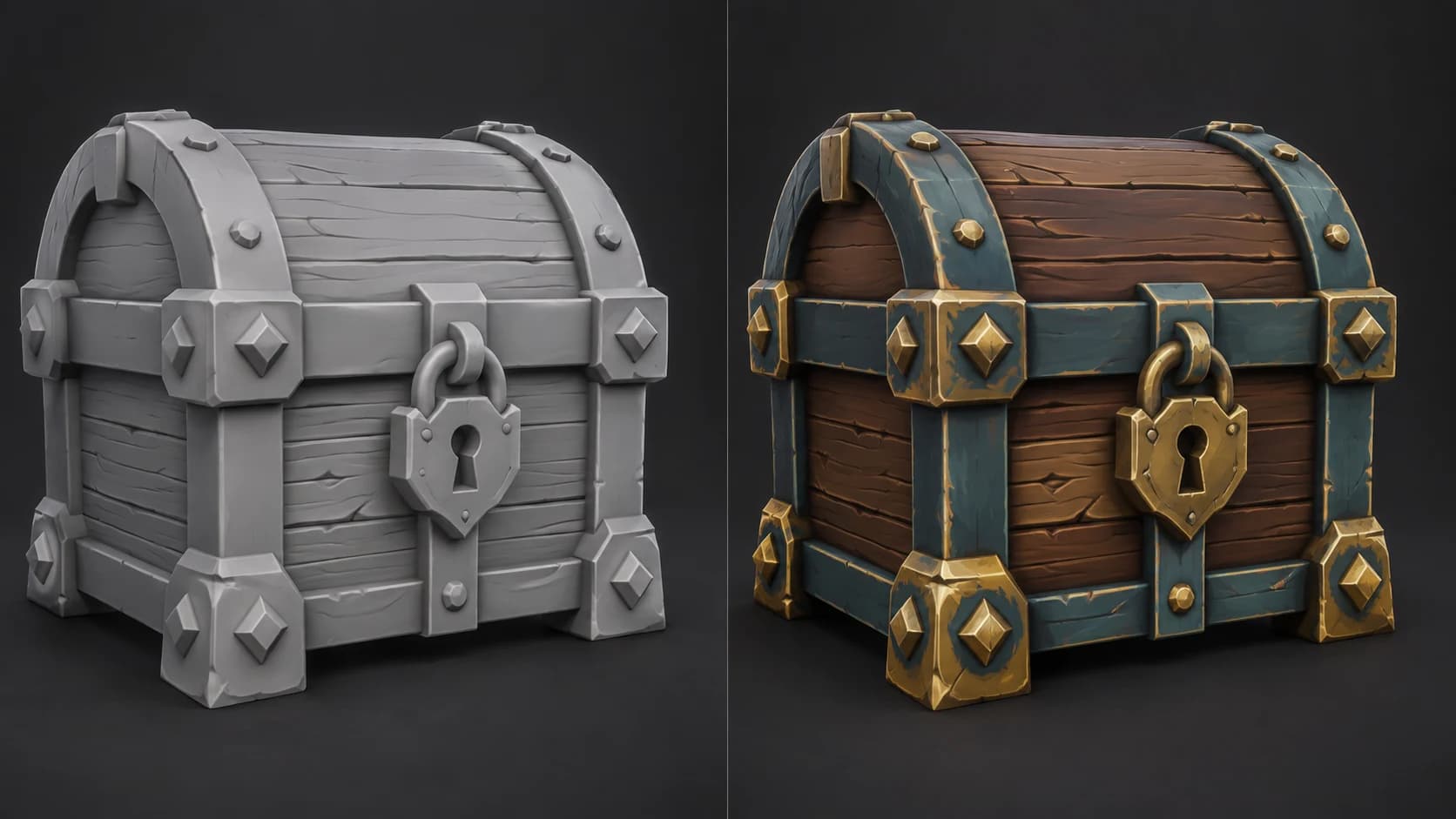
Hand-painted 3D texturing

Textures for Unity
AI texture generator
Textures for Godot