No Linux container, no Android app
No developer mode, no crostini setup, no sideloaded APK running at half speed. Open a URL in the browser that is already there and start sculpting.
Sculpting on ChromeOS
Chromebooks can't run ZBrush, Blender or any other desktop sculpting package — which usually sends people down a rabbit hole of Linux containers and Android app compatibility. Mold skips all of it: it renders on WebGPU in the browser, which is the one thing a Chromebook is unambiguously good at.
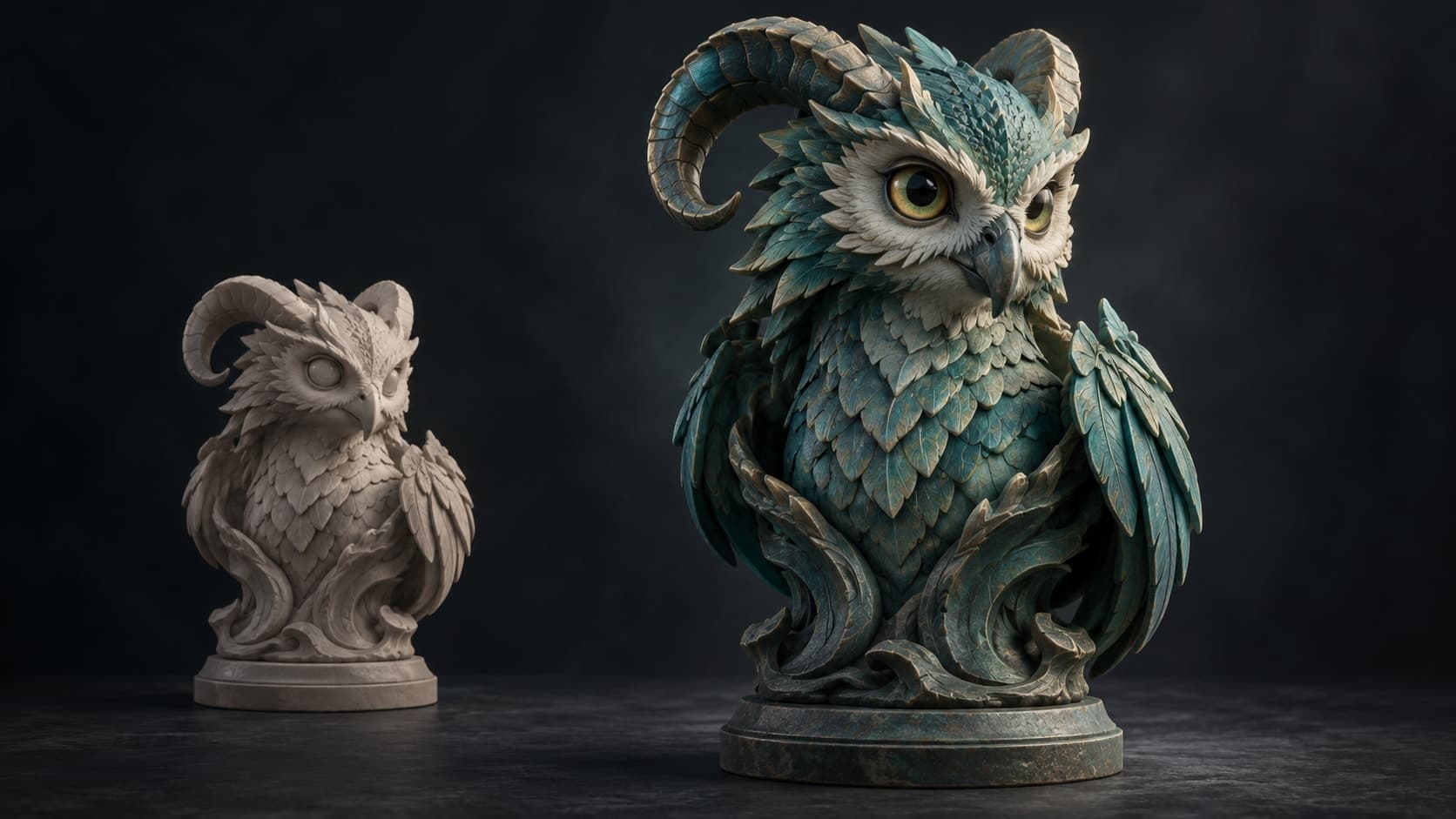
No developer mode, no crostini setup, no sideloaded APK running at half speed. Open a URL in the browser that is already there and start sculpting.
Pressure brushes with falloff and symmetry, multiresolution subdivision, dynamic topology, voxel and quad remeshing, masking, booleans and trim. The same engine a desktop runs.
Nothing installs, so nothing needs an administrator. Work saves to an account rather than to the machine, which is what makes a shared classroom cart or a loaner device workable.
One click unwraps the sculpt and opens it in a layered PBR painter in the same browser, and STL export makes it printable — the whole pipeline on a machine that supposedly can't do 3D.
Why Mixos
The old answer to “can I do 3D on a Chromebook” was some version of no, followed by a workaround. Enable Linux and try to build Blender. Sideload an Android app and accept the performance. Use a remote desktop into a machine that can actually do the work. All three are the kind of advice that assumes the reader wanted a project rather than a sculpt.
What changed is the browser. WebGPU now gives web applications modern access to the graphics hardware, and ChromeOS is, of all platforms, the one where the browser is the whole operating system. Mold renders through WebGPU and runs its heavy operations — Divide, remeshing, opening a large sculpt — in the background, so working on a dense mesh stays responsive rather than crawling through a compatibility layer.
This matters most in the place Chromebooks are most common. Schools buy them by the cart, and the traditional 3D curriculum problem is that the software will not install on the hardware the students have, cannot be administered per-device, and licenses per seat. A tool that is a URL removes every part of that: no install, no admin request, no per-machine license, and student work that lives in an account rather than on whichever machine they happened to pick up.
The honest limit is hardware. Many Chromebooks have modest integrated graphics, which sets a ceiling on how far you can subdivide before strokes start to feel heavy. Blocking out form, mid-level detail, remeshing and export are all comfortable; a multi-million-triangle pore pass is not what these machines are for. Mold checks for WebGPU when you arrive and says so plainly if the device can't provide it, rather than failing halfway through a stroke.
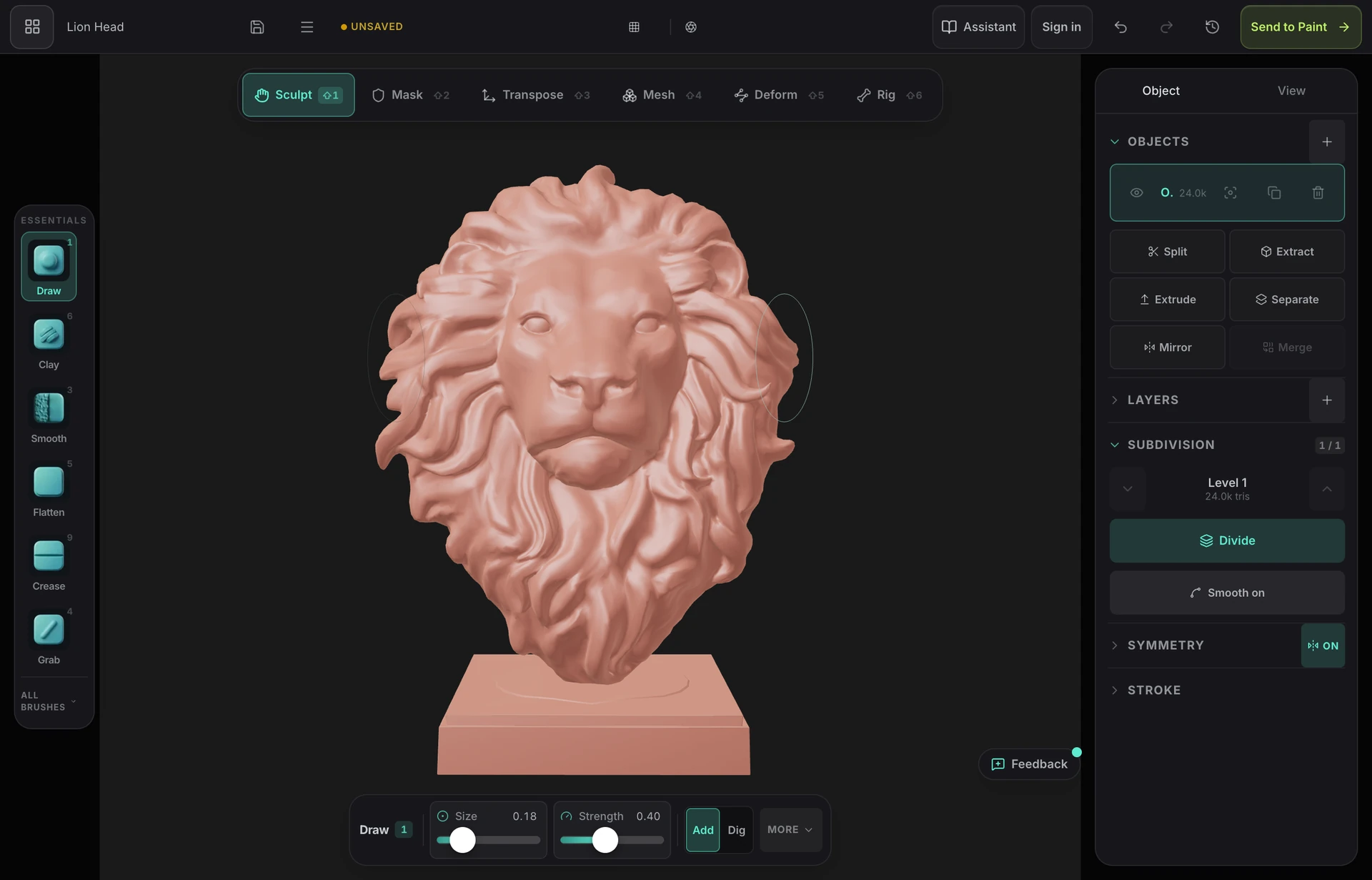
Yes, in the browser. Desktop packages like ZBrush and Blender won't install on ChromeOS without a Linux container and a lot of patience, but browser tools built on WebGPU run natively — Mold gives you pressure brushes, subdivision, dynamic topology, remeshing and STL export with nothing to install.
No. That is exactly the workaround this avoids. Mold is a web application: open the URL in Chrome on a standard, managed or school-issued Chromebook and it runs. Nothing installs, so nothing needs administrator approval.
For blocking out form, mid-level detail, remeshing and export, yes on most modern Chromebooks. Integrated graphics set a practical ceiling on how far you can subdivide before strokes feel heavy. Since sculpts save to your account, a common pattern is to work on the Chromebook and push the highest detail level on a machine with a stronger GPU.
It is the case it fits best — every student opens the same URL, there is nothing to deploy or license per device, and work lives in an account rather than on a particular machine. If you are teaching a course, classroom grants cover a whole roster free for the term.
Yes. Remesh the sculpt so it is watertight, thicken fragile parts, and export STL for your slicer. Sculpting and remeshing are free; downloading the mesh is part of a paid plan.
Keep exploring
3D on ChromeOS
Sculpting on Android
3D sculpting software
Sculpting for beginners
