Generate, then keep working
Most text-to-3D ends at a download. Here the mesh drops into a full texture painter, so the generation is the start of the job rather than the whole of it.
AI 3D model generator
Type a prompt and Mixos generates a textured 3D model — real geometry with real UVs — straight into the editor. It arrives with its PBR maps already broken out as layers, so you can start painting the moment it lands.
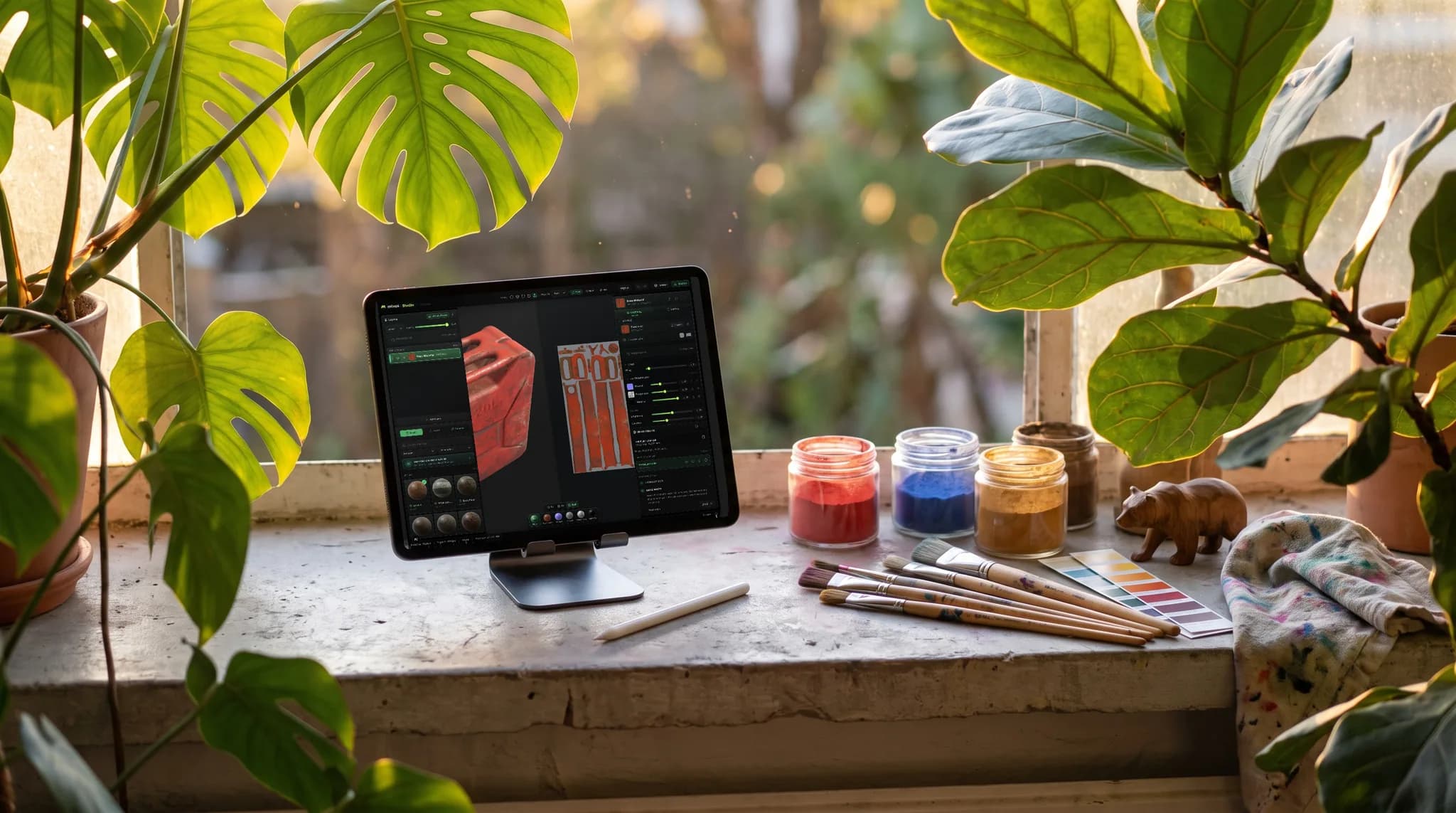
Most text-to-3D ends at a download. Here the mesh drops into a full texture painter, so the generation is the start of the job rather than the whole of it.
Every model comes back UV-unwrapped with quad topology where the engine supports it — so it's ready to paint and bake, not a raw sculpt you have to retopologize first.
Four generators behind one dropdown, from a fast draft to a high-fidelity mesh. Each one shows what it costs in credits before you spend them.
Take the textured result anywhere — a self-contained GLB with its PBR maps embedded, ready for Blender, Unity, Unreal, or the web.
Why Mixos
Generating a mesh from a prompt is genuinely useful, and it is also where most tools stop. You get a download, and then you need somewhere to unwrap it, texture it, and get it into your engine. Mixos closes that loop: the model generates directly into a browser-based PBR texture painter, already unwrapped, with its generated base color, normal, and roughness maps sitting on the layer stack as editable layers.
That changes what the generation is for. Instead of accepting whatever surface the generator produced, you paint over it — mask materials onto specific parts, add edge wear and grime, drop decals, and swap the base material entirely while keeping the geometry. The prompt gets you a starting point in a minute or two; the editor gets you the rest of the way.
Four engines sit behind the picker so you can match the spend to the job — a cheap draft while you're exploring silhouettes, a high-fidelity generation once you know what you want. Each one lists its credit cost up front. Everything runs in the browser with nothing to install, and the finished model exports as a self-contained GLB.
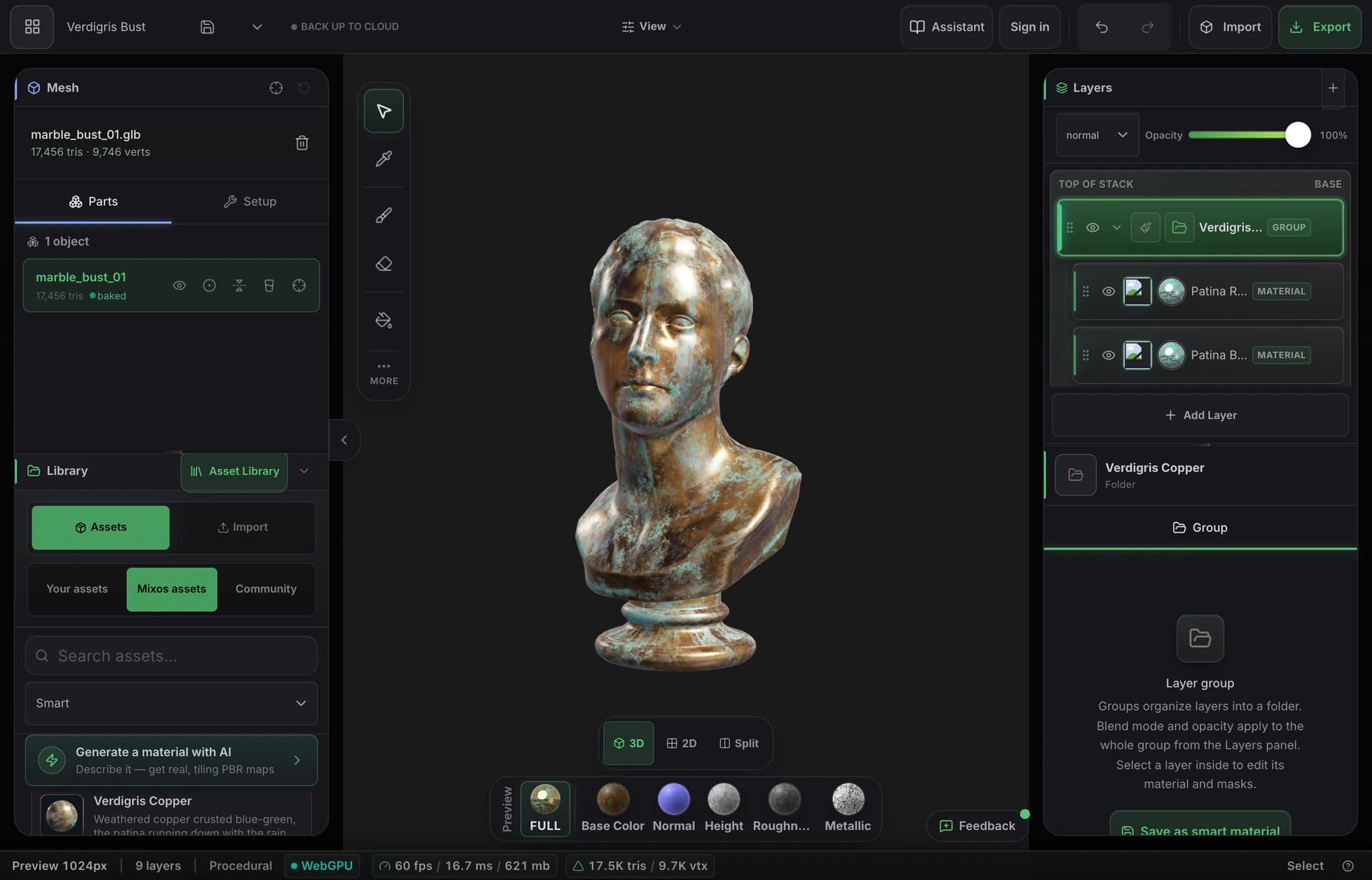
That's the point of it. The generated mesh loads straight into the Mixos editor with real UVs, and its generated PBR maps arrive as editable layers — so you can mask, paint, weather, and swap materials on top of it immediately.
Yes. Every engine in the picker is chosen specifically because it returns a UV-unwrapped, textured GLB — an untextured or UV-less mesh would cost you credits and then make you wait through an unwrap before you could paint it.
GLB, self-contained, with the PBR textures embedded — so it opens in Blender, Unity, Unreal, or a web viewer with no loose files to manage. You can also export the maps on their own.
It depends on which engine you pick — the dropdown shows the cost next to each one before you generate. 3D generation is the most expensive thing on the menu because the underlying models cost several times what an image generation does; a fast draft costs a fraction of a high-fidelity one.
Generating a model uses AI credits, which come with the paid plans: Pro and Max refill a monthly pool and unlock the two highest-fidelity engines. Modeling, painting and the free model library cost nothing.
Read next
Describe a mark, then extrude every flat colour into its own 3D layer.
Vertices, edges and faces — the box-modelling fundamentals.
Which format keeps materials and which throws them away.
Why the same texture reads bigger on one model than another.
Keep exploring
AI texture generator
Online texture painter
MCP 3D modeling
ZBrush alternative
Online 3D modeling
