Real polygon modeling
Extrude, inset, bevel, loop cut, subdivide, bridge, poke, dissolve, boolean and merge — the operations a modeling program is judged on, not a drag-a-primitive toy.
Online 3D modeling
Mixos Studio is a free online 3D modeling tool for building props, arranging scenes and animating objects in a WebGPU browser. Start with a primitive or import a model, edit polygons, add modifiers and preview your render. Production exports require a paid plan or perpetual licence.
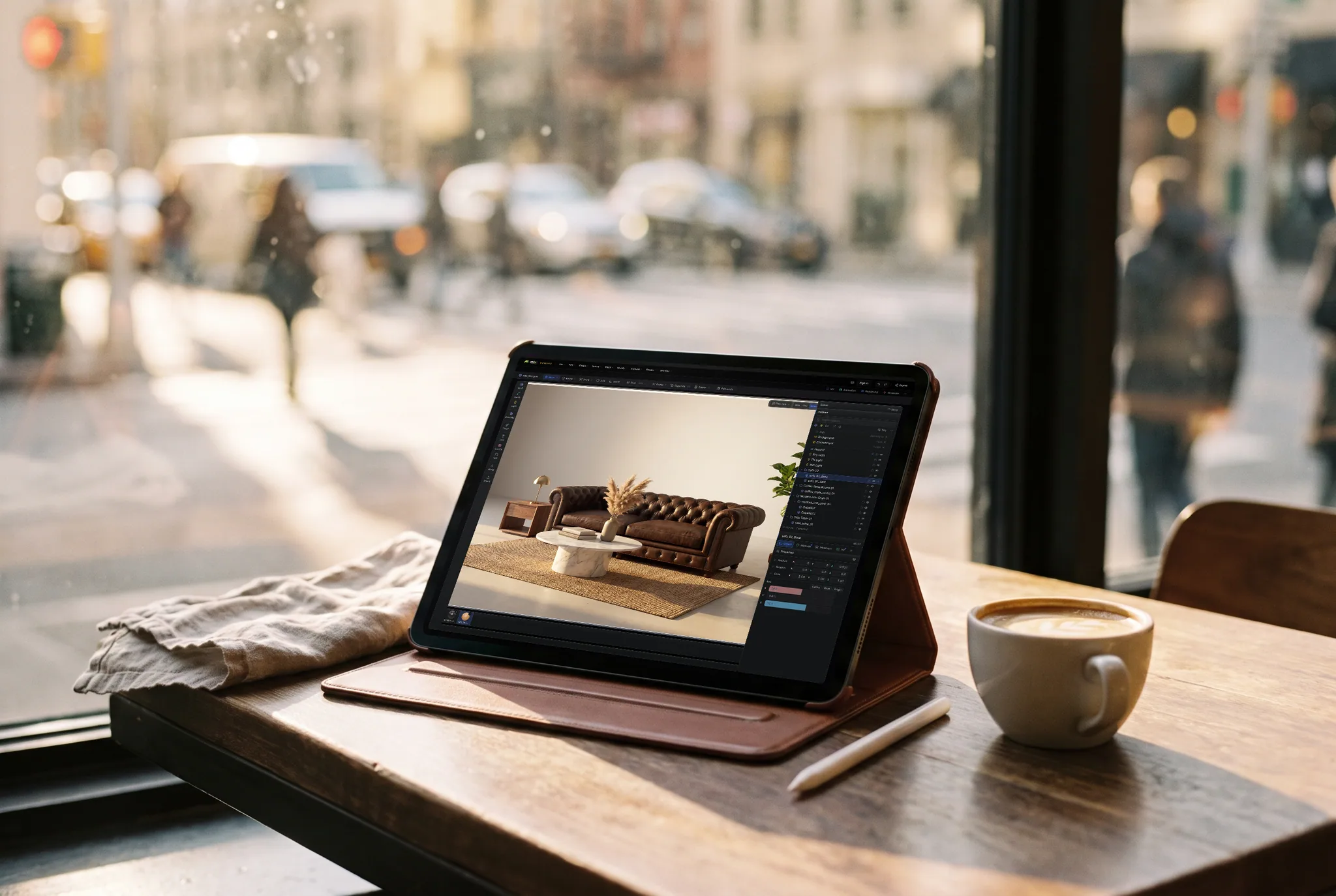
Extrude, inset, bevel, loop cut, subdivide, bridge, poke, dissolve, boolean and merge — the operations a modeling program is judged on, not a drag-a-primitive toy.
Parent objects into a hierarchy and transform them as one. Groups, nulls, lights and cameras all live in an outliner you can search, filter, reorder and drag — with your imported file's names intact.
Key transforms and parameters on a timeline, retime in the dopesheet, shape the in-betweens in the curve editor — then path-trace a still or a flicker-free turntable without leaving the tab.
Mac, Windows, Linux or a Chromebook; a work laptop you can't install software on; an iPad. If the browser supports WebGPU, the scene opens — and it's the same scene on each of them.
Why Mixos
Online 3D modeling used to mean a toy — drag a primitive, tint it, and hope. That's no longer where the ceiling is. The GPU in your browser is addressable now through WebGPU, so a modeling tool can run the real thing: a half-edge mesh core, a modifier stack that rebuilds rather than bakes, GPU sculpting, and a path tracer that resolves a proper render.
The advantage is not that the browser is a better place to model than a workstation. It is that nothing stands between wanting to model and modeling. No installer, no license, no driver, no version. A student on a school Chromebook, someone on a locked-down corporate laptop, and someone who just wants to try modeling without committing a weekend to setup all get the same tool on the same URL — and the scene follows the account rather than the hard drive.
Use Studio for props, product visuals, scene layout, motion tests and turntables. Start with a cube, shape it with extrude and bevel, add a material and light, then preview the result. Heavy production scenes and very dense sculpts still need careful testing on your hardware.
Yes. Modeling, assembling, animating, rendering to the viewport and saving your scenes are free on every account, with no time limit and no watermark on your work. Studio can also save a 512px watermarked render preview for free. Taking production files out — a model, scene file, web build, or clean full-resolution render — requires Pro, Max, Team, or a perpetual licence.
Yes. Mixos Studio runs polygon modeling, a scene graph, a non-destructive modifier stack, curves and cloners, keyframe animation and path-traced rendering entirely in a browser tab, on the GPU, with nothing installed. It is a smaller program than a desktop suite, but it is a real modeling environment rather than a primitive arranger.
Yes. Modeling, assembling, animating, rendering to the viewport and saving your scenes are free on every account, with no time limit and no watermark on your work. Studio can also save a 512px watermarked render preview for free. Taking production files out — a model, scene file, web build, or clean full-resolution render — requires Pro, Max, Team, or a perpetual licence.
A browser with WebGPU — current Chrome or Edge on Mac, Windows, Linux or ChromeOS. No dedicated GPU is required; a better one mostly means the path-traced render finishes sooner. There's a touch-first layout on iPad too.
Yes — GLB, glTF, FBX, OBJ and PLY. Every part arrives as its own scene object with the file's hierarchy and names preserved, and embedded textures come across with it and are stored with the scene. There are size and triangle ceilings; a file over them is refused outright rather than half-imported, because a partly-loaded scene is worse than none.
GLB, glTF, OBJ, FBX and STL for the geometry, plus standard PBR map sets for the textures — enough for Unreal, Unity, Godot, Blender or a 3D printer. Export is the paid step.
To your account, so the same scene opens on any machine you sign in from rather than living on one hard drive. You can also export a scene file if you want a local copy.
Read next
Vertices, edges and faces — the box-modelling fundamentals.
Which of the two approaches fits the thing you're making.
Which format keeps materials and which throws them away.
Why the same texture reads bigger on one model than another.
Keep exploring
Blender alternative
Cinema 4D alternative
Online 3D animation
AI 3D model generator
Paint 3D online

A cube, a few extrudes and a subdivide. No install — a free account and you are in.