Free 3D sculpting software, online.
Push, pull, and smooth organic form in a browser tab — subdivide a mesh into millions of triangles, carve it with pressure-sensitive brushes, then hand it to Paint to texture. Nothing to install.
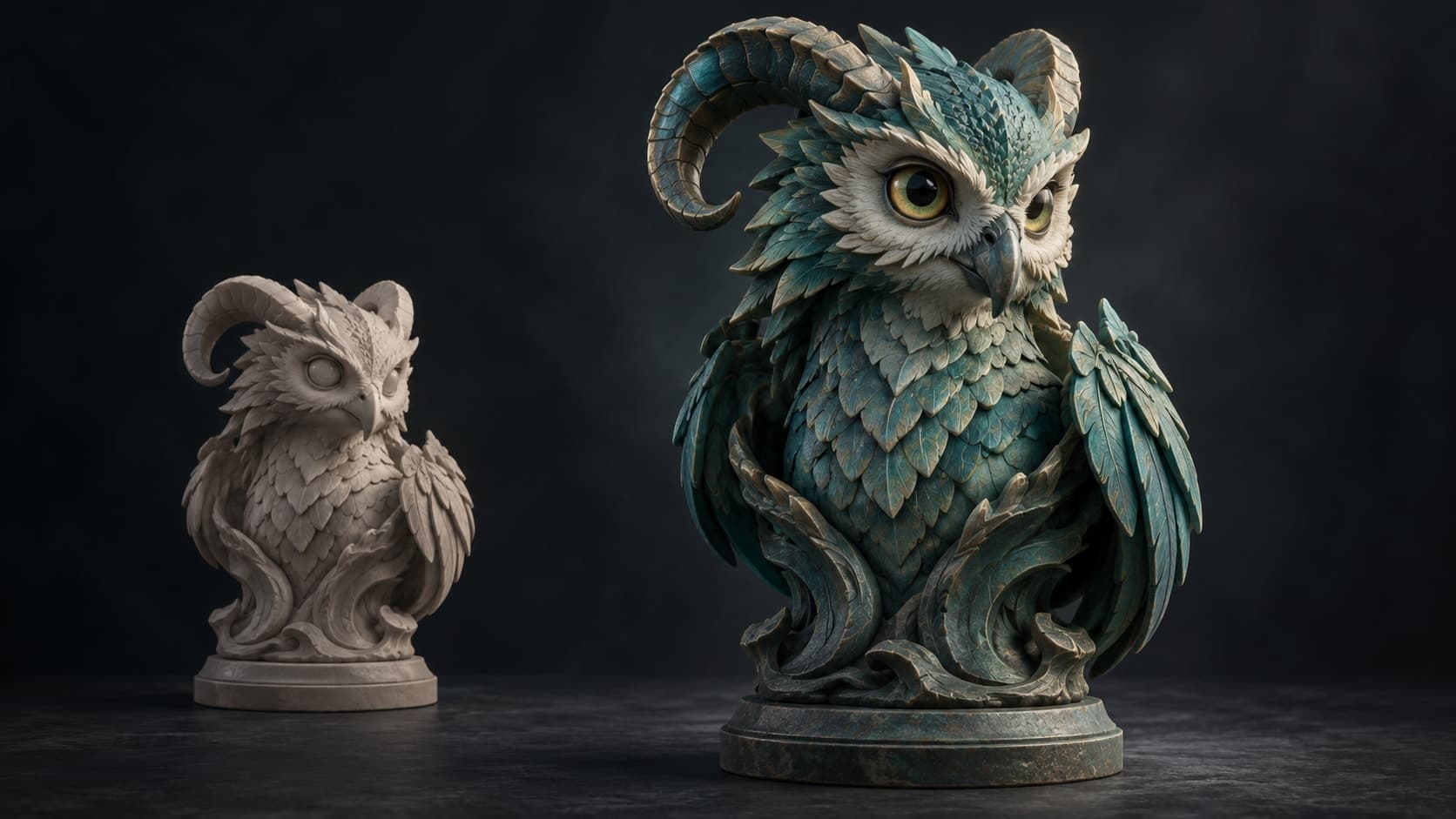
Illustrative concept artwork.
The sculpting toolkit
A real sculpting workflow, in a tab.

Push, pull, smooth
29 brushes — clay, draw, grab, elastic move, pose, pinch, crease and more — with an alpha tip on nearly every brush and a falloff you can draw yourself. Pressure-sensitive, symmetric, and masked where you want to protect detail.
Subdivide for detail
Start from a base mesh and subdivide into millions of triangles. Sculpt broad form at a low level, then step up to carve fine detail — multiresolution keeps it responsive.

Built for dense meshes
Divide to as many as six million triangles on a desktop with 8 GB or more of memory and keep sculpting. Divide, remeshing and opening a large sculpt run in the background with progress, so the tab never locks up mid-job.

Dynamic topology
Add resolution only where you're sculpting — triangles are added and removed under the brush as you pull new form out of it, and a voxel or quad remesh rebuilds it clean when you need an even surface.

Masking & symmetry
Mask, hide or split the model into face sets to hold parts still, and mirror strokes across one axis or several, or repeat them radially — the fundamentals of a real sculpting workflow.
Stamp alphas & brush presets
Press detail in rather than carving it: 22 stamp alphas for skin pores, scales, bark, leather, rivets and knits, plus 16 named brush presets so a favorite setup is one click, not five sliders.

Reshape without losing the paint
Change the form after you have textured it. Sculpt the base again and the model rebinds to the same UV atlas — your painted layers are never resampled, so the sculpt-and-texture loop runs in both directions, as many times as you like.
Sculpt, then texture
One click unwraps your sculpt and hands it to Paint with fresh UVs, ready to paint PBR materials — the whole model-to-texture pipeline in one browser tab.
A session, end to end
From a ball of clay to a textured model
- 1
Start from a primitive, a model, or a prompt
Open a sphere and pull a shape out of it, drag in your own OBJ, FBX or GLB, or pick a base from the free CC0 model library. Nothing needs clean topology to begin.
- 2
Block in the big form
Work at a low subdivision level where the surface still moves in big, forgiving amounts — draw, grab, inflate and flatten with symmetry on so both halves stay in step.
- 3
Subdivide and carve the detail
Step up a level and go finer: crease and pinch the hard edges, then press in surface detail with the 22 stamp alphas. Mask off what you want to protect, and let dynamic topology add resolution only where the brush is.
- 4
Unwrap and hand it to Paint
One click lays out fresh UVs and opens the sculpt in Paint, where it becomes a layered PBR texture job. Export the mesh as GLB, OBJ or STL when you are ready to take it out.
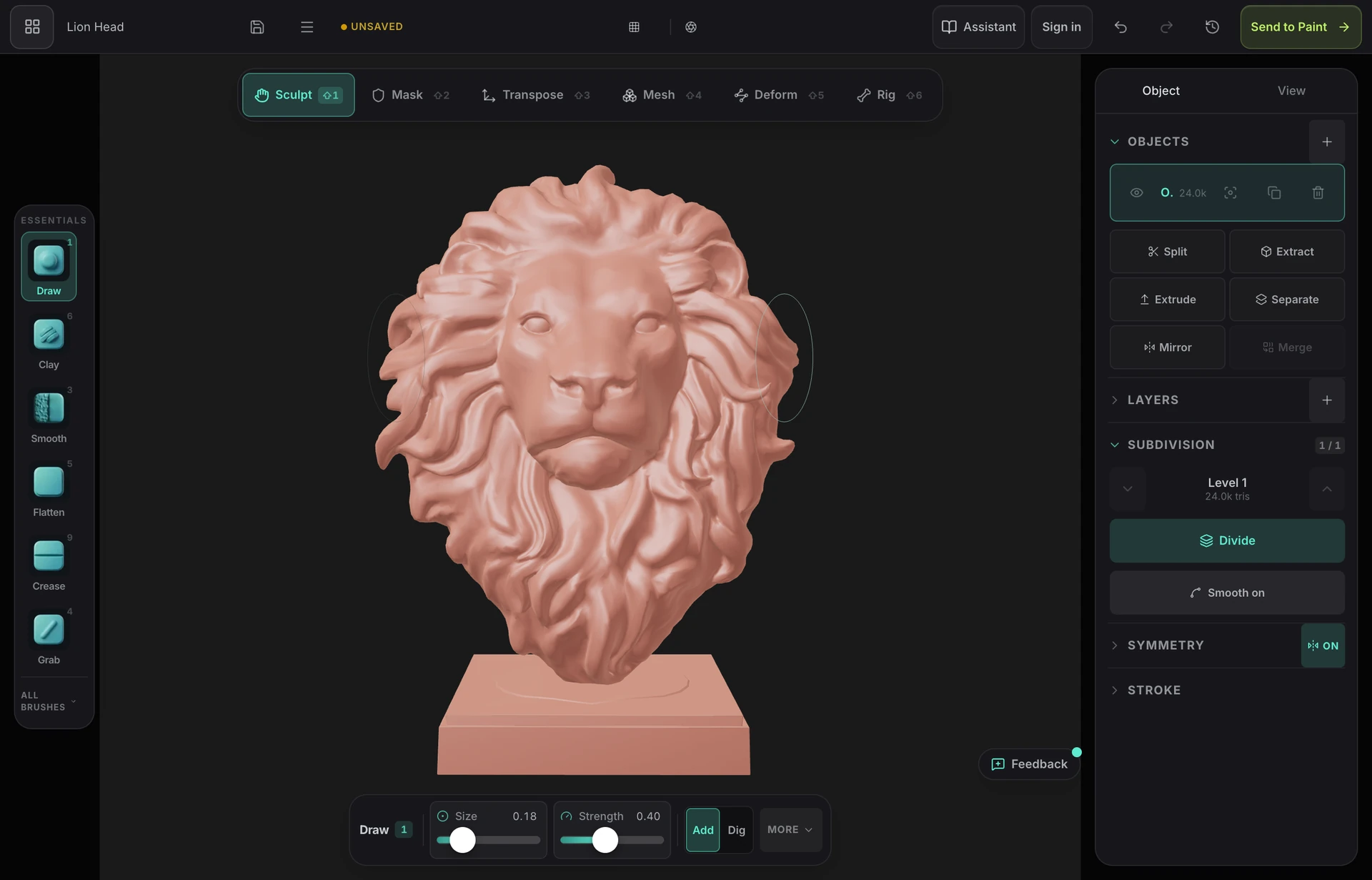
Clay, with a pencil
Sculpt the way you would with your hands
Draw, pinch, smooth and scrape straight onto the surface with an Apple Pencil or a mouse. Pressure drives the brush, symmetry mirrors every stroke, and subdivision adds detail only where you have already committed to a shape.
- Pressure-sensitive brushes, tilt and all
- Symmetry across any axis while you work
- Subdivide as the form gets tighter — up to millions of triangles
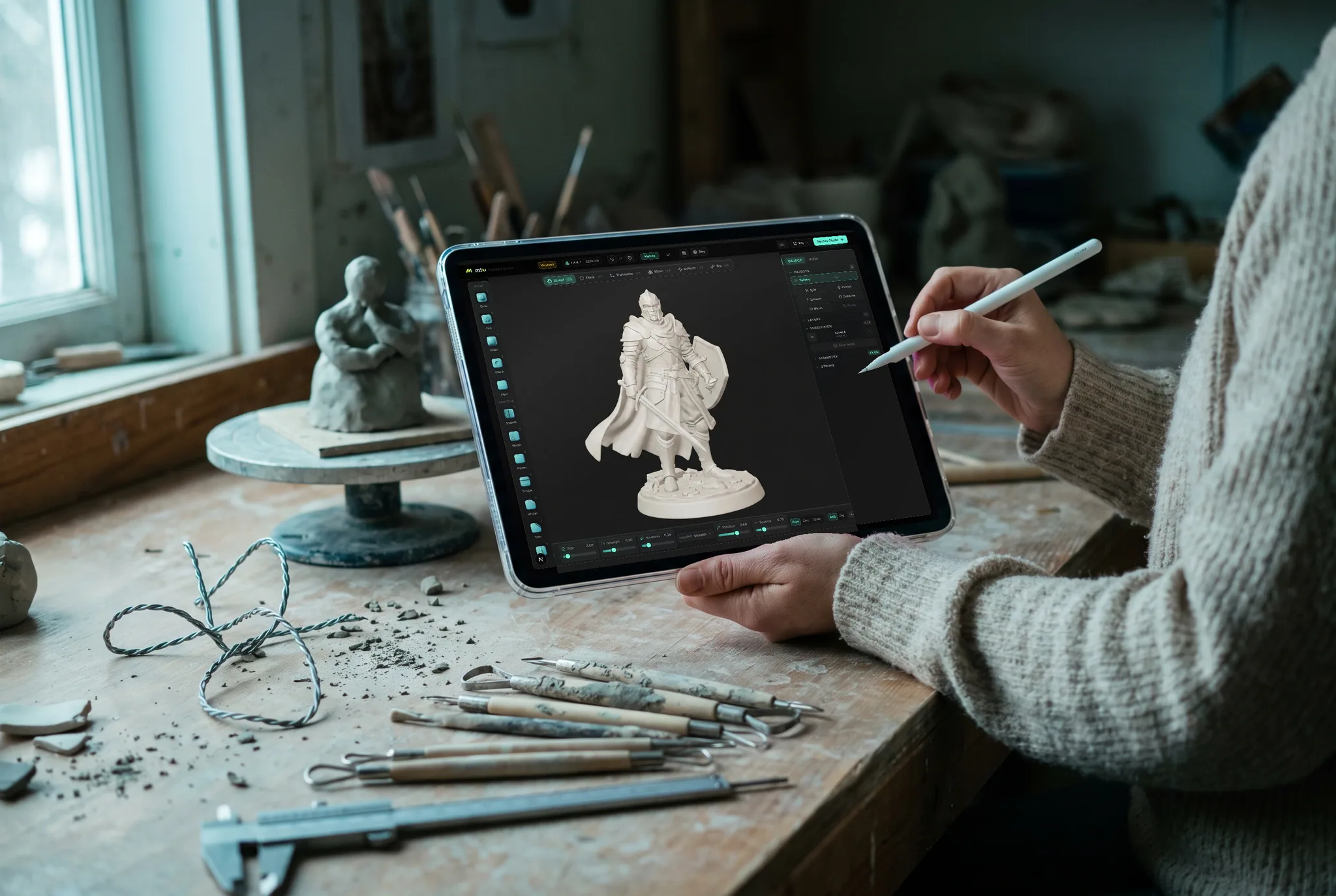
The whole pipeline
The rest of the suite works on the same model.
Mold makes the form; the rest of the suite dresses it and puts it in a shot. One click unwraps the sculpt and hands it to Paint with fresh UVs, and the model comes back textured — same library, both directions.
Studio
Scene assembly, modeling & animationAssemble a shot: a real scene graph with parenting and transforms, polygon modeling on a half-edge core, and keyframe animation on a timeline — with an assistant that can drive all of it.
Paint
3D texture paintingImport a mesh and paint, layer, and mask production PBR materials right on it — then export clean map sets for any engine.
Auto
AI auto-textureDescribe a look in one prompt and Auto textures your whole model — editable PBR maps and a textured GLB, projected onto the real geometry.
Logo
AI 3D logo designTurn a flat mark — yours or one described to an AI — into a stack of real extruded 3D layers, then give it metal, glass or neon, light it, and render a still or a turntable.
Any device
Sculpt on the machine you already have.
Mold's engine is the browser's, so there is no build to pick, no installer to run and no minimum spec beyond a browser that provides WebGPU. The same sculpt opens everywhere you sign in — start a blockout on a tablet on the sofa, finish the detail pass at a desk.
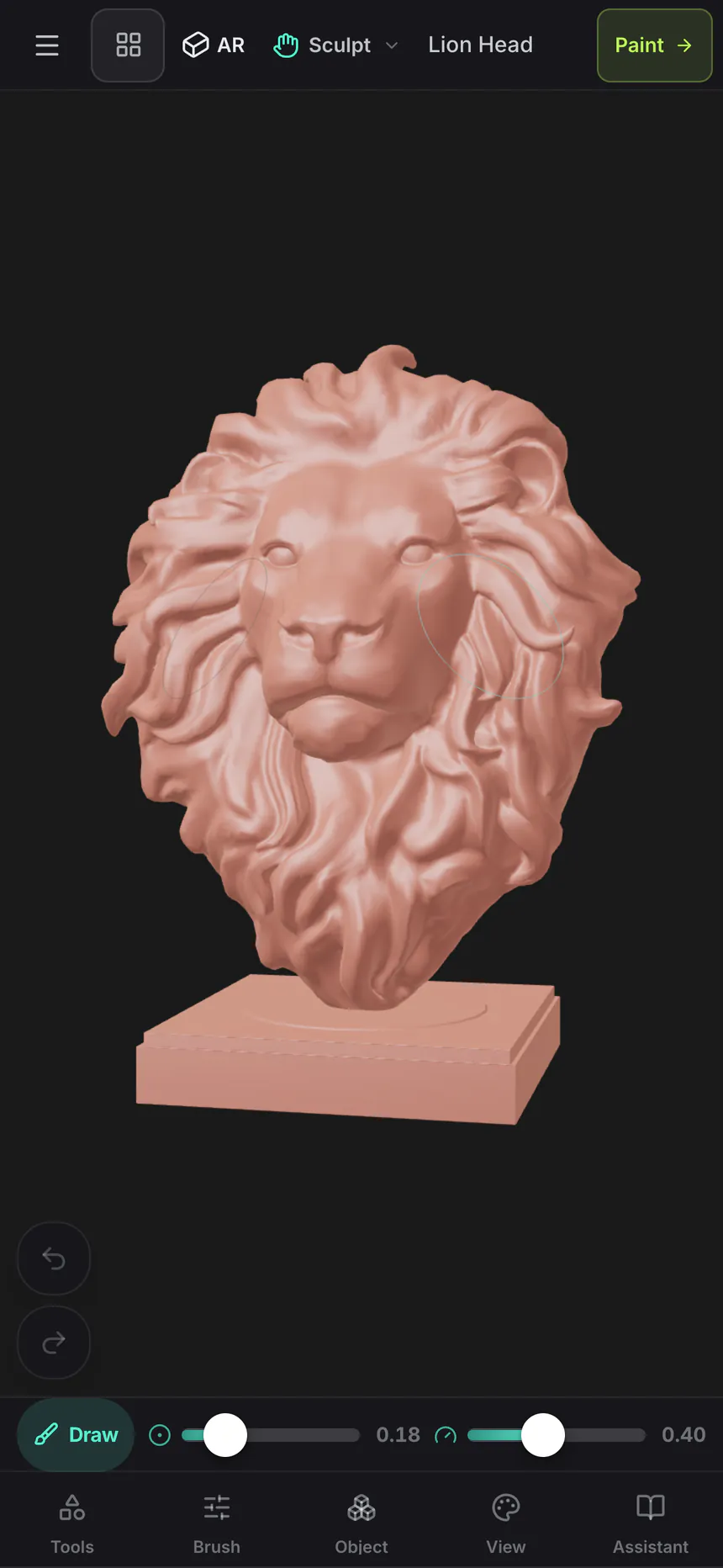
Mac, Windows, Linux
Chrome, Edge, Firefox or Brave, plus Safari 26+. A mouse and keyboard, or a Wacom tablet for pressure.
iPad
A touch-first layout with a collapsible dock, and Apple Pencil pressure and tilt driving the brushes.
Android
Phones and tablets on a current Chrome. No sideloading, no separate build — the same tab, the same sculpt.
Chromebook
Sculpting on hardware that can't run desktop packages at all, as long as ChromeOS provides WebGPU.
On iPhone and iPad, there's an app now.
Mold ships inside the free Mixos app, with a touch and Apple Pencil layout — and the browser still needs nothing installed. iOS 26 or later.
Nothing to install
A sculpting app that opens in a tab
Mold runs in the browser already on the machine in front of you. Open a browser on a laptop, an iPad or a lab desktop and start on the same sculpt — no download, no license server, no forty-minute setup before the first stroke.
- Runs in the browser on WebGPU
- Sculpts save to your account, not one machine
- Send a finished sculpt straight through to Studio or Paint
Common questions
What do I need to run Mold?
A browser with WebGPU — current Chrome or Edge on Mac, Windows, or Linux. There is nothing to download and no plugin to install. Mold also runs on iPad and phones with a touch-first layout, including Apple Pencil pressure.
Is there a 3D sculpting app for iPad?
Mold runs on iPad with a layout built for touch — the tool rail collapses into a dock, brushes respond to Apple Pencil pressure and tilt, and two fingers orbit the model while the pen sculpts. Install the free Mixos app from the App Store, or open a tab in Safari or Chrome and start with nothing to download. It is the same sculpting engine as on desktop, so a sculpt started on an iPad opens on a Mac or PC exactly as you left it.
Does Mold work on Android or a Chromebook?
Yes, on any device whose browser provides WebGPU — that covers recent Android phones and tablets on Chrome, and Chromebooks on a current ChromeOS. Because the engine is the browser's, there is no separate Android build to install and nothing to sideload. If your device's browser can't provide WebGPU, Mold says so on arrival rather than failing halfway through a stroke. Very dense sculpts want a capable device, but blockouts and mid-detail work are comfortable on modern hardware.
Can I sculpt models for 3D printing?
Yes. Mold sizes the model in millimetres, centimetres or inches, checks it for holes, flipped faces and walls too thin to print, can hollow it with drain holes, and exports STL or 3MF in millimetres as well as OBJ and GLB. Sculpting, checking and hollowing are free; downloading the finished file is part of a paid plan.
Is 3D sculpting hard to learn?
Less than most people expect. Digital sculpting maps onto a physical intuition you already have — you push, pull and smooth a surface rather than editing vertices and edge loops the way traditional 3D modeling does. The usual barrier isn't the concept, it's the setup: buying software, installing it, and finding a machine that runs it. Mold removes that step, so a first sculpt is a browser tab away, and the Mold manual walks through the fundamentals in order.
Is Mold a ZBrush alternative?
For the fundamentals, yes — 29 pressure-sensitive brushes with alphas, masking and face sets, multi-axis and radial symmetry, multiresolution subdivision, live dynamic topology, voxel and field-aligned quad remeshing, and VDM and insert-mesh brushes, all in a browser tab. ZBrush still goes deeper for professional character pipelines; Mold trades that depth for zero install and a built-in path to texturing.
How do I texture a sculpt made in Mold?
One click unwraps the sculpt with fresh UVs and opens it in Mixos Paint, the layer-based PBR texture painter — paint materials, add masks and wear, then export standard texture maps for Blender, Unreal, Unity, and more.
How many polygons can Mold handle?
It depends on the device. Multiresolution subdivision takes a base mesh to as many as six million triangles on a desktop with 8 GB or more of memory, four million on other desktops, 1.5 million on an iPad or tablet and 1 million on a phone. Divide and remeshing run in the background, and a dense import keeps up to a million triangles of its detail on a desktop.
Is Mold free?
Yes. Sculpting in Mold is free on every account — all the brushes, subdivision levels, dynamic topology, remeshing, masking and symmetry, with no time limit and no watermark on your work. You need a free Mixos account so your sculpts are saved to your library. Exporting the finished mesh as GLB, OBJ, or STL is on the paid plans.
Can I download the model I sculpt?
Downloading the mesh (GLB, OBJ, or STL) is part of a Mixos paid plan — Pro, Max, or Team. Sculpting, saving to your library, and sending the sculpt to Mixos Paint for texturing all stay free, so you can take a model from blockout to textured before deciding whether to subscribe.
Keep exploring
Start sculpting
Mold runs in the browser on a WebGPU-capable desktop. Pick up a base mesh and start pulling shapes out of it.
Start sculpting