Inspect the surface in context
Compare materials under a consistent light and at the intended viewing distance. Rotate the prop so the discussion includes seams and less visible regions as well as the main view.
Feedback for student 3D work
Use a suggested 30-minute critique to move from a visible surface observation to a testable revision. Inspect the prop from several angles, keep feedback tied to the assignment, and let students explain the change they choose to make.
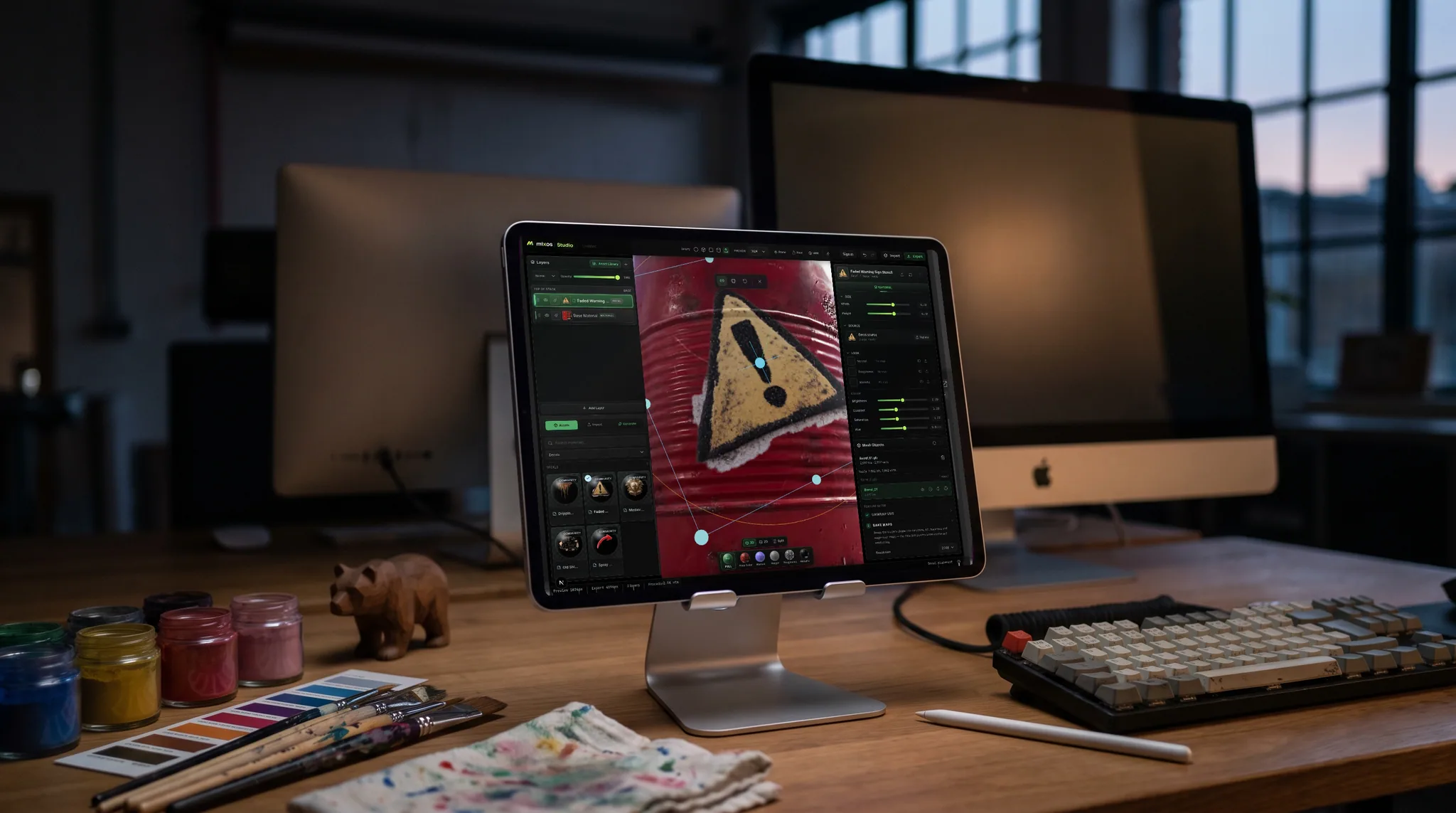
Compare materials under a consistent light and at the intended viewing distance. Rotate the prop so the discussion includes seams and less visible regions as well as the main view.
Name the surface location, describe what is visible, and connect it to the brief. A useful comment gives the artist something to check rather than a general verdict.
Ask the student to choose an achievable change, test it, and explain the result. A justified decision to retain an element can also show that feedback was considered.
Why Mixos
A critique is most useful when students know the goal of the work being discussed. Before the session, publish two or three questions linked to the assignment: whether the materials read clearly, whether wear has a plausible cause, and whether important details survive the intended viewing distance. Save unrelated style preferences for a different discussion. This suggested activity supports formative feedback; it is not a substitute for the course's assessment rubric.
Use a consistent viewing setup for comparisons. Ask the artist to state the prop's intended use and identify one area they want help with. Look at the same asset from several angles and change the light if necessary to distinguish painted shading from material response. If a problem only appears at very close range, discuss whether it matters at the target camera distance before making it the main revision priority.
Mixos lets the instructor inspect submitted 3D snapshots and record private marking before returning work. It does not make those submissions into an open peer-review gallery. Run peer discussion through teacher-led demonstrations, student-controlled screen sharing, or the school's approved course platform, following your class's sharing arrangements. Students should not need access to a classmate's private submission or source project to participate.
For individual marking, connect written feedback to evidence in the submitted snapshot and the announced criteria. For formative peer discussion, keep the comments about the work and give the artist room to explain intent. Agree on the supporting-document hand-in path for feedback notes and revision explanations; this page does not add an automated critique form or peer-scoring feature to Mixos.
If you use the invited Google Classroom pilot, detailed written feedback stays in Mixos. Only released numeric scores can be synced after the teacher returns work and initiates sync. Students still submit in Mixos and turn in manually in Classroom. You can run the same feedback activity with Mixos assignments and CSV grade export without the integration.
Restate the assignment's material goals and target viewing distance. Confirm how the work will be shown. Each presenter names one surface decision and one question they want the group to investigate.
Use agreed views and lighting. Reviewers identify a surface location, describe the visible behavior, and explain how it supports or weakens the brief. Ask a clarifying question when intent is uncertain. Limit the discussion to the stated criteria.
The artist selects one manageable change, such as lowering roughness contrast on a painted panel or improving a visible mask boundary. Record what should look different and how it will be checked. Avoid a broad instruction to redo the whole prop.
Make a small change where feasible, or produce a specific plan for the next studio session. Compare the same view before and after. Record whether the change helped, what remains unresolved, and which feedback was not adopted and why. Follow the instructor's assignment rules for any subsequent submission.
Goal of the prop: __. Surface and view inspected: __. Visible observation: __. Connection to the assignment criterion: __. Question for the artist: __. Revision I will test: __. Comparison result: __. Feedback I chose not to use, with a reason: __.
This activity does not rely on that. Mixos coursework uses private submissions for instructor review. Organize peer critique through teacher-led viewing, student screen sharing, or an approved course platform rather than assuming an open student gallery.
It can be a formative activity without a score. If you assess participation or revision, announce those criteria first. Use the separate texturing rubric when marking the asset itself and connect the final score to the required deliverables.
Ask for a location, an observation, and a connection to the brief. For example: the chipped edge reads as bare metal, but the entire painted panel has the same metallic response; check whether the coating should respond differently. Then let the artist choose and test a revision.
Ask them to explain their intent and compare the result against the assignment criteria. They can test a suggestion or document a reason for retaining the current approach. The instructor still applies the published assessment requirements.
No. Detailed written feedback stays in Mixos. Invited pilot classes can sync released numeric scores for linked assignments, but the integration does not sync rubrics, peer comments, or the revision template on this page.
Read next
The whole pass, from import to exported maps.
The maps a modern material is made of, and what each one does.
Why the same texture reads bigger on one model than another.
Drop the files in and see the material lit, in the browser.
Keep exploring
Assessment resources
Student game art project briefs
Portfolio projects for instructors
Lesson resources for instructors
Google Classroom integration · pilot