No Play Store, no sideloading
Nothing to download, nothing to keep updated, and no APK from somewhere you'd rather not trust. It is a URL, which also means no storage cost on a device that rarely has spare gigabytes.
Sculpting on Android
Android has never had much of a sculpting scene — the good tools went to iPad and stayed there. Mold sidesteps the problem by not being an app at all: open Chrome on a phone or tablet and sculpt, with the same engine, the same brushes and the same file you'd open on a desktop.
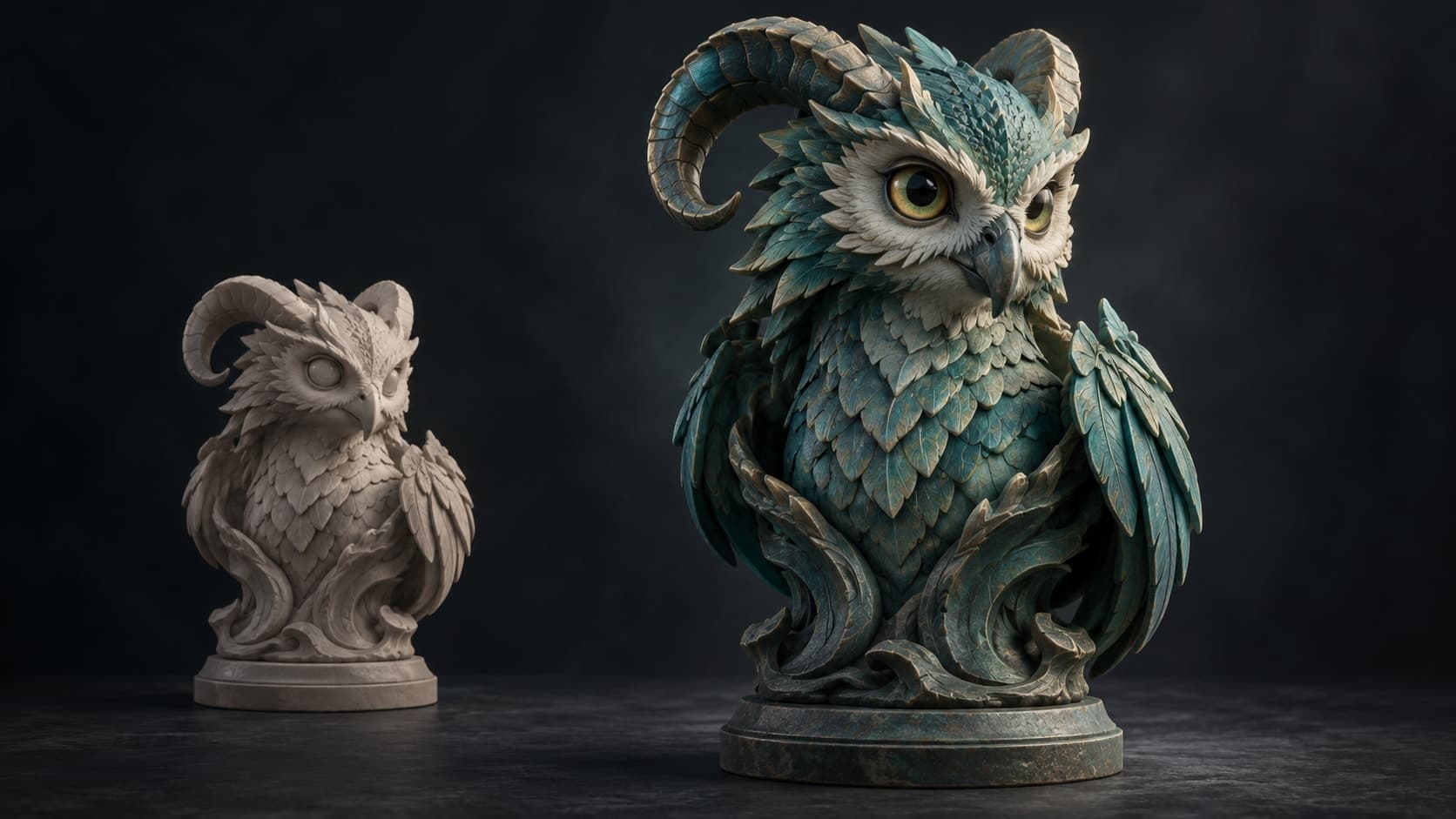
Nothing to download, nothing to keep updated, and no APK from somewhere you'd rather not trust. It is a URL, which also means no storage cost on a device that rarely has spare gigabytes.
A finger on the model sculpts, a finger on empty space orbits, and the tool rail becomes a dock under your thumb. Stylus pressure works where the device provides it.
Multiresolution subdivision, dynamic topology, voxel and quad remesh, masking, mirror and radial symmetry, booleans and trim. Not a stripped mobile build — the same engine the desktop runs.
Sculpts live in your account. Start on the phone, continue on a tablet, finish on a desktop at a higher subdivision level — no export-and-reimport dance between platforms.
Why Mixos
If you have searched for this before, you already know the answer is usually disappointing. The serious tablet sculpting tools were built for iPad, where the hardware is predictable and the Pencil is standardized, and Android's fragmentation made the same investment much harder to justify. What is left on the Play Store is mostly viewers, simple modelers, and sculpting apps that stopped being updated some years ago.
A browser tool is a different bet. Mold renders on WebGPU, the graphics API now built into Chrome, so the capability question is about your browser and GPU rather than about whether a studio decided your platform was worth porting to. A recent Android phone or tablet on a current Chrome will sculpt.
The interface adapts rather than shrinking. On a phone the mode rail becomes a dock, panels become sheets you can pull up and dismiss, and brush size and strength sit where a thumb can reach them. The navigation rule is the one that makes touch sculpting bearable: a finger that lands on the model sculpts, a finger that lands on empty space orbits, so you are never toggling between a navigate mode and a work mode.
Be realistic about resolution. A phone will happily block out shapes and carve mid-level detail; a multi-million-triangle skin-pore pass wants a desktop GPU. That is a hardware limit rather than a software one, and because the same sculpt opens everywhere, the natural workflow is to rough things out on the device in your hand and push the detail when you are back at a machine with more headroom.
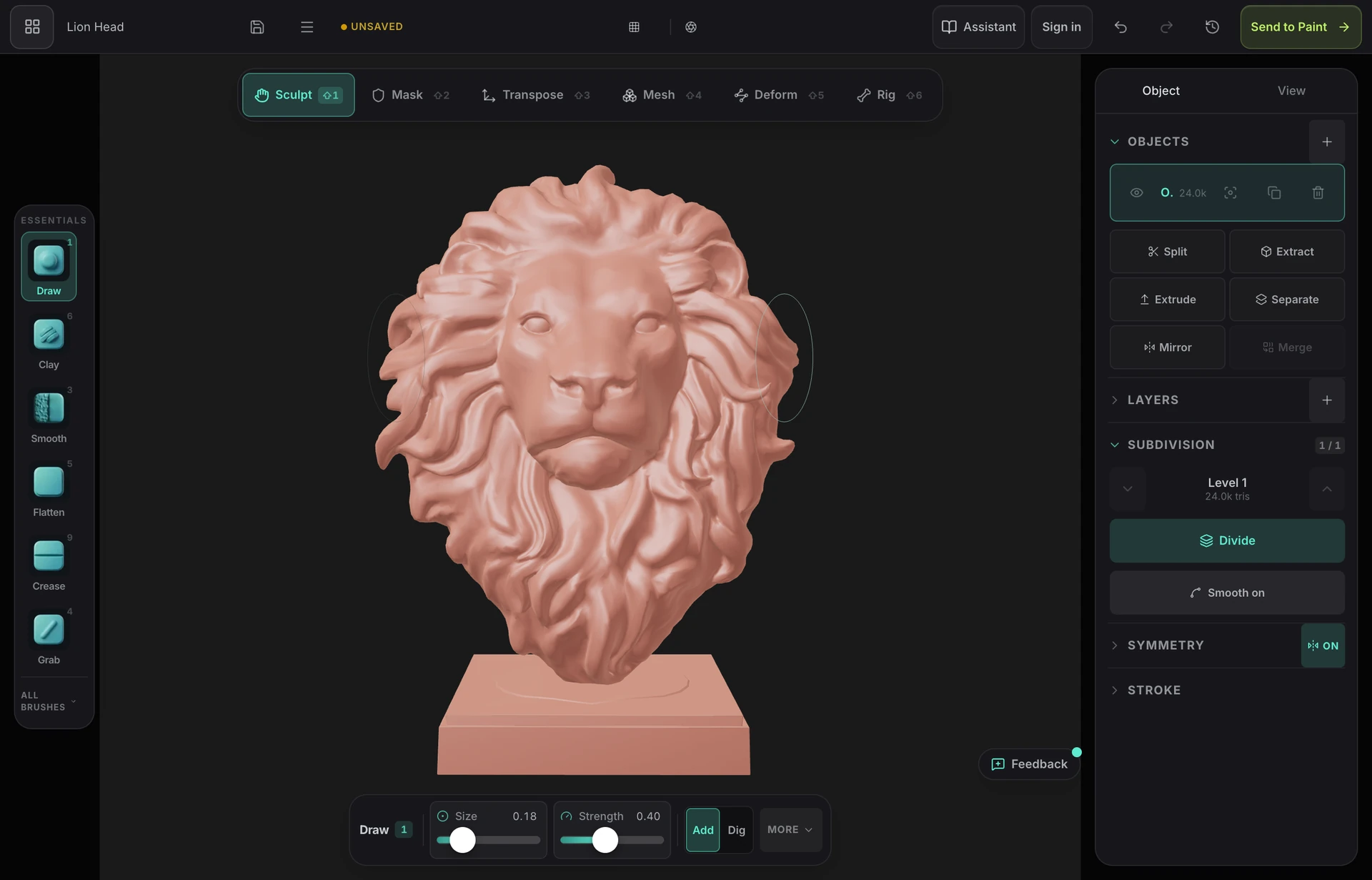
Native options are thin — most serious tablet sculpting tools were built for iPad, and much of what remains on the Play Store is unmaintained. The practical route on Android today is a browser-based tool: Mold runs in Chrome on phones and tablets with the full sculpting toolkit and nothing to install.
Sculpting is free on any Mixos account — every brush, all subdivision levels, dynamic topology, remeshing, masking and symmetry, with no time limit and no watermark. Downloading the finished mesh as GLB, OBJ or STL is part of a paid plan.
If your browser provides WebGPU, yes — that covers recent Android devices on a current Chrome. Mold checks on arrival and tells you plainly if it can't run, rather than failing partway through a stroke. Dense detail passes want a capable device; blockouts and mid-detail work are fine on ordinary hardware.
Yes, where the device and stylus report it — pressure reaches the brush through the browser's pointer events and maps to brush strength, the same path Apple Pencil support uses on iPad. On devices without pressure, strokes use a constant strength and the stabilizer still smooths the path.
Your sculpts save to your account, so opening Mold on a desktop and continuing is just signing in — there is no file to transfer. If you want the mesh itself, export GLB, OBJ or STL on a paid plan.
Keep exploring
Blender on phone
Sculpting on iPad
Sculpting on ChromeOS
3D sculpting software
ZBrush alternative
