Concept artwork“Make a little stone dragon with crystal wings and patches of moss.”
Generate the 3D model, then refine its shape and surface in the Mixos workspaces.
Describe a creature, prop or vehicle, or start from a reference image. Mixos AI can create a textured 3D model in Studio, then help you sculpt, paint, animate and render it across the Mixos apps. The model and scene stay editable.

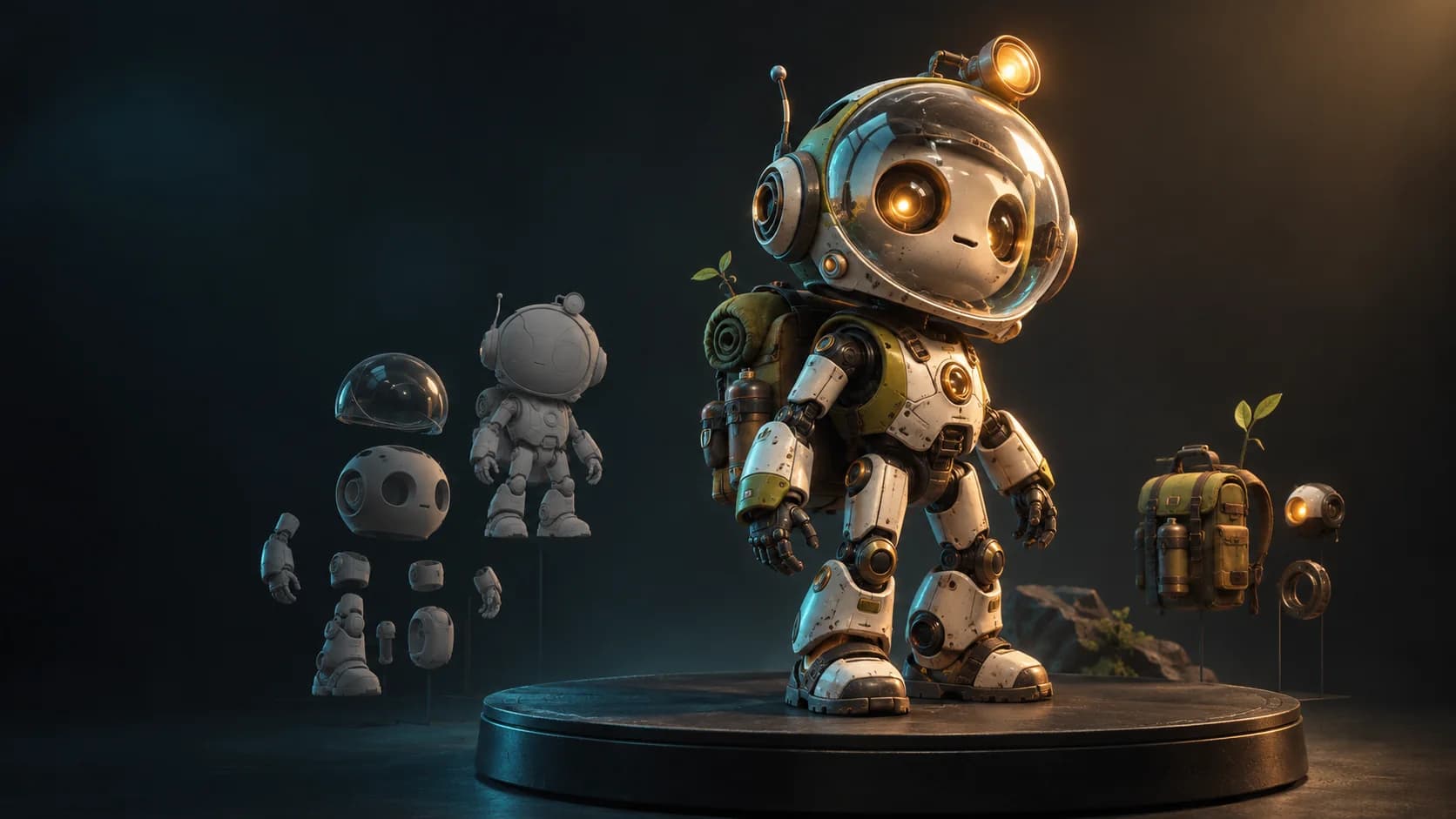
“Make a small explorer robot with a glass helmet, worn enamel and a backpack.”
Concept artwork · prompt to 3D modelFrom a blank prompt to a real asset
Mixos AI can generate a textured model from your words or image and import it into Studio as editable objects. It can also build with Studio's modeling tools, work on form in Mold, paint in Paint and make 3D marks in Logo. Auto, Blend and Frame are planned as future connected workspaces.
Start with a prompt or attach a reference image. Ask for a creature, a prop, a vehicle or a scene.
Mixos AI can generate a textured model and bring it into Studio as objects you can edit, arrange and save.
Ask for changes to form, materials, lighting or motion. Open the work in its app and take over any time.
What you can ask for
These are prompts you can try. The images are concept artwork illustrating the ideas, not screenshots of generated results.
Concept artwork“Make a little stone dragon with crystal wings and patches of moss.”
Generate the 3D model, then refine its shape and surface in the Mixos workspaces.
Concept artwork“Create an ancient lantern with a glowing crystal core, worn bronze and a leather grip.”
Start with a modeled object, then adjust its materials and present it from any angle.
Concept artwork“Make a hover racer, a canyon track and a camera that follows it through the first turn.”
Build the scene in Studio, set its motion and render a still or video.
Illustrative model conceptBuilt to keep making
A generated model arrives in Studio as editable objects. Ask Mixos AI to reshape it, change its materials, set a camera, animate it or render it. Save each milestone, then open the workspace and make your own changes.
Explore the Mixos appsGenerate a textured 3D model from words or an attached image, or build geometry with Studio's modeling tools.
Shape forms in Mold and work with layered PBR materials in Paint.
Arrange objects, lights and cameras in Studio, animate the scene, and make images or video.
Use Logo to create a 3D mark and finish it with materials, lighting and a render.
Mixos AI
A creature, a prop, a racing world or something nobody has seen before. Start with the idea and keep control of the result.
Open Mixos AI