Ücretsiz hesap
Bu sayfadaki tüm örnekleri izleyin ve çalışmanızı mixos uygulamalarında düzenleyin. mixos AI ile sohbet etmek için ücretli plan gerekir.
Mixos AI anlattığınızı nesneler, malzemeler, ışıklar ve bir kamerayla gerçek bir 3D sahne olarak kurar. Çekimi sizinle birlikte animasyonlar, sonra kadrajınızı ve hareketinizi koruyan fotogerçekçi bir görsel ya da video olarak tamamlar.
3D sahneyi bitmiş kareyle karşılaştırmak için çizgiyi sürükleyin. Hazırlanmış başlangıç sahneleri. Her görsel ve video kendi viewport’undan üretildi. Her biri çalışma alanında kendi düzenlenebilir kopyanız olarak ücretsiz açılır.
Her kart, gördüğünüz görsel için hazır bir prompt ile mixos AI’ı açar. Ürettiği her şey düzenlenebilir bir 3D sahne olarak kalır.
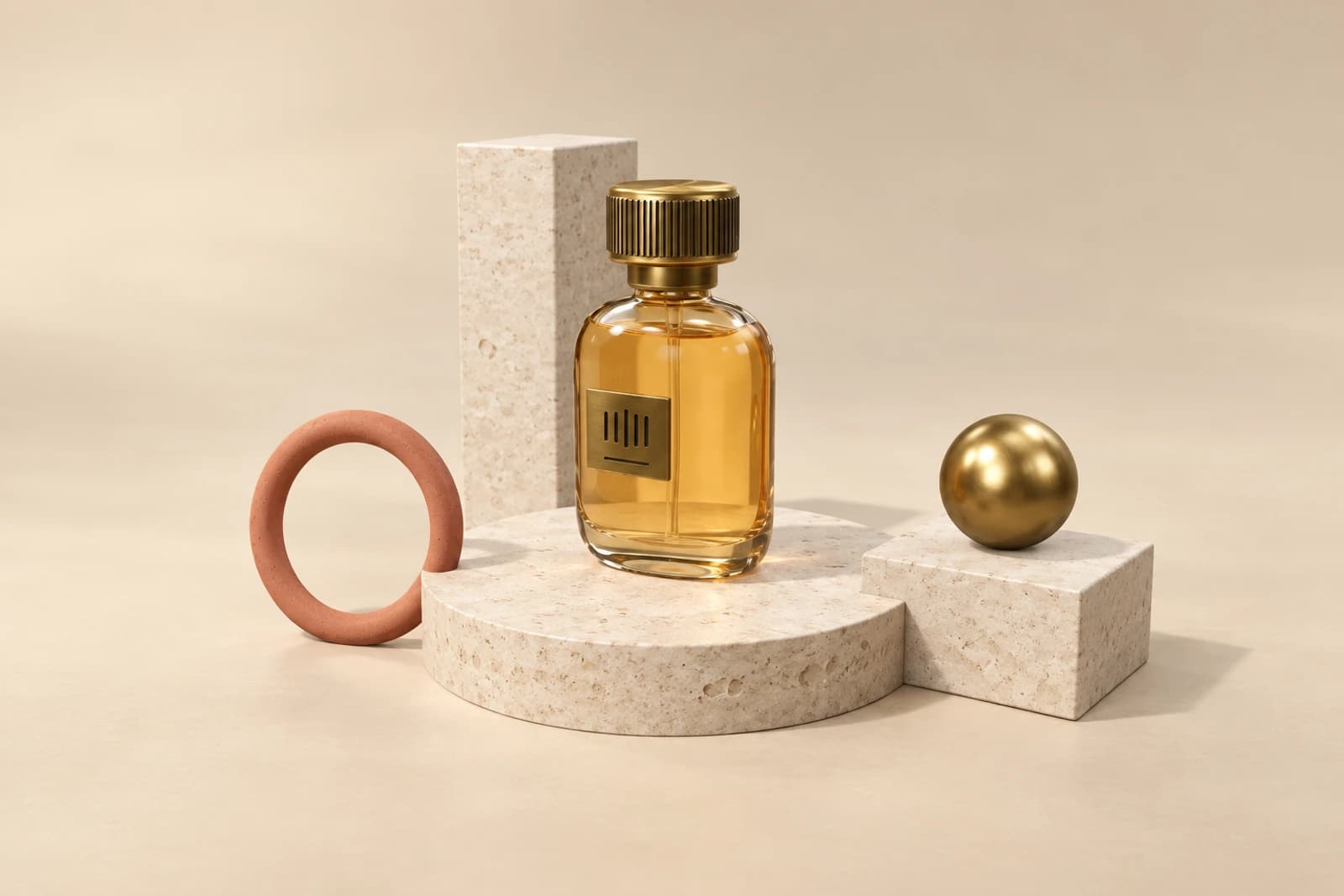 Ürün çekimleriStillendirilmiş bir set, stüdyo ışığı ve kendi kamera açınızdan bitmiş bir fotoğraf.Bu prompt’u deneyin
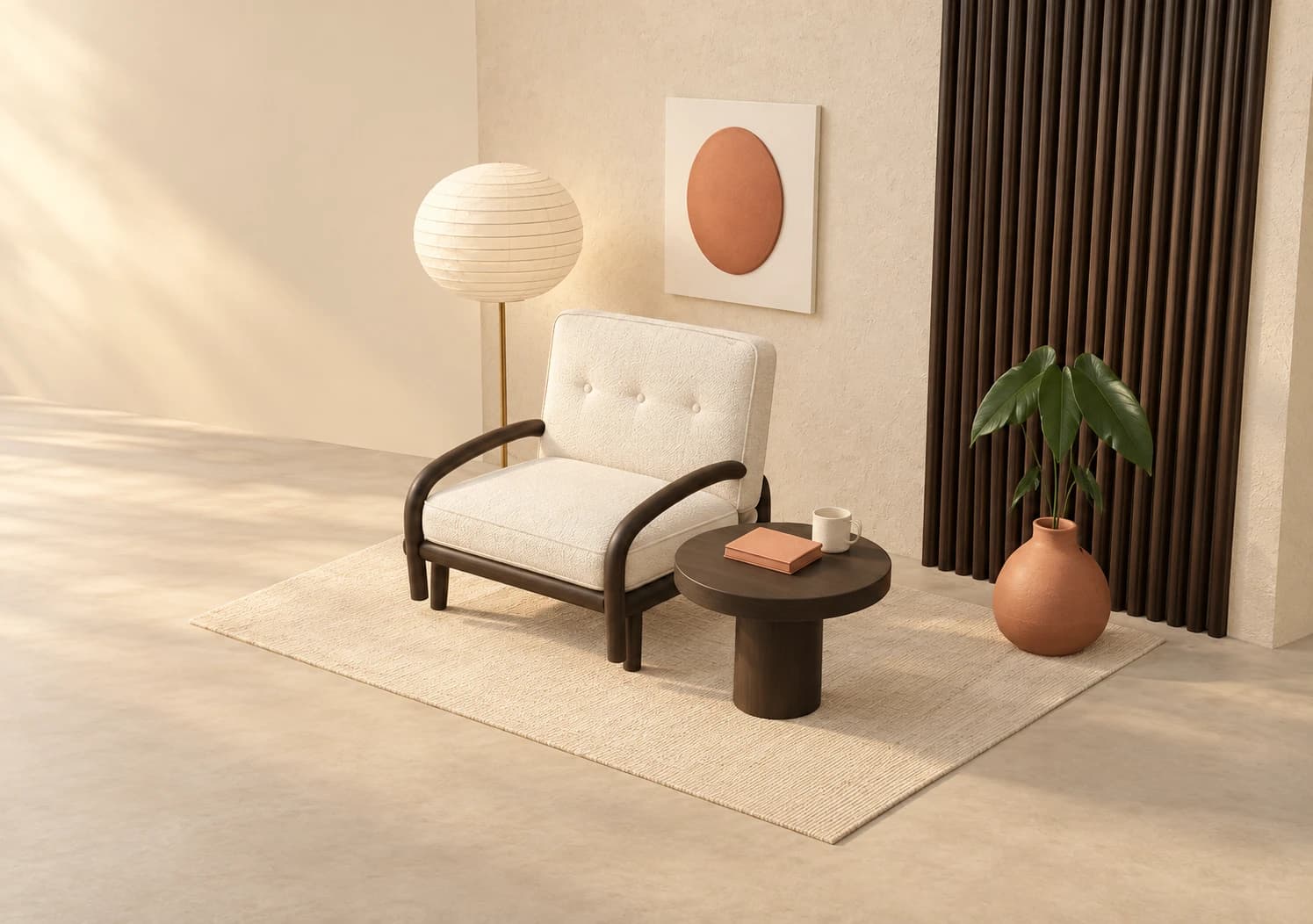 Odalar ve iç mekânlarGerçek malzemeler ve gün ışığıyla döşenmiş odalar; yeniden düzenlemeye hazır.Bu prompt’u deneyin
 Kat planları ve binalarBir kat planı ya da eskiz ekleyin; içinde gezebileceğiniz bir 3D bina elde edin.Bu prompt’u deneyin
 Yenilemeler ve döşemeBir evin fotoğrafını yeniden stillendirin ya da boş bir odayı ilan için döşeyin.Bu prompt’u deneyin
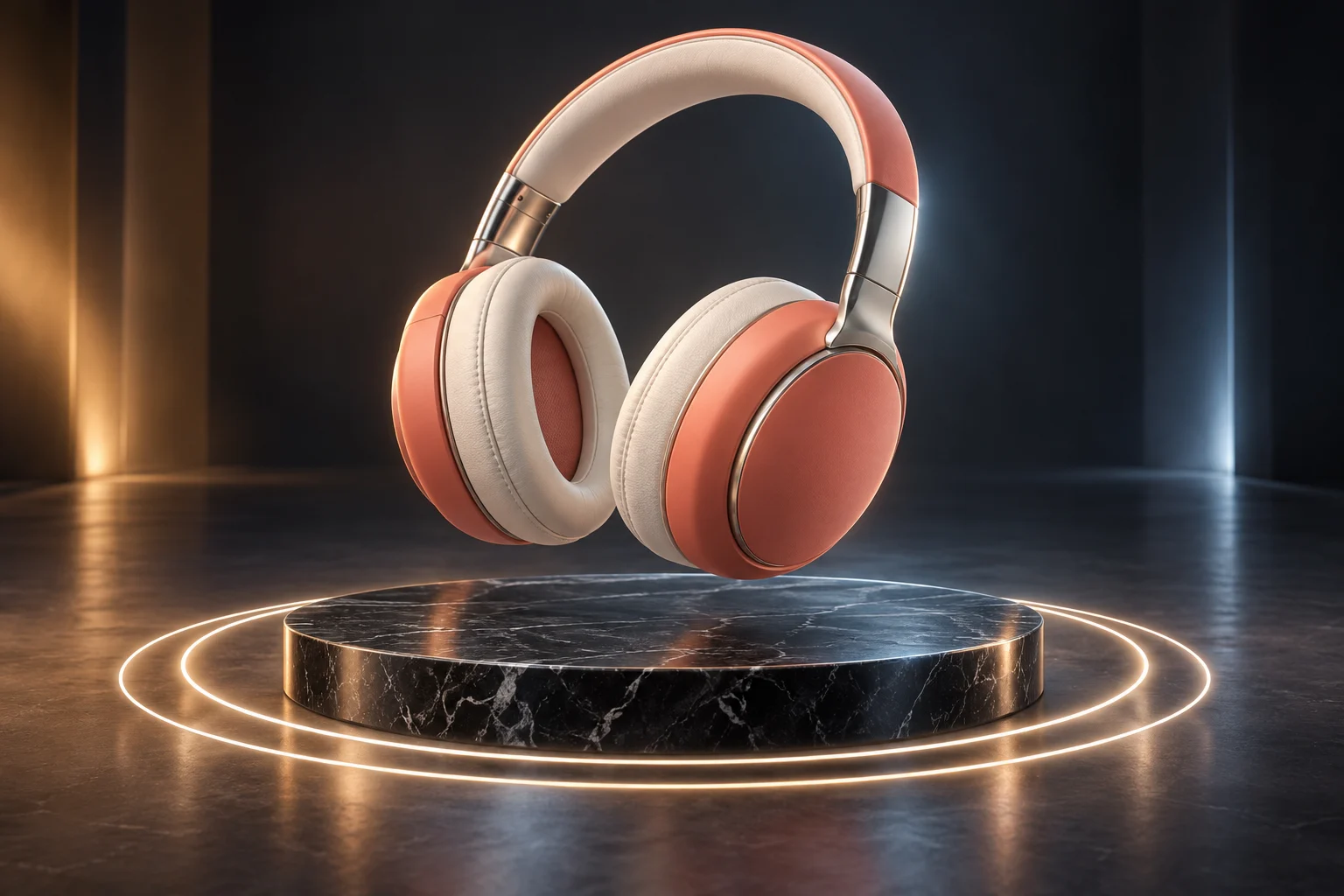 Konsept sanatAnimasyon ve videoDüzenleyebileceğiniz keyframe’li hareket, ardından aynı hareketi izleyen bir video.Bu prompt’u deneyin
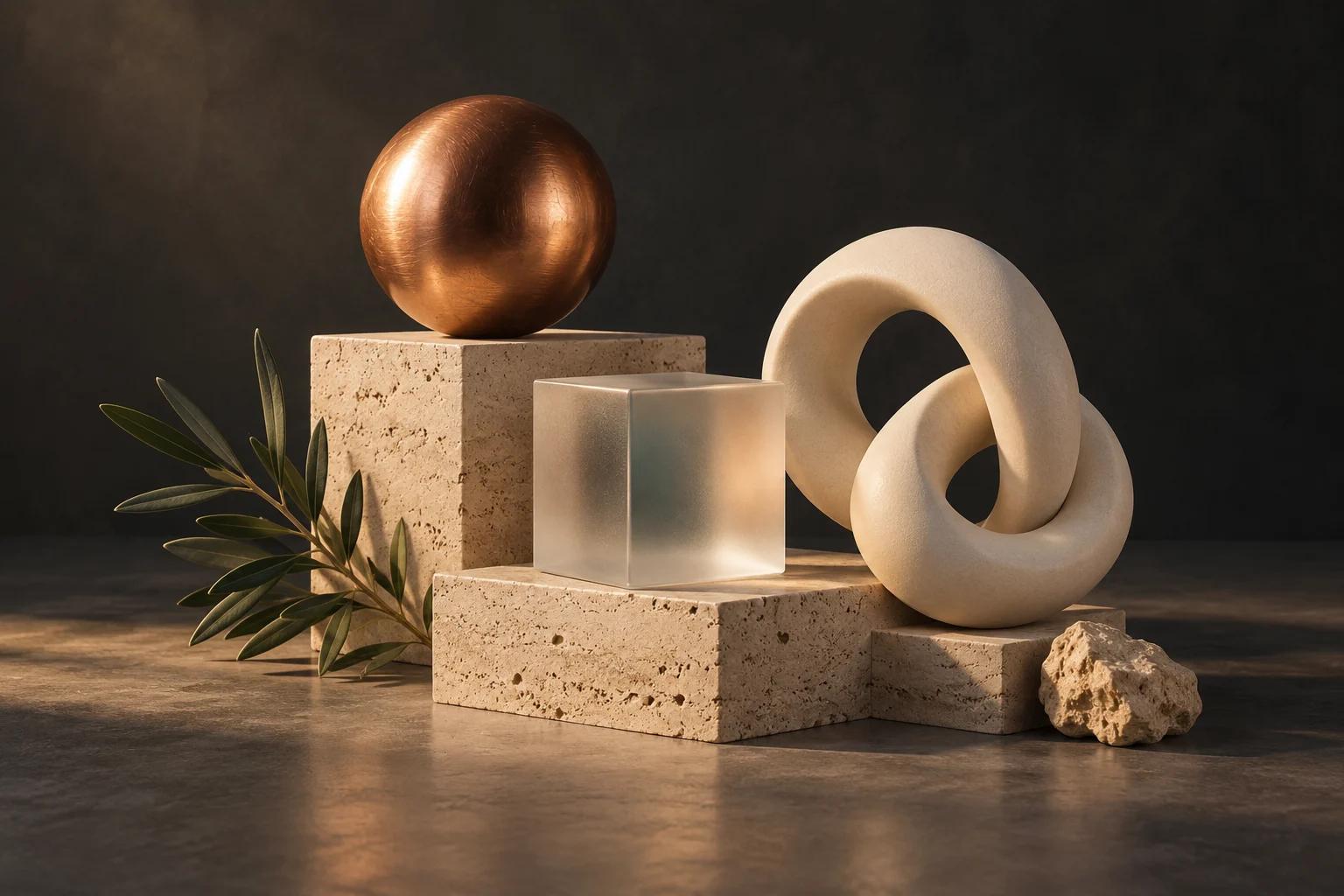 Konsept sanatGörseller ve düzenlemelerHerhangi bir kareyi fotoğraf olarak tamamlayın, sonra bir alanı fırçayla değiştirin ya da başka bir stil deneyin.Bu prompt’u deneyin
 Konsept sanatHeykeller ve dokulu modellerMold’da bir form heykelleyin, sonra katmanlı PBR malzemelerle boyayın.Bu prompt’u deneyin
 Konsept sanat3D logolarKonseptleri keşfedin, bir işaret seçin ve derinlik ile malzemelerle 3D olarak kurun.Bu prompt’u deneyin
Follow a project from idea to finished result, or search everything Mixos AI can do. Every prompt is yours to edit before sending.
 Before
 After — one prompt
Upload a model and describe the finish. Auto textures every part of it and returns editable PBR maps.
Open Auto20 areas to explore
Build editable objects, text, curves and complete scenes. Arrange, align, repeat and scatter parts.
Build a cosy reading nook with a custom armchair, floor lamp and side table. Keep the objects editable, inspect the scene and save it.
Try this promptExtrude, bevel, cut and combine meshes. Keep changes live with a modifier stack.
Inspect the selected object and suggest three useful geometry improvements. Tell me what you would change before editing it.
Try this promptCreate geometry node networks, adjustable generators, cloners and reusable patterns.
Build a procedural shelving unit with adjustable height, width and shelf count. Keep its controls live, inspect it and save the scene.
Try this promptShape meshes with brushes, masks, symmetry, remeshing and pose tools in Mold.
Open Mold and build a simple fox bust with a clear silhouette and expressive ears. Inspect the sculpt from several angles and save it.
Try this promptLayer PBR surfaces in Paint, control wear with masks and place decals on your model.
Inspect the current Paint model. Add a worn copper material layer and masked grime, keeping the layers editable, then save the project.
Try this promptUse library PBR materials, create material node graphs, generate surfaces and tune their finish.
Give the selected object a realistic brushed-copper finish using a library PBR material or a validated material graph. Inspect the surface and save the scene.
Try this promptSet environments, lights and camera composition. Refine the atmosphere and render settings.
Light and frame the current scene for a warm studio product shot. Inspect the composition and save it before generating any paid media.
Try this promptInspect rigs, apply editable motion capture, animate cameras and preview motion. Plan optional storyboards with independent shots.
Create a slow camera orbit around the selected object, preview it as a playblast and save the scene. Keep the animation editable.
Try this promptTurn a floor plan into a furnished 3D home, a sketch into a building, or remodel a photo of a house or room.
Turn the floor plan I attach into a furnished 3D home and show me the dollhouse view. Tell me which dimension you scaled from.
Try this promptSnap a room and get it back in 3D: walls, windows, furniture and a camera that matches your photo. Restyle it, declutter it or stage it, free in 3D.
Turn the photo of my room I attach into the same room in 3D, seen through a camera that matches the photo. Tell me its size, then restyle it Scandinavian.
Try this promptTurn words or a picture into a prop for Unity, Unreal, Godot or Roblox: real size, the engine's triangle budget, LODs, a collider and the engine's file. Make matching packs in one style.
Make a weathered wooden barrel game prop for Unity, about 0.9 m tall. Tell me its triangles, texture size, LODs and collider before I export it.
Try this promptMake keychains, signs, cookie cutters, lithophanes, trays, planters and stands from words or a picture, check them for your printer and download STL or 3MF in millimetres.
Make a 3D-printable keychain that says MIA, about 50 mm long, for a Bambu Lab A1. Check it prints without supports and tell me its size and weight.
Try this promptPut your label on a box, can, bottle, jar, tube, pouch or bag at its real size, then make listing photos on white, hero and lifestyle shots — the label kept exactly.
Put the label I attach on the right package at a standard size, then make the e-commerce shot set on white and show me the front shot. Tell me the size you assumed.
Try this promptBuild any city block or landscape from open map data: real terrain, buildings with roofs, roads, water and trees, lit by the real sun. Print it or render it.
Build the real downtown Austin skyline seen from across Lady Bird Lake, with its towers lit by the golden-hour sun reflecting in the water, and frame a low three-quarter aerial view. Save the scene.
Try this promptTurn a staged scene into an image or short video. Brush over an area to change it, try another style, or generate a 3D model when you need one.
Explain the options and current credit costs for making an image, video or automatically generated 3D model from this scene. Let me choose before running generation.
Try this promptExplore concepts, choose a mark and build an editable 3D Logo project with depth and materials.
Open Logo and design a coffee-bean and flame emblem for Ember. Show me concepts to choose from, then build the chosen mark in brushed copper and save the Logo project.
Try this promptCheck topology, normals, proportions, intersections and performance. Unwrap and pack UVs.
Inspect the current model's topology, normals and UVs. Report the three most useful fixes before changing anything.
Try this promptFind saved work, import assets, save milestones and move work between apps. Prepare files for export.
Show me the saved scenes and models in my library that I could bring into this scene. Let me choose an asset before importing it.
Try this promptAuthor custom geometry, batch repeated work, save presets and use scene variables and constraints.
Inspect this scene and suggest a reusable preset or script for a repeated task. Describe the result before making changes.
Try this promptDrape cloth, drop rigid bodies, fracture objects, emit particles and add smoke, fire, liquid and hair.
Create a cloth draped over a small table, advance the simulation to inspect the drape and save the scene.
Try this promptMixos AI can guide you to Auto, Scan, libraries and browser utilities. Use those apps' own controls for work there.
Yukarıdaki her örnek, etrafında dolaşabileceğiniz bir sahne olarak başlar. Görsel ve video en son gelir; zaten beğendiğiniz bir kareden.
Bir cümleyle, fotoğrafla, kat planıyla veya eskizle başlayın. Her panel, duvar ve düğme kendi malzemesine sahip ayrı bir 3D nesne olur; taşımaya, yeniden renklendirmeye veya elle düzenlemeye hazırdır.
Hareket, zaman çizelgesinde keyframe olarak yaşar. Daha alçak bir açı ya da daha yavaş bir dolly isteyin veya anahtarları kendiniz sürükleyin; ücretli hiçbir şey üretilmeden önce önizlemeyi hemen izleyin.
Kare doğru olduğunda mixos AI, viewport’u fotogerçekçi bir görsele ve animasyonu videoya çevirir; yerleşiminizi, kamerayı ve zamanlamayı korur. Herhangi bir alanı fırçayla değiştirin ya da başka bir stil deneyin.
Her tur neyin değiştiğini ve maliyetini söyler, yanında Geri Al bulunur. Siz evet demeden ücretli hiçbir şey çalışmaz.
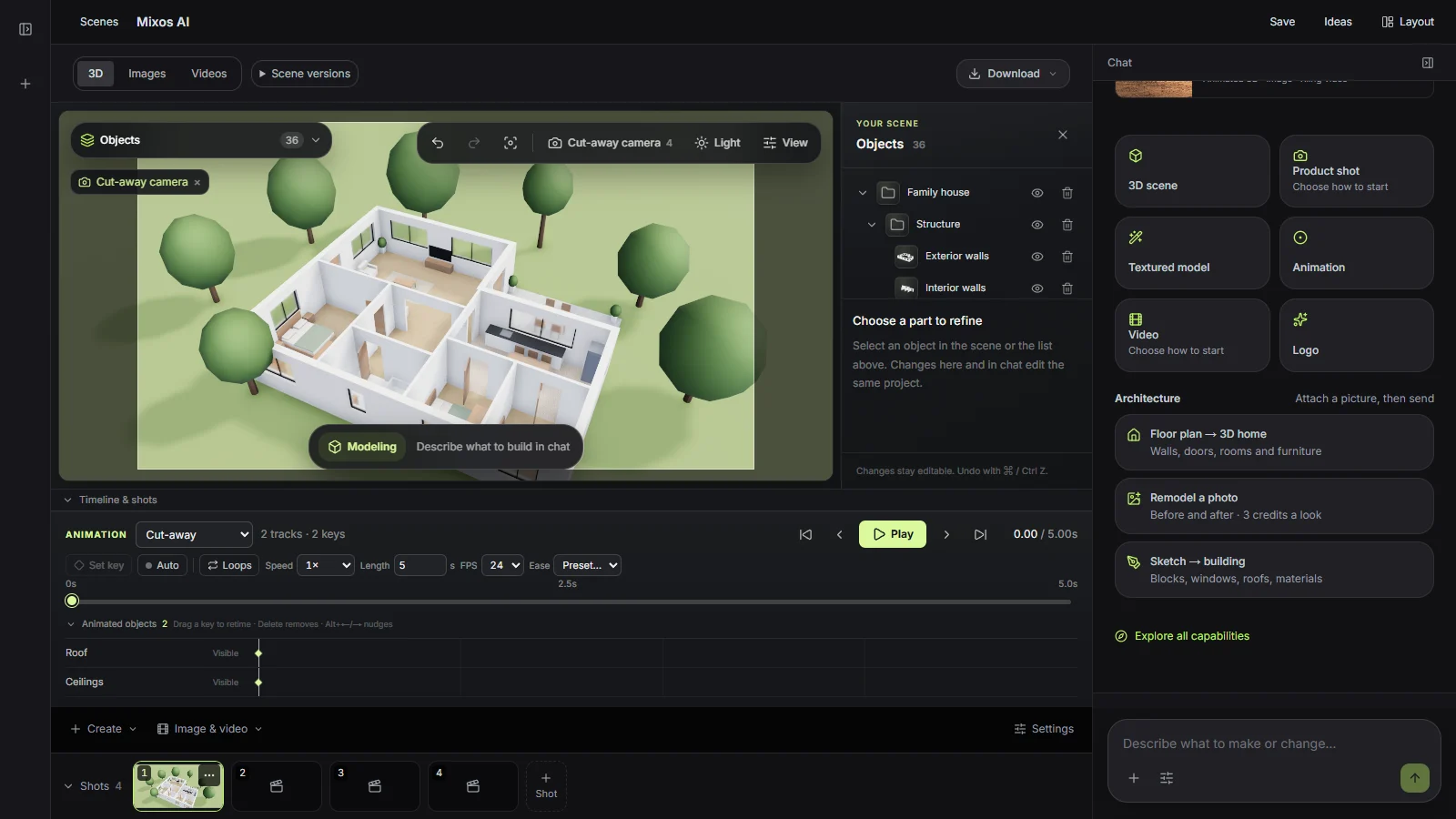
Mixos AI, AI kredileriyle çalışır. Sohbet, bir mesajın ne kadar iş gerektirdiğine göre kredi harcar; görseller, videolar ve üretilen modeller siz onaylamadan önce fiyatını gösterir.
Bu sayfadaki tüm örnekleri izleyin ve çalışmanızı mixos uygulamalarında düzenleyin. mixos AI ile sohbet etmek için ücretli plan gerekir.
Her ay 50 AI kredisi; ayrıca sahnelerinizin, modellerinizin, görsellerinizin ve videolarınızın tam çözünürlüklü indirmeleri.
Yoğun kullanım için her ay 150 AI kredisi. Daha fazlası mı gerekiyor? Ücretli planlara 30 krediden başlayan kredi paketleri eklenebilir.
Mixos AI bu sürümde kullanılabilir. Çalışma alanını Mixos hesabınızla açın; sohbet araçları ücretli erişim veya harcanmamış satın alınmış kredi gerektirir. Genişletilmiş oluşturma çalışma alanı önizleme sürümlerinde kademeli olarak açılıyor.
Evet. Asistan açık sahnedeki nesneler, geometri, malzemeler, aydınlatma, kameralar ve animasyonla çalışır. Kilometre taşlarını kaydedin, projeyi yeniden açın ya da Studio’da düzenlemeye devam edin. Örnek görseller yaratıcı yönleri gösterir; bir prompt’un tam olarak o sonucu vereceğini garanti etmez.
Sıradan modelleme istekleri düzenlenebilir geometri oluşturur. Açıkça istenen otomatik üretim, metinden veya referans görselden dokulu bir mesh oluşturmak için mevcut ücretli model kataloğunu kullanır. Desteklenen modelleri içe aktarabilir, sahneye ekleyebilir ve kütüphanenizden yeniden kullanabilirsiniz. Yerel .mxs sahneleri yeni proje olarak açılır.
Sahneyi render edin ya da viewport’u AI ile hassas, dengeli veya yaratıcı yorumla tamamlayın. Video için düzenlenebilir animasyonu, bitmiş bir kareyi ve eşleşen bir motion capture’ı hazırlayın, sonra desteklenen bir video motoru seçin. Kaynak sahne değişirse yeni bir klip üretmeden önce kareyi ve capture’ı yenileyin. Sonuçlar mevcut dışa aktarma haklarıyla önizlenebilir, yeniden kullanılabilir ve indirilebilir.
Önce iskeleti inceleyin ve uyumlu bir rig kullanın. Desteklenen T-pozlu insansılar otomatik olarak rig’lenebilir. Hareket kütüphanesinde arayın, uygun bir capture uygulayın ve zamanlamayı ile yer değiştirmeyi düzenlenebilir keyframe’ler olarak ayarlayın. Desteklenmeyen pozlar, rig’ler veya bulunmayan hareketler için uyumlu bir karakter ya da kütüphaneden başka bir hareket gerekir; yeni bir text-to-motion servisi bu önizlemenin parçası değildir.
Hayır. Ne yapmak veya değiştirmek istediğinizi tek bir prompt’ta anlatın; asistan isteğinizi otomatik olarak izler. Ayarlar’da isteğe bağlı bir istek odağı bulunur. Birden fazla çekime ihtiyaç duyduğunuzda tek çekimle başlayın ya da üç çekim planlayın; bir storyboard’da en fazla on iki çekim olabilir. Her çekimin kendi kamerası, animasyon klibi, brief’i ve üretim ayarları vardır; sahne nesneleri, aydınlatma ve malzemeler ortak kalır. Üretilen çekimler kaynak çekimle ilişkili kalır.
Hayır. Mixos AI, kendi canlı viewport’una sahip bağımsız bir çalışma alanıdır. Kamera ön ayarları ve düzenlenebilir yollar sahnenin içinde çalışır. Ortak komutlar MCP çağıranları da destekler, ancak burada oluşturmak için harici yazılım veya MCP kurulumu gerekmez.
Yayımlanmış Mixos uygulamalarında düzenleme, bir Mixos hesabıyla ücretsizdir. AI üretimi kredi harcar. Üretim amaçlı dışa aktarmalar ücretli plan veya lisans gerektirir; ücretsiz plan 512px filigranlı bir render önizlemesi içerir. Güncel haklar için Fiyatlandırma sayfasına bakın. Bu sayfadaki gösterimleri izlemek AI kredisi harcamaz.