Darmowe konto
Obejrzyj każdy przykład na tej stronie i edytuj swoją pracę w aplikacjach mixos. Czat z mixos AI wymaga płatnego planu.
Mixos AI buduje to, co opiszesz, jako prawdziwą scenę 3D z obiektami, materiałami, światłami i kamerą. Animuje ujęcie razem z Tobą, a potem wykańcza je jako fotorealistyczny obraz lub wideo, które zachowuje Twój kadr i ruch.
Przeciągnij linię, aby porównać scenę 3D z gotowym kadrem. Przygotowane sceny startowe. Każdy obraz i wideo wygenerowano z ich własnego viewportu. Każdy otwiera się za darmo w przestrzeni roboczej jako Twoja własna, edytowalna kopia.
Każda karta otwiera mixos AI z promptem dla widocznego obrazu. Wszystko, co powstanie, pozostaje edytowalną sceną 3D.
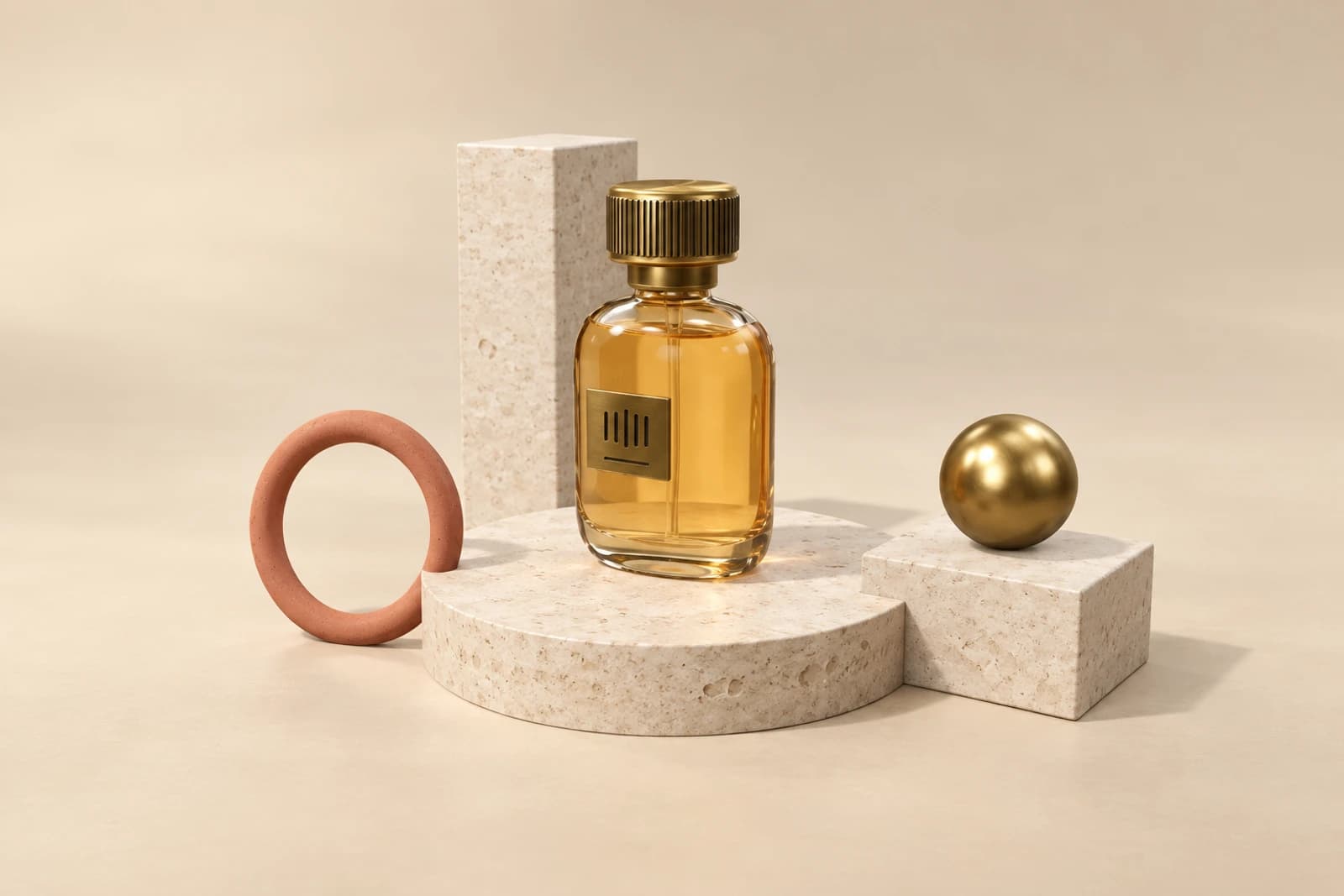 Zdjęcia produktoweStylizowany zestaw, światło studyjne i gotowe zdjęcie z Twojego własnego kąta kamery.Wypróbuj ten prompt
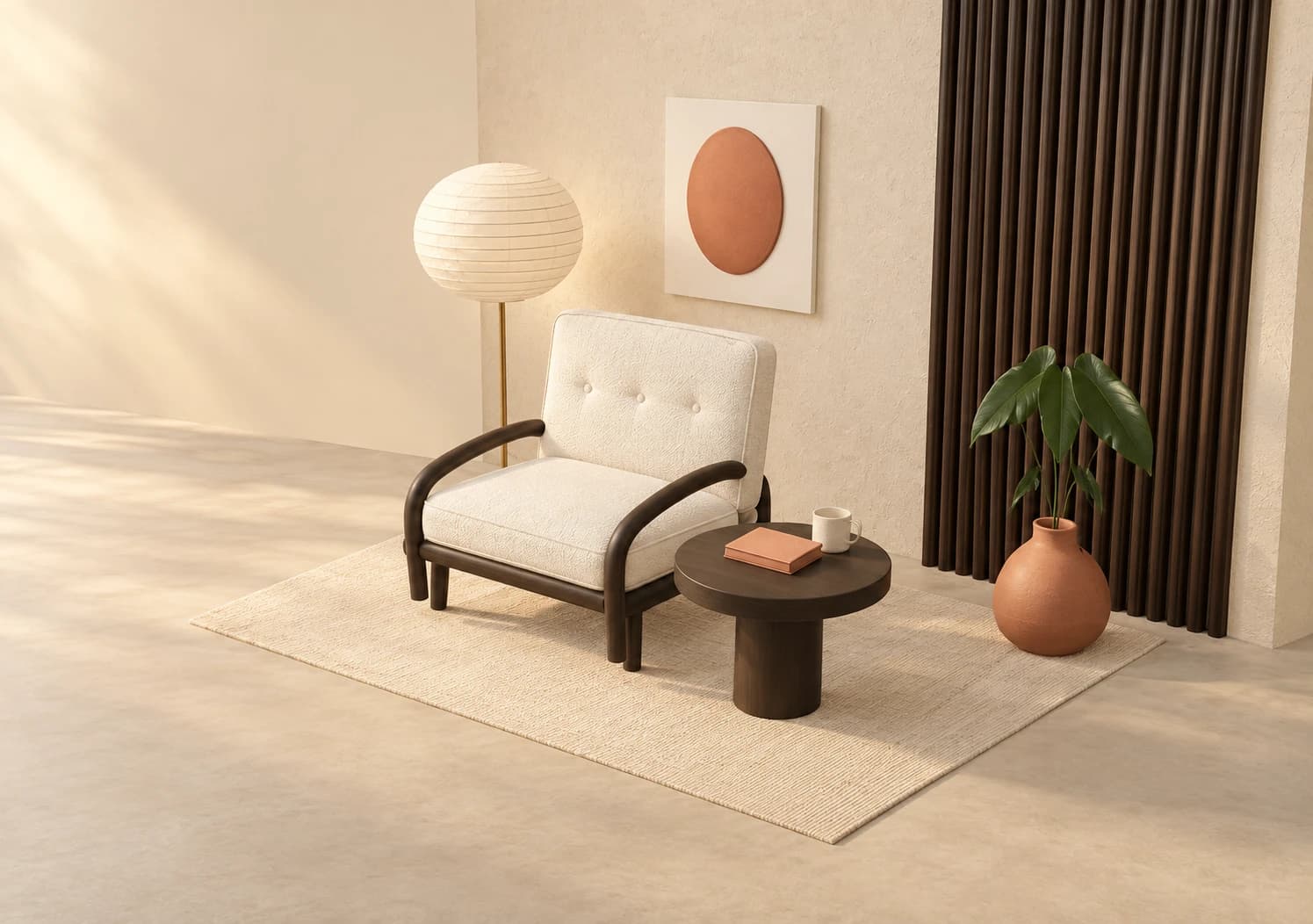 Pokoje i wnętrzaUmeblowane pokoje z prawdziwymi materiałami i światłem dziennym, gotowe do przearanżowania.Wypróbuj ten prompt
 Rzuty pięter i budynkiDołącz rzut piętra lub szkic i uzyskaj budynek 3D, po którym możesz się poruszać.Wypróbuj ten prompt
 Remonty i home stagingZmień styl zdjęcia domu lub zaaranżuj pusty pokój pod ogłoszenie.Wypróbuj ten prompt
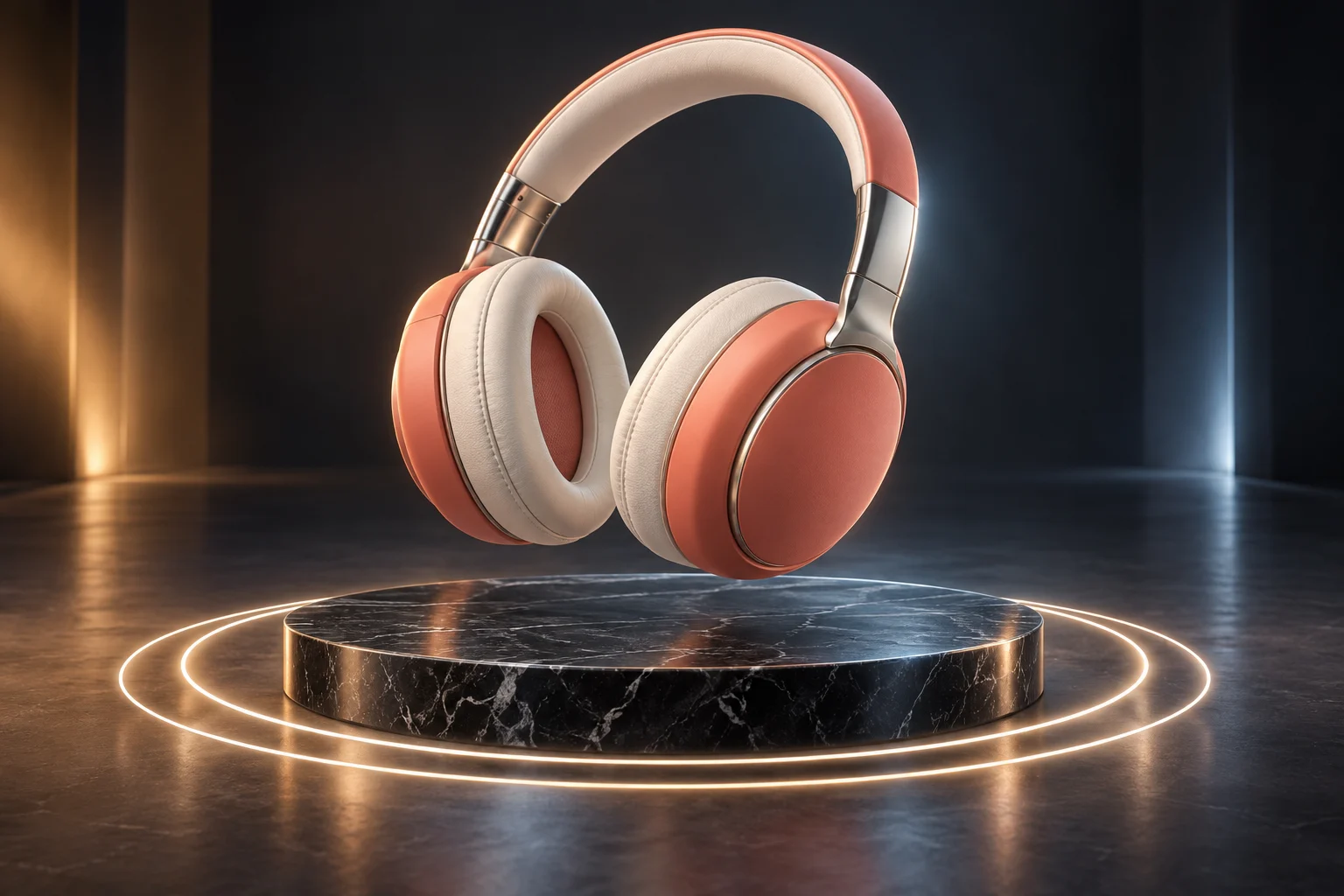 Concept artAnimacja i wideoEdytowalny ruch na klatkach kluczowych, a potem wideo, które podąża za tym samym ruchem.Wypróbuj ten prompt
 Concept artObrazy i edycjeWykończ dowolny kadr jako zdjęcie, potem zamaluj pędzlem obszar, by go zmienić, lub spróbuj innego stylu.Wypróbuj ten prompt
 Concept artRzeźby i modele z teksturamiWyrzeźb formę w Mold, a potem pomaluj ją warstwowymi materiałami PBR.Wypróbuj ten prompt
 Concept artLogo 3DZbadaj koncepcje, wybierz znak i zbuduj go w 3D z głębią i materiałami.Wypróbuj ten prompt
Follow a project from idea to finished result, or search everything Mixos AI can do. Every prompt is yours to edit before sending.
 Before
 After — one prompt
Upload a model and describe the finish. Auto textures every part of it and returns editable PBR maps.
Open Auto20 areas to explore
Build editable objects, text, curves and complete scenes. Arrange, align, repeat and scatter parts.
Build a cosy reading nook with a custom armchair, floor lamp and side table. Keep the objects editable, inspect the scene and save it.
Try this promptExtrude, bevel, cut and combine meshes. Keep changes live with a modifier stack.
Inspect the selected object and suggest three useful geometry improvements. Tell me what you would change before editing it.
Try this promptCreate geometry node networks, adjustable generators, cloners and reusable patterns.
Build a procedural shelving unit with adjustable height, width and shelf count. Keep its controls live, inspect it and save the scene.
Try this promptShape meshes with brushes, masks, symmetry, remeshing and pose tools in Mold.
Open Mold and build a simple fox bust with a clear silhouette and expressive ears. Inspect the sculpt from several angles and save it.
Try this promptLayer PBR surfaces in Paint, control wear with masks and place decals on your model.
Inspect the current Paint model. Add a worn copper material layer and masked grime, keeping the layers editable, then save the project.
Try this promptUse library PBR materials, create material node graphs, generate surfaces and tune their finish.
Give the selected object a realistic brushed-copper finish using a library PBR material or a validated material graph. Inspect the surface and save the scene.
Try this promptSet environments, lights and camera composition. Refine the atmosphere and render settings.
Light and frame the current scene for a warm studio product shot. Inspect the composition and save it before generating any paid media.
Try this promptInspect rigs, apply editable motion capture, animate cameras and preview motion. Plan optional storyboards with independent shots.
Create a slow camera orbit around the selected object, preview it as a playblast and save the scene. Keep the animation editable.
Try this promptTurn a floor plan into a furnished 3D home, a sketch into a building, or remodel a photo of a house or room.
Turn the floor plan I attach into a furnished 3D home and show me the dollhouse view. Tell me which dimension you scaled from.
Try this promptSnap a room and get it back in 3D: walls, windows, furniture and a camera that matches your photo. Restyle it, declutter it or stage it, free in 3D.
Turn the photo of my room I attach into the same room in 3D, seen through a camera that matches the photo. Tell me its size, then restyle it Scandinavian.
Try this promptTurn words or a picture into a prop for Unity, Unreal, Godot or Roblox: real size, the engine's triangle budget, LODs, a collider and the engine's file. Make matching packs in one style.
Make a weathered wooden barrel game prop for Unity, about 0.9 m tall. Tell me its triangles, texture size, LODs and collider before I export it.
Try this promptMake keychains, signs, cookie cutters, lithophanes, trays, planters and stands from words or a picture, check them for your printer and download STL or 3MF in millimetres.
Make a 3D-printable keychain that says MIA, about 50 mm long, for a Bambu Lab A1. Check it prints without supports and tell me its size and weight.
Try this promptPut your label on a box, can, bottle, jar, tube, pouch or bag at its real size, then make listing photos on white, hero and lifestyle shots — the label kept exactly.
Put the label I attach on the right package at a standard size, then make the e-commerce shot set on white and show me the front shot. Tell me the size you assumed.
Try this promptBuild any city block or landscape from open map data: real terrain, buildings with roofs, roads, water and trees, lit by the real sun. Print it or render it.
Build the real downtown Austin skyline seen from across Lady Bird Lake, with its towers lit by the golden-hour sun reflecting in the water, and frame a low three-quarter aerial view. Save the scene.
Try this promptTurn a staged scene into an image or short video. Brush over an area to change it, try another style, or generate a 3D model when you need one.
Explain the options and current credit costs for making an image, video or automatically generated 3D model from this scene. Let me choose before running generation.
Try this promptExplore concepts, choose a mark and build an editable 3D Logo project with depth and materials.
Open Logo and design a coffee-bean and flame emblem for Ember. Show me concepts to choose from, then build the chosen mark in brushed copper and save the Logo project.
Try this promptCheck topology, normals, proportions, intersections and performance. Unwrap and pack UVs.
Inspect the current model's topology, normals and UVs. Report the three most useful fixes before changing anything.
Try this promptFind saved work, import assets, save milestones and move work between apps. Prepare files for export.
Show me the saved scenes and models in my library that I could bring into this scene. Let me choose an asset before importing it.
Try this promptAuthor custom geometry, batch repeated work, save presets and use scene variables and constraints.
Inspect this scene and suggest a reusable preset or script for a repeated task. Describe the result before making changes.
Try this promptDrape cloth, drop rigid bodies, fracture objects, emit particles and add smoke, fire, liquid and hair.
Create a cloth draped over a small table, advance the simulation to inspect the drape and save the scene.
Try this promptMixos AI can guide you to Auto, Scan, libraries and browser utilities. Use those apps' own controls for work there.
Każdy przykład powyżej zaczyna się jako scena, wokół której możesz chodzić. Obraz i wideo powstają na końcu, z kadru, który już Ci się podoba.
Zacznij od zdania, zdjęcia, rzutu piętra lub szkicu. Każdy panel, ściana i przycisk staje się osobnym obiektem 3D z własnym materiałem, gotowym do przesunięcia, zmiany koloru lub ręcznej edycji.
Ruch żyje jako klatki kluczowe na osi czasu. Poproś o niższy kąt lub wolniejszy dolly albo przeciągnij klatki samodzielnie i od razu zobacz podgląd, zanim cokolwiek płatnego zostanie wygenerowane.
Gdy kadr jest dobry, mixos AI zamienia viewport w fotorealistyczny obraz, a animację w wideo, zachowując Twój układ, kamerę i timing. Zamaluj pędzlem dowolny obszar, by go zmienić, lub spróbuj innego stylu.
Każda tura mówi, co się zmieniło i ile to kosztowało, z przyciskiem Cofnij obok. Nic płatnego nie działa bez Twojej zgody.
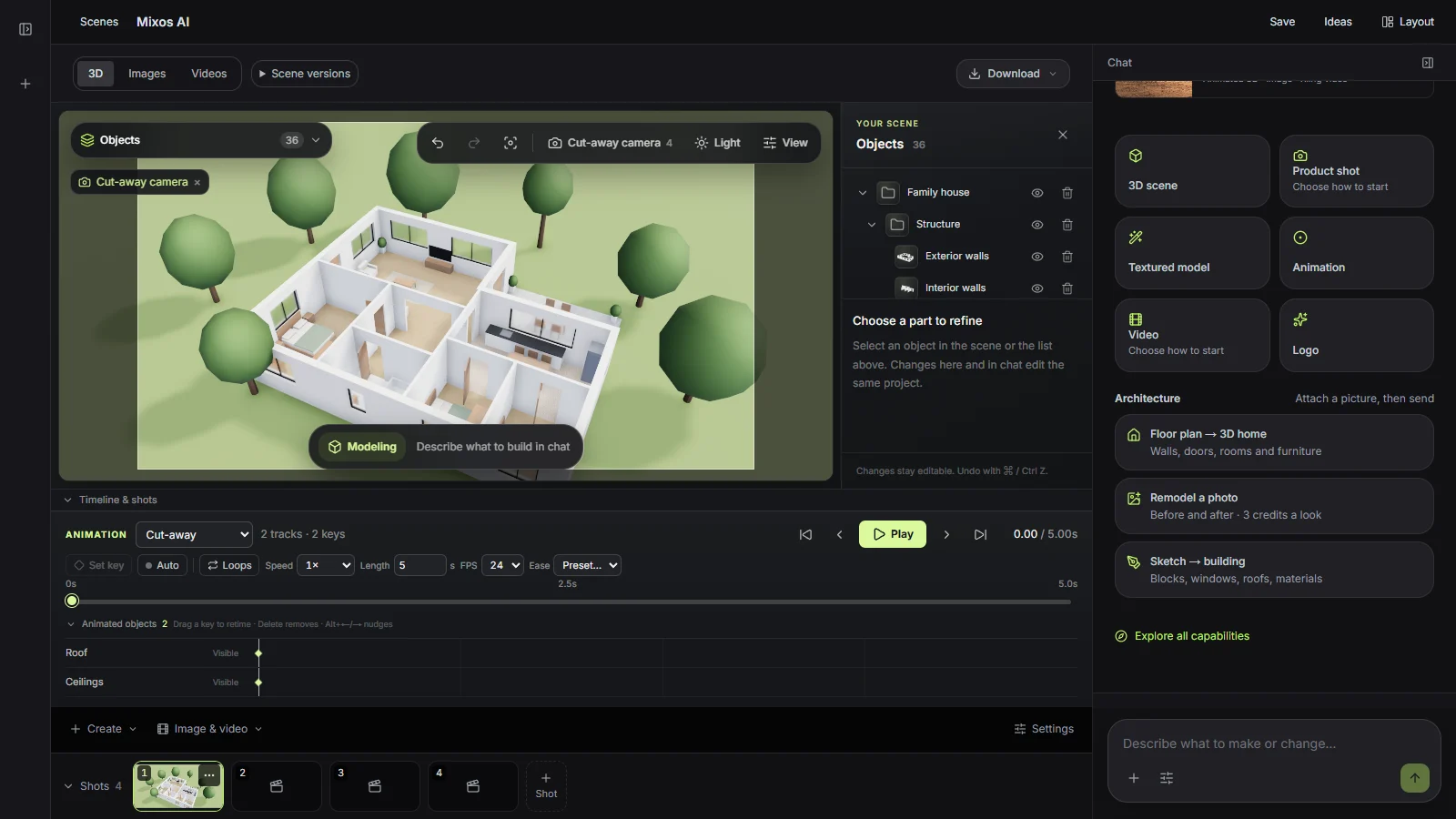
Mixos AI działa na kredytach AI. Czat zużywa kredyty zależnie od tego, ile pracy wymaga wiadomość; obrazy, wideo i wygenerowane modele pokazują cenę, zanim je zatwierdzisz.
Obejrzyj każdy przykład na tej stronie i edytuj swoją pracę w aplikacjach mixos. Czat z mixos AI wymaga płatnego planu.
500 kredytów AI miesięcznie, plus pobieranie scen, modeli, obrazów i wideo w pełnej rozdzielczości.
1,500 kredytów AI miesięcznie przy intensywniejszym użyciu. Potrzebujesz więcej? Płatne plany mogą dodawać pakiety kredytów od 300 kredytów.
Mixos AI jest dostępny w tej wersji. Otwórz przestrzeń roboczą ze swoim kontem Mixos; narzędzia konwersacyjne wymagają płatnego dostępu lub niewykorzystanych kupionych kredytów. Rozszerzona przestrzeń tworzenia jest stopniowo wdrażana w wersjach podglądowych.
Tak. Asystent pracuje z obiektami, geometrią, materiałami, oświetleniem, kamerami i animacją w otwartej scenie. Zapisuj kamienie milowe, otwieraj projekt ponownie albo kontynuuj edycję w Studio. Poglądowe obrazy pokazują kierunki twórcze; nie gwarantują, że prompt da dokładnie taki wynik.
Zwykłe prośby modelarskie budują edytowalną geometrię. Wyraźnie zażądana generacja automatyczna korzysta z istniejącego płatnego katalogu modeli, aby stworzyć teksturowany mesh z tekstu lub obrazu referencyjnego. Możesz też importować obsługiwane modele, wstawiać je do sceny i używać ich ponownie z biblioteki. Natywne sceny .mxs otwierają się jako nowe projekty.
Wyrenderuj scenę albo wykończ viewport z pomocą AI, wybierając interpretację precyzyjną, zrównoważoną lub kreatywną. W przypadku wideo przygotuj edytowalną animację, gotowy kadr i pasujący zapis ruchu, a potem wybierz obsługiwany silnik wideo. Jeśli scena źródłowa się zmieni, odśwież kadr i zapis przed wygenerowaniem kolejnego klipu. Wyniki można podejrzeć, ponownie wykorzystać i pobrać w ramach istniejących uprawnień eksportu.
Najpierw sprawdź szkielet i użyj ponownie kompatybilnego riga. Obsługiwane humanoidy w T-pozie można rigować automatycznie. Przeszukaj bibliotekę ruchów, zastosuj odpowiedni zapis i dostosuj timing oraz przemieszczenie jako edytowalne klatki kluczowe. Nieobsługiwane pozy, rigi lub niedostępne ruchy wymagają kompatybilnej postaci albo innego ruchu z biblioteki; nowa usługa text-to-motion nie jest częścią tego podglądu.
Nie. Opisz w jednym promptcie, co chcesz stworzyć lub zmienić; asystent wykona prośbę automatycznie. Opcjonalne skupienie na prośbie jest dostępne w Ustawieniach. Gdy potrzebujesz wielu ujęć, zacznij od jednego albo zaplanuj trzy, do dwunastu w storyboardzie. Każde ujęcie ma własną kamerę, klip animacji, brief i ustawienia generacji; obiekty sceny, oświetlenie i materiały pozostają wspólne. Wygenerowane ujęcia pozostają powiązane ze swoim ujęciem źródłowym.
Nie. Mixos AI to samodzielna przestrzeń robocza z własnym viewportem na żywo. Presety kamer i edytowalne ścieżki działają wewnątrz sceny. Wspólne polecenia obsługują też klientów MCP, ale zewnętrzne oprogramowanie i konfiguracja MCP nie są potrzebne, aby tworzyć tutaj.
Edycja w wydanych aplikacjach Mixos jest bezpłatna z kontem Mixos. Generowanie AI zużywa kredyty. Eksporty produkcyjne wymagają płatnego planu lub licencji; plan darmowy obejmuje podgląd renderu 512px ze znakiem wodnym. Aktualne limity znajdziesz w Cenniku. Oglądanie prezentacji na tej stronie nie zużywa kredytów AI.