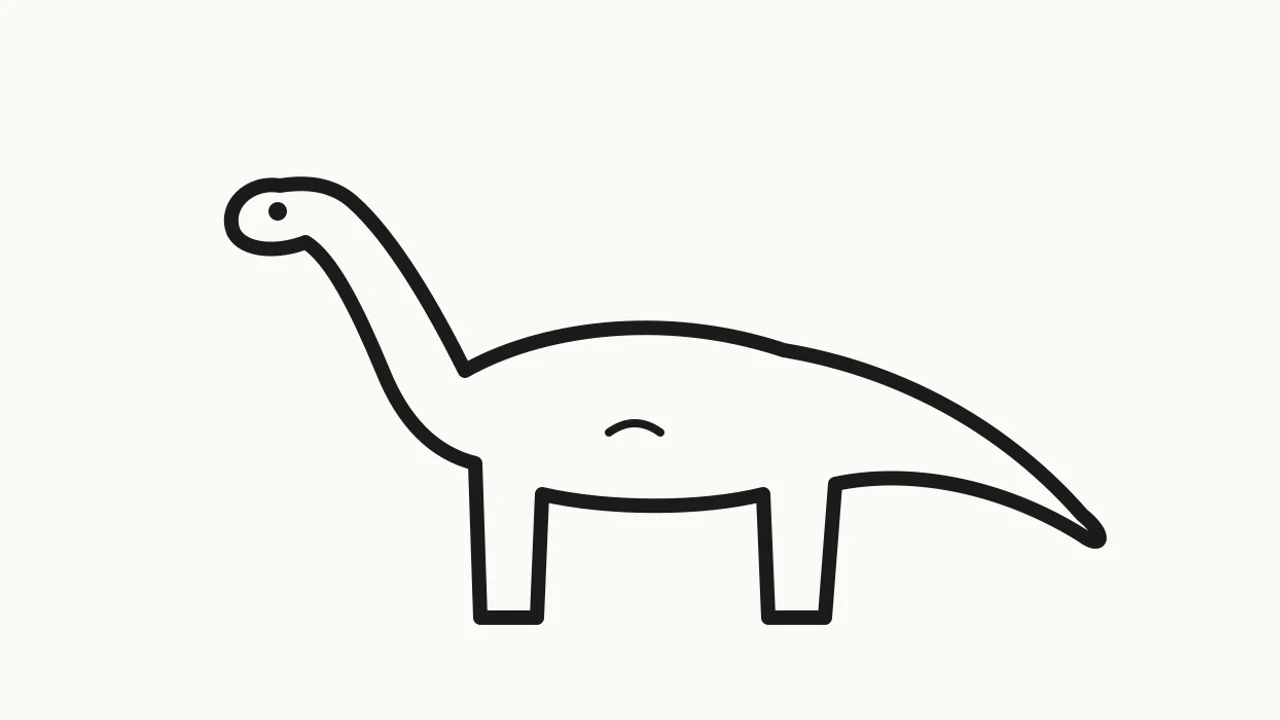
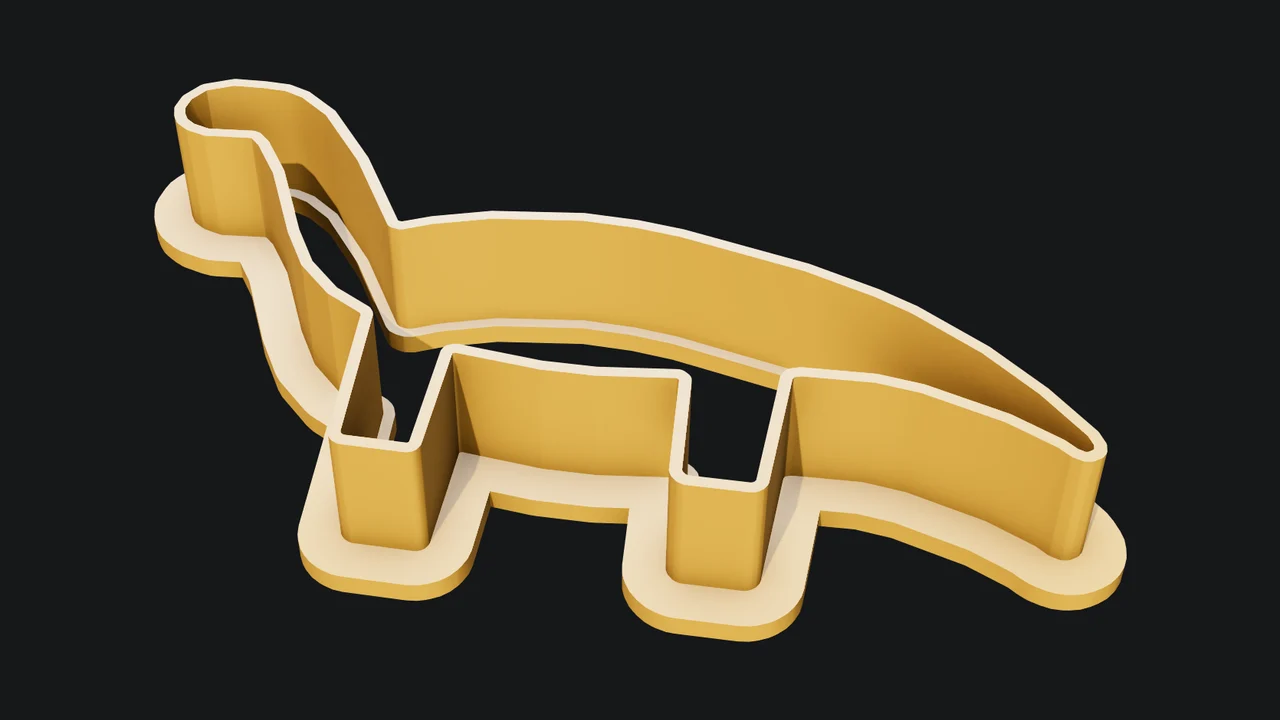
A drawing to a cookie cutter
The outline is traced from the picture, cleaned of notches the dough could not reach, then given a 1 mm blade and a lip to press on.
Ask for a name keychain, a door sign, a cookie cutter from a drawing, a lithophane from a photo, a desk tray, a planter or a phone stand. Mixos AI builds it as a closed solid at the size you ask for, checks it against your printer and hands you an STL or 3MF your slicer opens at true size.
Mixos AI is available in this build. Conversational tools require paid access or purchased credits.
 MADE IN MIXOS
You say what it is and how big. Mixos AI picks wall thicknesses, hole sizes and a flat base that suit a home FDM printer, then tells you what it measured.
Name the thing and its size, or attach a picture: a drawing becomes a cookie cutter, a photo becomes a lithophane, a logo becomes a keychain. Mixos AI asks only for what it cannot guess, such as the text.
Pick your printer in the Print panel. Mixos AI reports the size in millimetres, the grams of filament, whether it fits the bed and whether it prints without supports.
Download a 3MF, which keeps raised lettering as its own part for a second colour, or an STL. Both are in millimetres with Z up and the model lying on the bed.
Every result below is unedited Mixos output. Inputs are public-domain or openly licensed drawings, drawings made for these examples, or AI-generated example photos.
The outline is traced from the picture, cleaned of notches the dough could not reach, then given a 1 mm blade and a lip to press on.
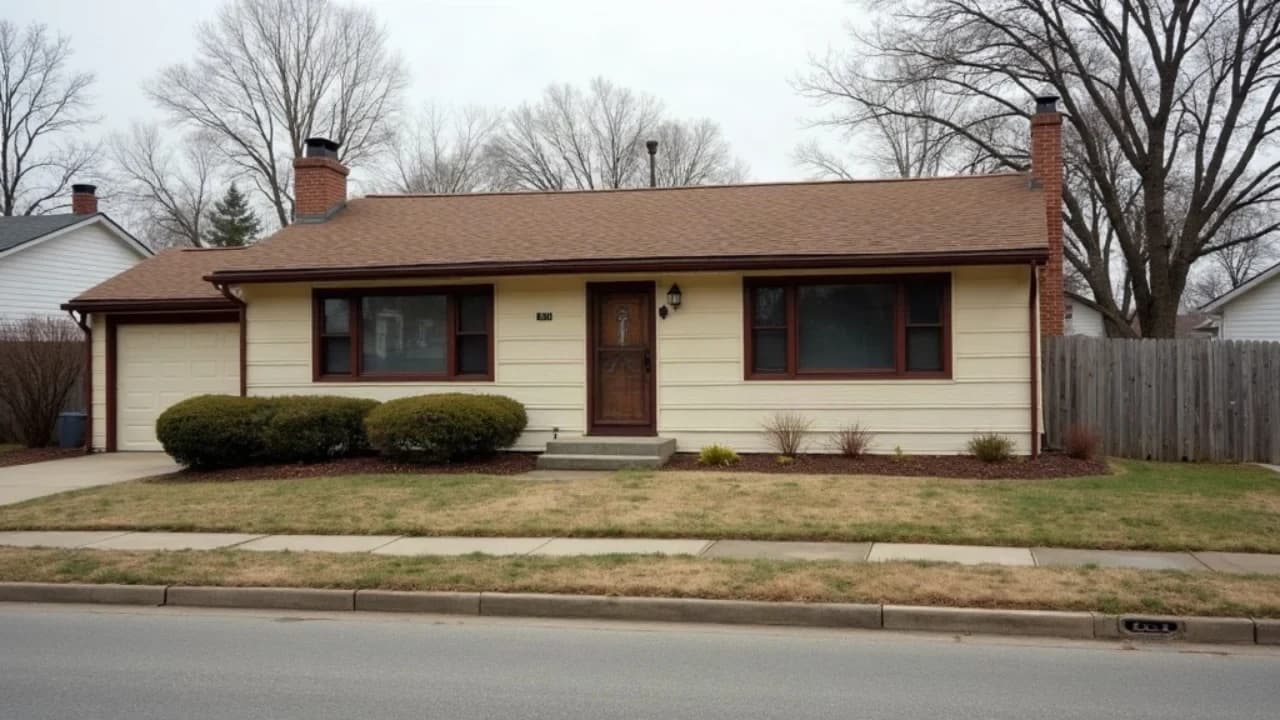
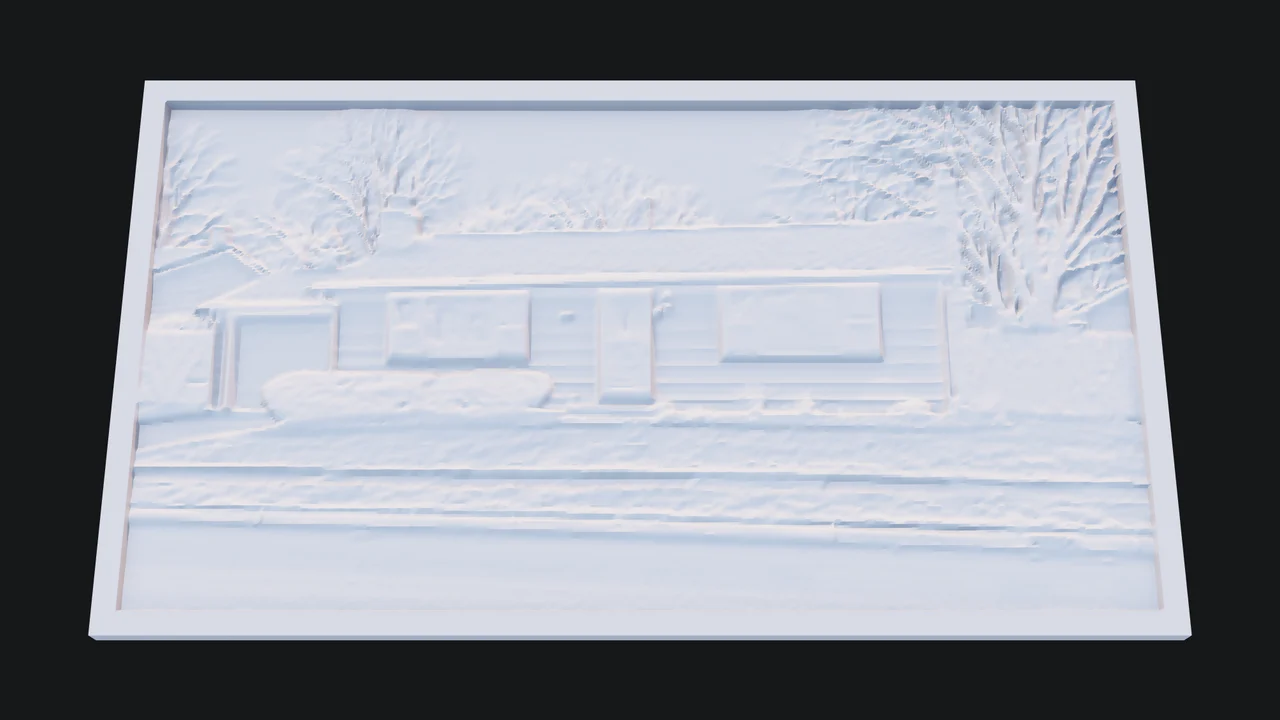
Darker parts of the photo are printed thicker, so the picture appears when a light shines through the plastic.
The viewport makes the result visible. Inspect the shape, placement and materials before moving on to the next change.
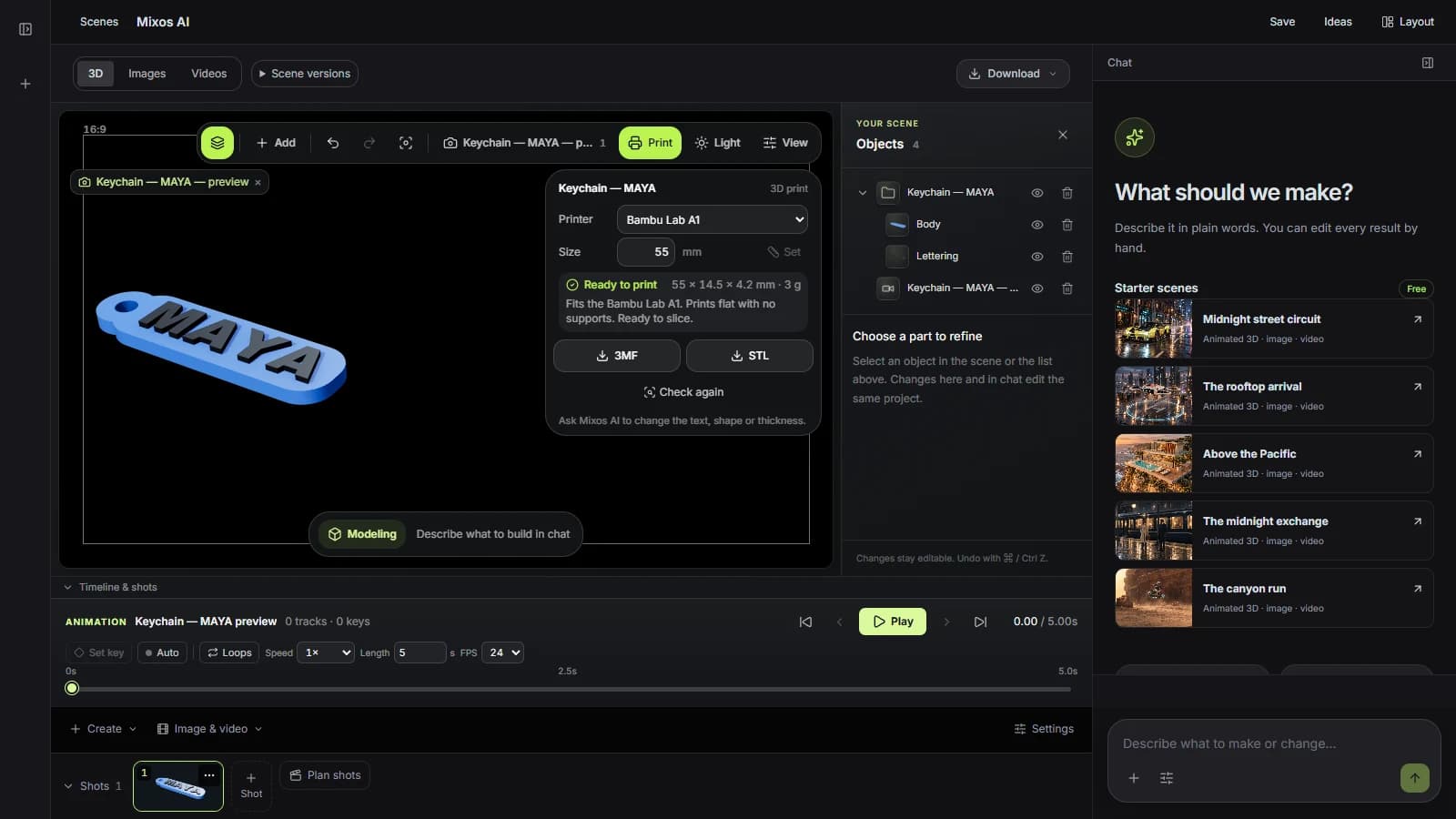
Printables are built from flat outlines that are extruded, offset and joined by a solid-modelling kernel, so they come out watertight with no holes or crossing faces. That is the property a slicer needs and a model made for rendering often lacks.
Plates are 3 mm thick with letters 1.2 mm proud, cutter blades are 1 mm, ring holes take a split ring and planters have a drain hole. Ask for a different size or thickness and the model rebuilds in place.
Every build is measured: holes, thin walls, overhangs that need supports, the bed size of your printer and the best face to print on. Problems are named in words, with what to change.
“Make a name keychain that says LEO, about 50 mm long, for my Bambu Lab A1. Check it prints without supports.”Open Mixos AI
“Make a desk tray 160 by 100 mm with six compartments, 30 mm tall, and tell me how much filament it needs.”Open Mixos AI
Example briefs to adapt to your project. Concept images show a creative direction; live results depend on your prompt and the tools used.
Build, finish and animate real 3D scenes. Choose an example, play the walkthrough or jump to any step.
“Build a compact studio speaker with an olive enclosure, a copper driver and a fine metal-mesh grille. Keep the components separate.”
The chat explains the change. The viewport shows the result. Play all steps, or use the numbered controls to explore.
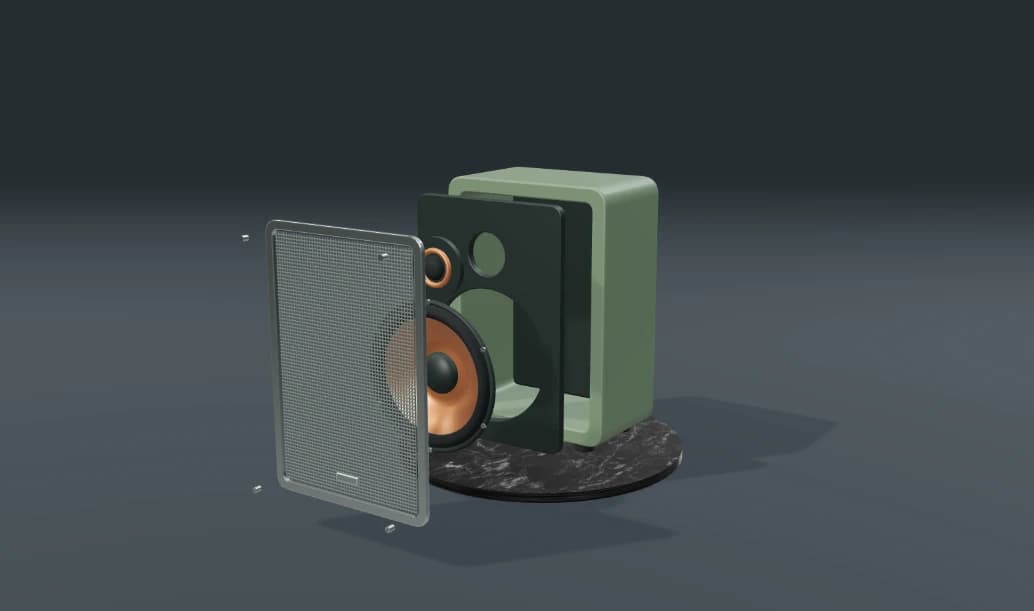
Prepared walkthroughs with editable 3D, animation and illustrative AI images. Prompts and replies are scripted; playback uses no credits. AI video generation is a separate paid step, illustrated above.
Mixos AI is available in this build. Open the workspace with your Mixos account; conversational tools require paid access or unspent purchased credits. The expanded creation workspace is rolling out in preview builds.
Keychains, name plates, signs with screw holes, cookie cutters, lithophanes, organizer trays, planters, phone and tablet stands, and flat custom shapes such as coasters and ornaments. You can also check and prepare a model you imported or made in Studio.
The Print panel lists the Bambu Lab A1, A1 mini, P1S and X1 Carbon, the Prusa MK4 and MINI+, the Creality Ender 3 and the Elegoo Neptune 4. For another printer, choose one with the same bed size.
Yes. STL and 3MF files are written in millimetres with Z up and the model on the bed, which is what Bambu Studio, PrusaSlicer, Orca Slicer and Cura expect.
No. You describe what you want and its size. Mixos AI chooses the technical details, and you can change any of them by asking.
Building and checking happen in the Mixos AI conversation and use chat credits. Downloading STL or 3MF files is part of Studio's export, which is included in every paid plan.
Editing in the released Mixos apps is free with a Mixos account. AI generation consumes credits. Production exports require a paid plan or licence; the free plan includes a 512px watermarked render preview. See Pricing for current allowances. Watching the demonstrations on this page does not spend AI credits.
See Pricing for current AI credits and export allowances. Studio is available now for manual 3D creation.