Teach the material workflow
Use layers, masks, mesh-map baking, and PBR channels to explain how an asset's surfaces are built. The concepts carry across texturing packages.
Game art courses
Build a game art unit around a finished prop: authored materials, inspectable 3D coursework, and a checked export into your chosen engine. Approved classroom grants give your roster the Mixos texturing and coursework tools free for the term.
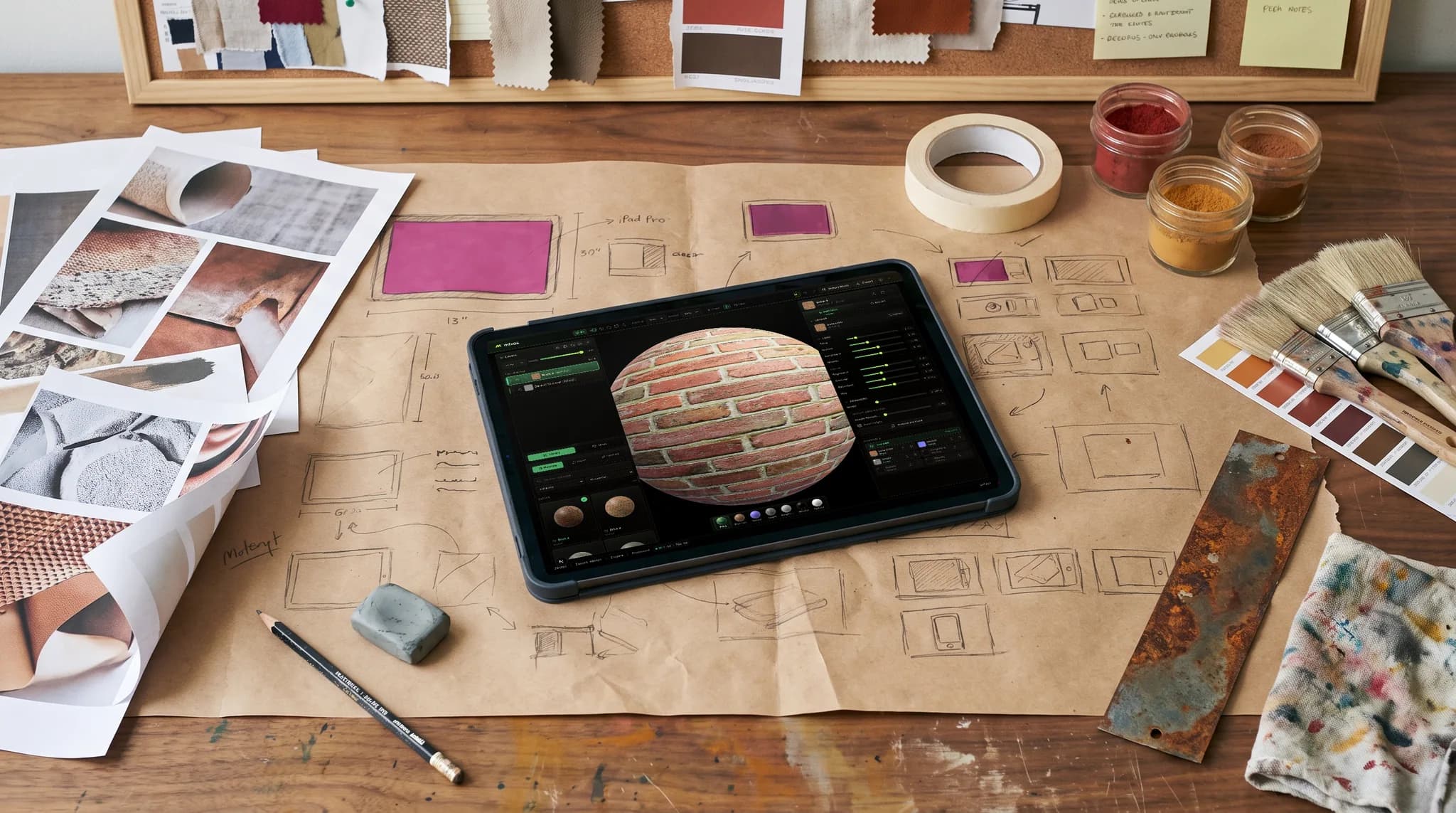
Use layers, masks, mesh-map baking, and PBR channels to explain how an asset's surfaces are built. The concepts carry across texturing packages.
Export standard PBR maps and inspect the material in your target engine. Channel packing, normal-map conventions, and color-space settings are part of the lesson.
Collect a submitted 3D snapshot, inspect it from several angles, and return feedback. Build revision into the unit rather than waiting for a final beauty shot.
A verified instructor can apply for a named course with up to 200 students. The grant adds 4K watermark-free export, a shared library, and assignment tools for the approved term.
Why Mixos
A game art course can cover modeling, sculpting, UVs, texturing, animation, and engine assembly. This page focuses on the texturing and assessment part of that pipeline. Mixos is not a game engine or a replacement for every tool in the syllabus. Keep the modeling package and engine your course needs, and define the interchange path before assigning a large asset.
Start with one prop and a reference sheet. Give students a texture resolution budget, a material list, and a target engine. A small asset with wood, painted metal, and exposed fittings can reveal more about material understanding than a large environment whose surfaces are never reviewed closely. Introduce the tools through a supplied UV-mapped model before students texture their own geometry.
Separate art direction from technical correctness. A prop can have a strong color scheme and still use the wrong metallic values or show obvious seams. Conversely, a tidy map set may not communicate how the object is used. Ask students to explain the intended surfaces and then demonstrate the asset under more than one lighting condition in the target engine.
Classroom seats have generative AI disabled. Students work with authored layers, masks, brushes, and library materials. Mixos assignments let the instructor inspect submitted work and return feedback. CSV export supports a separate gradebook; invited Google Classroom pilot classes can publish Mixos assignment links and sync released numeric scores, with students turning in manually in Classroom.
A browser workflow reduces installation work, but it still needs a compatible WebGPU browser and a suitable GPU. Test a representative model on lab devices and student laptops before setting mesh and texture budgets. Also test one full export in the chosen engine; a browser editor does not make downstream engine setup automatic.
Choose a small prop, gather licensed references, inspect the UVs, and set a texture budget. Confirm that the starter model opens on a representative school device.
Block out the main surfaces, then add masks and restrained detail. Review material separation and wear placement before the student spends time on presentation.
Set a Mixos deadline for the first pass. Inspect the snapshot, return specific feedback, and ask for a revised submission. Keep the engine presentation deliverable in your course's chosen hand-in system.
Export the PBR maps and set up the material in Unreal, Unity, Godot, or the engine you teach. Verify channel packing, normal orientation, color space, and scale. Assess the asset under at least two lighting conditions.
Texture a small maintenance prop for a stylized workshop scene. Use painted metal, exposed fittings, and a non-metal handle. Choose a consistent palette, show wear where handling would cause it, and work within the assigned texture budget. Submit the 3D work in Mixos and demonstrate the exported material in the class's target engine.
No. Students author surfaces in Mixos and use exported maps in the engine your course teaches. Engine assembly, gameplay, and final in-engine presentation remain part of that engine workflow.
Yes. Keep Blender or your existing modeling package for that part of the course, then test your model import and PBR export path with a small asset before the unit. Save original source files so students can return to the modeling stage when needed.
Verified instructors can apply for a classroom grant for a named course and roster of up to 200 students. Approved grants include the coursework tools, shared class library, and 4K watermark-free export for the term. They are for education and portfolio work rather than commercial client production.
The integration is currently limited to invited pilot classes. Those classes can publish Mixos-created assignments and sync released numeric scores. Students submit in Mixos and turn in manually in Google Classroom. Every class can use CSV grade export without the integration.
No. This is a suggested texturing project and a description of the classroom tools. Your institution sets learning outcomes, assessment, and qualifications. Plan separate teaching for modeling, animation, engine assembly, or other parts of your syllabus.
Read next
The whole pass, from import to exported maps.
The maps a modern material is made of, and what each one does.
Why the same texture reads bigger on one model than another.
Drop the files in and see the material lit, in the browser.
Keep exploring
Student game art project briefs
Lesson resources for instructors
Assessment resources
Portfolio projects for instructors
Classroom software evaluation
Google Classroom integration · pilot
Substance Painter alternative for education
3D on ChromeOS