Apple Pencil pressure and tilt
Press harder to cut deeper, exactly as you would expect. Pressure maps to brush strength across the whole tool set, and a stabilizer smooths the stroke path for clean crease lines.
Sculpting on iPad
Sculpt with the Apple Pencil — pressure and tilt drive the brushes directly, two fingers orbit while the pen works, and the tool rail collapses into a dock built for touch. Install the free app from the App Store, or open a tab in Safari or Chrome and start with nothing to download. The sculpt lives in your account either way, so the same file opens on your Mac when you get back to a desk.
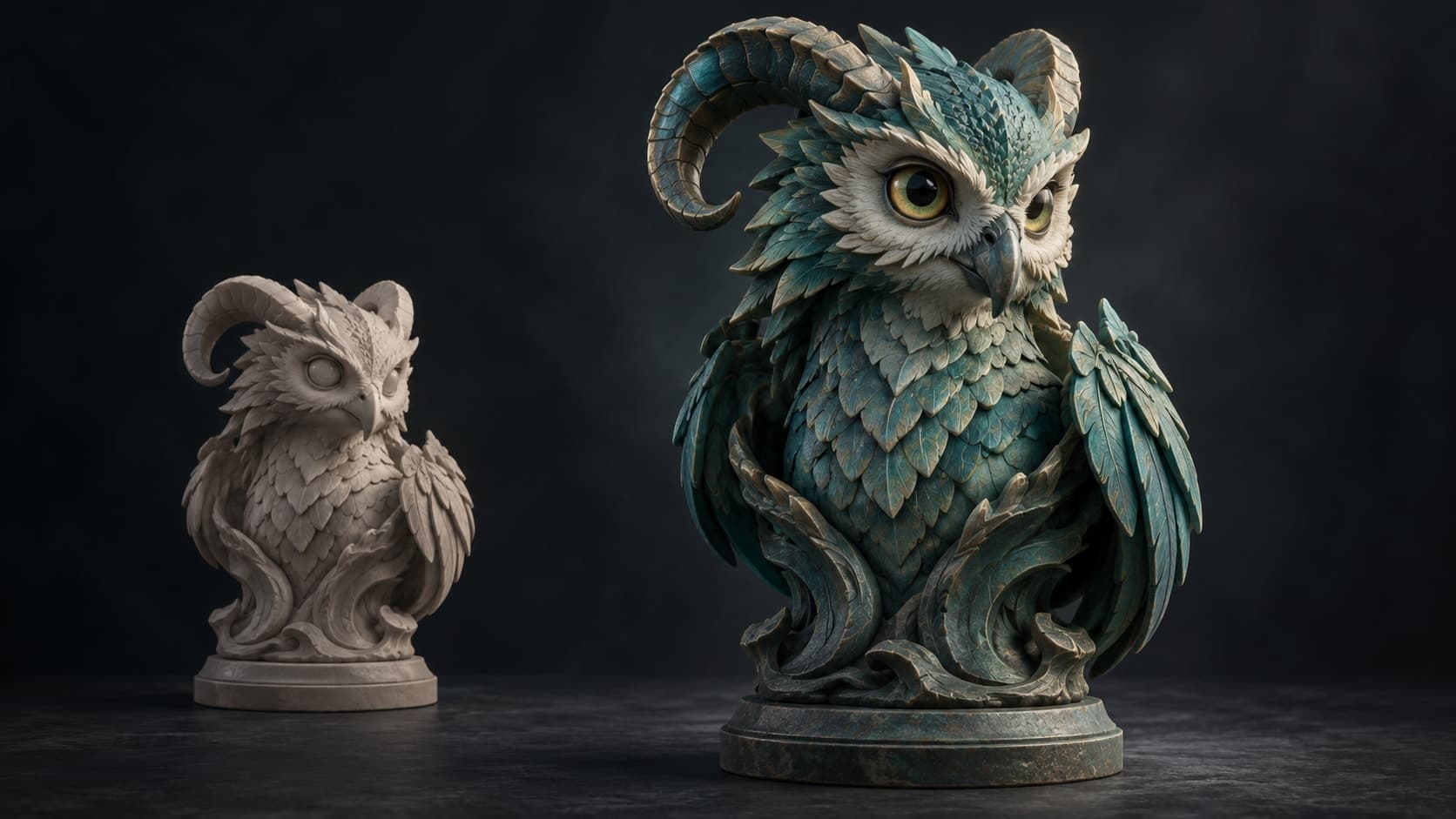
Press harder to cut deeper, exactly as you would expect. Pressure maps to brush strength across the whole tool set, and a stabilizer smooths the stroke path for clean crease lines.
A finger on the model sculpts; a finger on empty space orbits. No mode toggle to hunt for, so you can work one-handed with the Pencil in the other — closer to drawing than to operating software.
Not a cut-down mobile port. Multiresolution subdivision, dynamic topology, voxel and quad remesh, masking, symmetry and multi-object scenes are all here, with a triangle budget sized for the tablet.
Sculpts save to your account rather than to the tablet. Block a shape out on the sofa, open the same file on a Mac, PC, Chromebook or Android tablet and carry on at a higher subdivision level.
Why Mixos
The iPad turned out to be a genuinely good sculpting device, for the same reason it is a good drawing device: a pressure-sensitive pen on a screen you can rotate in your hands beats a mouse for anything you judge by eye. Nomad Sculpt proved the category and remains excellent, and if you want a native app with an offline install, it is the obvious purchase.
Mold gives you both routes. There is a free Mixos app on the App Store, and the same sculpting engine runs in the browser on WebGPU — no install, no storage footprint on a device that is usually short of it, and no separate purchase per platform. The layout switches automatically on a tablet whichever way you arrive: the mode rail collapses into a dock, panels become sheets you can drag away, and the brush controls sit under your thumb rather than in a desktop sidebar.
Apple Pencil support is the part that has to be right, and it is handled at the pointer-event level rather than bolted on — pressure and tilt reach the brush directly, so strength and falloff respond as you press. Two-finger gestures orbit, pan and zoom while the pen stays in contact, which is what lets you sculpt continuously instead of alternating between navigating and working.
The practical case for a browser tool here is continuity. A native tablet app tends to trap the file on the tablet, and the export-and-reimport dance to continue on a desktop is where sessions go to die. Sculpts here live in your Mixos account, so the iPad becomes the place you start things rather than a separate studio — and when the sculpt is done, one click unwraps it and opens it in a PBR texture painter in the same browser.
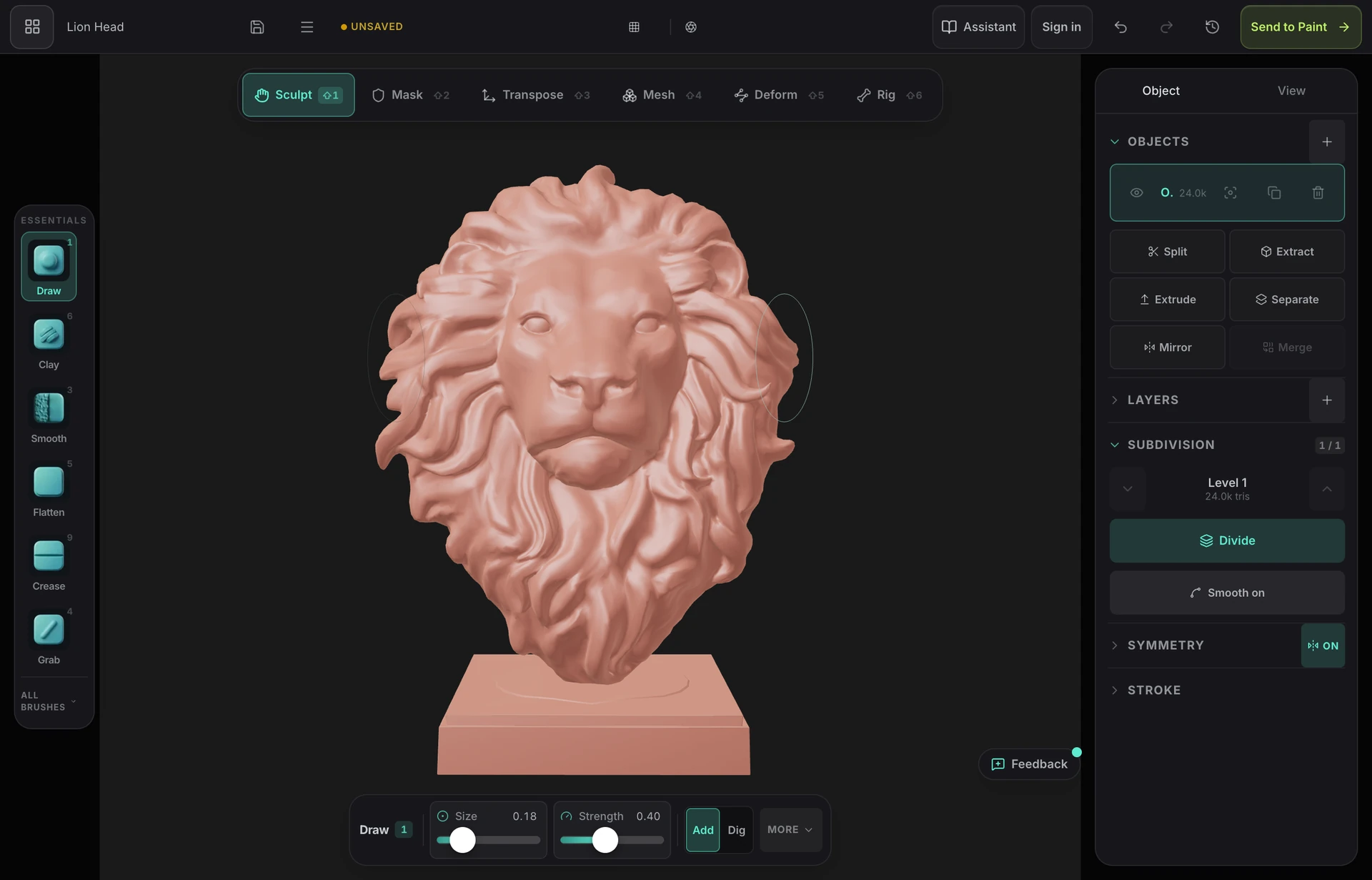
Yes, and it suits the device well — a pressure-sensitive pen on a screen you can rotate beats a mouse for organic form. Nomad Sculpt is the established native app. Mold comes as a free App Store app or runs in Safari or Chrome with no download at all, supports Apple Pencil pressure and tilt, and keeps your sculpts in an account so the same file opens on a desktop.
Mold is free to sculpt in on iPad — all the brushes, subdivision levels, dynamic topology, remeshing, masking and symmetry, with no time limit and no watermark, using a free account. The App Store app is a free download and so is the browser version; there is no per-platform purchase. Exporting the finished mesh is on a paid plan either way.
No. Any iPad whose browser provides WebGPU will sculpt, and Apple Pencil support depends on the Pencil rather than the model tier. A faster iPad lets you push to higher subdivision levels before strokes start to feel heavy, but blockouts and mid-detail work are comfortable on ordinary hardware.
Nomad is a mature native app with an offline install, deep brush options and a one-off price, and it is a fair recommendation. Mold's differences are that it is free, runs the same sculpt on iPad, Android, Chromebook and desktop from one account, and hands the finished mesh to a PBR texture painter in the same browser — and you can reach it from the App Store or from a tab with nothing installed. Nomad goes deeper on sculpting alone; Mold covers more of the pipeline.
Yes. Remesh the sculpt so it is watertight, thicken anything fragile, then export STL — the format every slicer accepts. Sculpting and remeshing are free; downloading the mesh is part of a paid plan.
Keep exploring
Blender on iPad
Sculpting on Android
3D sculpting software
Nomad Sculpt on PC
ZBrush alternative
3D texturing on iPad
