Give the object a job
Each brief defines how the prop is used. Students can connect material and wear decisions to a scenario instead of adding scratches everywhere.
Student game art project briefs
Choose a textured prop students can finish, explain, and revise. These five suggested projects pair a concrete object with a material problem, a deliverable, and an extension task. Supply a UV-mapped mesh for beginners or add modeling as a separate course milestone.
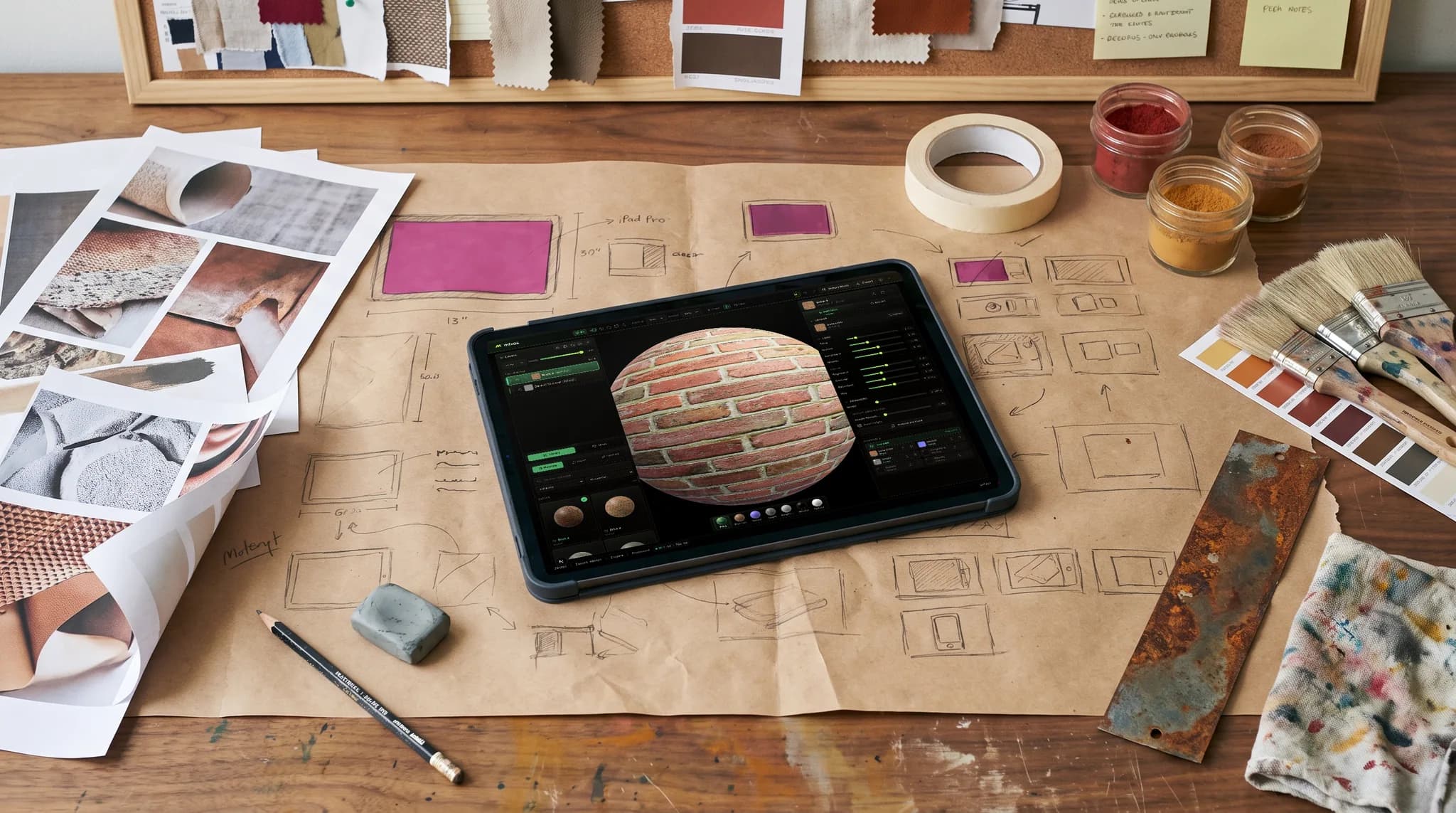
Each brief defines how the prop is used. Students can connect material and wear decisions to a scenario instead of adding scratches everywhere.
Start with one asset, a few surfaces, and a stated texture budget. Expand into a small set only after the first asset survives review and export.
Review material readability before the final presentation. Require a short explanation of one change so the project captures a learning decision as well as an image.
Why Mixos
Game art project ideas become teachable briefs when they specify the work to be assessed. For a texturing course, define the starting mesh, intended surfaces, target viewing distance, texture resolution, required maps, and hand-in format. If modeling is also assessed, put its geometry and UV requirements in a separate milestone so a late mesh does not consume every surface-authoring session.
For students new to texturing, plan two or three class sessions per small supplied prop, then adjust after a trial with your actual class. That is a planning suggestion, not a completion guarantee. Reserve time for reference gathering, a material blockout, critique, revision, and a checked export. A full character or environment introduces many additional problems and is a substantial extension of these starter briefs.
The five ideas below are independently written prompts, not downloadable model packs. Supply assets you own or can use under their license, and state what students must create themselves. A library material can be an appropriate starting point when the goal is material adjustment; it should not be treated as evidence that the student authored every source image. Classroom generation is disabled, while imported asset sources still need a course policy.
Use Mixos to author surfaces and collect inspectable 3D submissions. If a project requires an engine handoff, check the exported maps in the course's chosen engine and record the relevant channel, normal-map, and color-space settings. Mixos is not the game engine. Keep source exports before classroom grant benefits expire, and use your normal course system for supporting reference sheets or written project reports.
Brief: a regularly carried toolbox with painted metal, exposed fittings, and a rubber grip. Goal: distinguish surfaces through roughness and metallic behavior, not color alone. Deliverable: one textured prop, a material list, and a checked map set. Extension: a restrained second version showing how handling changes specific contact areas.
Brief: a sign that should remain readable at the course's chosen game-camera distance. Goal: balance lettering, wood detail, and silhouette without depending on a close-up. Deliverable: the textured sign and near/far views in your presentation system. Extension: weather exposure that affects upper and sheltered areas differently.
Brief: a glazed pot with a small chipped region revealing the body underneath. Goal: separate glaze, clay, and dirt while giving the damage a plausible location. Deliverable: one asset and a short explanation of the glaze and chip masks. Extension: an intact variant that preserves the same material logic.
Brief: a supply crate for a fictional faction, using an original color scheme and symbols. Goal: create a readable focal region and intentional painted detail. Deliverable: the textured crate, source credits, and a view at the intended screen size. Extension: a second faction variant using the same mesh and clearly separated layer changes.
Brief: a small kit such as a mug, lantern, and storage box. Goal: maintain consistent wear, surface scale, and art direction across a set. Deliverable: three inspectable props and a shared material guide. Extension: place the exported assets together in the chosen engine and diagnose any differences in their material response. Reserve this brief for students who have completed a single-prop project.
Texture the supplied workshop toolbox for a frequently used indoor workspace. Distinguish painted metal, bare metal fittings, and a rubber grip. Follow the texture budget and map requirements specified for this unit. Submit the 3D work in Mixos, provide a material list through our agreed course system, and explain one change made after critique. Credit all supplied or external source assets.
Use a supplied UV-mapped toolbox or crate with a small number of surfaces. Keep modeling out of the first texturing brief if students are still learning the viewport, channels, layers, and masks. Save the three-prop kit for a later assignment.
No. These are copyable project prompts and scope suggestions. Instructors provide starter meshes or set modeling requirements separately, using assets whose licenses permit the intended course use.
No. Each idea can end with an assessed textured asset. If your syllabus includes engine assembly, add an explicit export and in-engine verification milestone using the engine you teach.
Share the criteria before students start. Assess intended material readability, surface control, technical quality, and reasoning or revision. Adapt the linked texturing rubric to your course and grade supporting modeling or engine work separately when needed.
Invited pilot classes can publish Mixos-created assignment links and sync released numeric scores. Students submit their 3D work in Mixos and turn in manually in Google Classroom. Detailed feedback stays in Mixos; other classes can export grades as CSV.
Read next
The whole pass, from import to exported maps.
The maps a modern material is made of, and what each one does.
Why the same texture reads bigger on one model than another.
Drop the files in and see the material lit, in the browser.
Keep exploring
Game art courses
UV mapping classroom activity
Assessment resources
Feedback for student 3D work
Portfolio projects for instructors