Windows that light up
As the sun sets, window glow ramps up and the share of lit rooms varies from wall to wall, so towers don't glow as one flat block.
3D city at night
Import a neighbourhood from the map, move the sun below the horizon and the city switches to night: a dim sky, cool moonlight on the walls and a scattering of lit windows across every facade — each one a room you can see into.
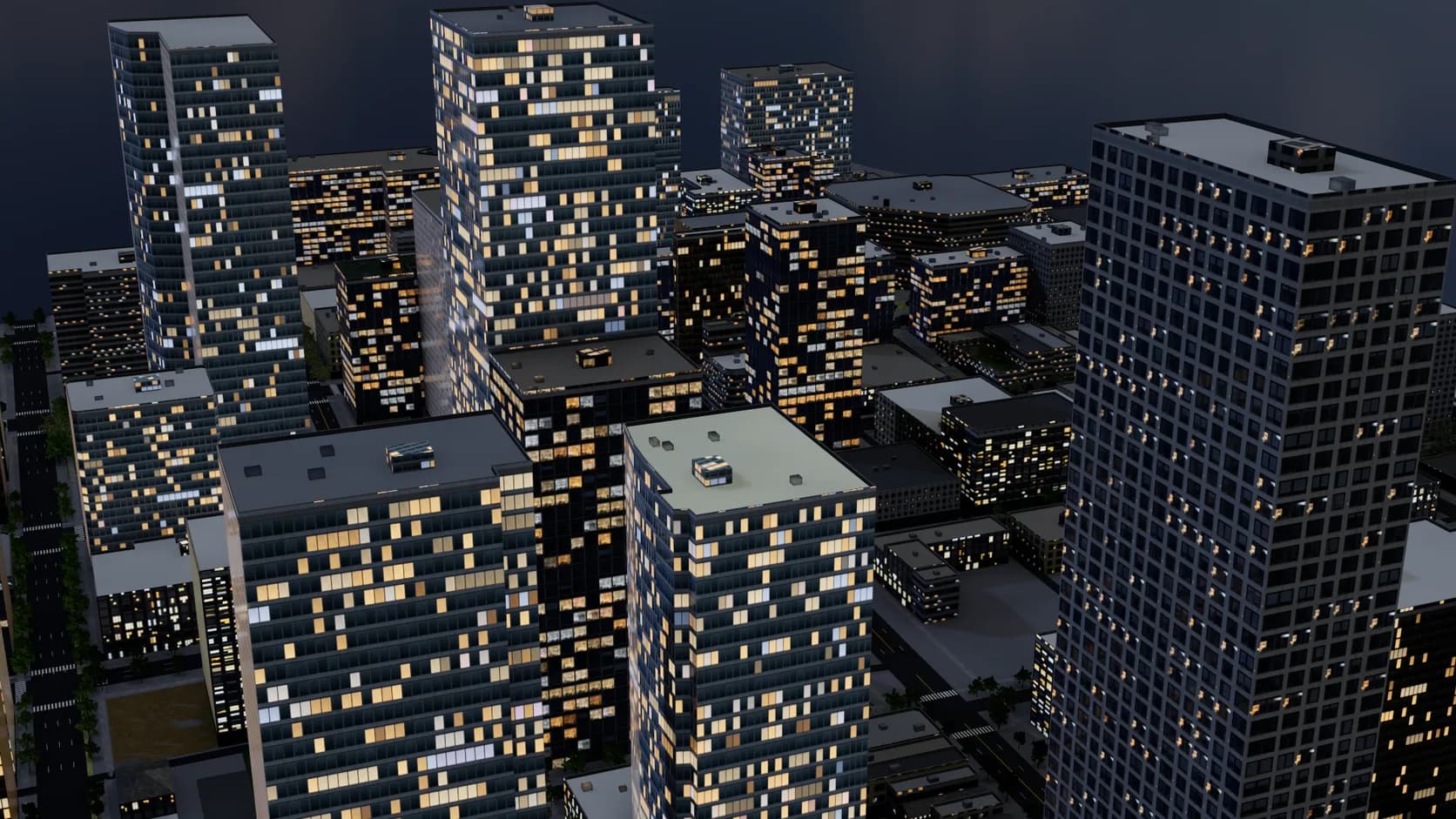
As the sun sets, window glow ramps up and the share of lit rooms varies from wall to wall, so towers don't glow as one flat block.
Interior mapping puts a room behind each pane — floor, ceiling and walls that shift with the camera — so a lit window close up has depth.
Night dims the sky and adds a cool moonlight, so walls, roofs and streets stay readable around the lit windows.
Buildings at their mapped heights, streets by class and water from the map, so the skyline is the one people know.
Below the horizon the sun turns off, the sky dims and a scattering of rooms lights up on every wall, under a cool moonlight.
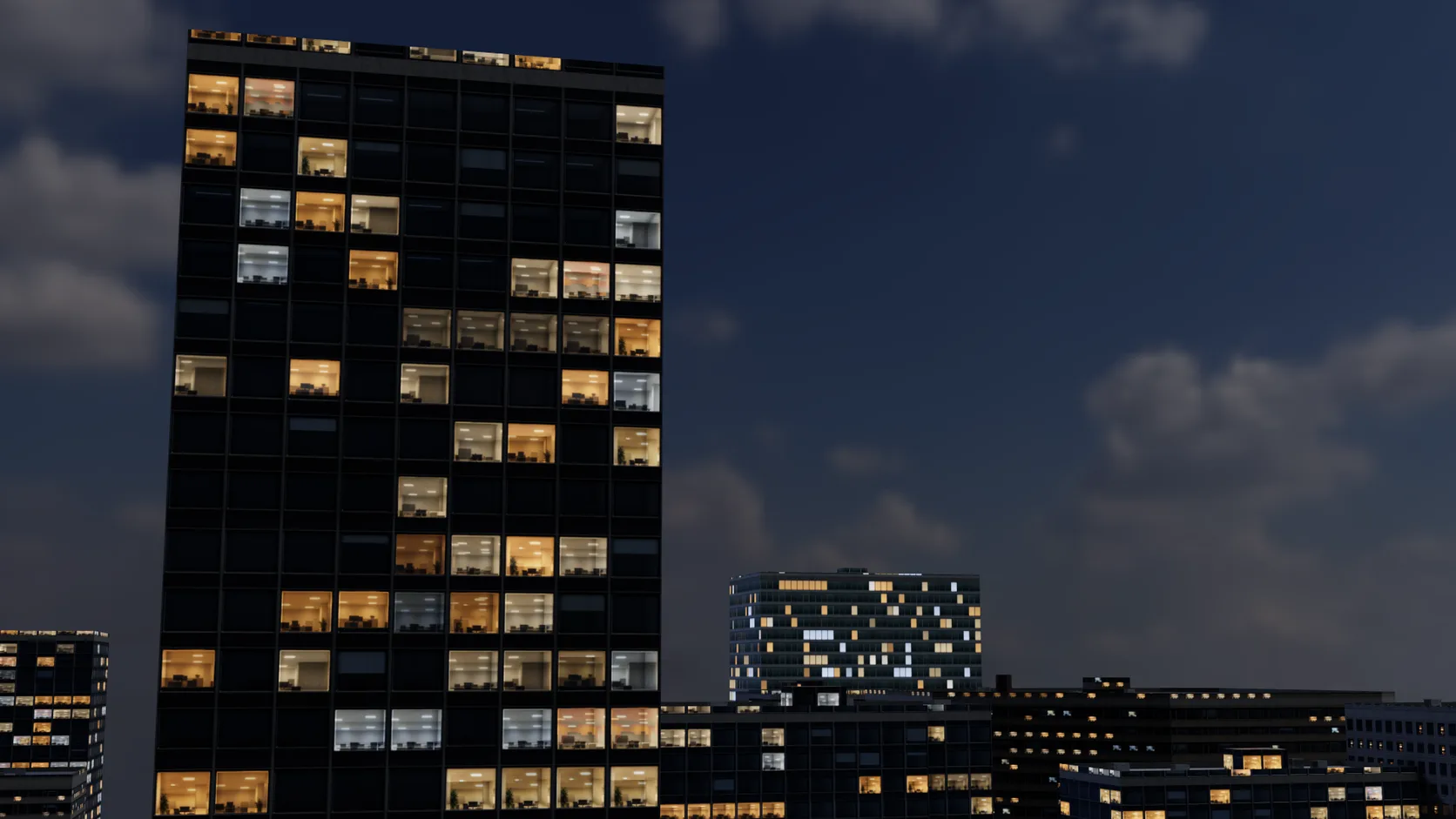
Interior mapping puts a room behind each pane, so a lit window close up shows a ceiling light and a back wall that shift with the camera.
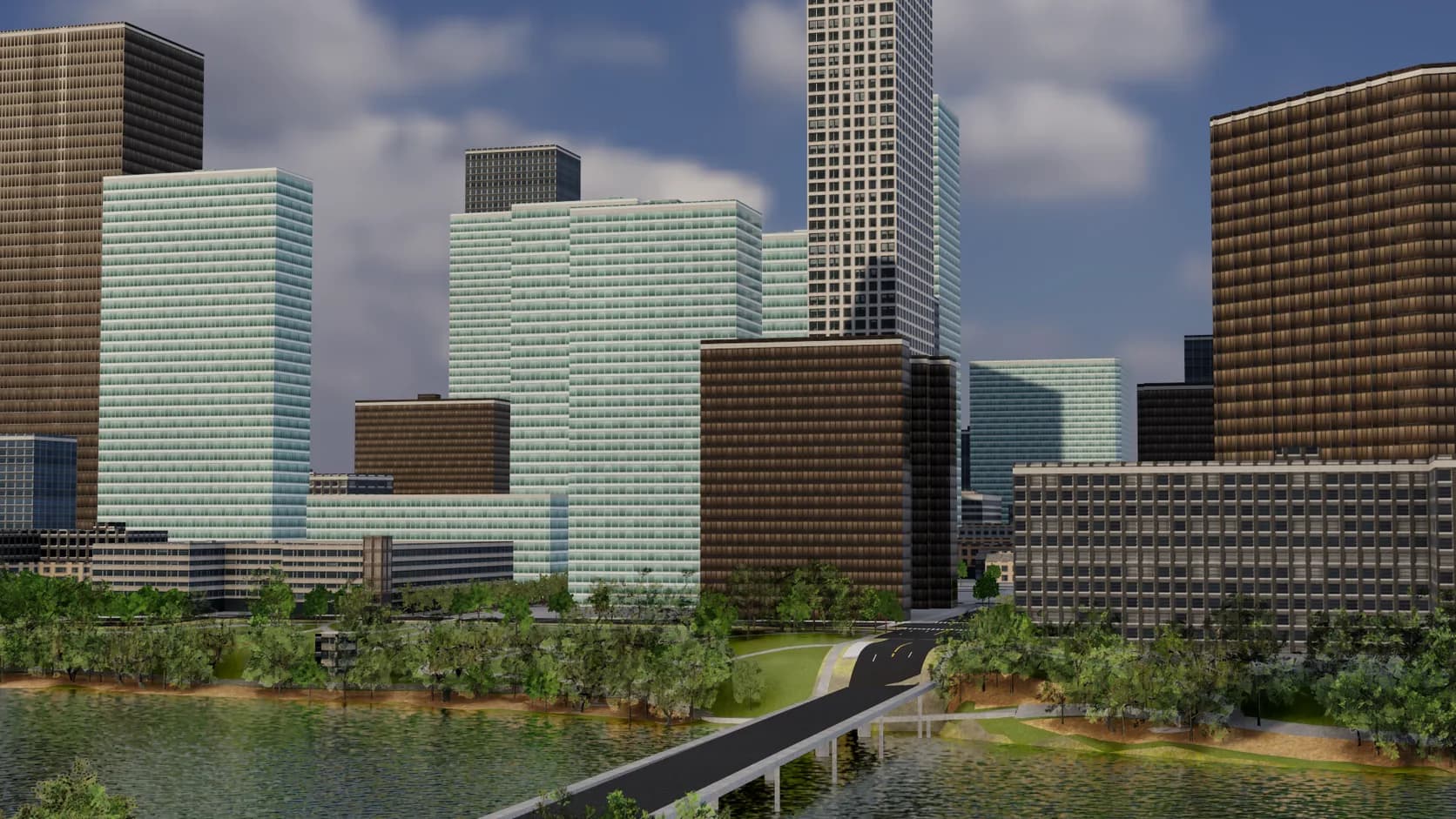
Roads are sized by class with sidewalks, lane markings and crossings, bridges span the water instead of dipping into it, and parks, paving and street trees fill in the rest.
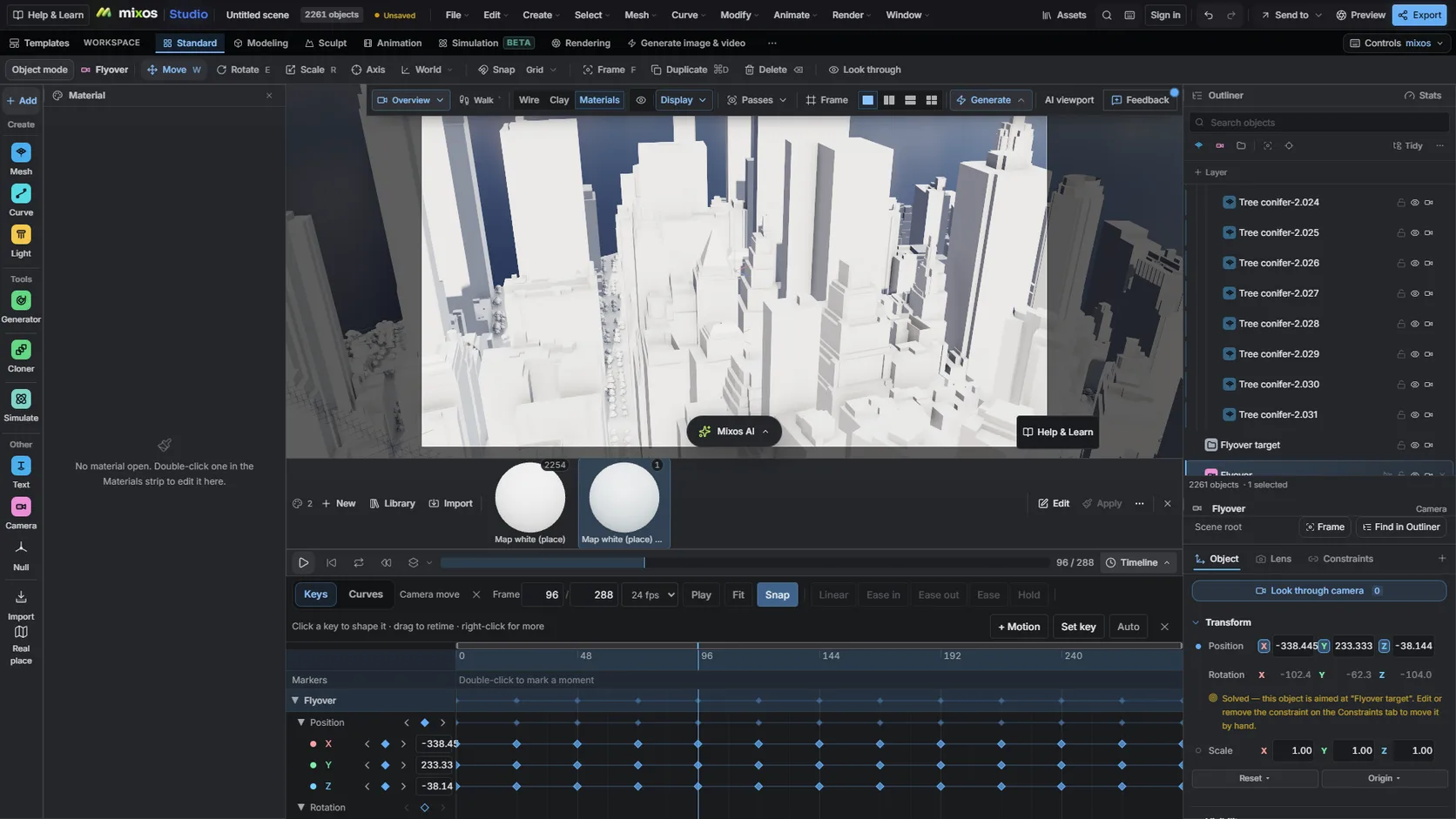
Key an orbit or a fly-through on the timeline and record it as video from the Realtime engine.
Why Mixos
By day, a block of grey boxes can pass for a city. At night it cannot: every window lit at once reads as a texture, and every window dark reads as a model. Real cities at night are a pattern of occupied rooms, a few on each floor, different on every building.
Studio's Real place import builds the city from OpenStreetMap — buildings at their tagged heights, facades chosen by building type, era and region, roads, water and trees — and the facades carry their own night. Run the sun study for an hour after sunset, or pick the Night style in the picker, and window emission ramps up as the sun drops below the horizon. The lit rooms are dealt per wall rather than repeated with the texture, and from the air each building glows evenly at its own level.
Up close, the windows are glass with depth. Interior mapping places a room behind each pane, one per bay and storey, with blinds part-way down in some, so a lit window shows a ceiling light and a back wall that shift as the camera moves. The sky dims to a night blue and a cool moonlight keeps the streets and walls readable.
The night look is drawn by the realtime viewport, which is also Studio's Realtime render engine: save stills from it, or record an animated camera move as video. It is not carried into the path tracer or into exported model files, which take the daytime facade.
Open the Real place picker in city mode, search the area and draw a box up to about 1 km across.
Run the sun study for after sunset, or choose the Night style under More before importing.
Put a camera low between the towers or high for an aerial, keep the Realtime engine and save a still or a video.
Build 800 m of downtown Chicago along the river, set the sun study to 9 pm in December, and frame a slow aerial orbit over the lit towers.
Import the area in Studio's Real place picker in city mode, then set the sun study after sunset or choose the Night style before importing. Windows light up, the sky dims and moonlight keeps the streets readable.
They are seeded: the pattern of lit rooms differs from wall to wall and building to building, and stays put when you move the camera.
Not yet. The night windows and the rooms behind them are drawn by the realtime renderer, which you can save stills and video from. The path tracer renders the daytime facade.
The layout, heights and streets are, from OpenStreetMap. The facades are chosen from a library by building type, era and region, so a landmark will not show its real ornament.
Yes, with credit to © OpenStreetMap contributors, which mixos keeps with the scene. Clean full-resolution stills and video are on a paid plan.
Read next
Which format keeps materials and which throws them away.
Open the file in the browser — meshes, materials, triangle count.
Watertight remesh, thickened walls, and the checks that stop a bad print.
Key, retime and ease a move, step by step.
Keep exploring
3D city model generator
3D map maker
OpenStreetMap to 3D
Google Earth Studio alternative
Online 3D animation