Mixos Scan · Space mode
Measure a room by walking through it.
Use your iPhone’s LiDAR sensor to turn rooms, walls, vehicles, and larger subjects into real-scale geometry as you move.
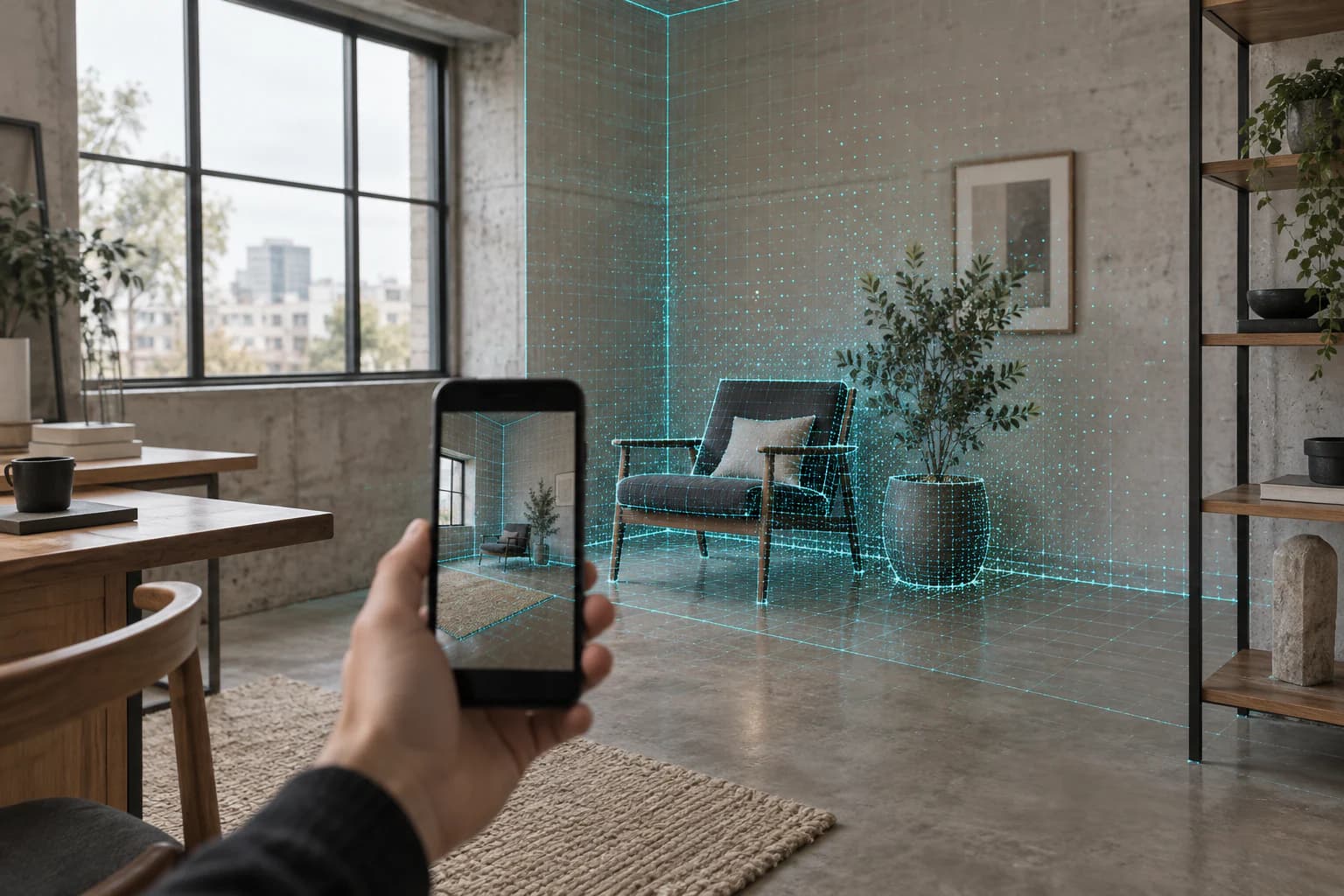
Live LiDAR reconstruction
Scale that comes from the sensor.
ARKit measures in metres. Mixos preserves that scale through the handoff, so a room arrives as a room—not as a mystery mesh waiting for you to guess its size.
Metres
Measured scale
PLY
Mesh output
Live
Surface build
Start with the whole
Choose Space mode for a room, wall, vehicle, or anything too large to orbit.
Walk the edges
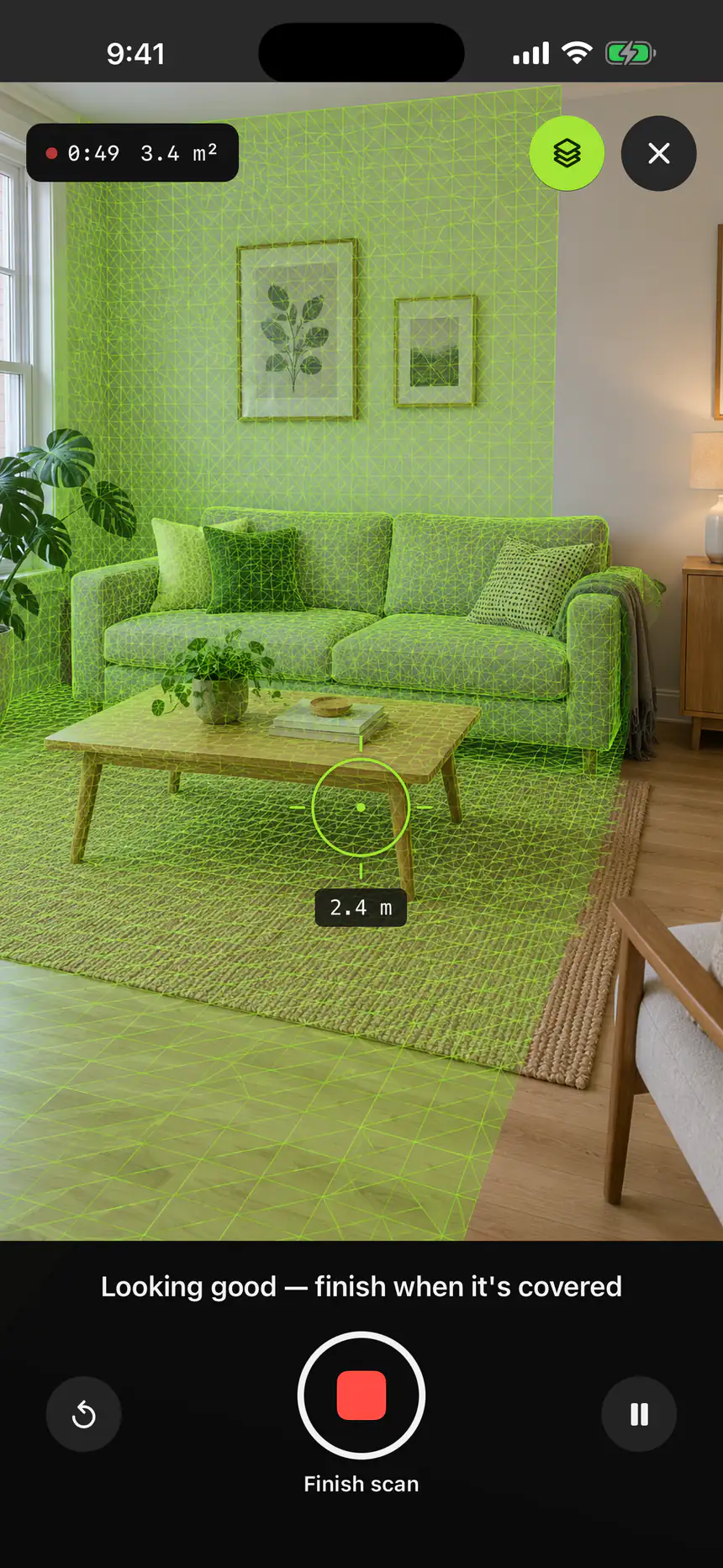
Move steadily while the live triangle count and mesh coverage show what is captured.
Finish and preview
Mixos reduces the mesh, keeps its measured scale, and saves it to your scan library.
Good to know
Before you start scanning.
- Is Space mode textured?
- Space scans are PLY meshes with vertex colour when enough camera coverage is available. They are not photo-textured like Object mode.
- What can I scan?
- Rooms, walls, furniture layouts, vehicles, and other subjects that are too large to walk a tight orbit around.
- Does the scale stay correct?
- Yes. LiDAR reconstructs in metres, and Mixos stamps the scan’s source unit during import so Studio does not have to guess.
Built on your device
Capture and reconstruction stay on your iPhone. No upload queue between you and the model.
A real file, not a demo
Object mode produces GLB. Space mode produces PLY. Both travel into the same Mixos import path.
Made for the next step
Scans are reduced before handoff so they open comfortably instead of ending in an optimization prompt.
Your next model may already be in the room.
Download Mixos on a supported iPhone or iPad Pro and open Scan from the app home screen.