Windows tablet: desktop Blender
A Windows tablet is a Windows computer. Check Blender's CPU, memory and graphics requirements before installing the desktop build; a keyboard and pointer help with its dense interface.
Blender on tablet
A Windows tablet can run desktop Blender if it meets the system requirements. Blender does not list a public iPadOS or Android tablet download. If you want to build 3D on either of those tablets today, use a remote computer or open a tablet-ready editor such as Mixos.
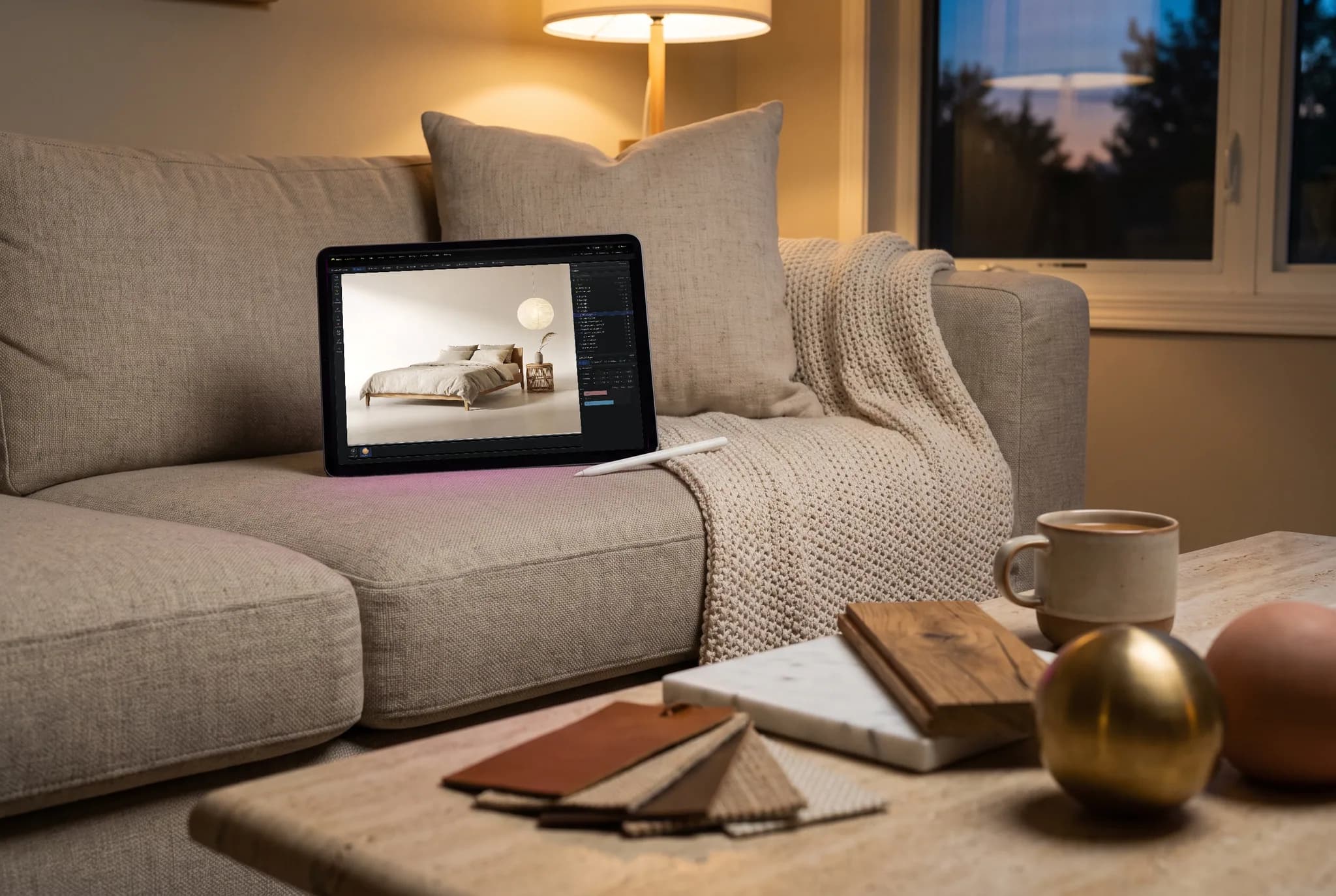
A Windows tablet is a Windows computer. Check Blender's CPU, memory and graphics requirements before installing the desktop build; a keyboard and pointer help with its dense interface.
Blender has shown an iPad demo and is working on tablet support, but its public download list does not include iPadOS or Android. Unofficial builds are separate from an official release.
Remote desktop keeps Blender, your .blend files and add-ons on a Mac or PC. The tablet becomes the screen and input surface, so a running computer and connection are required.
Mixos Studio runs on supported iPads and Android tablets with WebGPU. Model, arrange, animate and render a scene on the device, with touch controls instead of a remote computer.
Why Mixos
A tablet is a shape, not a single software platform. On a Windows tablet, Blender's Windows build is the real desktop application, provided the hardware meets its published requirements. A detachable keyboard or mouse can make its shortcuts and small controls easier to use. The tablet form does not turn Blender into a touch-first app.
On an iPad or Android tablet, Blender's official download page does not currently offer a public mobile build. Blender demonstrated an iPad version and continues tablet work, so the status can change; its download page is the place to check. Remote access to a computer running Blender is the way to keep the exact interface and a working .blend project on those devices now.
If you want the tablet to do the 3D work itself, Mixos Studio is a different application. It opens on a supported tablet in a WebGPU browser, with mesh editing, modifiers, a scene graph, keyframe animation and rendering. Landscape tablets get room for the desk layout; on narrower views, panels fold into sheets. You can also sculpt in Mold and texture in Paint on the same account.
Match the tool to the handoff. Blender is the choice when the final deliverable is an editable .blend scene, a Geometry Nodes setup or a particular add-on. Mixos is useful for starting or continuing a model directly on an iPad or Android tablet. Mixos does not open .blend files; standard mesh formats can move geometry between the tools, and exporting a finished mesh from Mixos requires a paid plan.
Yes, if it runs a supported Windows version and meets Blender's CPU, RAM and GPU requirements. It runs desktop Blender, so a keyboard and pointing device can make the interface easier to use.
Blender's official download page does not list a public iPadOS or Android release. It has demonstrated an iPad build and continues tablet development. Check its download page for the current release status.
Run Blender on a Windows tablet that meets its requirements, or use remote desktop to reach Blender on a Mac or PC. Mixos does not open .blend files; export a supported interchange format from Blender to bring in the geometry.
On an Android tablet with a current WebGPU-capable browser and suitable graphics hardware, Mixos Studio lets you build and animate a 3D scene. The browser does the work on the tablet; a separate desktop computer is not required.
Mixos lets you create, edit, animate and save scenes for free. Exporting a finished mesh or production file requires a paid plan. Blender itself is free on the desktop platforms it supports.
Read next
Vertices, edges and faces — the box-modelling fundamentals.
Which of the two approaches fits the thing you're making.
Which format keeps materials and which throws them away.
Why the same texture reads bigger on one model than another.
Keep exploring
Blender on iPad
Blender on phone
Blender alternative
Sculpting on iPad
Sculpting on Android
3D animation on iPad
Start a model in Studio, save it to your Mixos account and continue on a larger screen when you need one.