Study a PBR material on a simple UV sphere
A sphere makes surface changes easy to compare: the silhouette stays fixed while color, roughness and normal detail change. This study applies Blue Metal Plate to the shipped sphere and exports the result for Blender.
By Mixos
The short answer
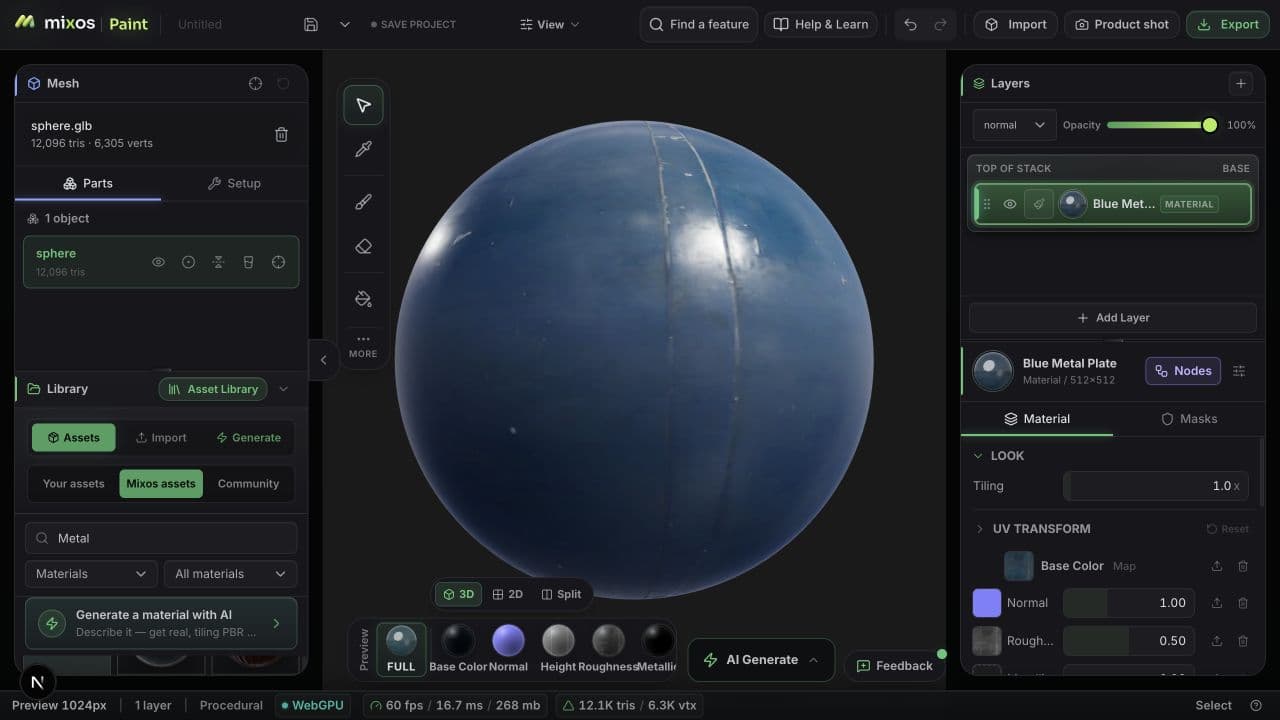
The example has one mesh, 12,096 triangles and one UV layer. It uses a Blue Metal Plate layer at tiling 1 and normal intensity 1. Download the editable Paint project to inspect the layer, or the GLB to inspect the exported material.
Step by step
- 1
Open the editable project
Open Paint, open the project file menu beside Save, then choose Open project file and select blue-metal-sphere.mxo. The file includes the sphere and material maps. Inspect the Blue Metal Plate material layer.
- 2
Inspect the channels
Compare Base Color, Normal and Roughness in the viewport channel controls. The material has no source metallic map. Painted metal can have a non-metallic coating, so a metallic output of zero is not evidence of a missing texture.
- 3
Compare a controlled variation
Change tiling from 1 to 2 and compare the scale of the marks. Restore 1, then vary normal intensity while keeping the light unchanged. Save a copy of the project to keep your experiment separate.
- 4
Inspect the exported result
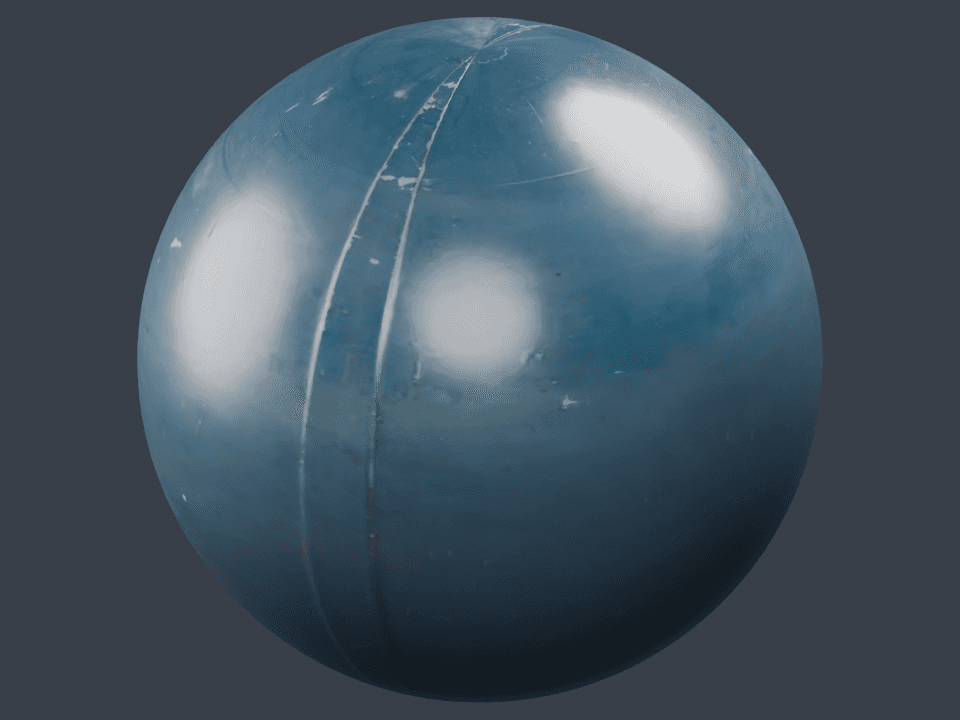
Import the downloaded GLB into Blender. The render below comes from that file in Blender 5.1.2, with three area lights and AgX. Lighting differs from the Paint viewport, so compare map connections and surface detail rather than expecting identical pixels.
Measured settings and limits
Tested October 9, 2026: Paint reports 512 × 512 for the library layer; its bundled source images are 1,024 × 1,024. Export was set to 1,024 × 1,024, PNG, 8-bit, Blender preset and OpenGL normals. Increasing export resolution does not create new surface detail.
The source texture is Poly Haven’s CC0 Blue Metal Plate. The GLB includes base color, packed roughness/metallic and a tangent-space normal texture. The separate height PNG is available in the export ZIP; the GLB does not automatically become a displaced mesh.
Sources and further reading
Frequently asked questions
Does the native project need remote textures?
The downloadable .mxo includes the layer maps and sphere mesh. It can be reopened without fetching the material from the asset library.
Can I use the material commercially?
Poly Haven releases the source Blue Metal Plate texture under CC0, allowing commercial use, modification and redistribution without attribution. The original asset and license are linked below.