

Model on the mesh
Extrude faces, inset detail and bevel edges. Studio’s polygon tools help you work on the geometry itself, from a simple blockout to a detailed prop.
Mixos Studio · iPhone & iPad
Build a prop, refine a mesh or block out a scene while the idea is fresh. Studio puts polygon modeling, materials and a scene workspace on your iPhone.
Download on the App StoreFree download · In-app purchases · iOS 26 or later
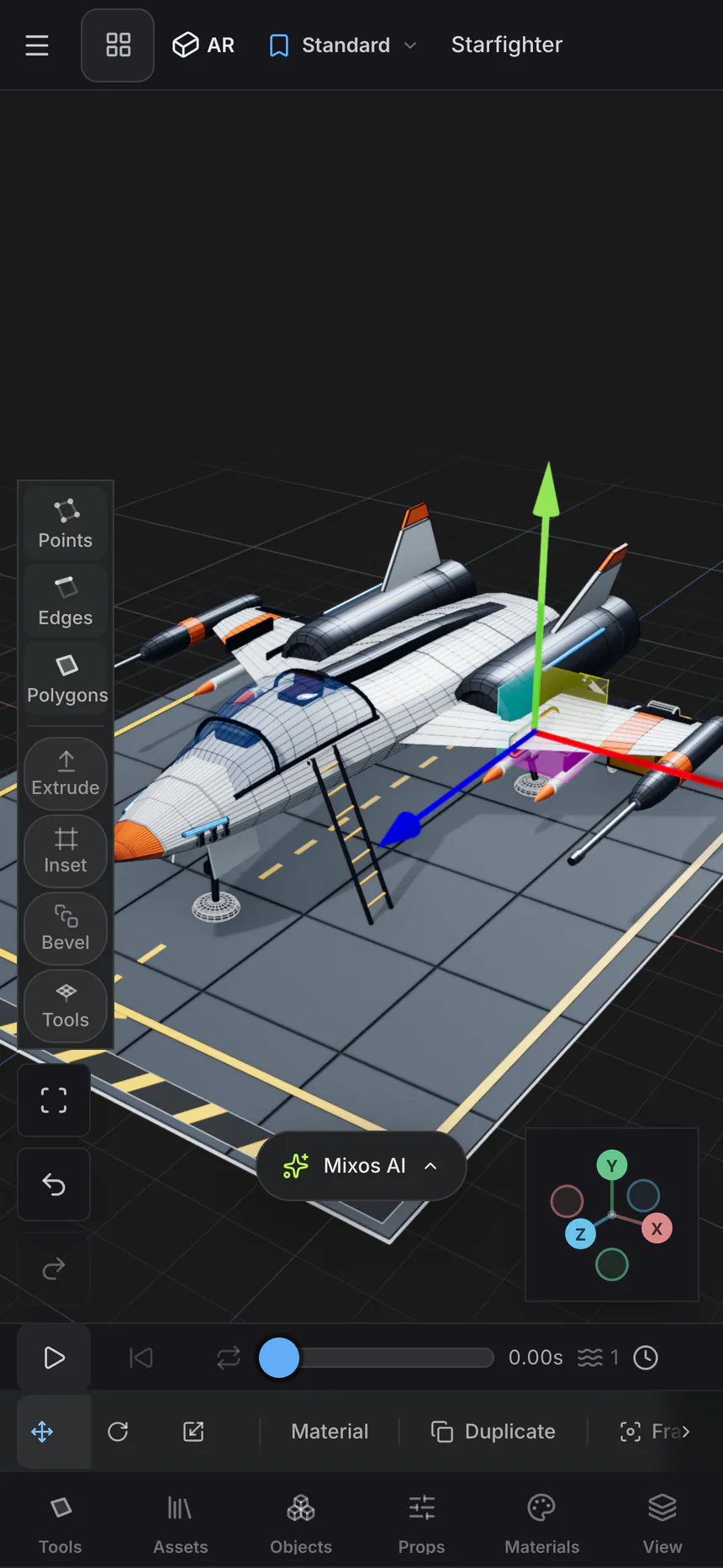
A real workflow, on your phone
Extrude faces, inset detail and bevel edges. Studio’s polygon tools help you work on the geometry itself, from a simple blockout to a detailed prop.
Keep objects in a scene hierarchy. Move, rotate and scale them, then adjust materials and lights in the same workspace.
Use the timeline to keyframe object transforms. Preview movement while keeping the scene and its materials in view.
From the first idea to the final detail
Open a model or start a mesh, then work directly on points, edges and polygons. Use the transform controls to position parts. Arrange your objects, choose materials and set the lighting before you frame the shot.
Meet the whole iPhone & iPad suite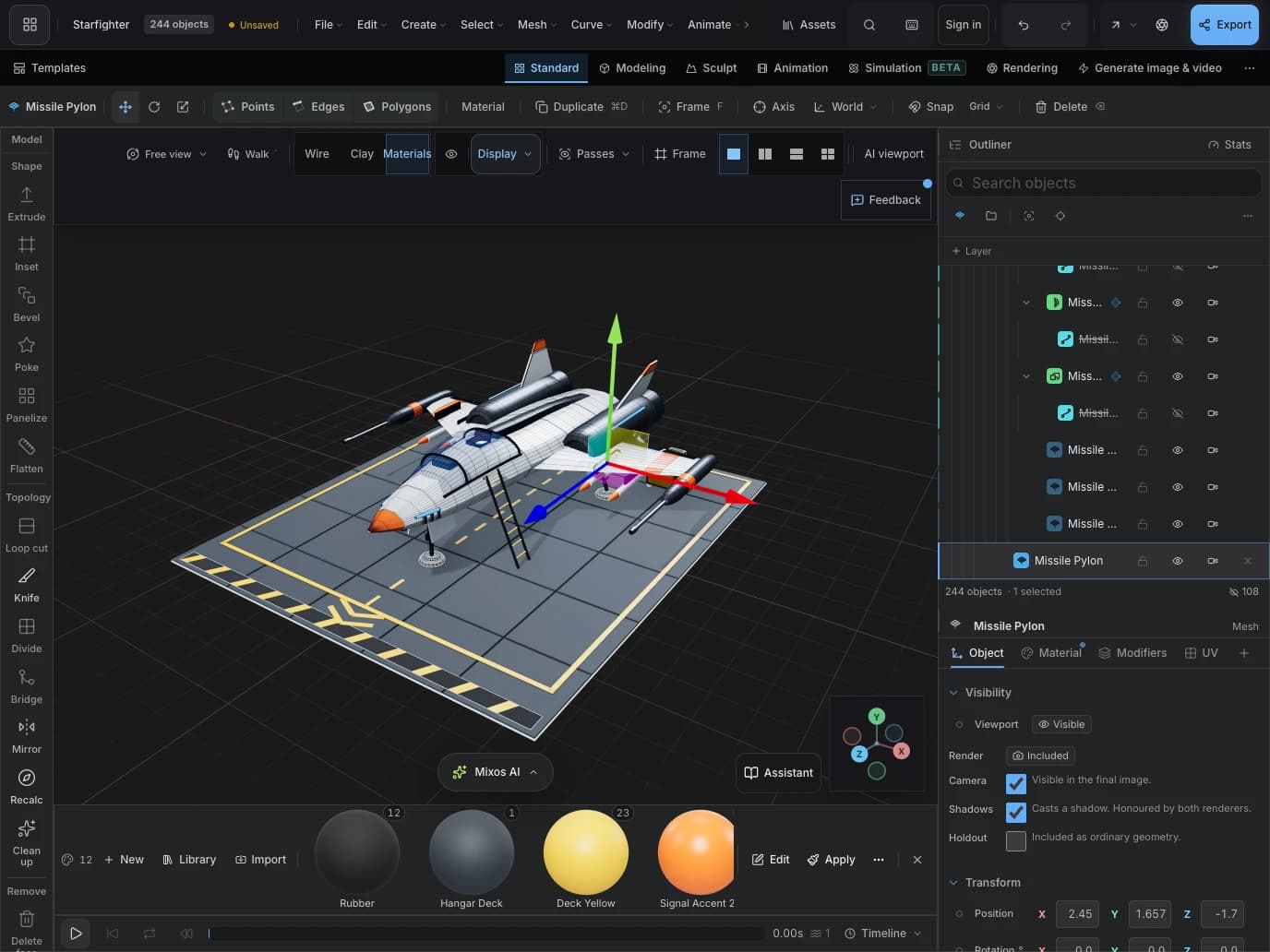
Before you begin
Yes. Studio in the Mixos app includes polygon modeling tools such as extrude, inset and bevel. The iPhone layout puts touch controls beside the mesh; iPad gives the same workspace more room.
No. Studio ships inside the Mixos app alongside Mold, Paint and Logo. Download Mixos, then choose Studio from the app hub.
Yes. Mixos supports formats including GLB, glTF, FBX, OBJ and STL. What you can edit depends on the imported geometry. Save the project to your account to continue on another supported device.
Mixos requires iOS 26 or iPadOS 26 or later. Check your device’s compatibility on the App Store listing. Downloading is free; in-app purchases, export entitlements and AI credits are explained in the listing.
Included in Mixos for iPhone & iPad
Free download. In-app purchases available.
