다섯 가지 차트 유형
막대, 가로 막대, 선, 도넛, 파이 차트가 등장할 때 각각 애니메이션됩니다. 작은 라벨과 값 표만 있으면 됩니다.
애니메이션 차트
차트를 추가하고 라벨과 값을 입력하면 브랜드 컬러로 제자리에 애니메이션됩니다. 카운트업되는 숫자, 타이틀, 보이스오버와 함께 놓으면 숫자에 이야기가 생깁니다.
막대, 가로 막대, 선, 도넛, 파이 차트가 등장할 때 각각 애니메이션됩니다. 작은 라벨과 값 표만 있으면 됩니다.
텍스트 레이어의 숫자가 값까지 카운트업되고, 진행 막대와 링은 지정한 퍼센트까지 채워집니다.
차트는 컴프의 브랜드 컬러와 텍스트 스타일을 사용하므로, 팔레트를 바꾸면 모든 차트에 한꺼번에 반영됩니다.
Recap은 9:16으로 만든 완성된 연간 숫자 요약 클립입니다. 숫자 하나가 한 샷이고, 비트에 맞춰 컷됩니다.
Every clip here is a template Motion rendered itself. Pick one in the start window and swap the words, the pictures and the brand colours.
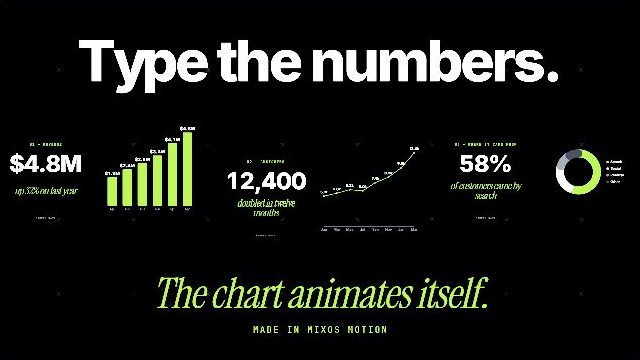
Numbers that move, in one shot: the camera travels a board of charts built from plain data, then pulls back to show it whole.
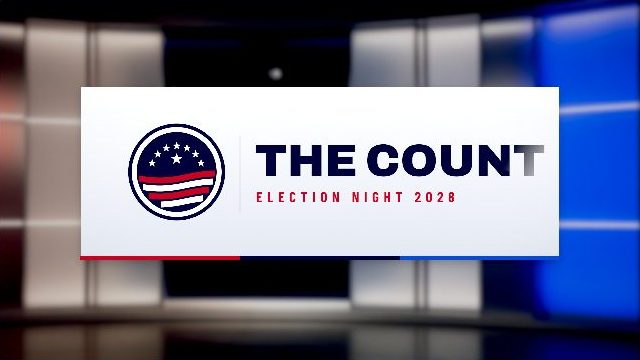
An election-night broadcast package: a flag emblem and wordmark on a glass slab, a headline lower third with a countdown clock, a key-race results board with a projected winner, a 50-state tile map with the race to 270, ribbon bands and red-white-blue ribbon wipes, and a marble star that shatters on the drop.
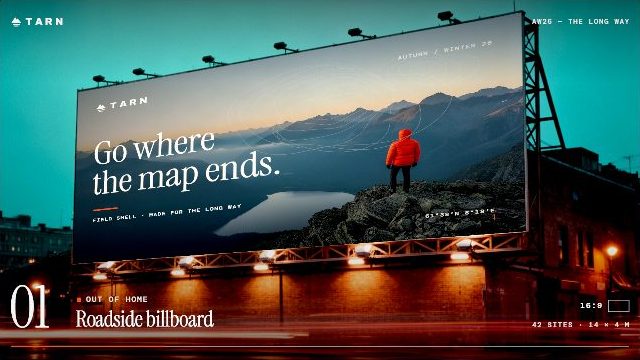
An agency case-study film for an invented outdoor brand: the artwork comps (billboard, posters, a story) corner pinned onto a roadside billboard, a bus shelter, a metro platform and a phone, with a paper slate, results counting up and a sign-off.
Mixos AI
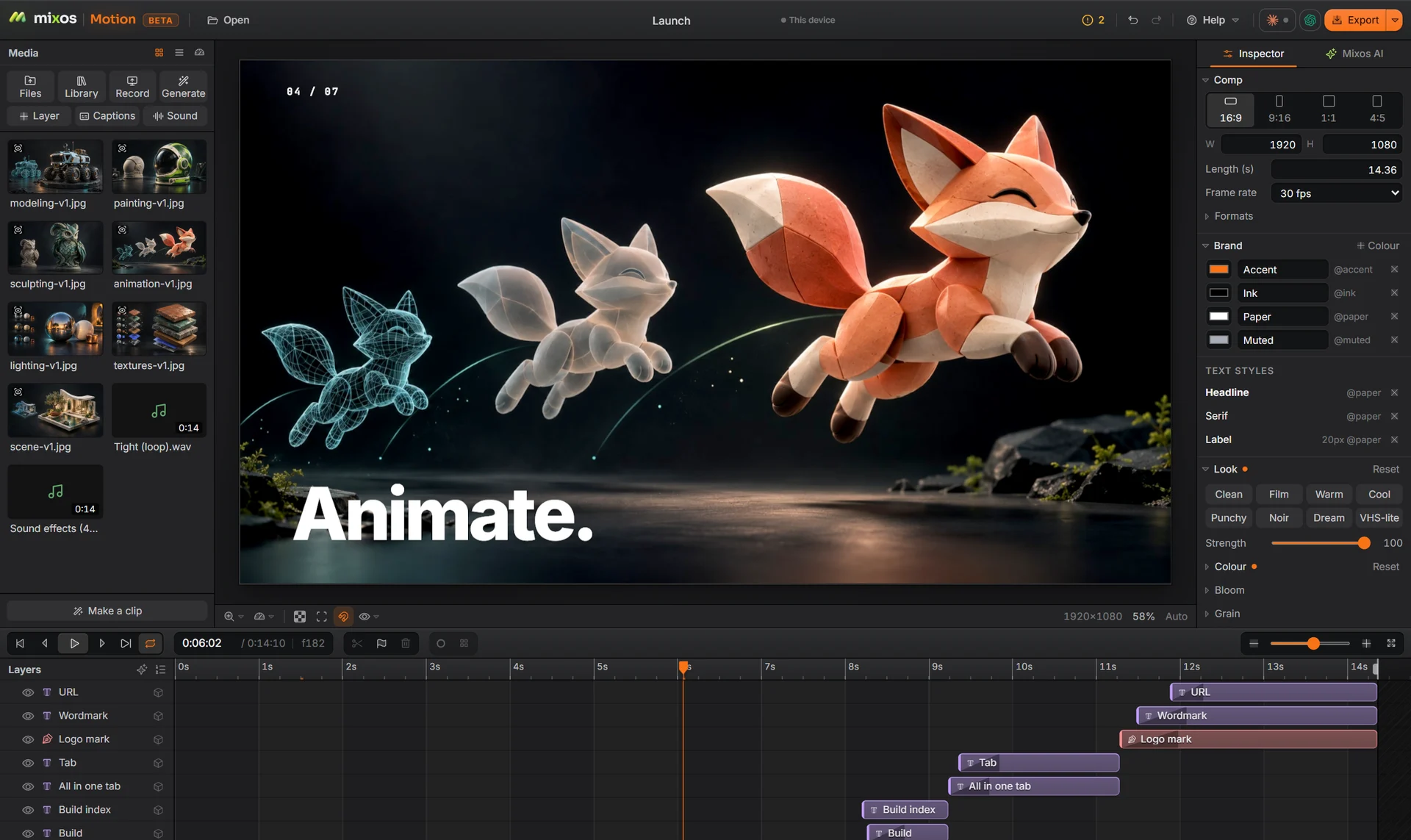
Type the ask under the viewer. Mixos AI works in your comp with the same tools as the buttons, so what it makes is normal layers you can move, retime or delete, and each request is one undo step.
Open MotionAdd a bar chart that grows from these numbers: 12, 19, 27, 41. Count the values up as the bars rise.
Mixos를 선택해야 하는 이유
영상 속 정지된 차트는 화면에 놓여 있을 뿐이라 시청자가 요점을 직접 찾아야 합니다. 애니메이션 차트는 요점을 보여 줍니다. 중요한 막대가 마지막에 자라고, 선은 보이스오버가 오른다고 말하는 순간 올라가며, 합계는 헤드라인의 숫자까지 카운트업됩니다.
Motion에서 차트는 하나의 레이어입니다. 표에 값을 입력하고 유형을 고르면 다른 레이어와 같은 타이밍으로 등장하므로, 설명하는 문구와 스태거로 맞출 수 있습니다.
SNS용 연간 결산, 제품 업데이트, 피치, 강의에 쓰세요. 슬라이드와 YouTube에는 16:9, Reels와 TikTok에는 9:16으로 만듭니다.
제작, 애니메이션, 미리보기는 무료 계정으로 무료이며, 무료 내보내기는 540 px에 워터마크가 붙습니다. 워터마크 없이 최대 4K로 내보내는 기능은 월 $10.00의 Pro 또는 일회성 $129 라이선스에 포함됩니다.
차트에 바로 붙여 넣을 수는 없습니다. 차트마다 작은 표가 있어 라벨과 값을 직접 입력하는 방식이며, 영상에 담을 수 있는 소수의 숫자를 위해 만들어졌습니다.
네. 어떤 텍스트 레이어든 숫자에 카운트업을 켜면 나타나는 동안 값까지 올라갑니다.
네, 초당 최대 30프레임의 GIF로 내보내거나 MP4, WebM, 이미지 시퀀스로 내보낼 수 있습니다.
제작과 미리보기는 무료입니다. 무료 계정은 긴 변 540 px에 워터마크가 붙은 영상을 내보내며, Pro와 일회성 라이선스는 워터마크 없이 최대 4K로 내보냅니다.
Windows, macOS, Linux, ChromeOS의 데스크톱 또는 노트북에서 최신 Chrome이나 Edge가 필요합니다. Motion은 WebGPU를 통해 그래픽 카드를 사용하므로 설치할 것이 없으며, 열려면 무료 계정이 필요합니다.