Five chart types
Bars, rows, line, donut and pie, each animating in as it appears, from a small label and value table.
Animated charts
Add a chart, type its labels and values, and it animates into place in your brand colours. Put it beside a counter that counts up, a title and a voice-over, and the numbers have a story.
Bars, rows, line, donut and pie, each animating in as it appears, from a small label and value table.
A number on a text layer can count up to its value, and progress bars and rings fill to a percentage.
Charts use the comp's brand colours and text styles, so a palette change reaches every chart at once.
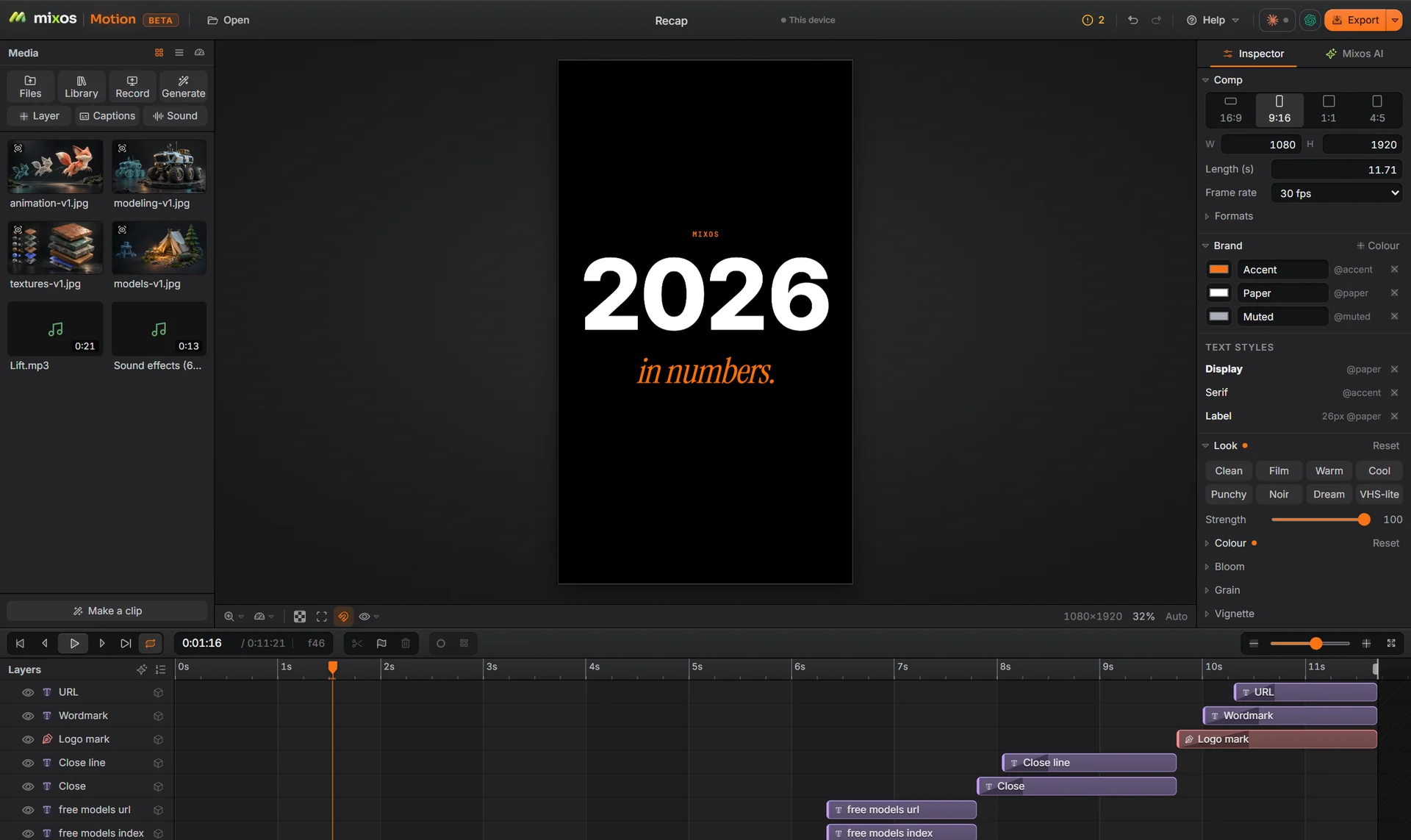
Recap is a finished year-in-numbers clip in 9:16: one number per shot, cut on the beat.
Why Mixos
A static chart in a video sits on screen while the viewer hunts for the point. An animated one shows it: the bar that matters grows last, the line climbs as the voice-over says it climbs, and the total counts up to the number in the headline.
In Motion a chart is a layer. Type the values into its table, choose the type, and it builds in with the timing of any other layer, so it can be staggered against the words that explain it.
Use them in a year-in-review for socials, a product update, a pitch or a lesson, in 16:9 for slides and YouTube or 9:16 for Reels and TikTok.
Building, animating and previewing are free with a free account, and a free export is 540 px with a watermark. Exporting up to 4K without the watermark is part of Pro at $10.00 a month or the one-time $129 license.
Not into a chart. Each chart has a small table where you type the labels and values; it is built for the handful of numbers a video can show.
Yes. Turn on count-up for a number on any text layer and it counts to its value as it appears.
Yes, as a GIF at up to 30 frames a second, or as MP4, WebM or an image sequence.
Building and previewing are free. A free account exports video at 540 px on the long edge with a watermark; Pro and the one-time license export up to 4K without one.
A desktop or laptop with current Chrome or Edge, on Windows, macOS, Linux or ChromeOS. Motion draws on your graphics card through WebGPU, so nothing installs, and a free account is needed to open it.
Read next
Key, retime and ease a move, step by step.
Keys, in-betweens, and the interpolation that joins them.
Bones, skin weights, IK, and why auto-riggers want a T-pose.
What carries over to an engine, and what to bake first.
Keep exploring
More in Animation & rendering