What carries over
Shapes with fills, strokes, gradients, trims, dashes and repeaters, draw-on strokes, text, SVG vectors, groups, masks, mattes and blend modes.
Lottie
Build the animation from shapes, text, icons and SVG logos with behaviours instead of keyframes, then export a Lottie file that plays sharp at any size on the web, in iOS and in Android.
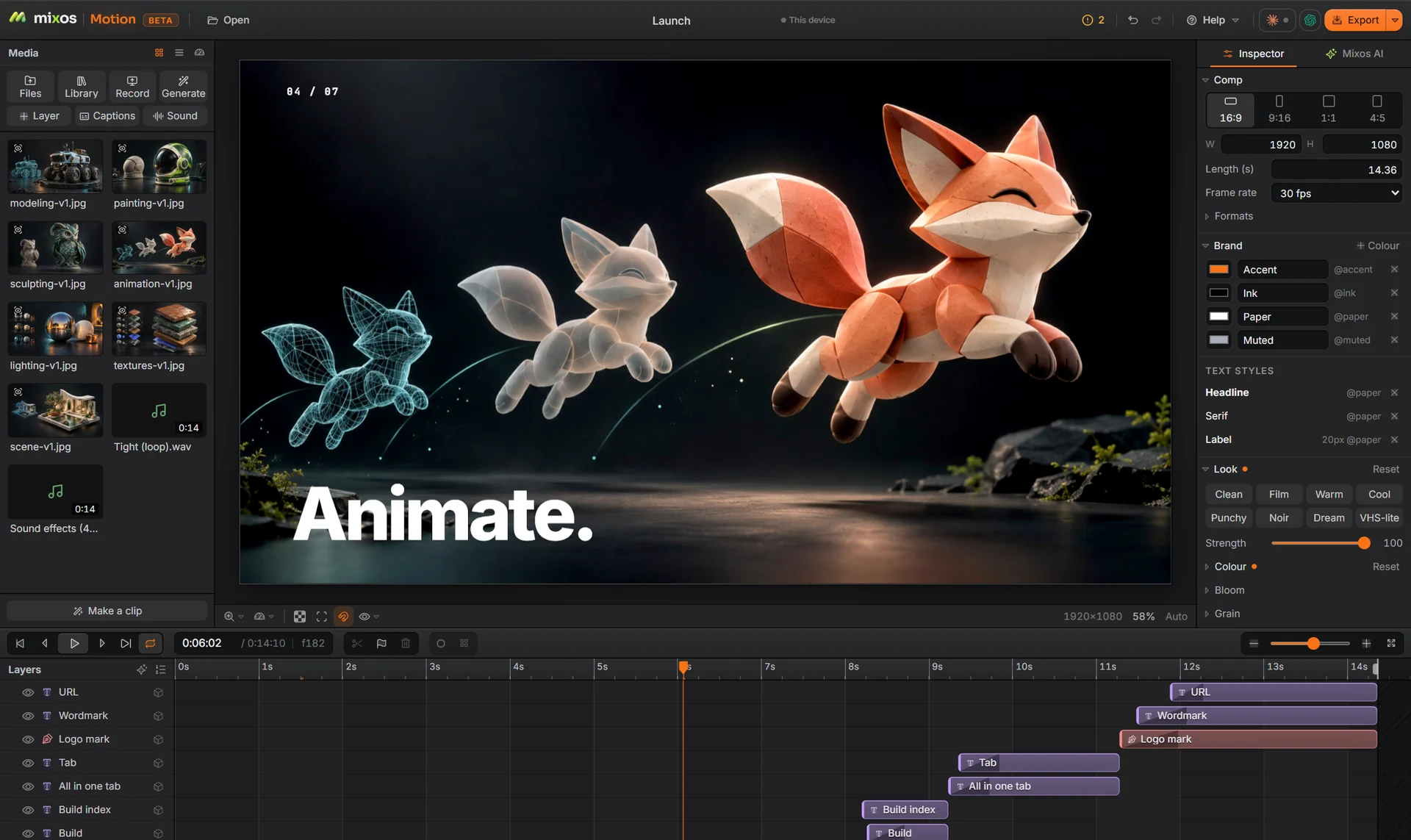
Shapes with fills, strokes, gradients, trims, dashes and repeaters, draw-on strokes, text, SVG vectors, groups, masks, mattes and blend modes.
Import a logo or an icon as SVG and each part can draw on, pop in or rise into place on its own.
Seven icon sets to animate, plus shapes such as arrows, stars and callouts with rounded corners and offsets.
Anything Lottie cannot carry, such as video, effects or 3D, is listed in a report after the export rather than dropped silently.
Why Mixos
Lottie files are small, scale without blurring and are easy to swap, which is why apps and websites use them for loaders, icons, onboarding and empty states. Making one usually means After Effects with an export plugin.
Motion writes Lottie itself. Build with vector layers, animate them with behaviours or keys, preview, and export the JSON. Text exports as outlines by default so it looks the same everywhere, or as editable text layers.
Lottie is a vector format, so it carries vector work: video, effects, 3D, cameras, particles, sound and motion blur stay in Motion, and the export report names each one it left out. A Lottie export can be up to 1,800 frames long: 60 seconds at 30 frames a second.
Building and previewing are free with a free account. Exporting Lottie is part of Pro at $10.00 a month or the one-time $129 license.
No. You can build and preview for free, but exporting a Lottie file needs Pro or the one-time license.
Yes. Import the SVG, give its parts a behaviour such as draw or pop, and export the comp as Lottie.
No. Motion exports Lottie; it does not import it.
Yes. Pictures are embedded in the file, up to 2048 px, which makes it larger. Video does not carry over.
A desktop or laptop with current Chrome or Edge, on Windows, macOS, Linux or ChromeOS. Motion draws on your graphics card through WebGPU, so nothing installs, and a free account is needed to open it.
Read next
Key, retime and ease a move, step by step.
Keys, in-betweens, and the interpolation that joins them.
Bones, skin weights, IK, and why auto-riggers want a T-pose.
What carries over to an engine, and what to bake first.
Keep exploring
More in Animation & rendering