Behaviours, not keyframes
Pick how a layer arrives, moves and leaves: fade, rise, pop, slide, type on, draw or blur, by line, word or letter, with a stagger. Keys and a graph editor are there when you need them.
After Effects alternative
Most clips people open After Effects for are short: a title, a logo sting, a product teaser, captions on a talking head. Motion does those with behaviours instead of keyframes, in a browser tab.
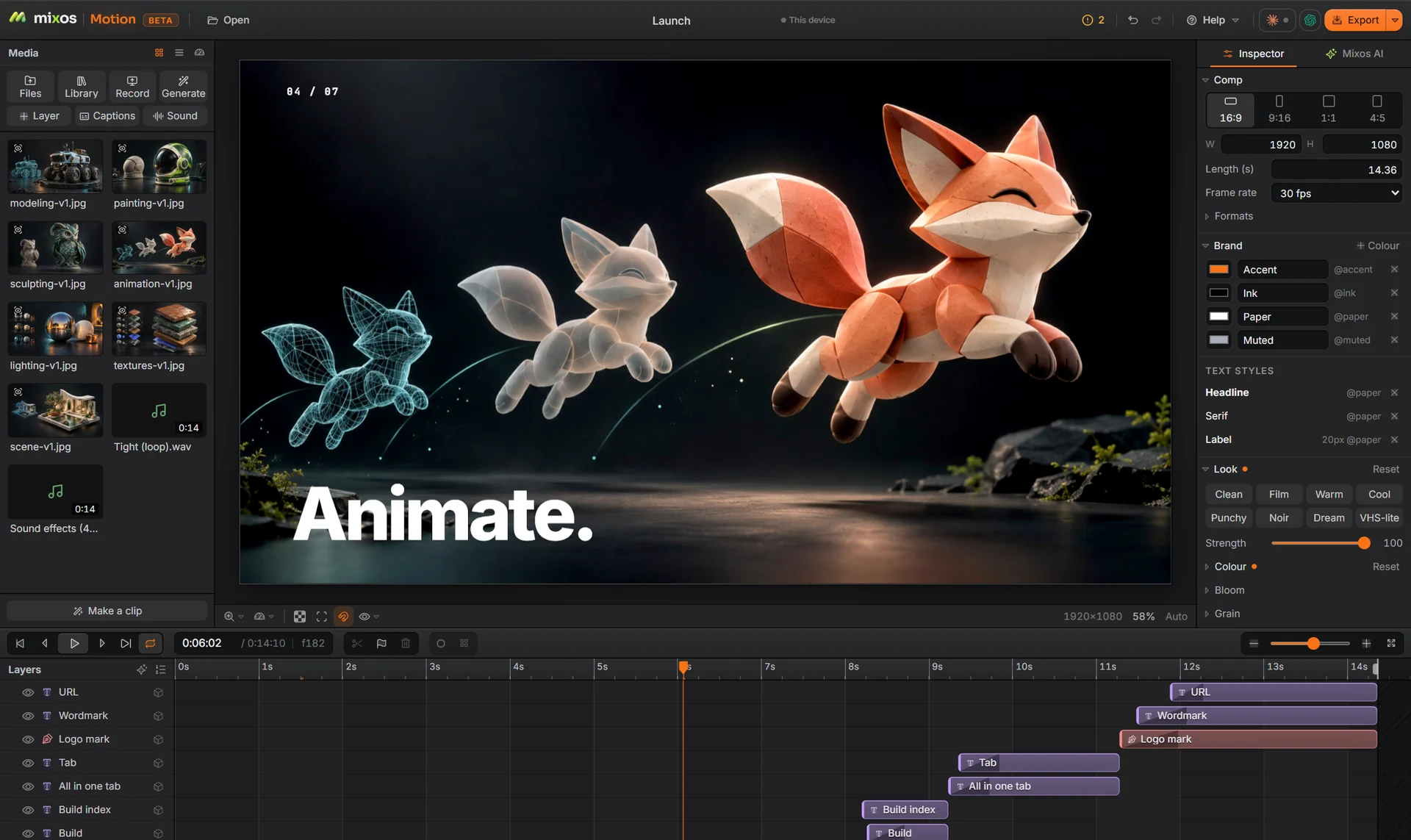
Pick how a layer arrives, moves and leaves: fade, rise, pop, slide, type on, draw or blur, by line, word or letter, with a stagger. Keys and a graph editor are there when you need them.
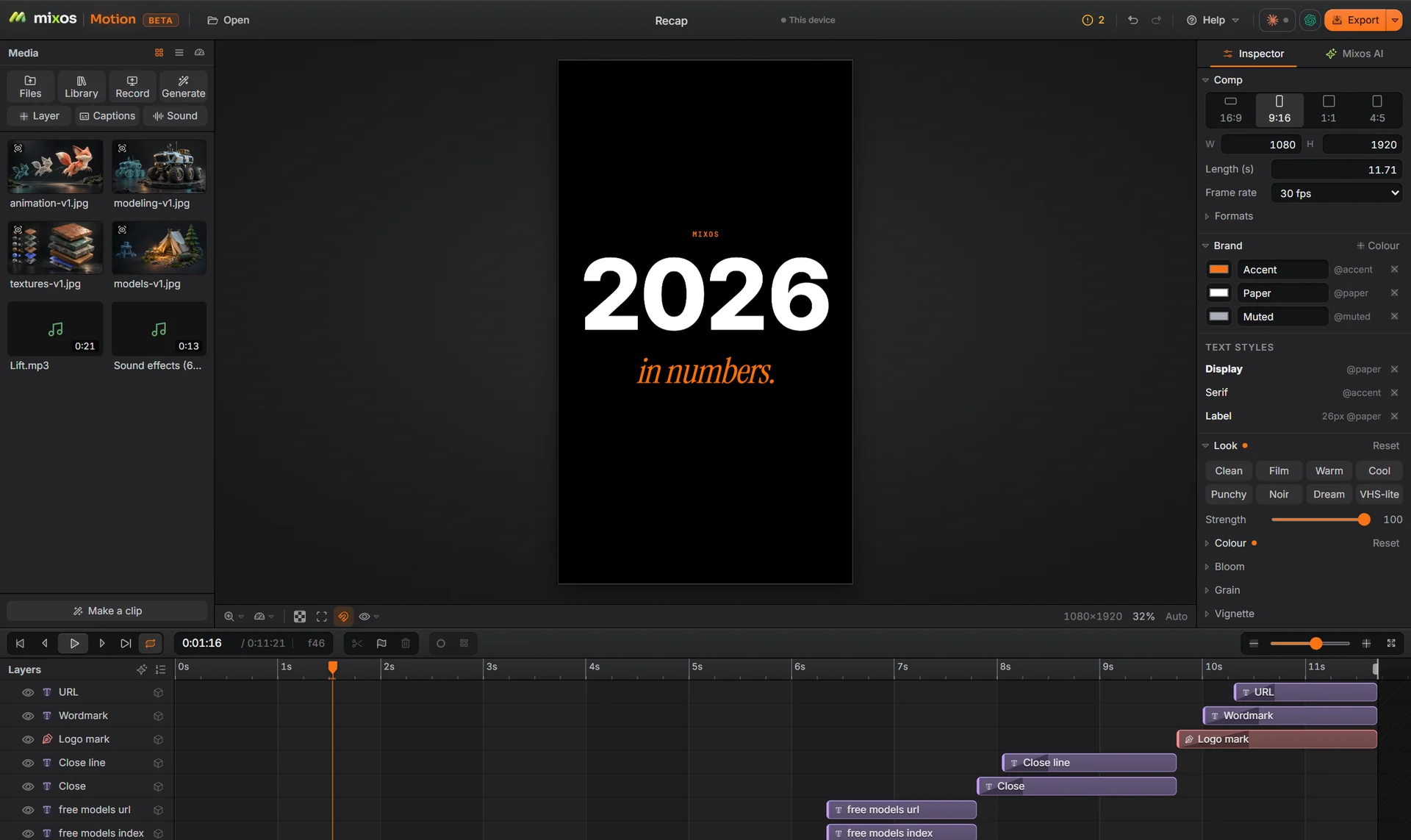
16:9, 9:16, 1:1 and 4:5 from the same layers. Text and logos are anchored to the frame, so they stay where you put them in each size.
Captions heard from the sound track, an English voice-over from a script, a music library with beat markers, and ducking under the voice.
It runs in Chrome or Edge on the computer you have, and the comp is saved to your mixos library rather than one machine.
Feature by feature
They are built for different amounts of work. Here is where each one is the better choice.
| Feature | Mixos | After Effects |
|---|---|---|
| Install | None: a browser tab in Chrome or Edge | Desktop app for Windows and macOS |
| Animating a layer | Behaviours by line, word or letter; keys and curves when you want them | Keyframes and expressions, with presets |
| Social sizes | 16:9, 9:16, 1:1 and 4:5 from one comp, re-laid by anchors | Usually a duplicate comp per size |
| Captions and voice-over | Built in; the speech models run on your device | Captions through Premiere Pro or a plugin |
| Compositing depth | Masks, mattes, keying, tracking and grading for short pieces | Industry-standard compositing, 3D camera tracking and roto |
| Extending it | No scripting or third-party plugins | Expressions, scripts and a large plugin market |
| Offline | Needs a connection to open and save | Works fully offline |
After Effects described from its public product pages, November 2026. Every Motion cell describes the shipping app.
Why Mixos
After Effects is a compositing workstation: expressions, scripting, a deep plugin market and a pipeline that big studios run on. If that is your job, keep it. Motion is for the short, frequent work around it, where opening a full compositor is the slow part.
The model is simpler on purpose. A layer gets a behaviour rather than a stack of keys, the comp has brand colours and text styles that every layer can use, and the layout is anchored, so switching from a 16:9 cut to a 9:16 one re-lays the comp instead of starting over.
The parts a social clip needs are in the same window: captions heard from the voice track, an on-device voice-over, pauses cut from speech, music, sound effects, transitions, masks, mattes, tracking and stabilising, and a checkup that flags text cut off by the frame or too fast to read.
Renders from Studio, the mixos 3D app, arrive in Motion in one step, so a product shot or a 3D title goes straight into the edit.
Building, animating and previewing are free with a free account, and a free export is 540 px with a watermark. Exporting up to 4K without the watermark is part of Pro at $10.00 a month or the one-time $129 license.
You can build and preview anything for free. Free exports are 540 px with a watermark; Pro or the one-time license exports up to 4K without one.
No. Motion does not read .aep files. Bring the media instead: video, images, SVG logos, sound and 3D models all import.
Yes, through files: MP4, WebM, PNG or JPG sequences, and on a paid plan the sound alone as WAV or M4A.
Yes. Most work never needs them, but any property can be keyed, with easing curves and a graph editor for timing by hand.
A desktop or laptop with current Chrome or Edge, on Windows, macOS, Linux or ChromeOS. Motion draws on your graphics card through WebGPU, so nothing installs, and a free account is needed to open it.
Read next
Key, retime and ease a move, step by step.
Keys, in-betweens, and the interpolation that joins them.
Bones, skin weights, IK, and why auto-riggers want a T-pose.
What carries over to an engine, and what to bake first.