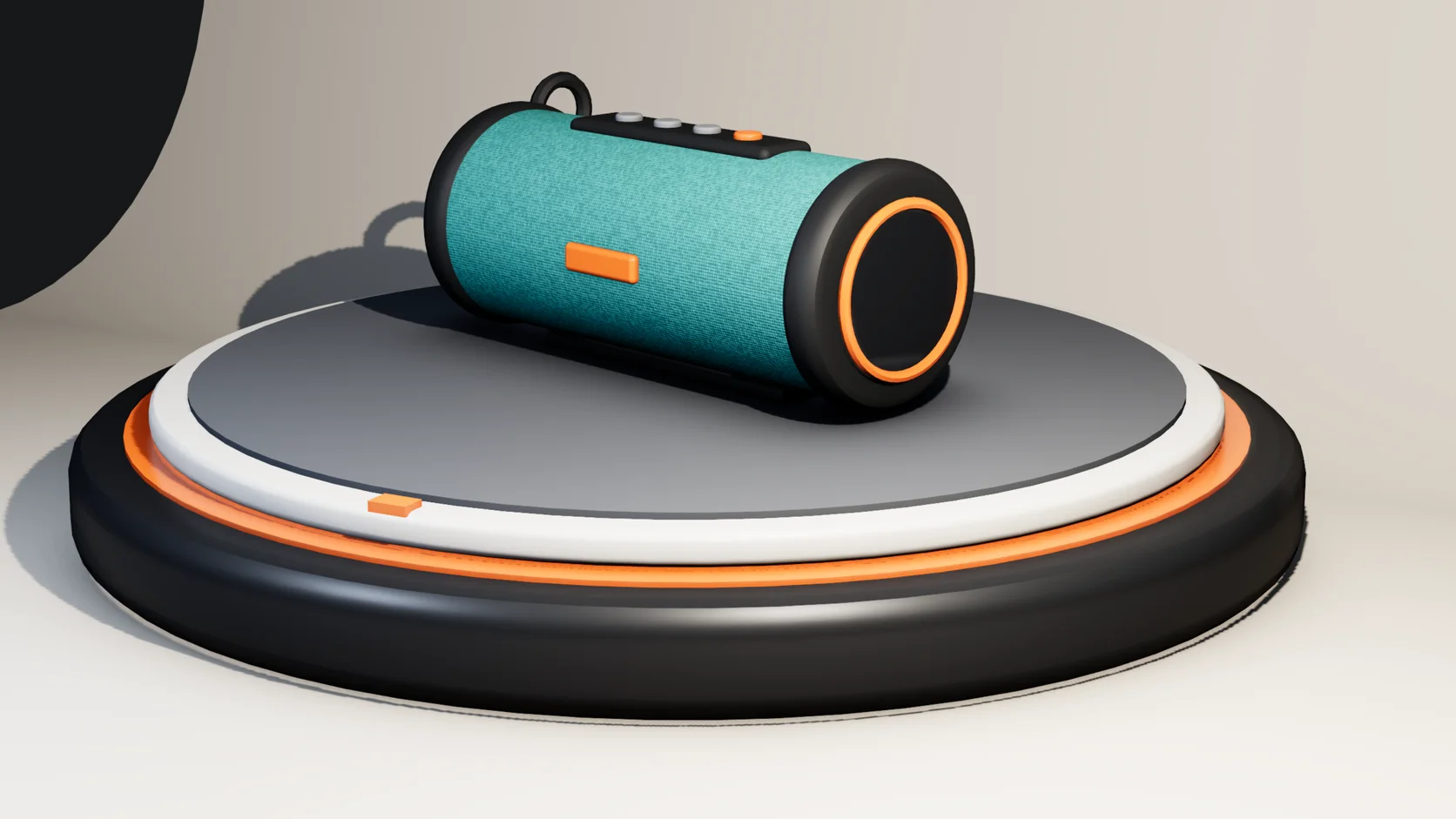
A teaser to start from
The Launch template is a finished piece. Or ask Mixos AI for a first cut of your shots in a clean, bold or calm style, with a title and an end card.
Product video
Start from the Launch template, a finished teaser with renders cut on the beat, one word each and an end card. Swap in your shots and words; every layer stays editable, so the brand and the timing are yours to change.
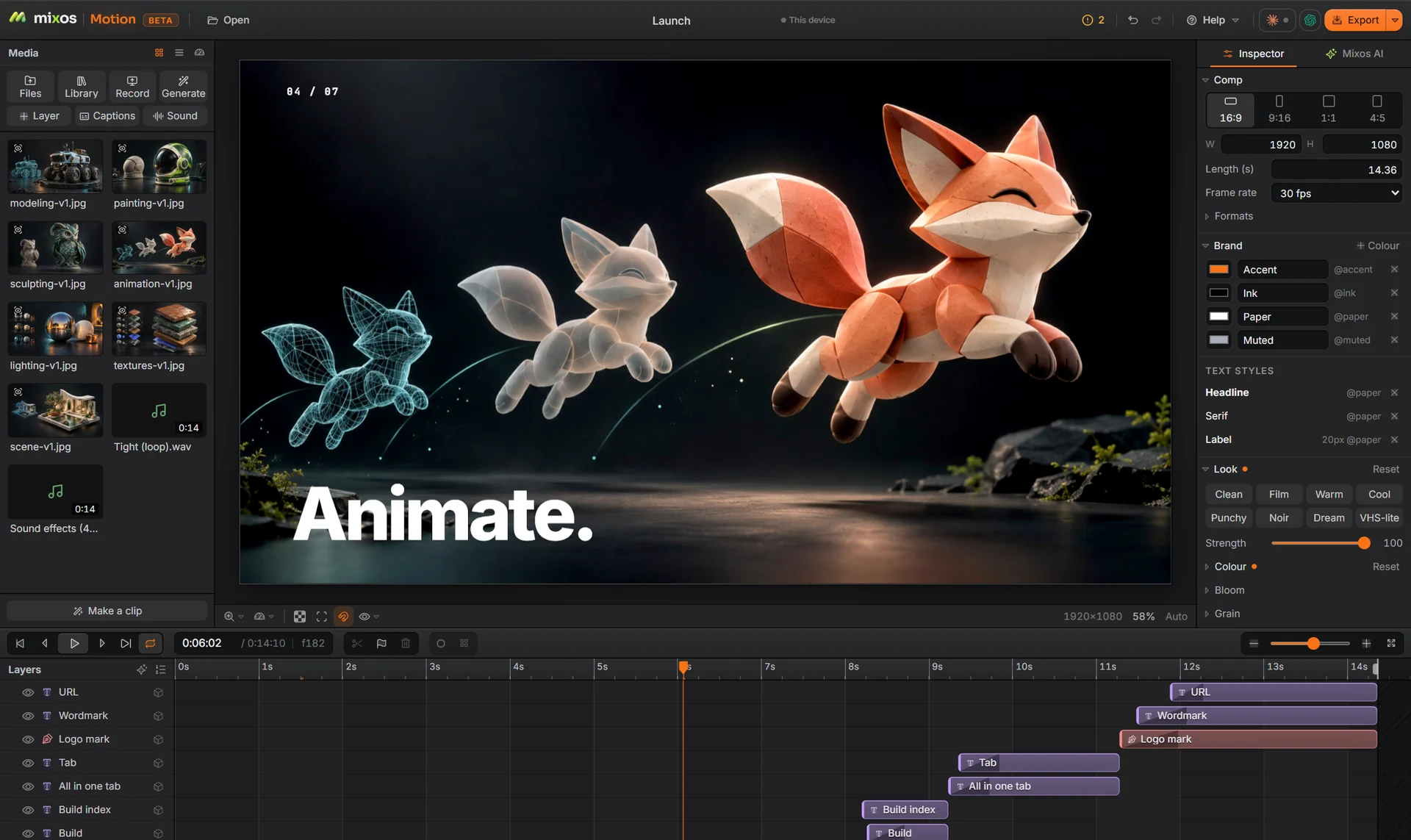
The Launch template is a finished piece. Or ask Mixos AI for a first cut of your shots in a clean, bold or calm style, with a title and an end card.
Light and shoot the product in Studio, the mixos 3D app, and send the render to Motion in one step.
Brand colours and text styles live in the comp. Change the accent once and every layer that uses it follows.
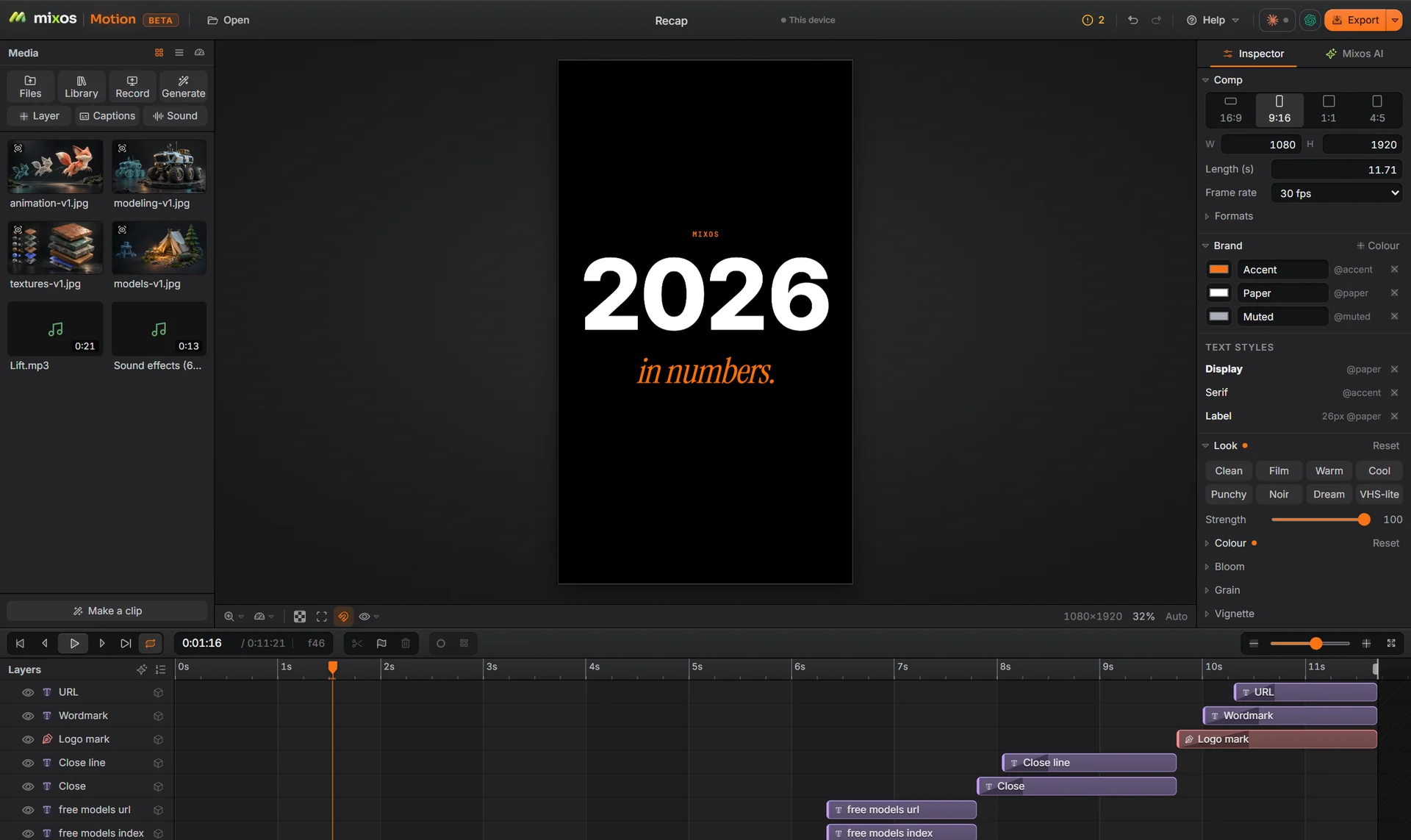
16:9 for the product page, 9:16 for Reels and TikTok, 1:1 and 4:5 for the feed, all from the same layers.
Why Mixos
A launch teaser is a short list of decisions: which shots, in what order, how long each holds, what the words say and where the beat falls. The Launch template has made them once already: seven renders cut on the beat, one word each, then a clean end card. Swap in your pictures and copy and the timing stays.
Or drop your shots into a blank comp and ask Mixos AI, in the panel beside the canvas, to cut them to the music with a title and an end card. What comes back is an ordinary comp you can retime, recolour or rewrite.
Product shots can be photos, video or 3D. If you do not have photography yet, model or import the product in Studio, render it in a few lighting setups, and the renders arrive in Motion as layers.
Building, animating and previewing are free with a free account, and a free export is 540 px with a watermark. Exporting up to 4K without the watermark is part of Pro at $10.00 a month or the one-time $129 license.
No. Still photos and renders work: Motion moves, crops and cuts them to the music. Video clips work too, with trimming, speed changes and freeze frames.
Yes. Motion ships 17 instrumental tracks made by mixos, free to use in anything you export, and 15 sound effects. Beat markers show where cuts should land, and you can import your own track instead.
Yes. Build or import the product in Studio, render it, and send the render to Motion. 3D models can also sit in a Motion comp as layers.
Building and previewing are free. A free account exports video at 540 px on the long edge with a watermark; Pro and the one-time license export up to 4K without one.
A desktop or laptop with current Chrome or Edge, on Windows, macOS, Linux or ChromeOS. Motion draws on your graphics card through WebGPU, so nothing installs, and a free account is needed to open it.
Read next
Key, retime and ease a move, step by step.
Keys, in-betweens, and the interpolation that joins them.
Bones, skin weights, IK, and why auto-riggers want a T-pose.
What carries over to an engine, and what to bake first.
Keep exploring
More in Animation & rendering