A quick video in seconds
Record the animation straight off the viewport as one video file. It is the fast shaded look, right for checking timing or sharing a work in progress.
For a model you already have
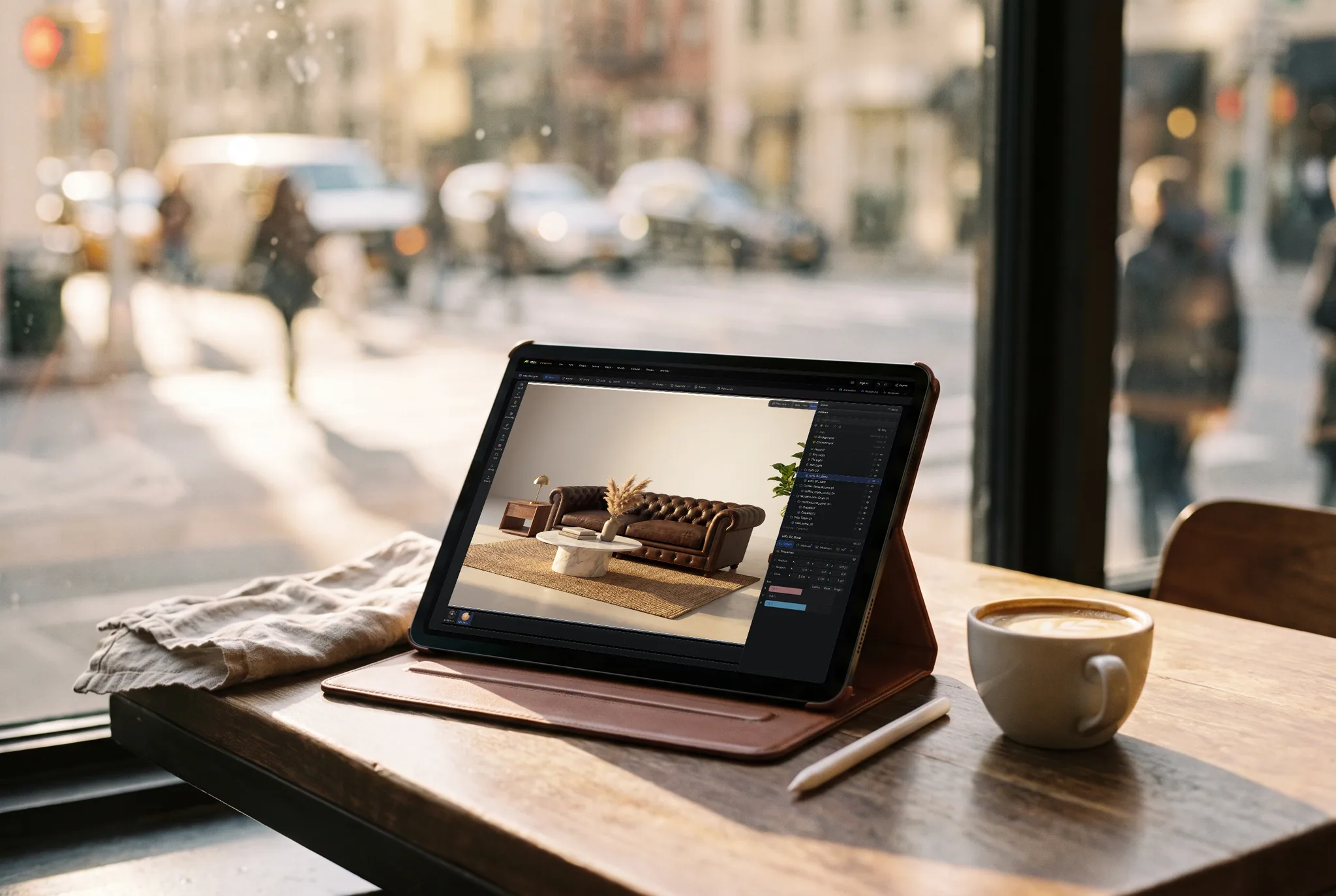
Open your file, put it on a lit stage, key a turntable or a camera move and record it. You get one MP4 for a post, a listing or a portfolio, or a set of path-traced frames when it has to look finished. No render workstation and no install.
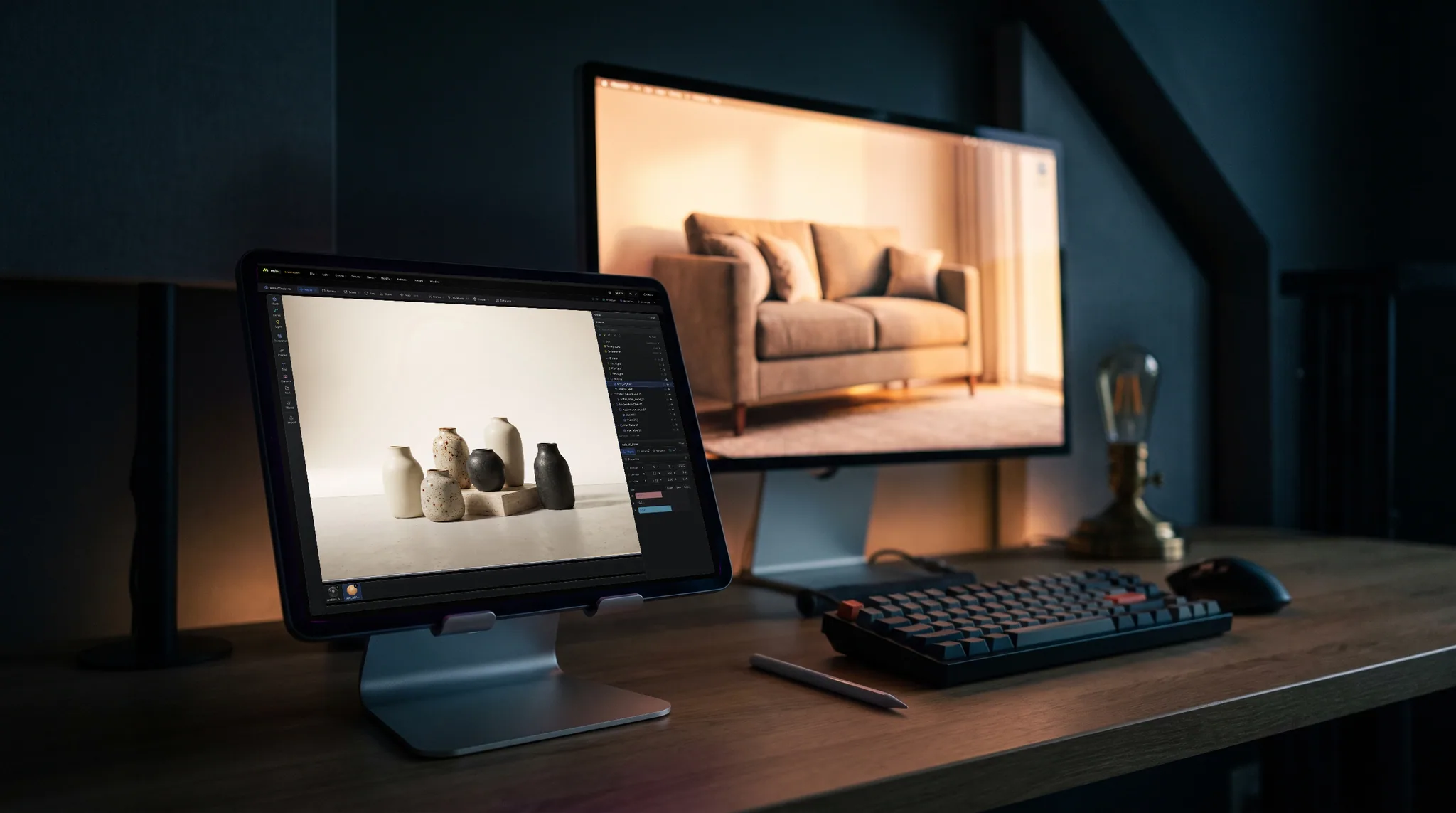
Record the animation straight off the viewport as one video file. It is the fast shaded look, right for checking timing or sharing a work in progress.
Render the clip with the realtime engine and it is encoded as a single H.264 MP4. Browsers without H.264 write WebM instead, and Studio tells you which you got.
For a finished look, path-trace every frame with real shadows, reflections and glass. Those come out as numbered PNG frames you can put together in any video editor.
Frame for 16:9, square or vertical 9:16 with the camera's own frame, so the same scene makes a landscape portfolio clip and a vertical post.
Why Mixos
A still picture shows one side. A slow turn shows every side and gives people a sense of the model's size and surface, which is why turntables are the standard way to present a product, a print or a game asset. Making one has meant a desktop 3D program, a render engine and a video encoder. Here it is one browser tab.
Import the file and it lands in a scene with its parts named. Pick a stage that is already lit, or a sky with a sun, and swap any placeholder materials for metals, plastics, woods or glass from the library. A turntable is one rotation key at each end of the clip. A camera move is a camera following a path.
There are two ways out. The realtime engine records fast and encodes one video file, which suits most social posts and listings. The path tracer renders each frame properly, which takes minutes for a long clip and needs the tab left open. It writes frames rather than a video, because at that cost the frames are what you want to keep.
Importing, repairing, lighting and previewing are free with a free account. Saving the finished model, renders or video is part of Pro at $8.99 a month or the one-time $99 license.
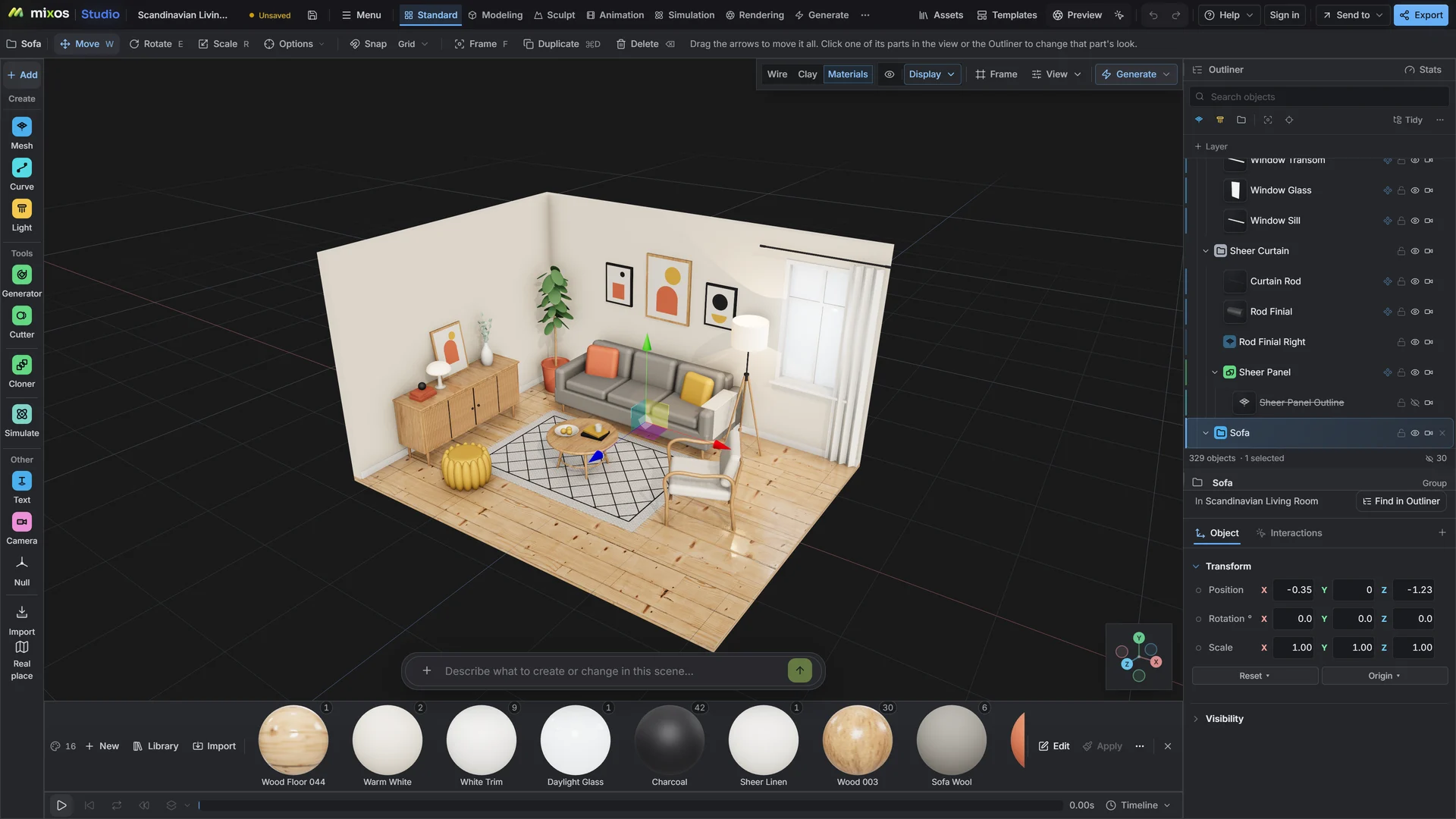
Import the model, choose a lit stage or an HDRI sky, and fix any placeholder materials before anything moves.
Key one full turn on the model or the camera for a turntable, or move the camera along a path for a fly-by. Set the clip length and frame rate.
Record a viewport video to check it, then save the final as one MP4 from the realtime engine or as path-traced frames.
Six-second vertical turntable at 30 fps: the sneaker on a pale grey cove, soft key light from the left, one full turn with no easing so it loops cleanly.
Anything Studio opens: GLB, glTF, FBX, OBJ, STL, PLY, 3MF and USD, plus CAD as STEP, IGES or Rhino 3DM. A file that already carries animation can be recorded as it is.
The realtime engine gives one MP4 (H.264), or WebM in a browser without H.264. The path tracer gives numbered PNG frames, because each frame takes real render time. Any video editor joins the frames into a clip.
Not directly. Studio writes MP4, WebM or image frames, not GIF. A free online converter turns the MP4 into a GIF, and most social sites prefer the MP4 anyway.
A viewport recording takes as long as the clip plays. A realtime render takes about the same. A path-traced clip takes minutes, depending on its length, size and the scene, and the tab has to stay open while it runs.
A browser with WebGPU: current Chrome or Edge on Windows, macOS, Linux or ChromeOS, or Safari on iPadOS 26 and later. You need a free account to open Studio. A single model file can be up to 150 MB.
Read next
Vertices, edges and faces — the box-modelling fundamentals.
Which of the two approaches fits the thing you're making.
Which format keeps materials and which throws them away.
Why the same texture reads bigger on one model than another.
Keep exploring
For a model you already have
Online 3D rendering
Online 3D viewer
Product rendering