Keyframes on anything
Key position, rotation and scale on any object or part, one axis at a time if you like. Materials, lights and the camera's focal length and focus can be keyed too, so a fade, a light change or a focus pull is the same job.
For a model you already have
Open your file in Studio and animate it in the same tab: key a spin, a drop or a reveal on any part, move the camera along a path, or fit a skeleton to a T-posed character and put motion capture on it. Then render the clip or export the animated file.
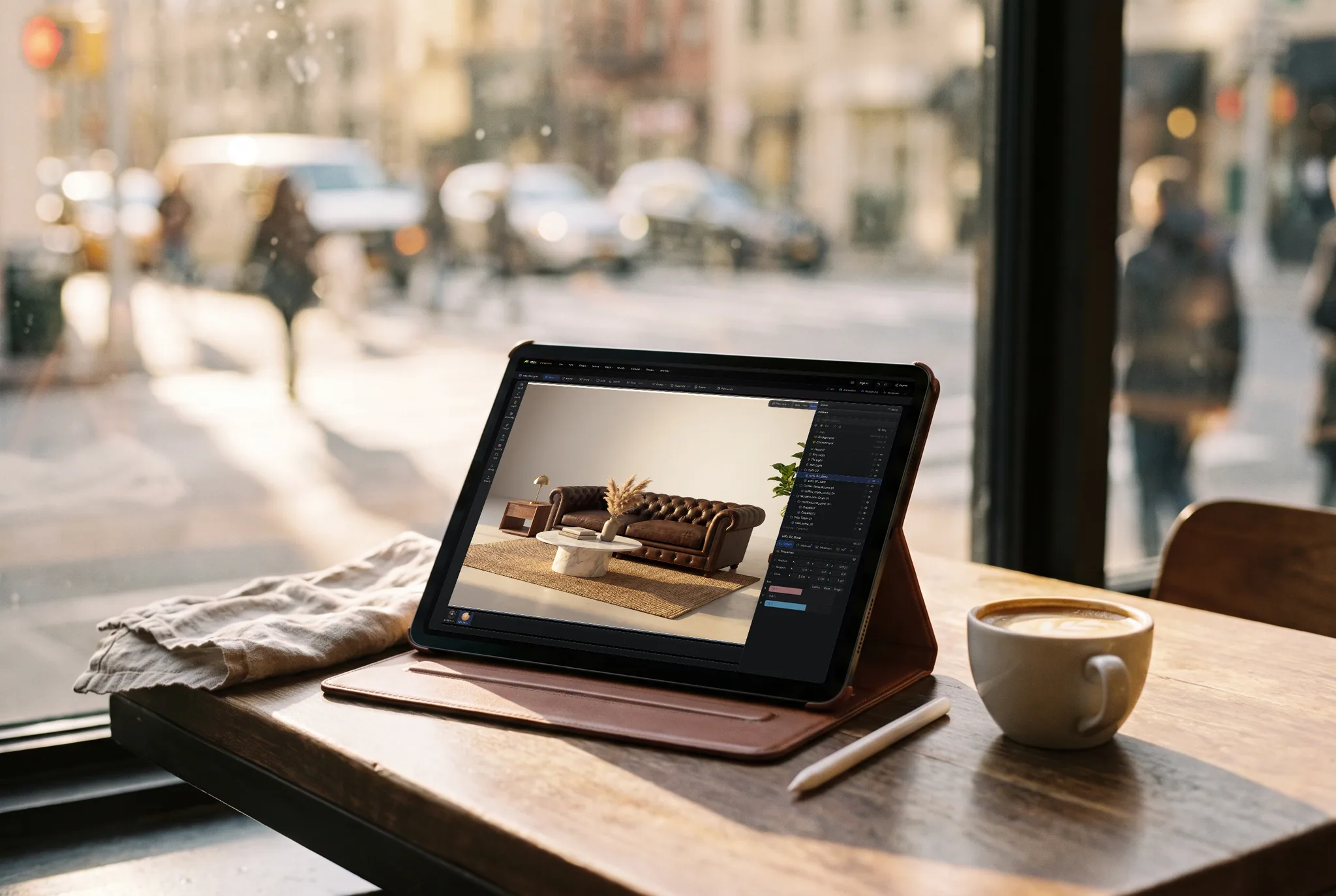
Key position, rotation and scale on any object or part, one axis at a time if you like. Materials, lights and the camera's focal length and focus can be keyed too, so a fade, a light change or a focus pull is the same job.
Apply a smooth, snappy or bouncy easing preset, adjust the curve tangents by hand, or hold a value with a step key. The timing reads as deliberate rather than mechanical.
Drop in a T-posed humanoid and auto-rig it in one step, then preview and apply motion-capture clips on your own character. A file that arrives already rigged keeps its skeleton and its animation clips.
Record the clip as one video in seconds, path-trace it frame by frame for a finished look, or export GLB, glTF or FBX with the animation inside for a game engine or a web page.
Why Mixos
Most models arrive as a finished shape with no motion at all: a product from a CAD tool, a prop from a marketplace, a character from an AI generator. Animating one usually means installing a desktop 3D program and learning its timeline. In Studio the file opens in a scene with its parts named, and the timeline is already there.
Simple motion is a few keys. Select the part, set a key, move the playhead, change the value, set another. A turntable is one rotation key at each end of the clip. An exploded view is a position key per part. A camera that glides past the model follows a path, and one keyed number moves it along.
Characters are a different job. A humanoid standing in a T-pose can be auto-rigged: a skeleton is measured off the mesh and the skin weights are solved, so motion-capture clips can be retargeted onto it. Auto-rigging needs that pose. Animals, characters in an A-pose with bent limbs, and machines need their own rig, or a file that already has one.
Importing, repairing, lighting and previewing are free with a free account. Saving the finished model, renders or video is part of Pro at $8.99 a month or the one-time $99 license.
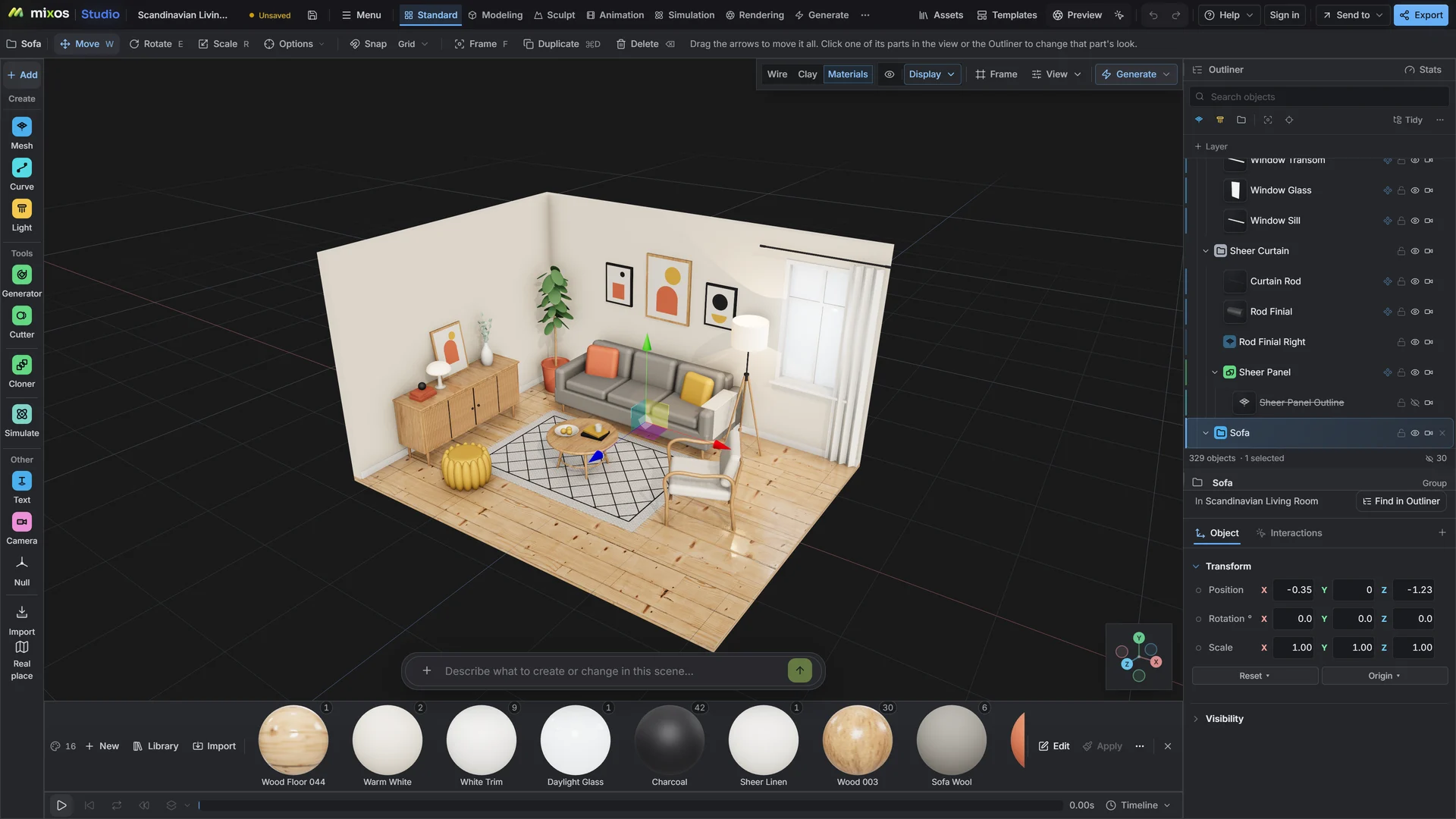
Import the GLB, FBX, OBJ, STL or USD file. Check its scale and its pivot points, since a part rotates around its pivot.
Set keys on the parts or the camera, or auto-rig a T-posed character and apply a motion-capture clip. Apply easing so moves start and stop cleanly.
Play it back and record a quick viewport video to judge the timing, then render the final clip or export the animated file.
Four-second loop: the headphones rise 5 cm off the stand over the first second with ease out, turn one full revolution, then settle back with a slight overshoot.
Anything Studio opens: GLB, glTF, FBX, OBJ, STL, PLY, 3MF and USD, plus CAD as STEP, IGES or Rhino 3DM. Every object can be keyed. Only GLB, glTF and FBX exports carry the animation back out as a file.
Yes, if it is a humanoid standing in a T-pose. The rig is fitted to the mesh and the skin weights are solved in one step. Other poses, animals and machines need a rig of their own, or a file that already includes one.
Yes. A rigged GLB or FBX keeps its skeleton and its animation clips, and you can play, retime and edit them on the timeline.
Yes. Export GLB, glTF or FBX and the animation travels inside the file. GLB is the usual choice for the web and for Godot. Saving the file is part of Pro.
A browser with WebGPU: current Chrome or Edge on Windows, macOS, Linux or ChromeOS, or Safari on iPadOS 26 and later. You need a free account to open Studio. A single model file can be up to 150 MB.
Read next
Vertices, edges and faces — the box-modelling fundamentals.
Which of the two approaches fits the thing you're making.
Which format keeps materials and which throws them away.
Why the same texture reads bigger on one model than another.
Keep exploring
For a model you already have
Mixamo alternative
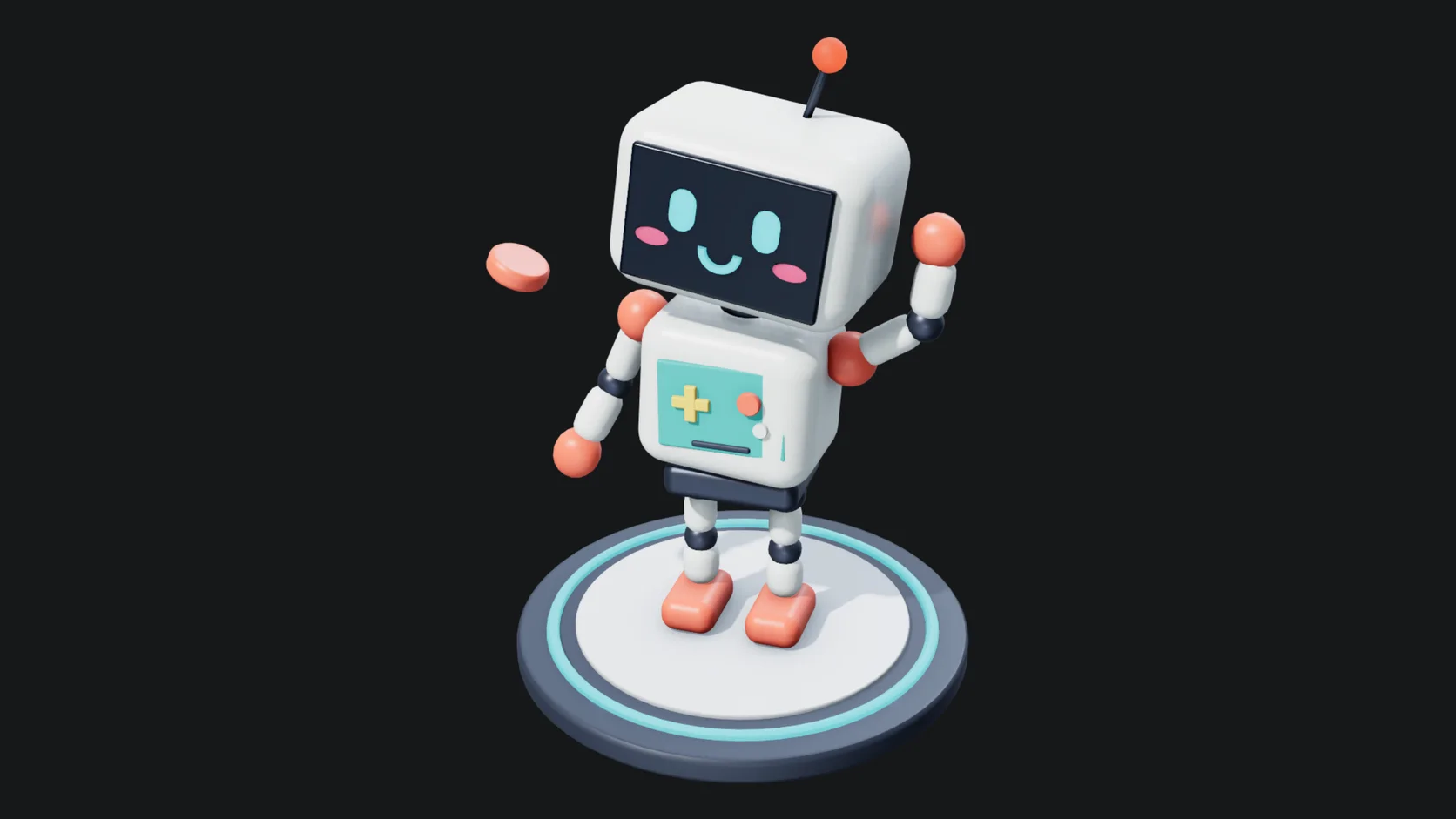
Online 3D animation
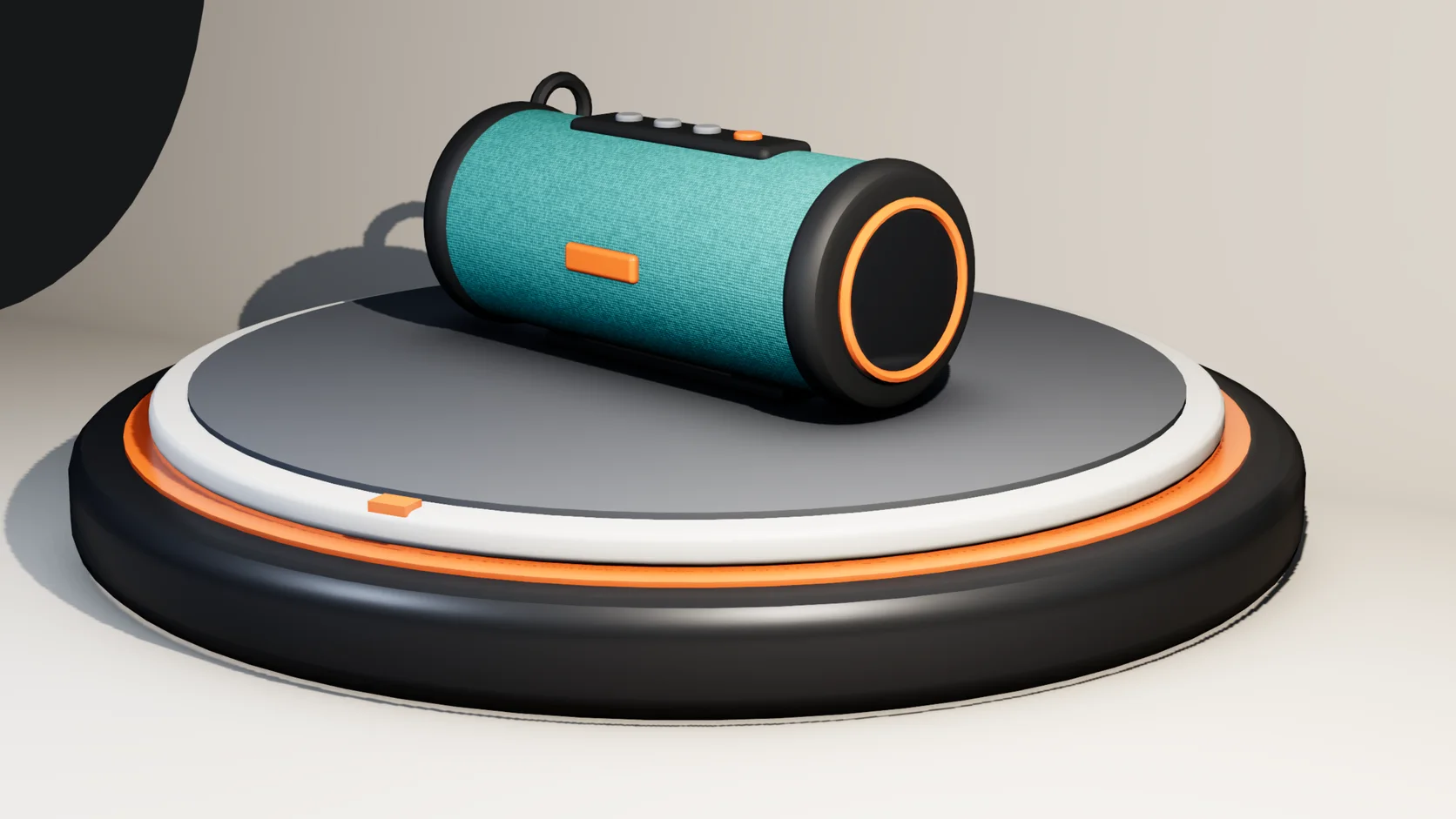
Online 3D rendering