Start from your file
GLB, glTF, FBX, OBJ, STL, USD and CAD as STEP, IGES or Rhino 3DM come in with their parts and materials. A 3D print, a game asset, a product model or something an AI generator made all render the same way.
Online 3D rendering
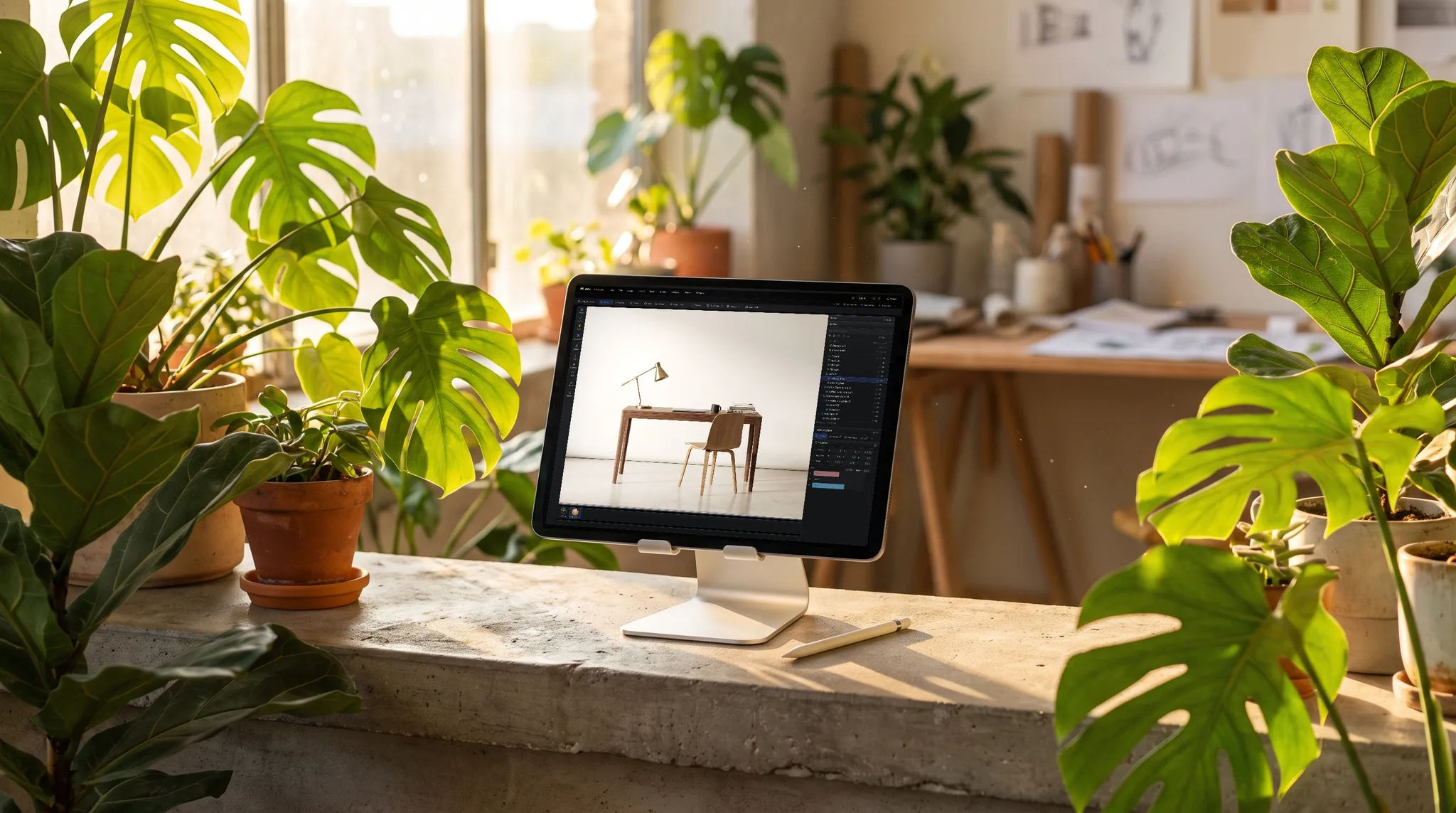
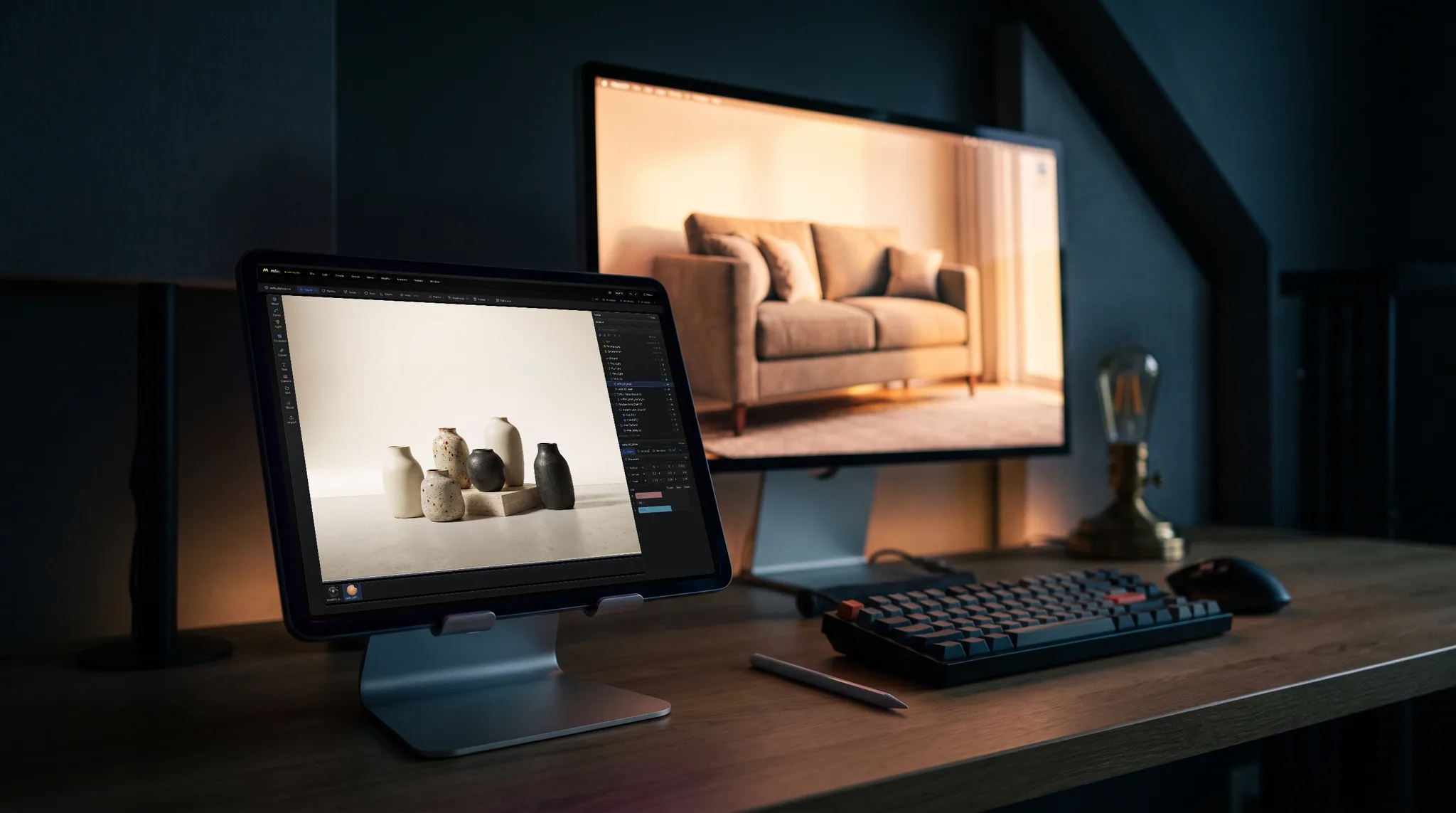
Bring in the file, put it on a stage that is already lit, and path-trace it: a still for a portfolio, a cut-out PNG for a listing, or a turntable for a post. No render workstation and no install.
GLB, glTF, FBX, OBJ, STL, USD and CAD as STEP, IGES or Rhino 3DM come in with their parts and materials. A 3D print, a game asset, a product model or something an AI generator made all render the same way.
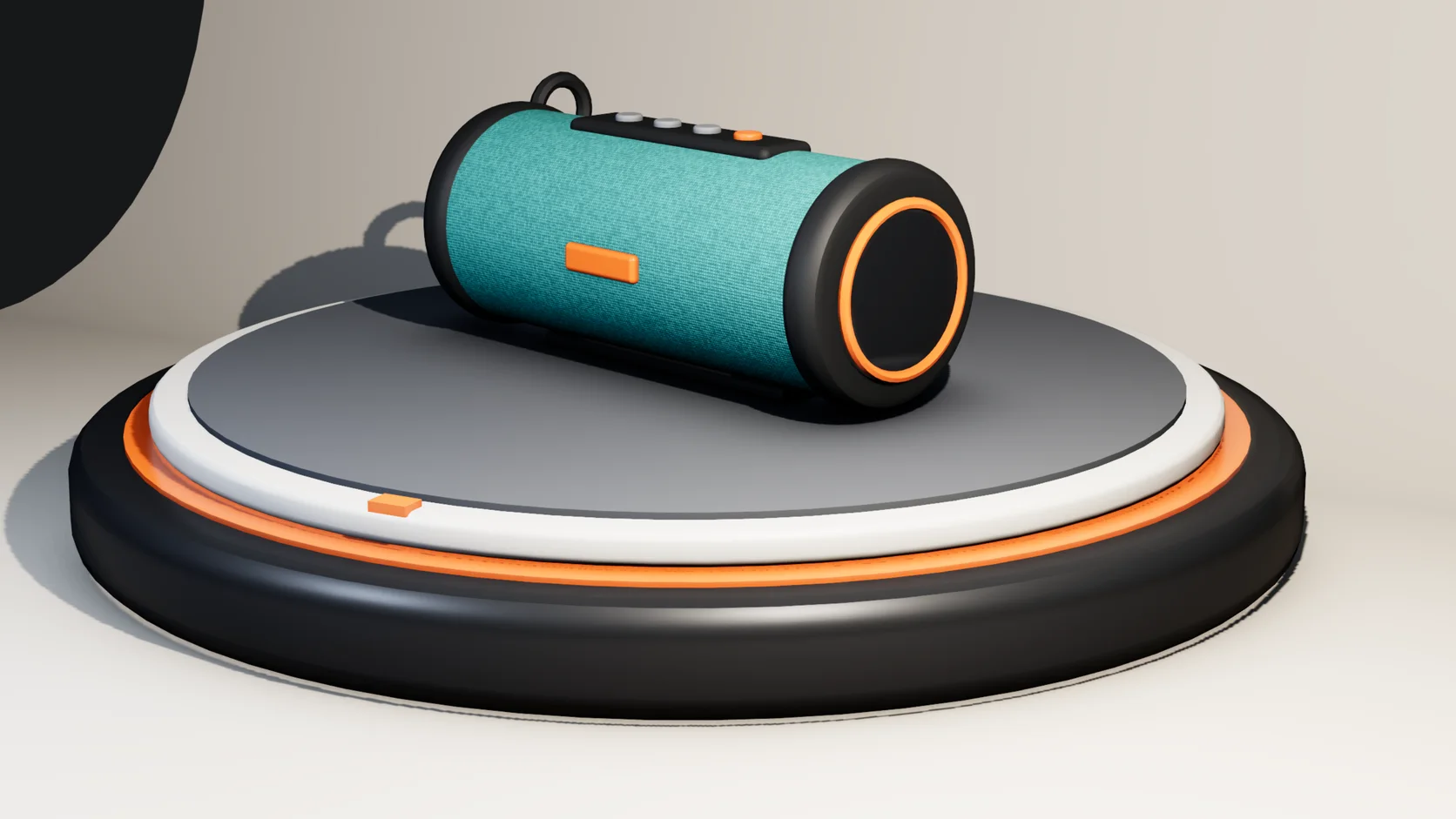
Drop the model into a studio cove, a podium or a display stage with the lights placed, or add an HDRI sky and a sun in one click each. Then move a light and watch the preview update.
Stills are physically based renders that converge over seconds to a minute, with real reflections and soft shadows. Save PNG, JPEG, WebP or EXR, or a PNG with a transparent background.
Key a spin on the model or the camera, mark it as a loop, and render one H.264 MP4 instead of a folder of frames.
Each picture is a render of a starter scene that ships with Studio. Import your model into one, swap it in for the subject, and render the same way.
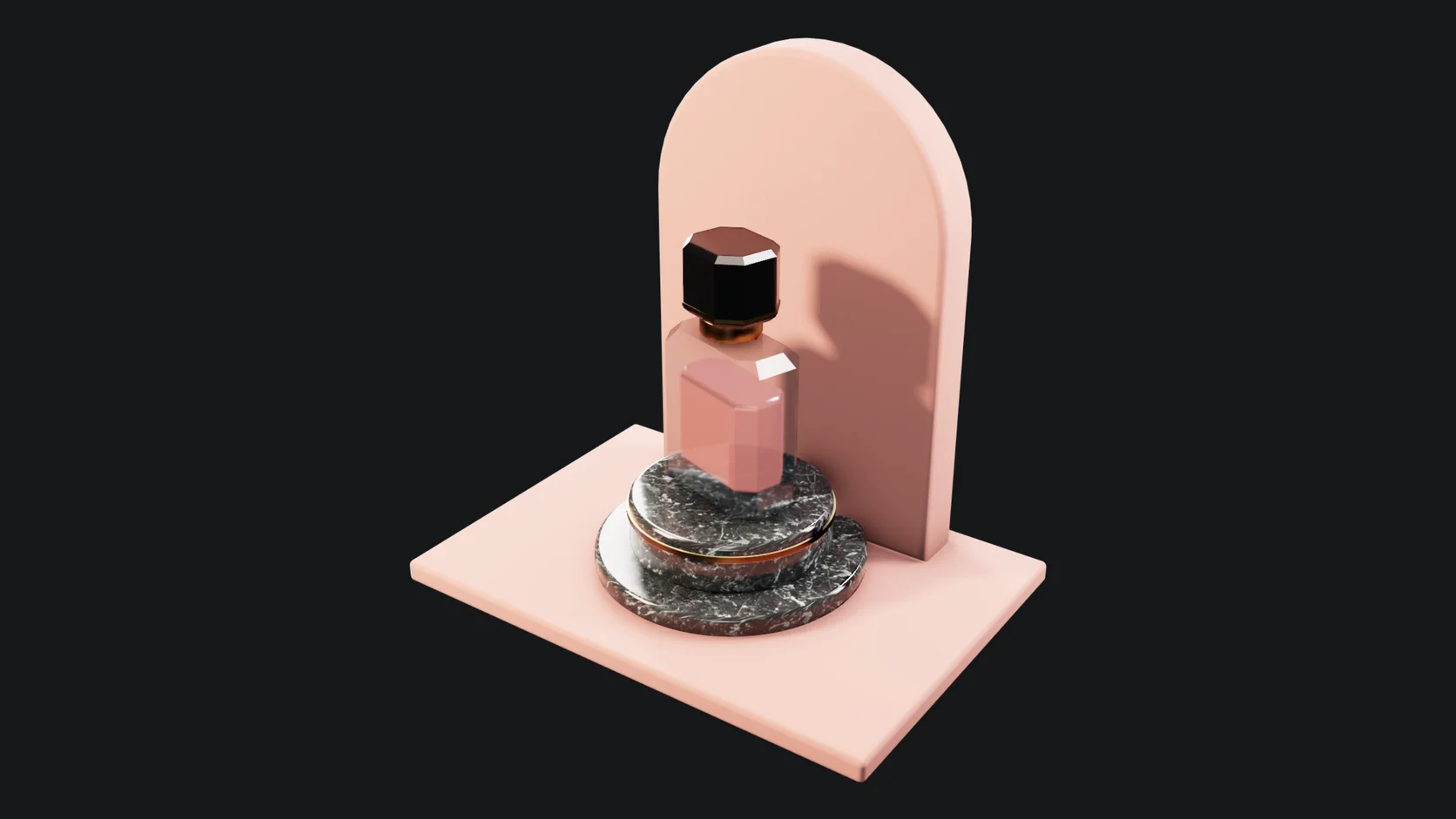
Glass, liquid and metal on a lit podium. Reflections and contact shadows come out of the path trace, with no compositing afterwards.
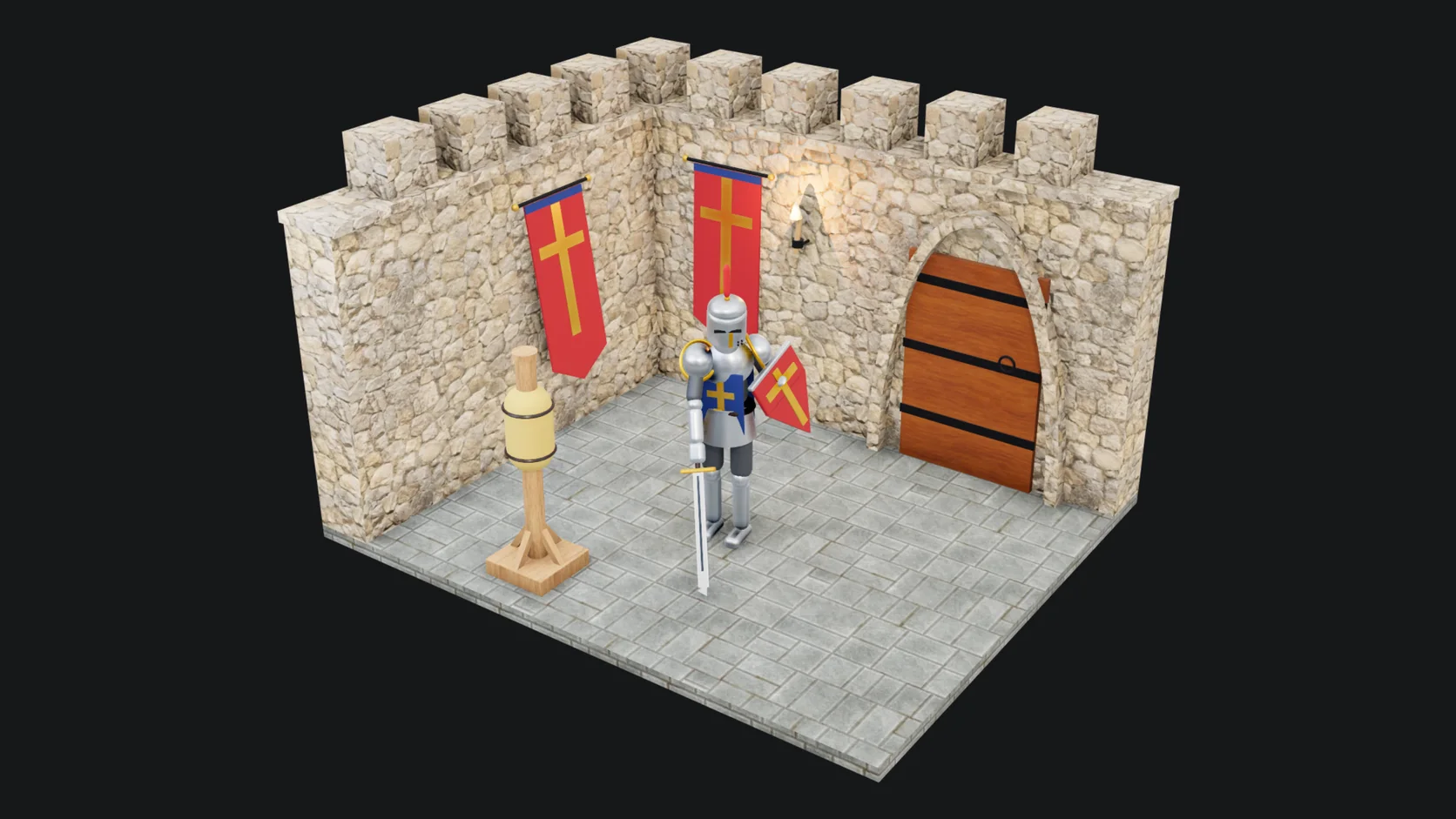
A rigged figure with a three-point light setup. Pose your own character, frame it, and render a still for a portfolio or a post.
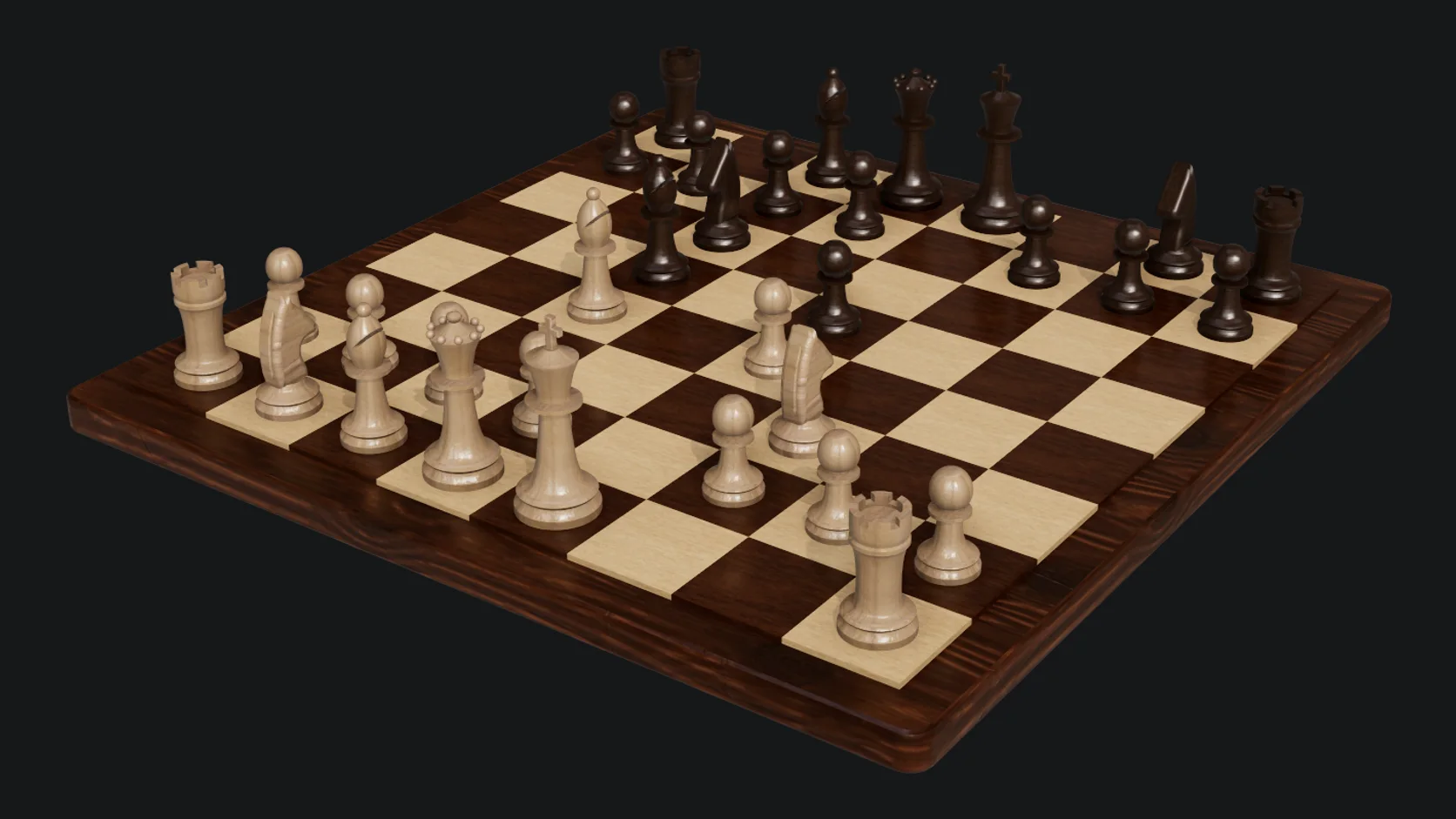
A kit of separate pieces on one set, lit once. Change a material and every piece in the shot updates on the next render.
Why Mixos
A model in a folder is hard to show anyone. A raw viewport screenshot looks unfinished, and setting up a renderer is a project of its own. The gap between the two is lighting, a backdrop and a few minutes of render time, and that is what this page is about.
Import the file and it lands in a scene with its parts named. If the materials it came with are placeholders, a library of metals, plastics, woods, fabrics and glass is a drag away. Pick a stage or a sky, frame the camera, and let the path tracer resolve the picture.
Because everything stays in one saved scene, the second render is quicker than the first: the same stage and camera, a new color or a new angle. The same scene can also animate a turntable or a camera move and render it as video.
Importing, lighting and previewing renders are free with a free account. Saving finished renders and video without a watermark, up to 4K, is part of Pro at $8.99 a month or the one-time $99 license.
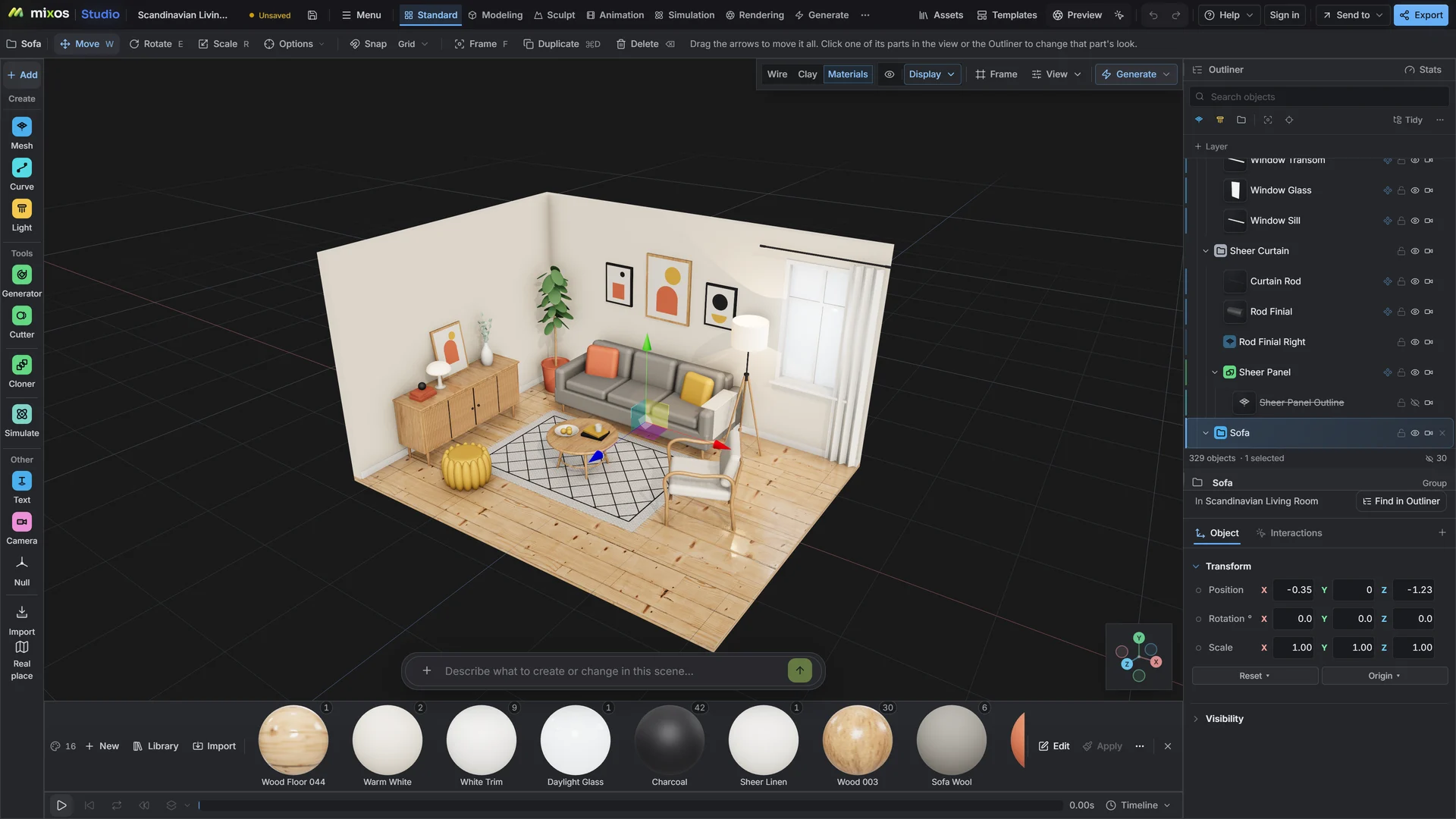
Yes. Set the render backdrop to transparent and the still saves as a PNG with a real alpha channel, ready for a listing, a slide or a composite.
Yes. Animate a spin on the model or the camera and render the clip as one MP4 (H.264) or as numbered PNG frames. Every frame is a full path trace, so a long clip takes minutes and the tab has to stay open while it renders.
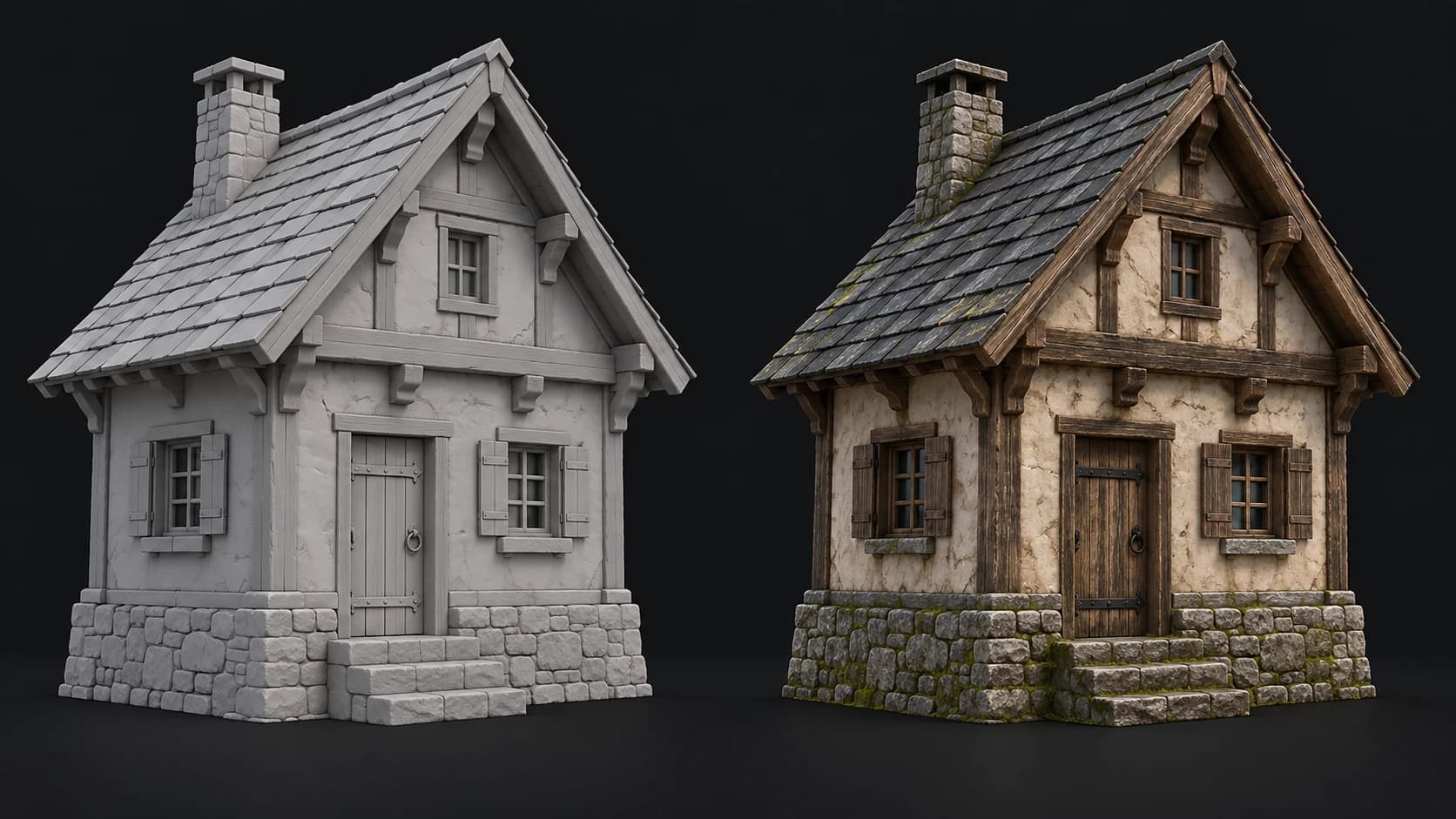
Yes. Apply materials from the built-in library to each part, or texture it first with Auto-Texture or Paint and bring the result back. A clean clay-style render on a lit stage also works well for showing form.
Yes. STL files carry geometry only, so give the model a material such as a matte plastic or a resin, set it on a stage and render it. Check that you have the right to use the model before you publish the picture.
A browser with WebGPU: current Chrome or Edge on Windows, macOS, Linux or ChromeOS, or Safari on iPadOS 26 and later. A better GPU makes each render resolve sooner, but none is required.
Read next
Vertices, edges and faces — the box-modelling fundamentals.
Which of the two approaches fits the thing you're making.
Which format keeps materials and which throws them away.
Why the same texture reads bigger on one model than another.
Keep exploring
More in Animation & rendering