Product rendering

Product renders and turntables, from a browser tab.

Import the product model you already have, set it on a studio cove or podium, and path-trace stills, a looping turntable or a video for the listing. Lights, materials and camera stay in one scene you can reopen when the client asks for one more angle.

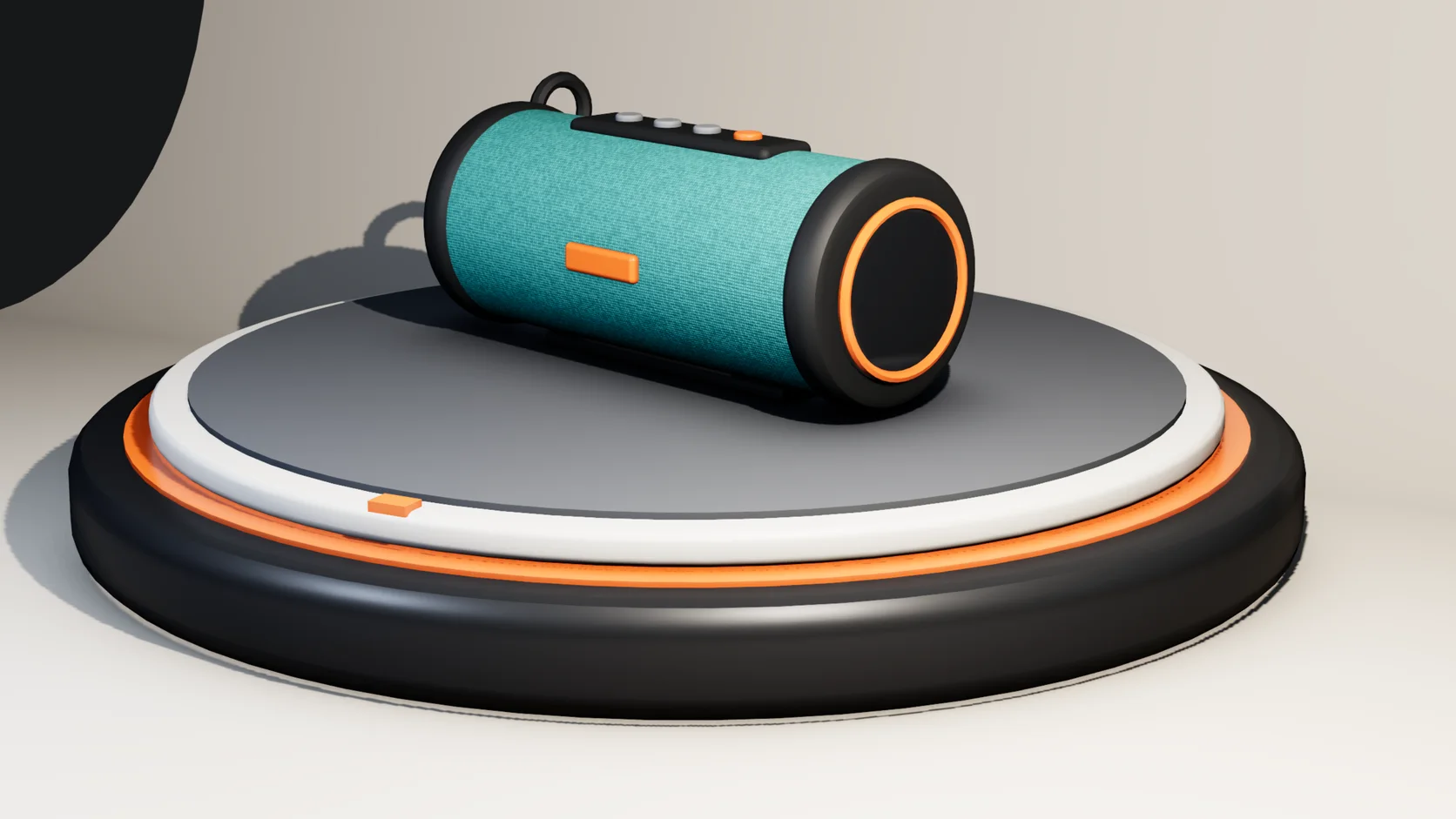
A teal portable speaker on a turntable platter in a studio cove, path-traced in Studio
Product Turntable starterPath-traced in Studio
Real Studio output: the scene this page's button opens, rendered in the browser.

Path-traced, not screenshots

Stills are physically based renders that converge over seconds to a minute: real reflections, soft shadows and the environment in the glass. Save PNG, JPEG, WebP or EXR, or a PNG with a real transparent background for a cut-out.

Turntables and camera moves

Keyframe the platter or the camera, mark the clip as a loop so the last frame does not stutter, and encode one H.264 MP4 instead of a folder of frames.

Stages ready to shoot

Start from an infinity cove, a cosmetics podium or a jewelry display with the lights already placed, then swap in your product. HDRI environments and a studio light rig are one click each.

Bring the model you have

GLB, glTF, OBJ, FBX and USD come in with their hierarchy and materials, and CAD files as STEP, IGES or Rhino 3DM. When the supplied materials are placeholders, the library has metals, plastics, glass and fabrics to drop on.

What a product shot looks like here

Every picture on this page is a render of a starter scene that ships with Studio. Open one, swap in your product, and render the same way.

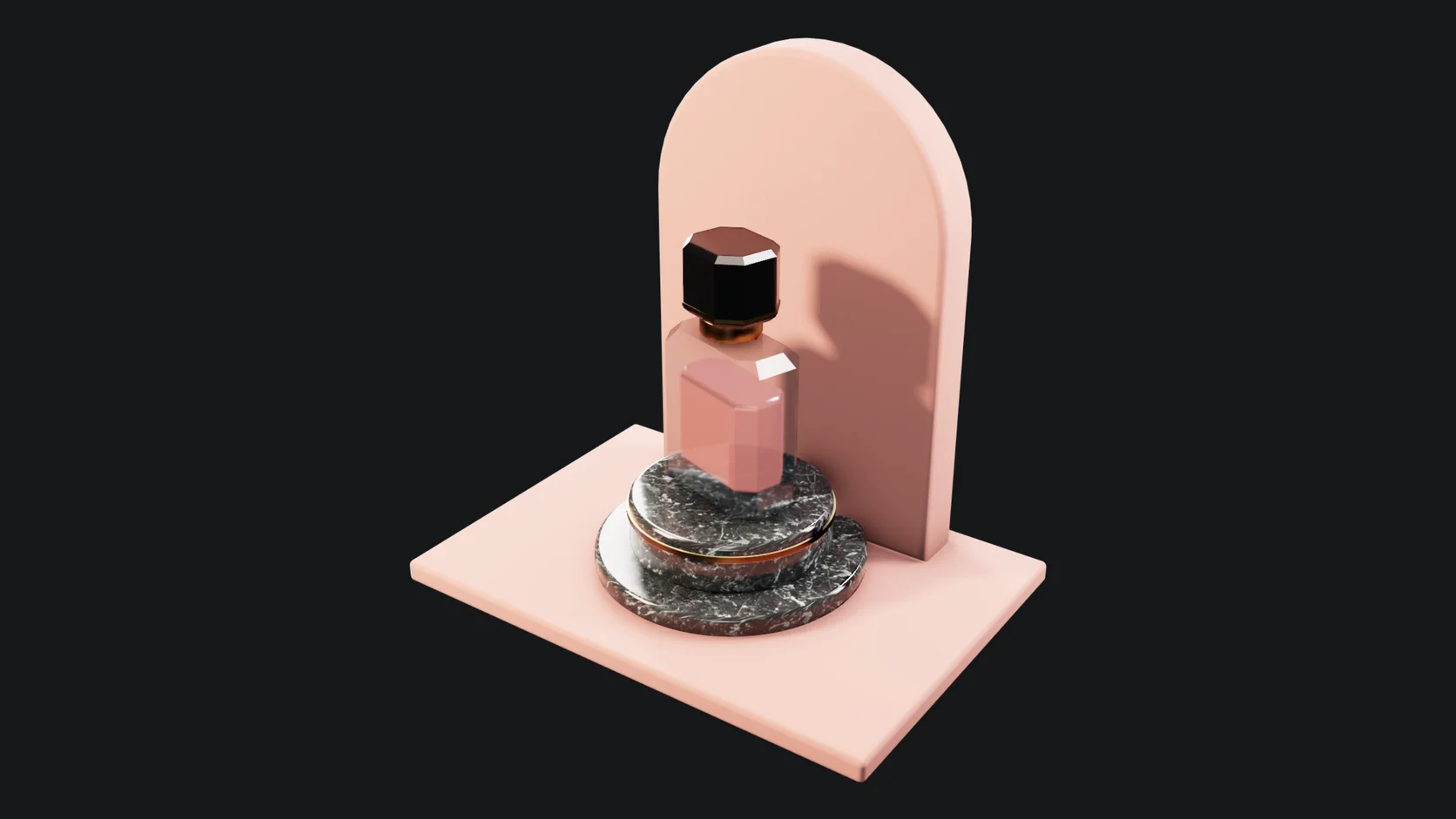
A glass perfume bottle on a podium with soft studio lighting, path-traced in Studio
Real Studio output: the Perfume Bottle Hero starter, path-traced in the browser.

A hero shot on a podium

Glass, liquid and metal on a lit podium. Refraction, reflections and contact shadows come out of the path trace, with no compositing afterwards.

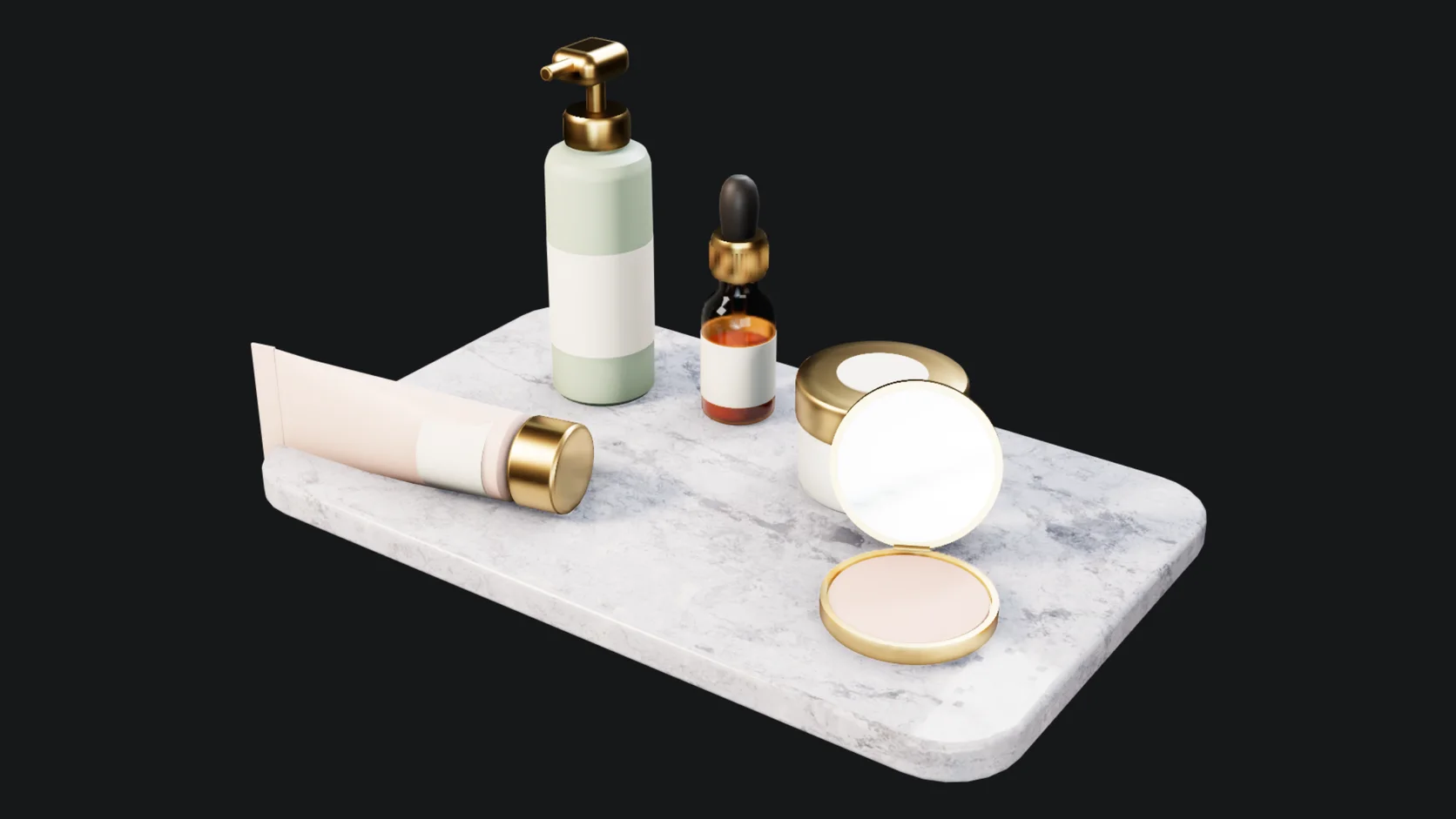
A set of skincare bottles and droppers arranged on a pale studio set, path-traced in Studio
Real Studio output: the Skincare Bottle Set starter, path-traced in the browser.

A range, shot together

Several products on one set, lit once. Change a label color or a cap finish and every bottle in the shot updates on the next render.

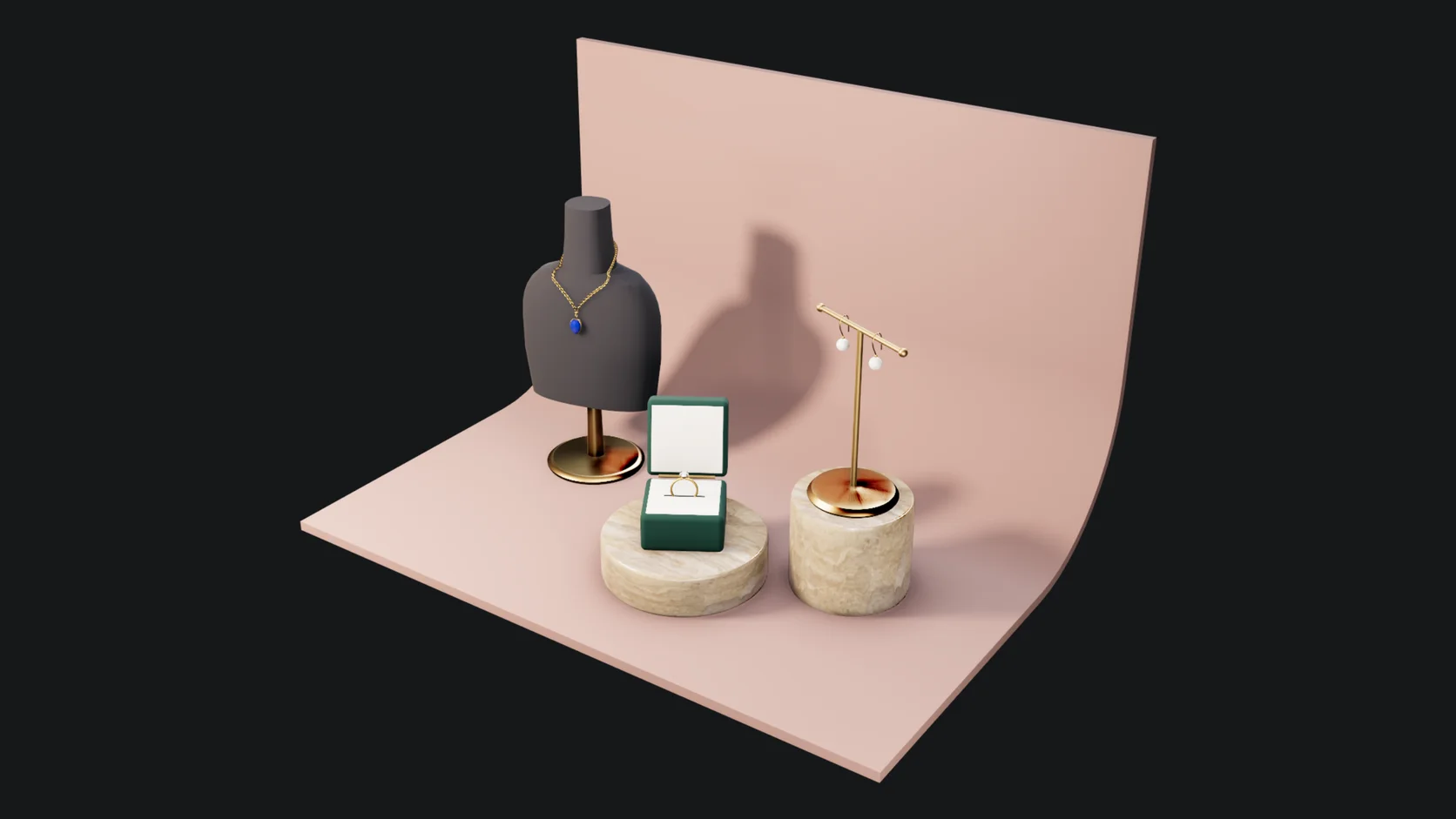
Rings and a necklace on a jewelry display stage with bright reflections, path-traced in Studio
Real Studio output: the Jewelry Display Stage starter, path-traced in the browser.

Small, shiny and hard to light

Jewelry needs reflections to read as metal and stone. The display stage comes lit for it, so a ring or a pendant looks right on the first render.

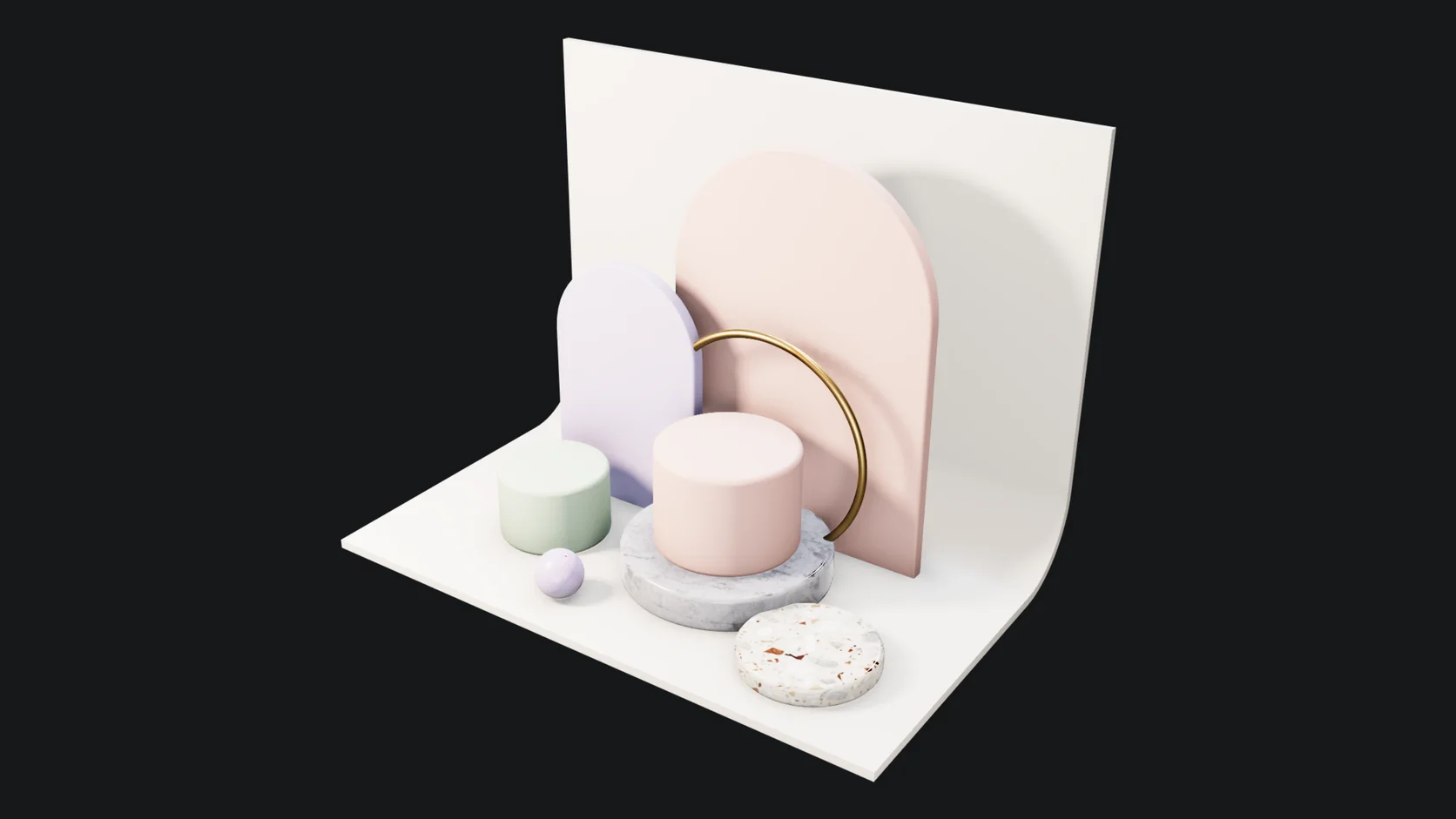
Stepped podiums on a soft backdrop, lit for a cosmetics product shot, path-traced in Studio
Real Studio output: the Cosmetic Podium Stage starter, path-traced in the browser.

A stage to drop anything onto

Podiums, a backdrop and lights with no product yet. Import yours, set it on the top step, and the lighting is already done.

Why Mixos

Where it fits next to a dedicated product renderer

Dedicated product renderers such as KeyShot have deeper material libraries, network rendering and years of studio workflow behind them. If your day is print-resolution hero shots for a catalogue of hundreds of products, keep using them.

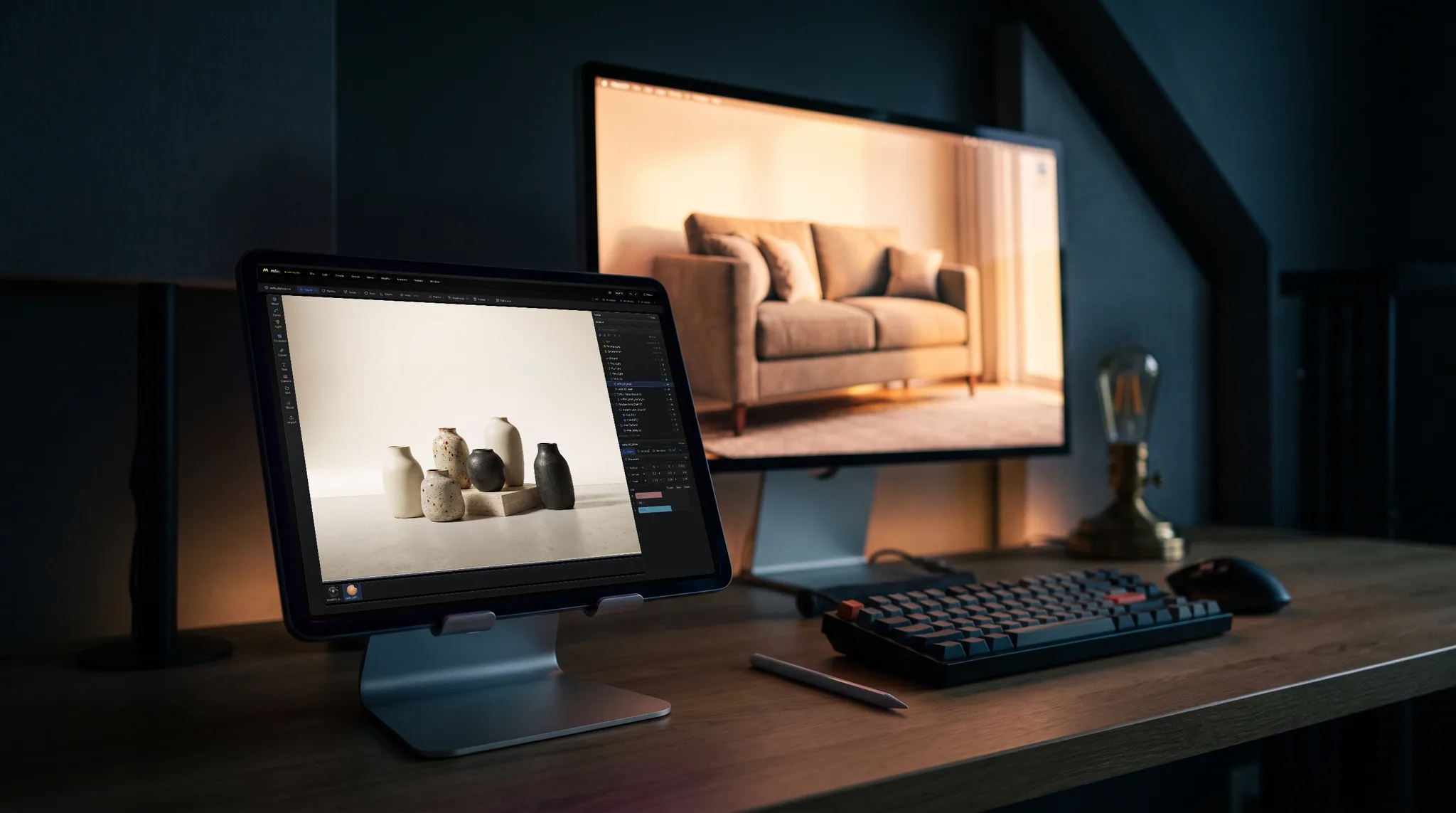
The overlap is the everyday job: a model from a supplier or a designer, a clean backdrop, two or three lights, a few angles and a short spin for a product page or a pitch deck. Studio does that end to end in a browser, on whatever machine you are at, with no license seat and no render workstation.

Because the scene is saved to your account rather than to one disk, the next round of changes starts where the last one ended: the same lights and the same camera, with a new colorway. Swap a material, render again, export.

Setting up, lighting and previewing renders is free. Saving finished renders and video without a watermark, up to 4K, is part of Pro at $8.99 a month or the one-time $99 license.
Where it fits next to a dedicated product renderer

Frequently asked questions

Can I render a product with a transparent background?

Yes. Set the render backdrop to transparent and the still saves as a PNG with a real alpha channel, ready to drop onto a listing, a layout or a composite.

Does it make product videos?

Yes. Animate a turntable or a camera move on the timeline and render the clip as one MP4 (H.264) or as numbered PNG frames. Every frame is a full path trace, so a long clip takes minutes and the tab has to stay open while it renders.

Which file formats can I bring in?

Meshes as GLB, glTF, OBJ, FBX, USD or STL, with the hierarchy, object names and materials intact. CAD files come in directly too: STEP, IGES and Rhino 3DM are turned into meshes on import, so there is no separate conversion step.

Is it a KeyShot alternative?

For a lot of everyday product shots, turntables and listing images, yes, and it is free to set up and preview. For CAD-heavy pipelines, large material libraries or network rendering, a dedicated product renderer is still the better tool.

What do I need to run it?

A browser with WebGPU: current Chrome or Edge on Mac, Windows, Linux or ChromeOS, or Safari on iPadOS 26 and later. No install and no dedicated GPU required, though a better GPU makes a path-traced render resolve sooner.

Mixos

Open a tab. Shoot the product.