One link, one iframe
Publish gives you a stable link and a ready-made iframe snippet. Paste the snippet into a site builder, a CMS or a portfolio, and the model loads in place.
Publish and embed
Import the model, light it once, and publish it as a link and an iframe. Visitors orbit it in their browser with nothing to install, and the link unfolds into a picture card when you paste it into Slack, Discord or X.
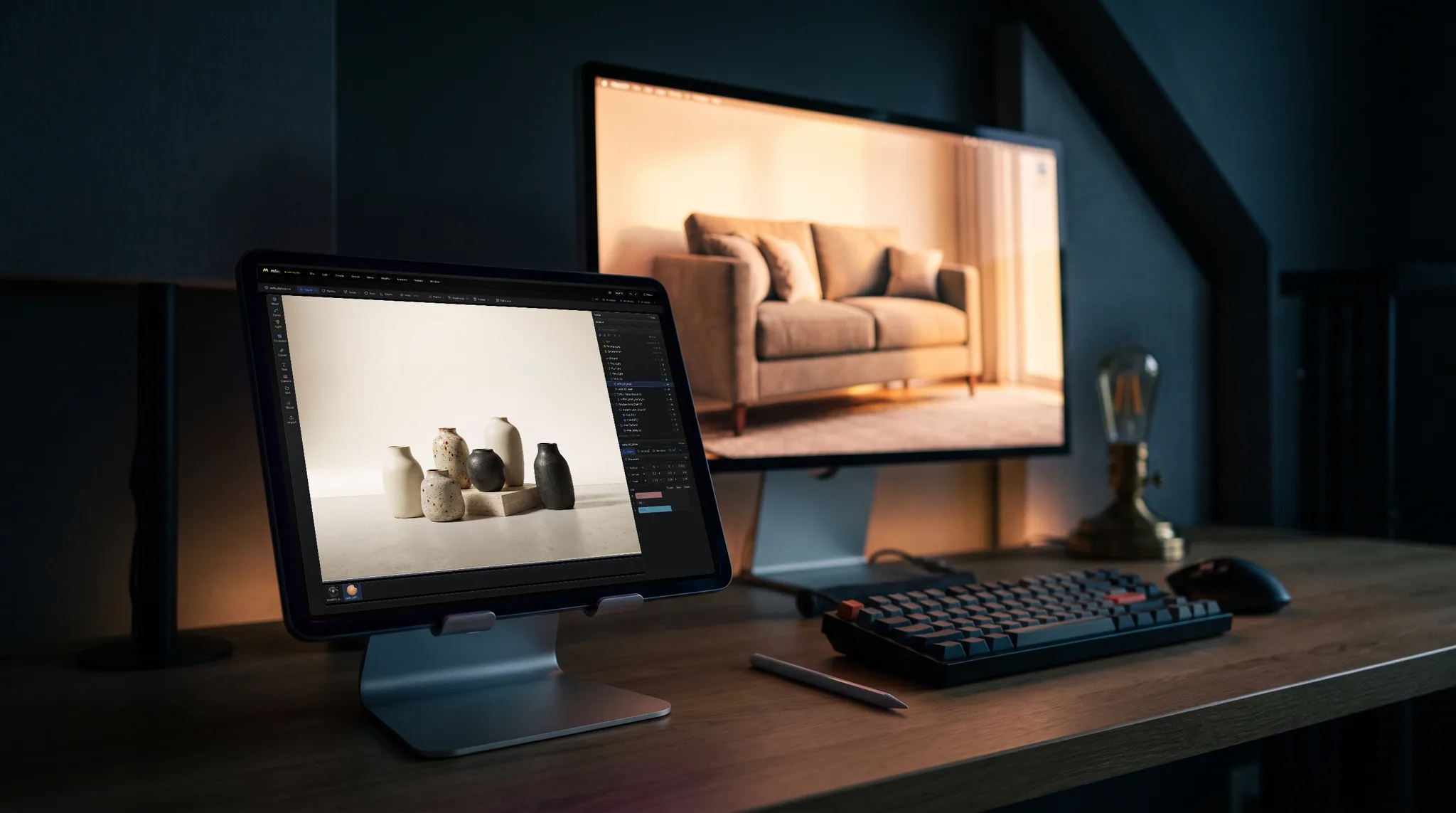
Publish gives you a stable link and a ready-made iframe snippet. Paste the snippet into a site builder, a CMS or a portfolio, and the model loads in place.
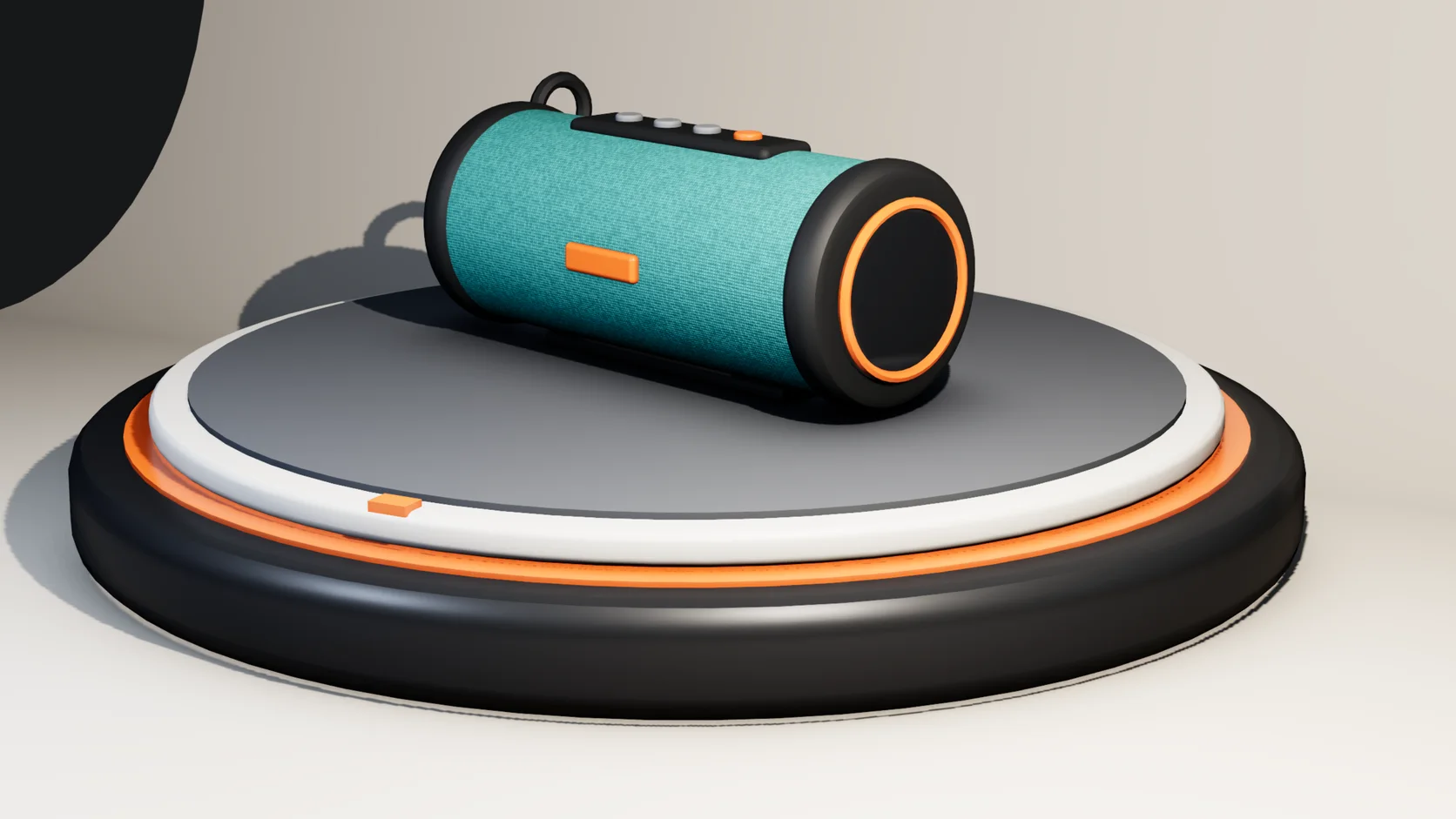
The published scene carries your materials, lights and camera, so the model on your site matches what you set up in Studio rather than a flat default viewer.
Add interactions in Studio: a click that opens a door, a hover that lifts a part, a scroll that plays an animation. With none, the model publishes as a turntable.
A published scene is reachable by its link and is kept out of search results, so a client preview does not turn up on Google.
Why Mixos
Sending a client or a customer an FBX or a GLB rarely works: they need a program to open it, and the default viewer they find shows it grey and unlit. A link that opens in any browser, already lit and framed, is what most people actually want.
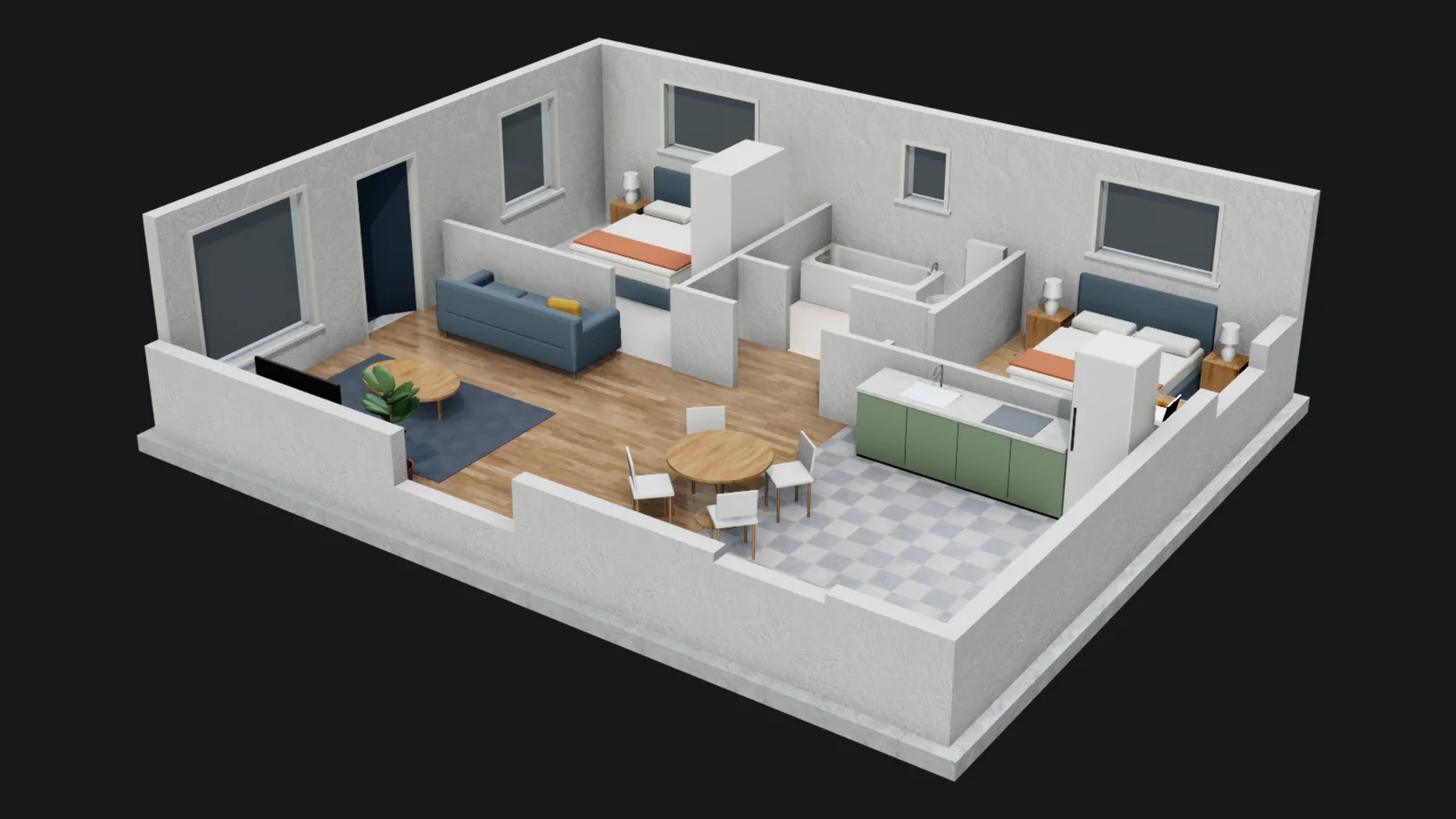
In Studio the published scene is built from the scene you edit. Import the model, give it materials, choose a stage or a sky, frame the camera, and publish. The page carries the objects, materials, lights and camera you set up.
Interactions are optional. A product can turn as a simple turntable; a configurator-style page can open, explode or highlight parts when someone clicks, hovers or scrolls. When you publish, Studio tells you about any interaction that could not carry over, so nothing on the page silently does nothing.
Importing, lighting and previewing are free with a free account. Publishing a scene to a public link is part of Pro at $8.99 a month or the one-time $99 license.
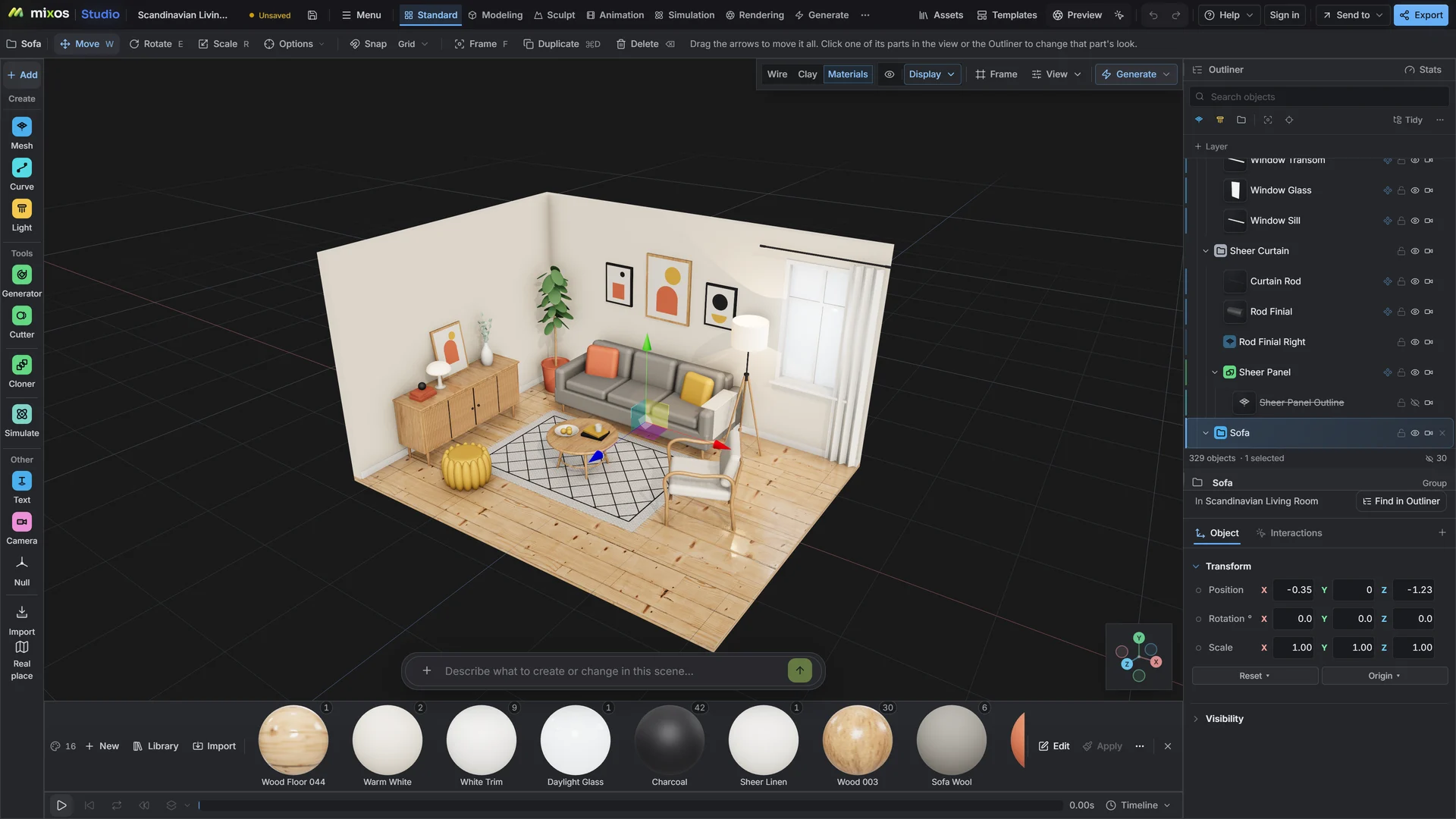
Publish the scene from Studio's export dialog and copy the iframe snippet it gives you. Paste it into any page that accepts HTML embeds, such as a site builder, a CMS or a portfolio page.
No. The published link opens in a normal browser and the model loads in the page. Visitors can orbit it and use any interactions you added.
No. Published scenes are unlisted and marked so search engines leave them out. The link still unfolds into a picture card in Slack, Discord and X.
Anything Studio imports: GLB, glTF, FBX, OBJ, STL, USD, and CAD as STEP, IGES or Rhino 3DM. The model is published as part of the scene, with its materials, lights and camera.
Setting the scene up and previewing it is free with a free account. Publishing it to a public link needs a paid plan.
Read next
Vertices, edges and faces — the box-modelling fundamentals.
Which of the two approaches fits the thing you're making.
Which format keeps materials and which throws them away.
Why the same texture reads bigger on one model than another.
Keep exploring
More in Animation & rendering