Your logo, still vector
An imported SVG keeps its paths, so the mark can draw on stroke by stroke and stays sharp at any size.
Logo intro
Drop in the SVG of your logo and it stays vector: each part can draw itself on, pop in or rise into place, with the name following and a sound on the hit. The Reveal template is a finished sting to start from.
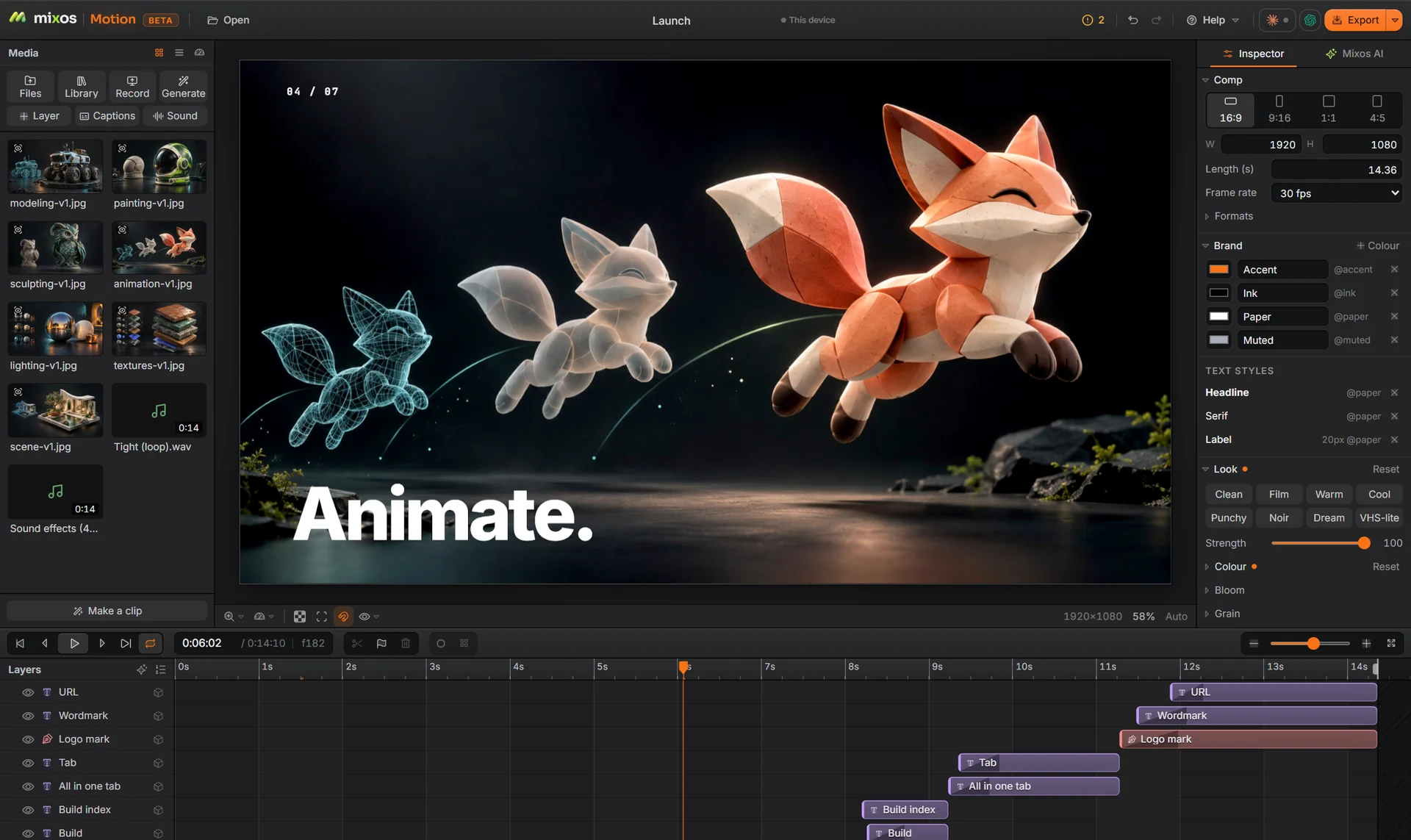
An imported SVG keeps its paths, so the mark can draw on stroke by stroke and stays sharp at any size.
Reveal traces a mark in light, cuts to black and slides the name out. Swap in your logo and words; the timing stays.
A music library, sound effects and beat markers, so the mark lands on the beat instead of near it.
Extrude the name into a 3D title, or bring in a 3D logo from Studio, lit and framed, as a layer.
Why Mixos
Most logo intros are the same structure: something builds, the mark resolves, the name follows, and there is a beat of silence before the video starts. Motion's behaviours cover each step, and the Reveal template wires them together so you only swap the parts that are yours.
Use it at the top of a YouTube video, on a product page or as the end card of a social clip. Make it once in 16:9 and add 9:16 and 1:1 versions from the same comp; the logo is anchored, so it stays centred in each.
For the web, the same intro can export as a GIF or a transparent PNG sequence, or on a paid plan as a Lottie file when it is made of vector shapes and text.
Building, animating and previewing are free with a free account, and a free export is 540 px with a watermark. Exporting up to 4K without the watermark is part of Pro at $10.00 a month or the one-time $129 license.
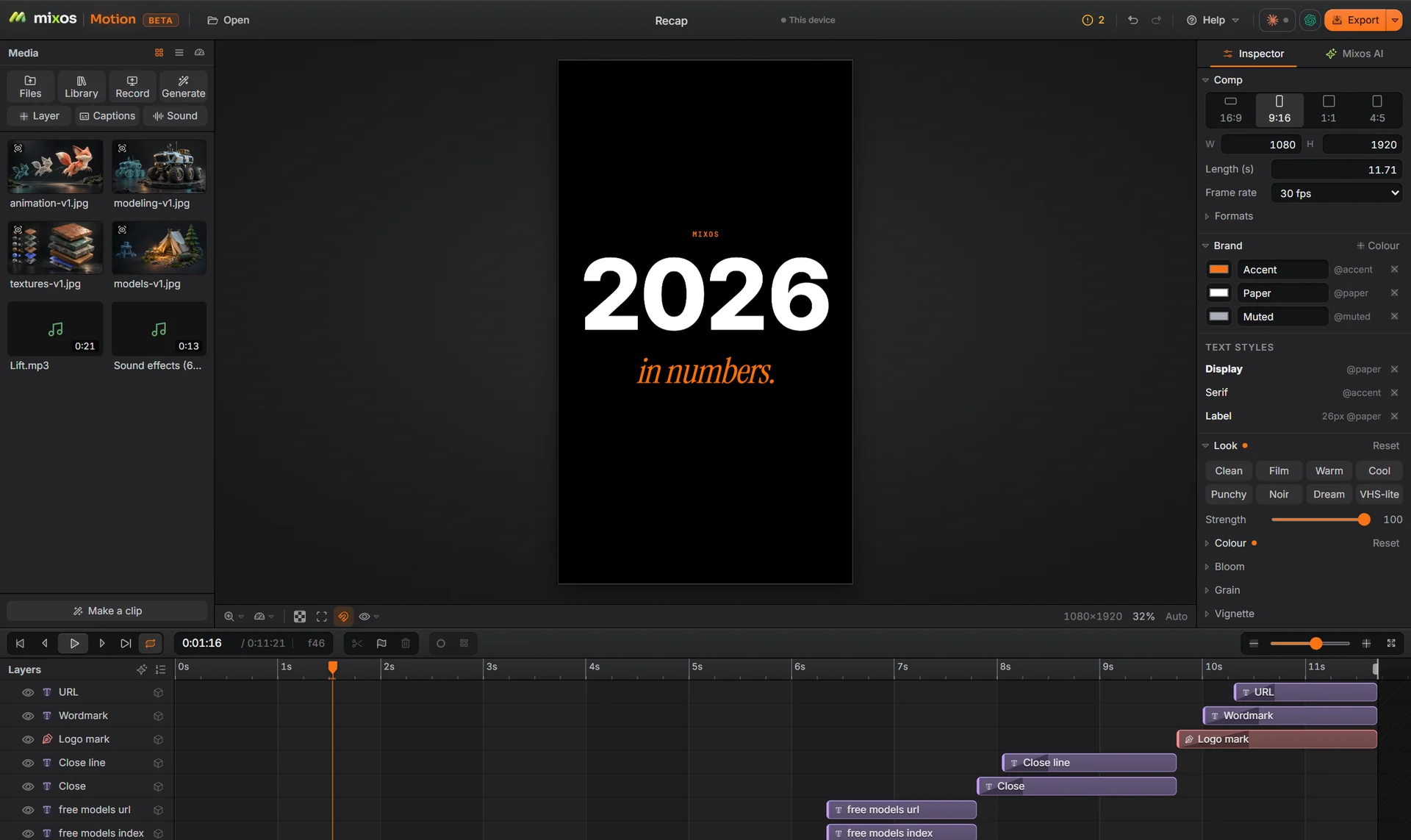
An SVG gives the best result, because each path can animate on its own. A PNG with transparency also works as a single layer.
Yes. Extrude text into a 3D title in Motion, or make the logo in 3D in Studio and send the render to Motion in one step. For a spinning 3D logo on its own, the Logo app is the quicker tool.
Yes, exported as a PNG sequence, or on a paid plan as a Lottie file for a vector logo.
Building and previewing are free. A free account exports video at 540 px on the long edge with a watermark; Pro and the one-time license export up to 4K without one.
A desktop or laptop with current Chrome or Edge, on Windows, macOS, Linux or ChromeOS. Motion draws on your graphics card through WebGPU, so nothing installs, and a free account is needed to open it.
Read next
Key, retime and ease a move, step by step.
Keys, in-betweens, and the interpolation that joins them.
Bones, skin weights, IK, and why auto-riggers want a T-pose.
What carries over to an engine, and what to bake first.