Pick a behaviour
Fade, rise, pop, slide, type on, blur, scramble or wave, on the way in, on the way out, or for emphasis in the middle.
Animated text
Write the line, pick how it arrives, and choose whether it moves as a block, line by line, word by word or one letter at a time. The stagger and the timing are sliders, not keyframes.
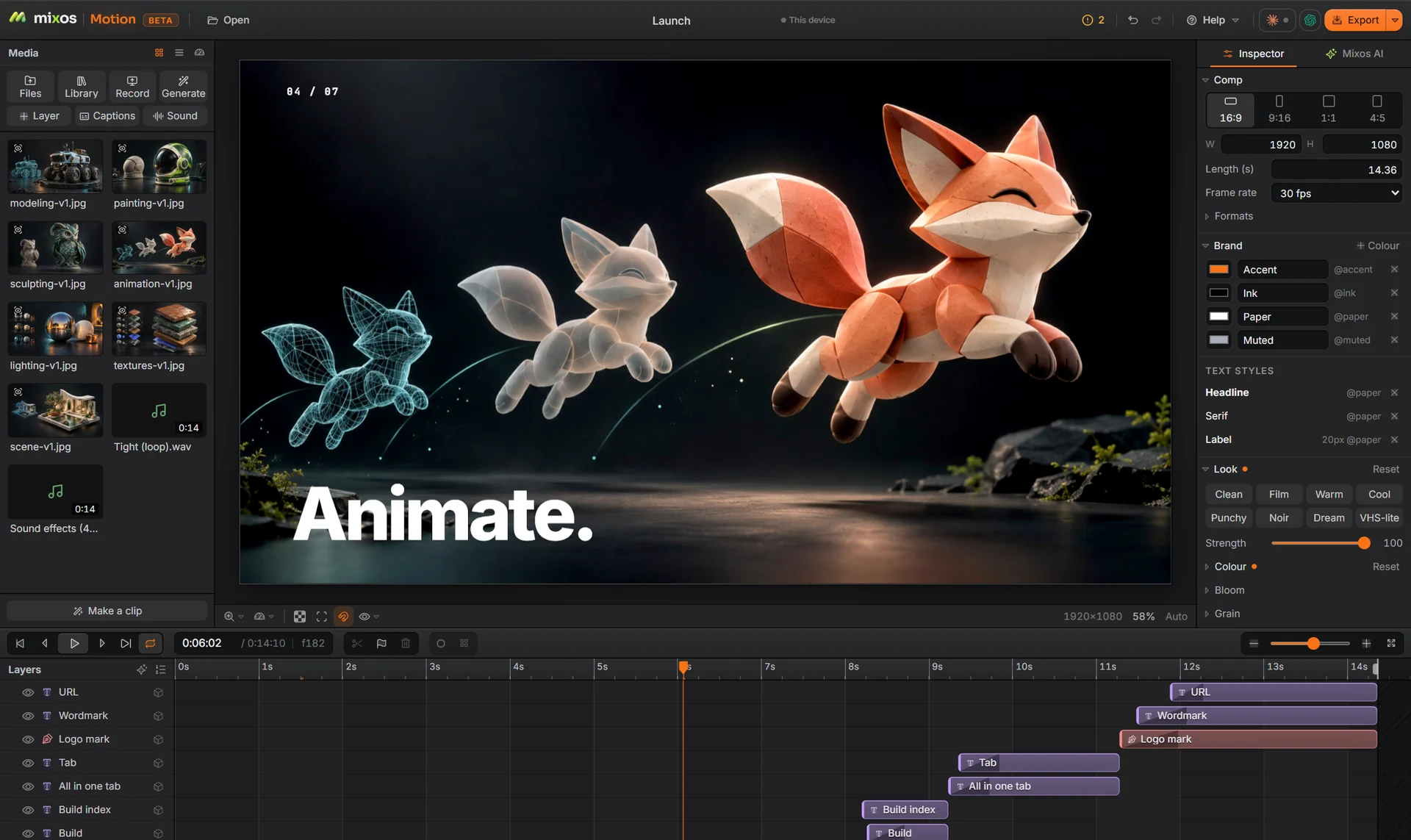
Fade, rise, pop, slide, type on, blur, scramble or wave, on the way in, on the way out, or for emphasis in the middle.
Split the same behaviour across the text and set a stagger, so a headline lands one word at a time.
Save fonts, weights and colours as styles in the comp. Change a style and every line that uses it follows.
The checkup flags text that is cut off, outside the safe zone, on screen too briefly to read, or too low in contrast.
Why Mixos
Kinetic type is mostly the same handful of moves repeated with care: a line rising into place, words landing on a beat, letters typing on behind a cursor. In a keyframe tool each of those is a stack of keys per letter. In Motion it is one behaviour with a split and a stagger.
Text keeps its outline, shadow and gradient options, a number can count up, and a layer can carry more than one behaviour, so a title can type on, pulse once for emphasis and fade out. When the timing has to be exact, key any property and shape it in the graph editor.
Put the words over video, a picture, a 3D render or a flat colour, in 16:9 for YouTube or 9:16 for Reels and TikTok, and the anchored text stays inside the frame in every size.
Building, animating and previewing are free with a free account, and a free export is 540 px with a watermark. Exporting up to 4K without the watermark is part of Pro at $10.00 a month or the one-time $129 license.
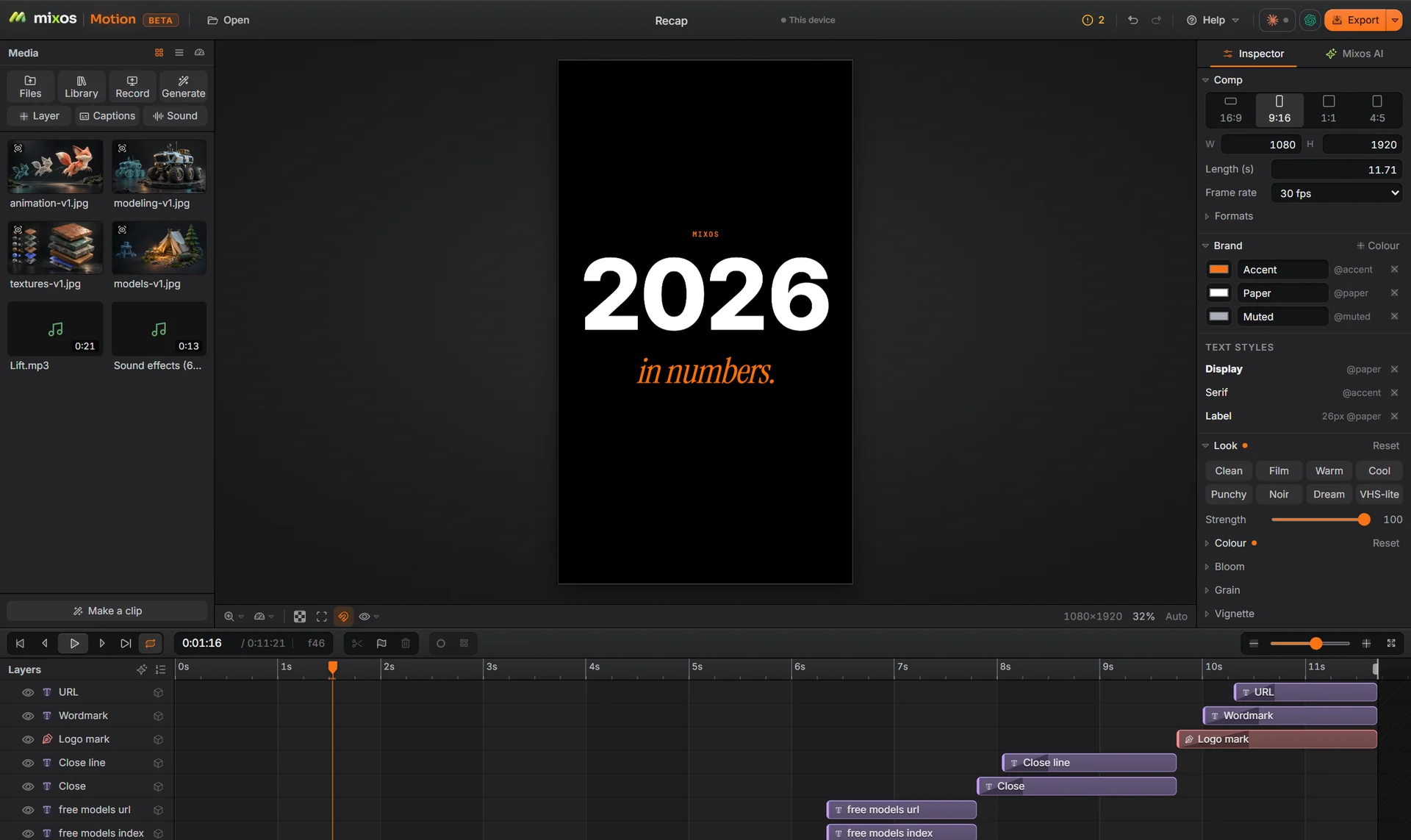
Yes. Type on writes the text out letter by letter; set its speed with the behaviour's duration.
Yes: as a PNG sequence, or on a paid plan as a Lottie file for the web.
Yes. Set text on an arc, a circle, a wave or the outline of another layer, and animate it along the path.
Building and previewing are free. A free account exports video at 540 px on the long edge with a watermark; Pro and the one-time license export up to 4K without one.
A desktop or laptop with current Chrome or Edge, on Windows, macOS, Linux or ChromeOS. Motion draws on your graphics card through WebGPU, so nothing installs, and a free account is needed to open it.
Read next
Key, retime and ease a move, step by step.
Keys, in-betweens, and the interpolation that joins them.
Bones, skin weights, IK, and why auto-riggers want a T-pose.
What carries over to an engine, and what to bake first.
Keep exploring
More in Animation & rendering