Anchored layout
Text, logos and pictures are pinned to the frame or to each other, so they move with the edges instead of falling off them.
Every social size
Make the edit once, then add the sizes you post to: 9:16 for Reels, TikTok and Shorts, 1:1 and 4:5 for the feed, 16:9 for YouTube. Each one re-lays the same layers, and you can adjust any of them on its own.
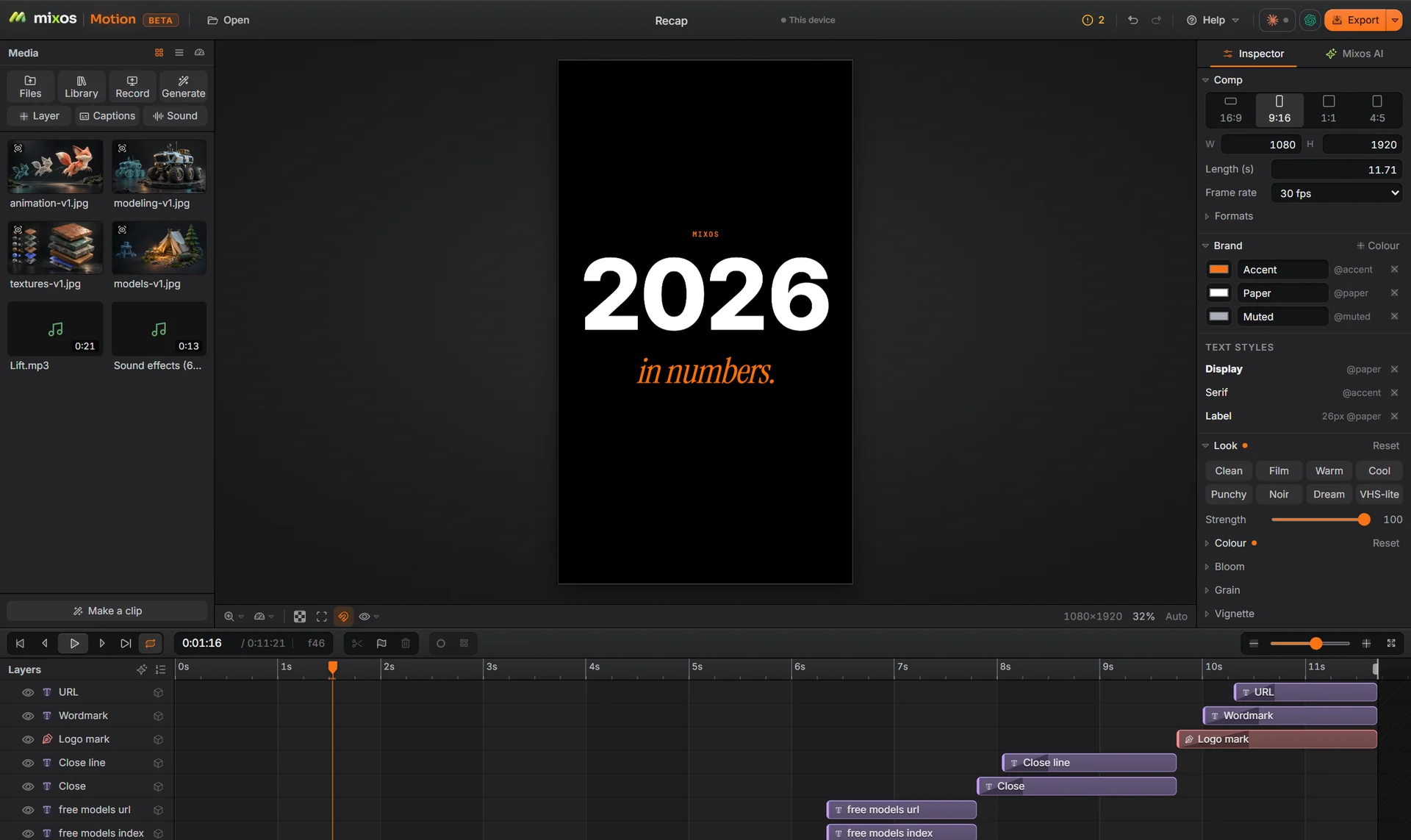
Text, logos and pictures are pinned to the frame or to each other, so they move with the edges instead of falling off them.
Video and pictures re-fit to each size. Follow subject keeps a person's head and shoulders in frame, and any shot can be reframed by hand.
Fix a typo or swap a shot once and every size updates, instead of four duplicate projects drifting apart.
The checkup flags text that is cut off or outside the safe zone, where the app's own buttons and captions would cover it.
Why Mixos
Cropping a 16:9 video to 9:16 throws away two thirds of the frame, and with it the title at the edge and the logo in the corner. The usual fix is a duplicate project per size, which then has to be kept in step by hand.
Motion keeps one comp and lays it out per size. Layers are anchored to a point in the frame or the safe zone, or above and below another layer, so a lower third stays a lower third in every shape, and a version can carry its own small fixes where one size needs them.
Bring in an existing video, add captions or a title if it needs them, add the sizes, check them, and export each one.
Building, animating and previewing are free with a free account, and a free export is 540 px with a watermark. Exporting up to 4K without the watermark is part of Pro at $10.00 a month or the one-time $129 license.
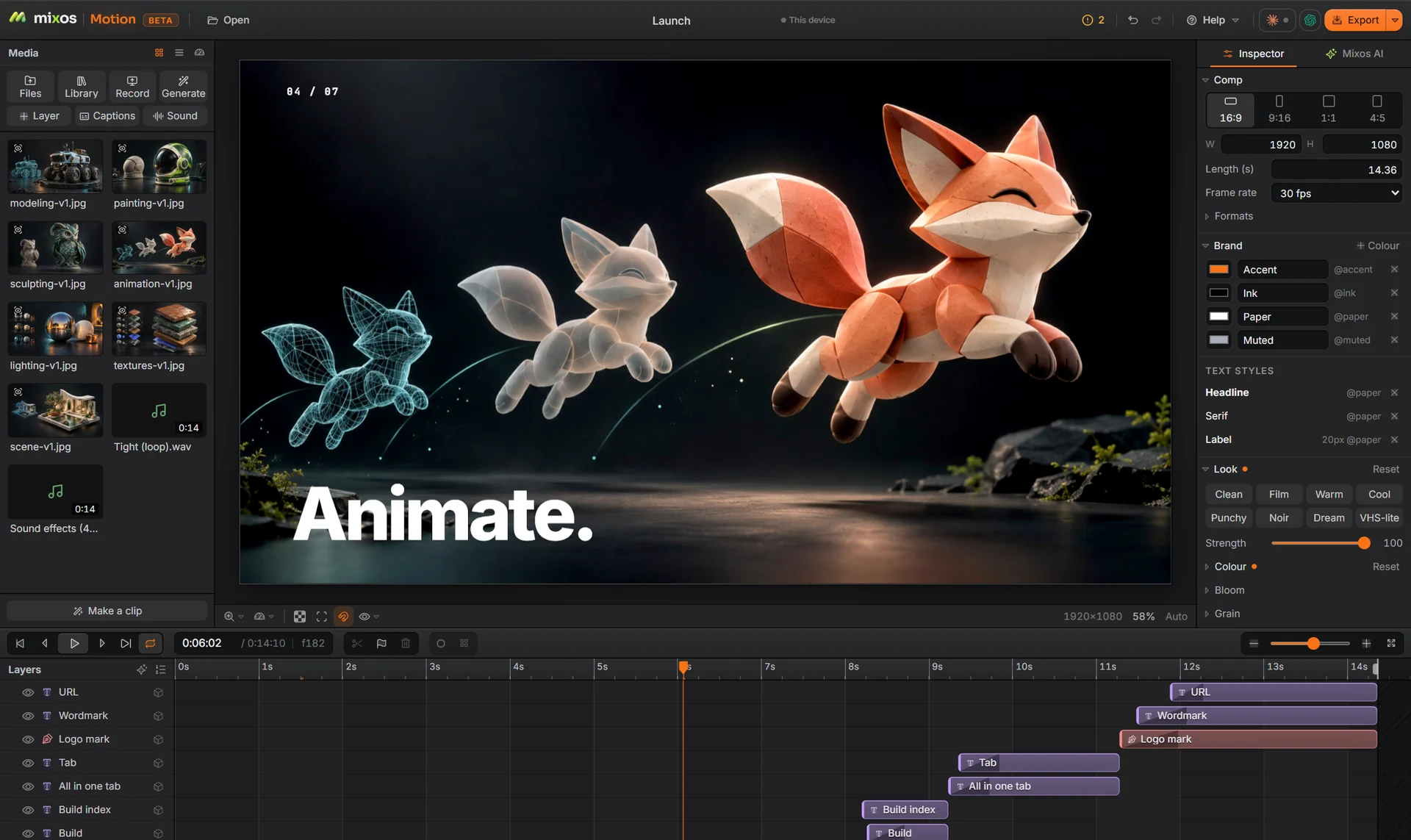
16:9 (1920×1080), 9:16 (1080×1920), 1:1 (1080×1080) and 4:5 (1080×1350), from the same comp.
Footage is fitted to each size, and Follow subject finds faces on your device and keeps the person in frame. You can also reposition or rescale any shot in one version without changing the others.
Yes. Captions can be made from the sound track, and they are anchored like any other text, so they fit each size.
Building and previewing are free. A free account exports video at 540 px on the long edge with a watermark; Pro and the one-time license export up to 4K without one.
A desktop or laptop with current Chrome or Edge, on Windows, macOS, Linux or ChromeOS. Motion draws on your graphics card through WebGPU, so nothing installs, and a free account is needed to open it.
Read next
Key, retime and ease a move, step by step.
Keys, in-betweens, and the interpolation that joins them.
Bones, skin weights, IK, and why auto-riggers want a T-pose.
What carries over to an engine, and what to bake first.
Keep exploring
More in Animation & rendering