Repeater
以橫列、格狀或圓形排列的複製品,每個都略有不同,並有一個場掃過它們,產生漣漪與連鎖效果。
Cavalry 替代品
Cavalry 是圍繞程序化 2D 動畫打造的桌面應用程式。Motion 涵蓋大多數片段需要的程序化工作,包括複製、資料與圖表,並在 Chrome 或 Edge 中執行,不需要安裝任何東西。
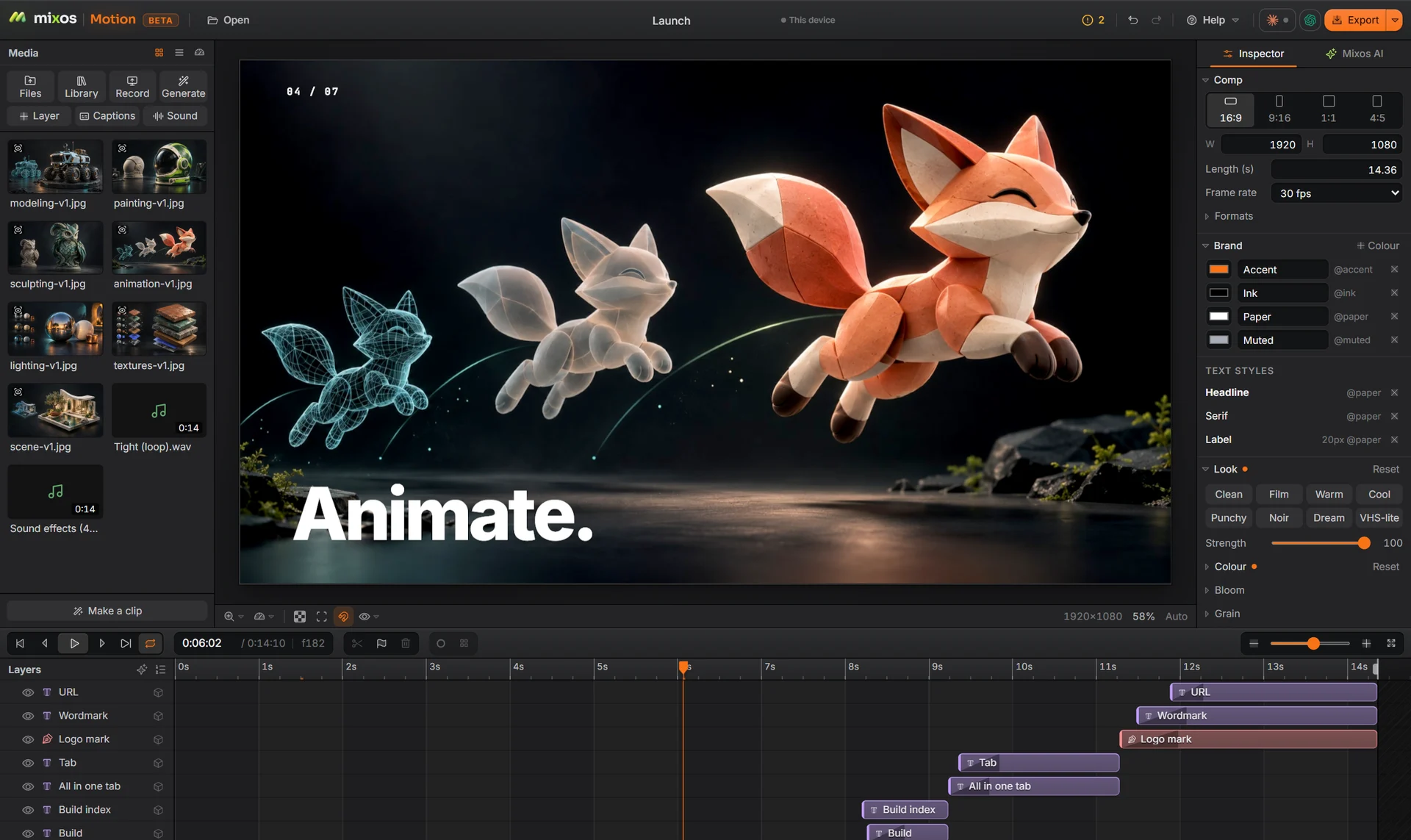
以橫列、格狀或圓形排列的複製品,每個都略有不同,並有一個場掃過它們,產生漣漪與連鎖效果。
貼上數字,就得到會長出來的長條、會往上數的數值、會展開的圓餅圖與會描繪出來的折線,全都是一般圖層。
貼上試算表,Motion 就為每一列製作一支完整的影片,每個名字、價格或分數都在它的位置上。
把縮放、不透明度、位置、模糊或光暈連結到音樂某個頻段的響度,讓圖層隨節拍移動。
Every clip here is a template Motion rendered itself. Pick one in the start window and swap the words, the pictures and the brand colours.
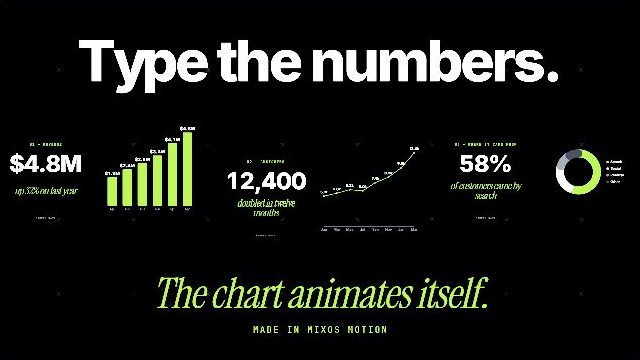
Numbers that move, in one shot: the camera travels a board of charts built from plain data, then pulls back to show it whole.

An election-night broadcast package: a flag emblem and wordmark on a glass slab, a headline lower third with a countdown clock, a key-race results board with a projected winner, a 50-state tile map with the race to 270, ribbon bands and red-white-blue ribbon wipes, and a marble star that shatters on the drop.
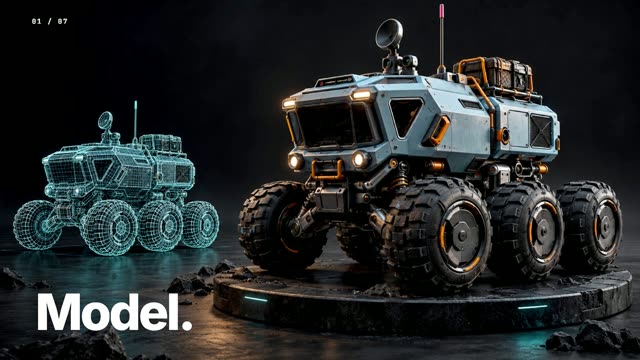
Product sizzle: seven crisp renders cut on the beat, one word each, a clean end card.
Mixos AI
Type the ask under the viewer. Mixos AI works in your comp with the same tools as the buttons, so what it makes is normal layers you can move, retime or delete, and each request is one undo step.
Open MotionMake a grid of forty dots that ripple out from the centre in time with the music.
逐項比較
兩者在程序化 2D 上有重疊。以下是各自更適合的情況。
| 功能 | Mixos | Cavalry |
|---|---|---|
| 安裝 | 不需要:Chrome 或 Edge 中的瀏覽器分頁 | Windows 與 macOS 的桌面應用程式 |
| 程序化深度 | Repeater、形狀變形、沿路徑的文字、由聲音驅動的動畫 | 由複製器、行為與連結組成的完整程序化系統 |
| 資料 | 由資料產生圖表,以及每一列試算表一支影片 | 由試算表資料驅動的動畫 |
| 素材、字幕與聲音 | 內建,語音模型在你的裝置上執行 | 為動態圖形而做,不是剪輯素材 |
| 腳本 | 沒有 | JavaScript |
Cavalry 的描述依據其公開的產品頁面,2026 年 11 月。Motion 的每個儲存格都描述目前上線的應用程式。
為什麼選擇 Mixos
Cavalry 是一套深入的程序化系統:複製器、行為、連結屬性與腳本,為用規則建構動畫的設計師而做。如果你就是這樣工作,請繼續使用它。
Motion 為最常見的程序化工作提供更簡單的入口:只有少數設定的 Repeater、由貼上的資料製作的圖表、形狀變形、沿路徑排列的文字、與聲音連動的動畫,以及能把一個合成變成每列一支影片的表格。
它同時也是剪輯器。素材、從人聲音軌辨識出的字幕、在裝置上產生的旁白、音樂與音效都在同一條時間軸上,所以完成的片段從同一個視窗輸出。
建構、製作動畫與預覽,只要有免費帳號就都免費;免費匯出為 540 px,並帶有浮水印。沒有浮水印、最高 4K 的匯出,屬於每月 $10.00 的 Pro,或一次性 $129 的授權。
不行。請改以 SVG、圖片或影片帶入作品。
可以,有兩種方式:由貼上資料製作的圖表,或是一張表格,每一列都變成一支完整的影片。
沒有。Repeater、聲音連結與行為,不用寫程式就能涵蓋常見的情況。
建構與預覽都是免費的。免費帳號匯出影片時,長邊為 540 px 並帶有浮水印;Pro 與一次性授權則可匯出最高 4K 且沒有浮水印。
一台桌上型或筆記型電腦,搭配最新版的 Chrome 或 Edge,作業系統可為 Windows、macOS、Linux 或 ChromeOS。Motion 透過 WebGPU 使用你的顯示卡,所以不需要安裝任何東西,開啟時需要有免費帳號。