哪些能帶過去
帶填色、描邊、漸層、修剪、虛線與 Repeater 的形狀、描繪式描邊、文字、SVG 向量、群組、遮罩、遮片與混合模式。
Lottie
用形狀、文字、圖示與 SVG 標誌,以行為而不是關鍵影格建構動畫,再匯出 Lottie 檔案,在網頁、iOS 與 Android 上以任何尺寸清晰播放。
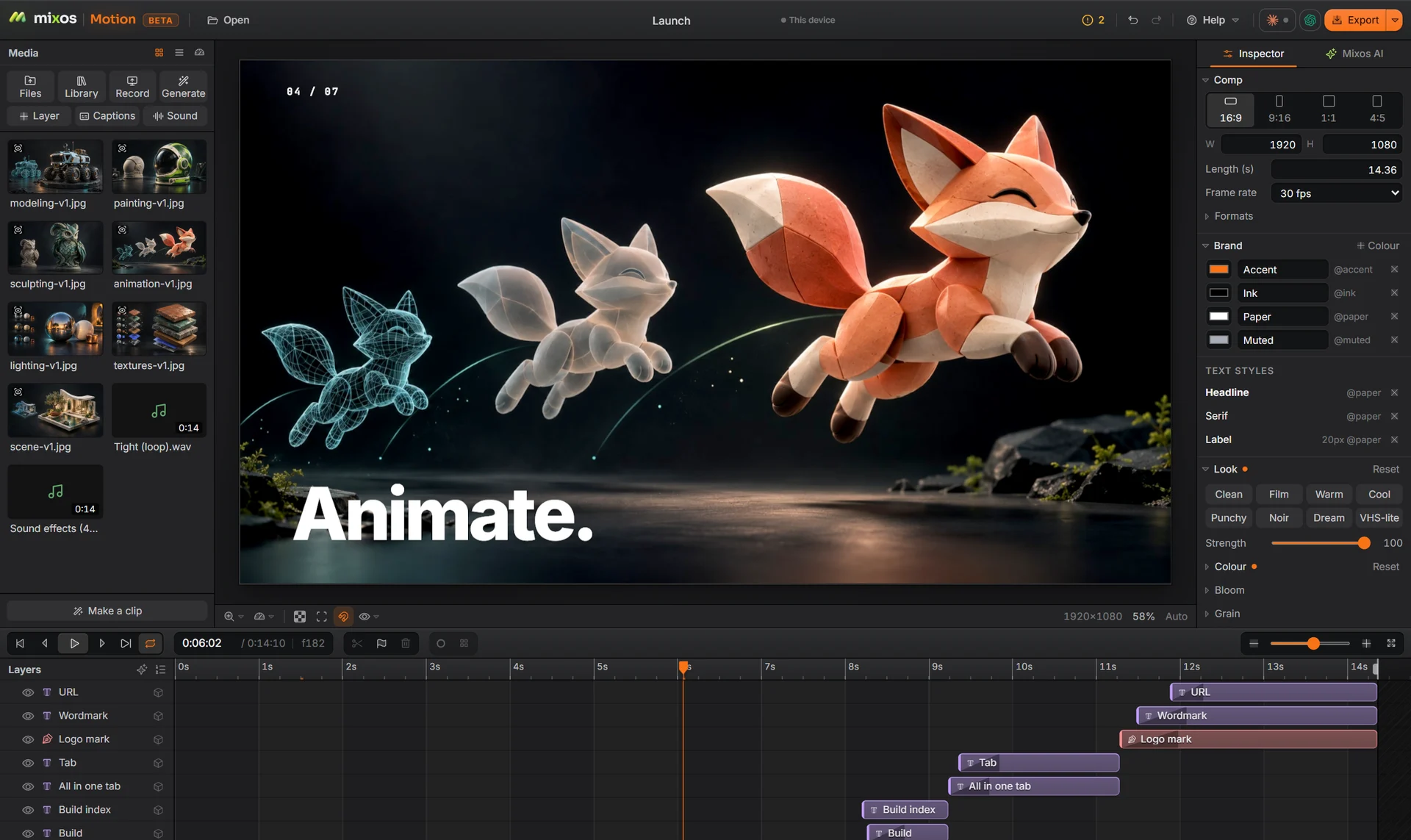
帶填色、描邊、漸層、修剪、虛線與 Repeater 的形狀、描繪式描邊、文字、SVG 向量、群組、遮罩、遮片與混合模式。
把標誌或圖示以 SVG 匯入,每個部分都可以各自描繪、彈出或上升定位。
七組圖示可供製作動畫,另有箭頭、星形與對話框等形狀,帶圓角與偏移。
Lottie 無法帶過去的內容,例如影片、特效或 3D,匯出後會列在報告中,而不是悄悄地被丟掉。
Every clip here is a template Motion rendered itself. Pick one in the start window and swap the words, the pictures and the brand colours.
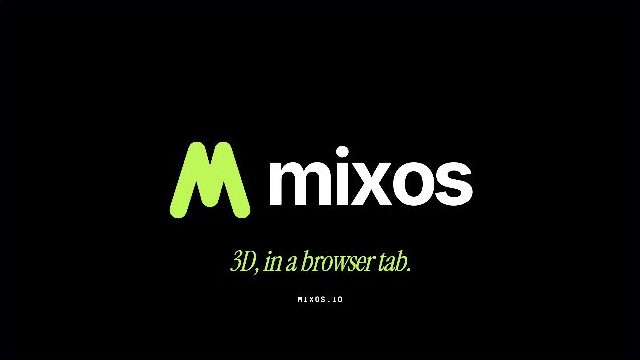
Logo sting: renders strobe on the half-beat, cut to black, the mark draws, the name slides out.
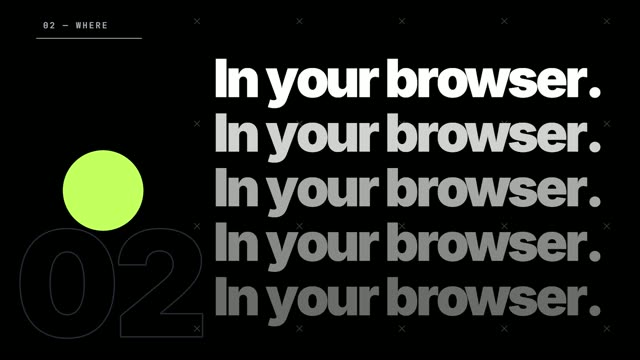
Kinetic type in one unbroken shot: the camera whips, rolls, dives into a full stop and pulls back out, with depth behind every scene.
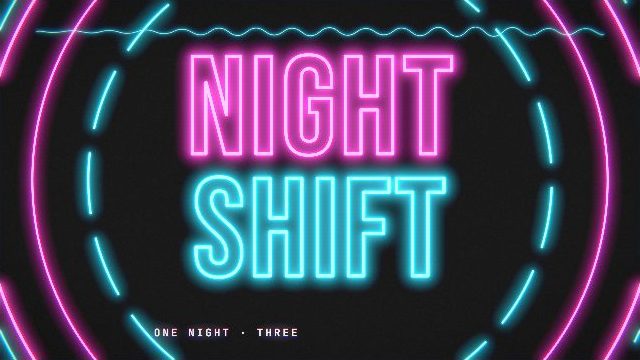
An event in neon: glowing tube lettering, a tunnel of rings at different depths, scanlines, the line-up, date and tickets.
Mixos AI
Type the ask under the viewer. Mixos AI works in your comp with the same tools as the buttons, so what it makes is normal layers you can move, retime or delete, and each request is one undo step.
Open MotionMake a looping loader: three dots that bounce in turn on a transparent background.
為什麼選擇 Mixos
Lottie 檔案很小、縮放不會變模糊,也容易替換,所以應用程式與網站常用它來做載入動畫、圖示、新手引導與空白狀態。要製作一個,通常得用 After Effects 加上匯出外掛。
Motion 自己就能寫出 Lottie。用向量圖層建構,用行為或關鍵影格製作動畫,預覽後匯出 JSON。文字預設匯出為輪廓,在任何地方看起來都一樣,也可以匯出為可編輯的文字圖層。
Lottie 是向量格式,所以它帶得走向量的作品:影片、特效、3D、攝影機、粒子、聲音與動態模糊會留在 Motion 中,匯出報告會點名每一項被略過的內容。Lottie 匯出最長可達 1,800 格:以每秒 30 格計算是 60 秒。
建構與預覽,只要有免費帳號就都免費。匯出 Lottie 屬於每月 $10.00 的 Pro,或一次性 $129 的授權。
不是。建構與預覽可以免費進行,但匯出 Lottie 檔案需要 Pro 或一次性授權。
可以。匯入 SVG,為它的各個部分設定描繪或彈出等行為,再把合成匯出為 Lottie。
不行。Motion 會匯出 Lottie,但不會匯入。
可以。圖片會嵌入檔案中,最大 2048 px,這會讓檔案變大。影片則無法帶過去。
一台桌上型或筆記型電腦,搭配最新版的 Chrome 或 Edge,作業系統可為 Windows、macOS、Linux 或 ChromeOS。Motion 透過 WebGPU 使用你的顯示卡,所以不需要安裝任何東西,開啟時需要有免費帳號。