哪些内容可以带过去
带填充、描边、渐变、修剪、虚线和重复器的形状,描绘式描边、文字、SVG 矢量、编组、遮罩、抠像和混合模式。
Lottie
用形状、文字、图标和 SVG 标志,以行为而不是关键帧来搭建动画,然后导出 Lottie 文件,它可在网页、iOS 和 Android 上以任意尺寸清晰播放。
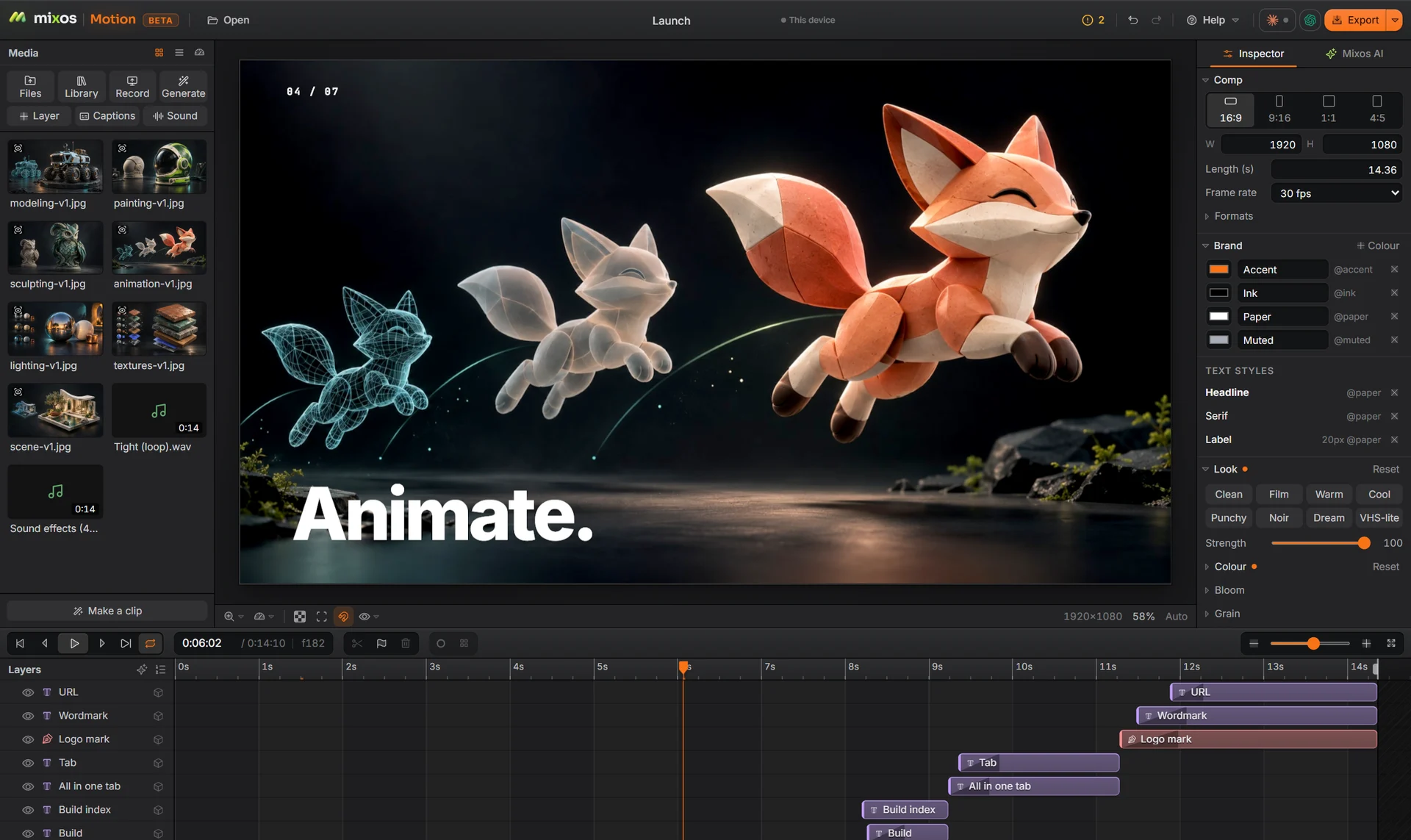
带填充、描边、渐变、修剪、虚线和重复器的形状,描绘式描边、文字、SVG 矢量、编组、遮罩、抠像和混合模式。
把标志或图标作为 SVG 导入,每个部分都可以单独描绘、弹出或升起就位。
七套可制作动画的图标集,以及带圆角和偏移的箭头、星形和标注框等形状。
Lottie 无法承载的内容,如视频、特效或 3D,会在导出后列入报告,而不是悄悄丢掉。
Every clip here is a template Motion rendered itself. Pick one in the start window and swap the words, the pictures and the brand colours.
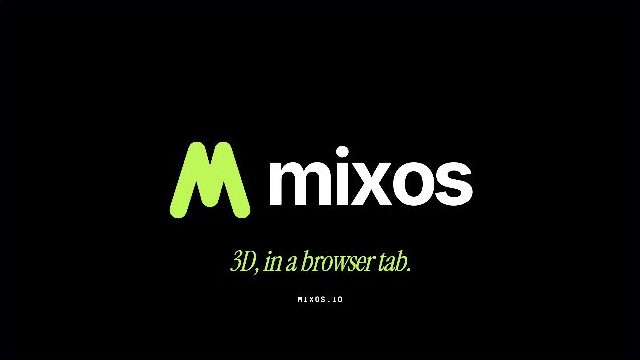
Logo sting: renders strobe on the half-beat, cut to black, the mark draws, the name slides out.
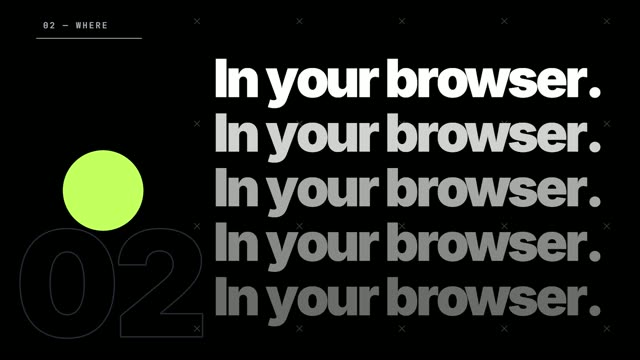
Kinetic type in one unbroken shot: the camera whips, rolls, dives into a full stop and pulls back out, with depth behind every scene.
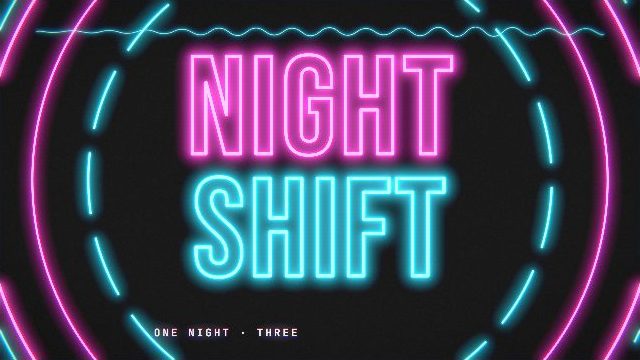
An event in neon: glowing tube lettering, a tunnel of rings at different depths, scanlines, the line-up, date and tickets.
Mixos AI
Type the ask under the viewer. Mixos AI works in your comp with the same tools as the buttons, so what it makes is normal layers you can move, retime or delete, and each request is one undo step.
Open MotionMake a looping loader: three dots that bounce in turn on a transparent background.
为什么选择 Mixos
Lottie 文件体积小、缩放不模糊、也容易替换,所以应用和网站用它做加载动画、图标、新手引导和空状态。做一个通常意味着 After Effects 加一个导出插件。
Motion 自己就能写出 Lottie。用矢量图层搭建,用行为或关键帧制作动画,预览,然后导出 JSON。文字默认导出为轮廓,使其在任何地方看起来都一样,也可以导出为可编辑的文字图层。
Lottie 是矢量格式,所以它承载矢量内容:视频、特效、3D、摄像机、粒子、声音和运动模糊留在 Motion 中,导出报告会列出每一项被省略的内容。一个 Lottie 导出最长可达 1,800 帧:以每秒 30 帧计,即 60 秒。
使用免费账号即可免费搭建和预览。导出 Lottie 包含在 Pro 中(每月 $10.00),或一次性 $129 的许可中。
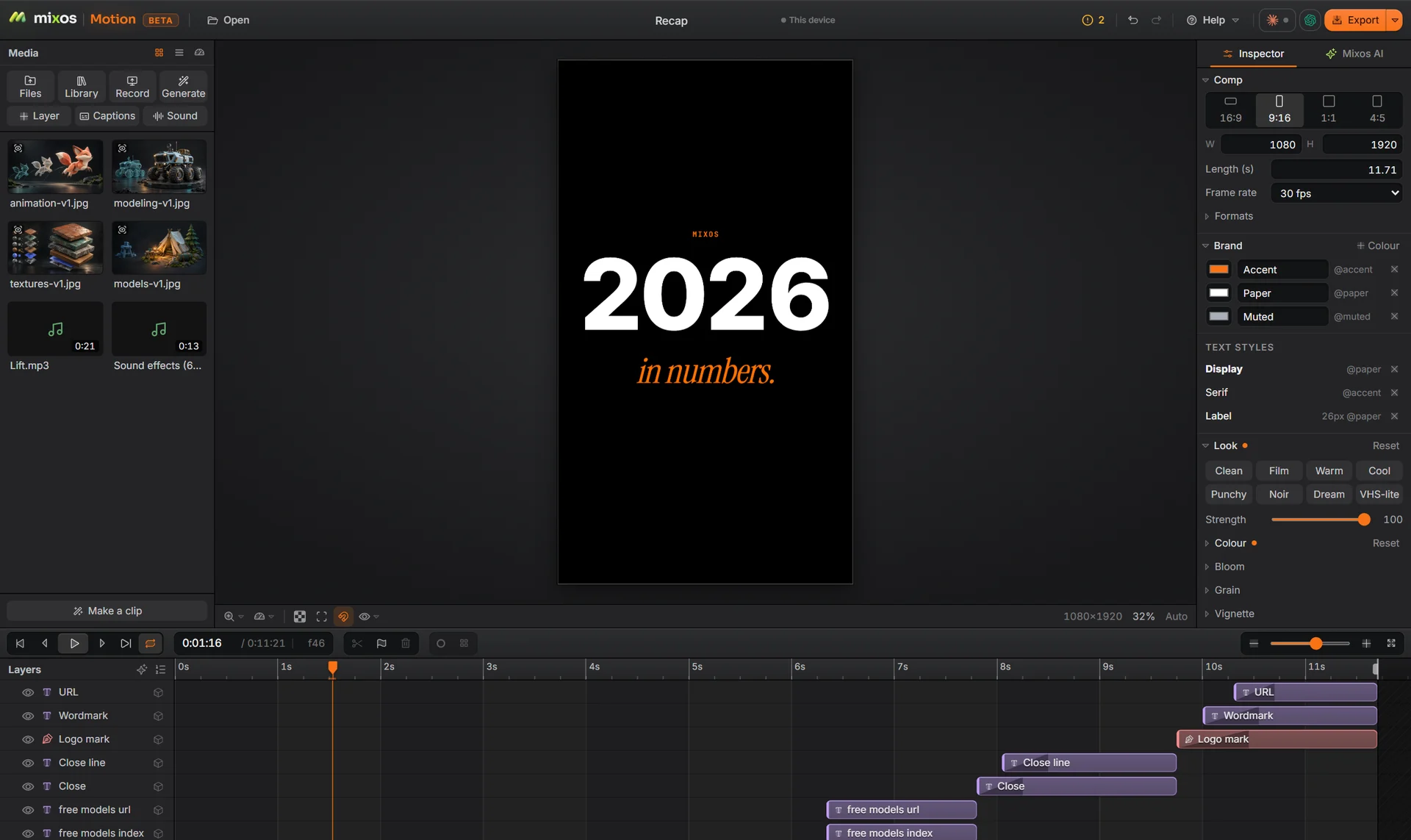
不是。你可以免费搭建和预览,但导出 Lottie 文件需要 Pro 或一次性许可。
可以。导入 SVG,为它的各个部分选择描绘或弹出之类的行为,再把合成导出为 Lottie。
不能。Motion 导出 Lottie,但不导入。
可以。图片会嵌入文件,最大 2048 px,这会让文件变大。视频无法带过去。
一台装有最新版 Chrome 或 Edge 的台式机或笔记本电脑,系统为 Windows、macOS、Linux 或 ChromeOS。Motion 通过 WebGPU 调用你的显卡,因此无需安装任何东西,打开它需要一个免费账号。