用行为,而不是关键帧
为图层选择入场、运动和出场方式:淡入、上升、弹出、滑动、打字、绘制或模糊,可按行、词或字母应用,并带错开效果。需要时也有关键帧和图表编辑器。
After Effects 替代方案
人们打开 After Effects 做的大多是短片:标题、标志动画、产品预告,或口播视频的字幕。Motion 用行为而不是关键帧来完成这些,就在一个浏览器标签页里。
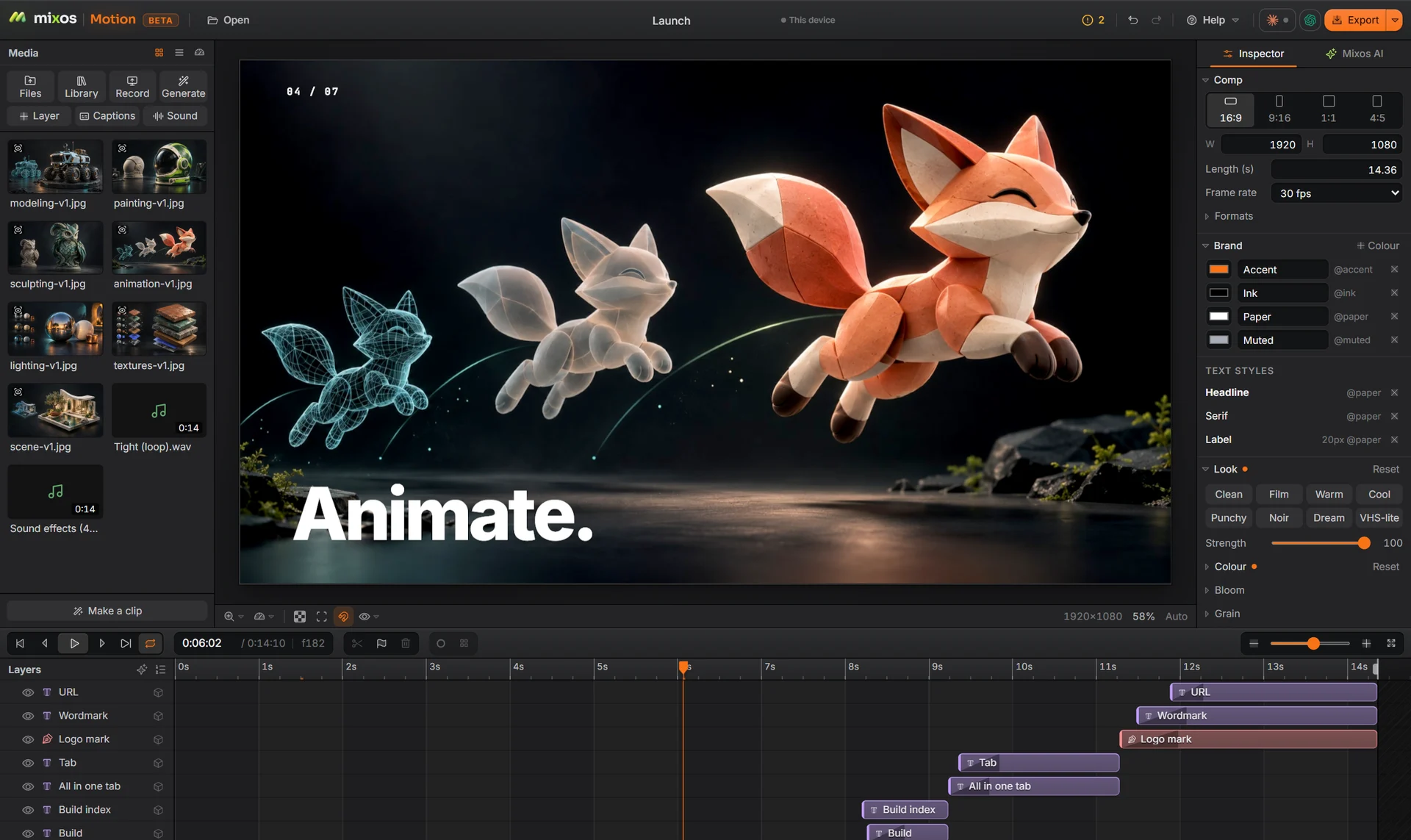
为图层选择入场、运动和出场方式:淡入、上升、弹出、滑动、打字、绘制或模糊,可按行、词或字母应用,并带错开效果。需要时也有关键帧和图表编辑器。
同一组图层可输出 16:9、9:16、1:1 和 4:5。文字和标志锚定在画面中,因此在每种尺寸里都停在你放置的位置。
根据音轨识别生成字幕,根据脚本生成英文旁白,内置带节拍标记的音乐库,并在人声下方自动闪避。
在你现有的电脑上通过 Chrome 或 Edge 运行,合成保存到你的 mixos 资源库,而不是留在某一台机器上。
Every clip here is a template Motion rendered itself. Pick one in the start window and swap the words, the pictures and the brand colours.

An agency case-study film for an invented outdoor brand: the artwork comps (billboard, posters, a story) corner pinned onto a roadside billboard, a bus shelter, a metro platform and a phone, with a paper slate, results counting up and a sign-off.

A football broadcast open in graphite, steel and one ember red: the day slams in, a 3D steel crest turns into the light, a hero over giant type, slab wipes, a matchup with live score bug, and a 3D lockup, cut to its own broadcast theme.
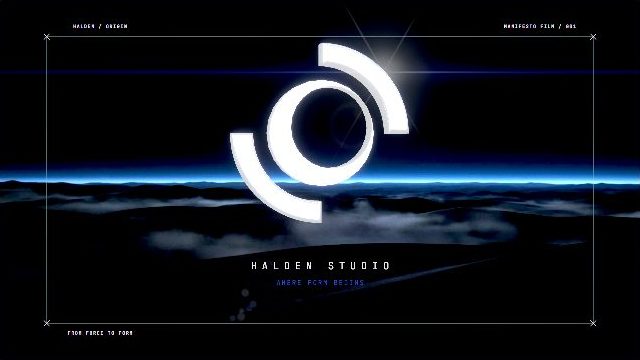
A studio manifesto in dark sci-fi, built as nine scene comps: the name through reeded glass, a signal to a planet, tracking boxes, data blocks, a kaleidoscope, a pixel sort, a mirrored monolith and a light breaking out from behind a chrome mark.
Mixos AI
Type the ask under the viewer. Mixos AI works in your comp with the same tools as the buttons, so what it makes is normal layers you can move, retime or delete, and each request is one undo step.
Open MotionAdd a clean lower third with a name and a role, sliding in from the left with a thin accent line.
逐项比较
它们面向的工作量不同。下面看看各自更适合什么情况。
| 功能 | Mixos | After Effects |
|---|---|---|
| 安装 | 无需安装:Chrome 或 Edge 中的浏览器标签页 | Windows 和 macOS 桌面应用 |
| 图层动画 | 按行、词、字母应用行为;需要时用关键帧和曲线 | 关键帧和表达式,另有预设 |
| 社交媒体尺寸 | 一个合成输出 16:9、9:16、1:1、4:5,由锚点重新排布 | 通常每种尺寸复制一个合成 |
| 字幕与旁白 | 内置;语音模型在你的设备上运行 | 通过 Premiere Pro 或插件生成字幕 |
| 合成深度 | 适用于短片的遮罩、抠像、键控、跟踪和调色 | 行业标准合成、3D 摄像机跟踪和转描 |
| 扩展能力 | 无脚本,无第三方插件 | 表达式、脚本和庞大的插件市场 |
| 离线 | 打开和保存需要联网 | 完全可离线使用 |
After Effects 的描述依据其公开产品页面,截至 2026 年 11 月。Motion 一栏的每个单元格描述的都是已上线的应用。
为什么选择 Mixos
After Effects 是一座合成工作站:表达式、脚本、庞大的插件市场,以及大型工作室所依赖的流程。如果这就是你的工作,请继续用它。Motion 面向它周围那些短小而频繁的活儿,这类工作里,打开一个完整的合成软件本身就是最慢的一步。
它的模型有意做得更简单。图层只需选一种行为,而不是堆一串关键帧;合成里有每个图层都能使用的品牌色和文字样式;布局是锚定的,所以从 16:9 切换到 9:16 时,合成会重新排布,而不是从头再来。
社交媒体片段需要的部分都在同一个窗口里:根据人声音轨生成的字幕、在设备上生成的旁白、从语音中剪掉的停顿、音乐、音效、转场、遮罩、抠像、跟踪与稳定,以及一项检查,会标出被画面截断或快到读不清的文字。
来自 Studio(mixos 的 3D 应用)的渲染图一步就能进入 Motion,所以产品镜头或 3D 标题可以直接放进剪辑。
使用免费账号即可免费搭建、制作动画和预览,免费导出为 540 px 且带水印。导出最高 4K 且无水印的成片包含在 Pro 中(每月 $10.00),或一次性 $129 的许可中。
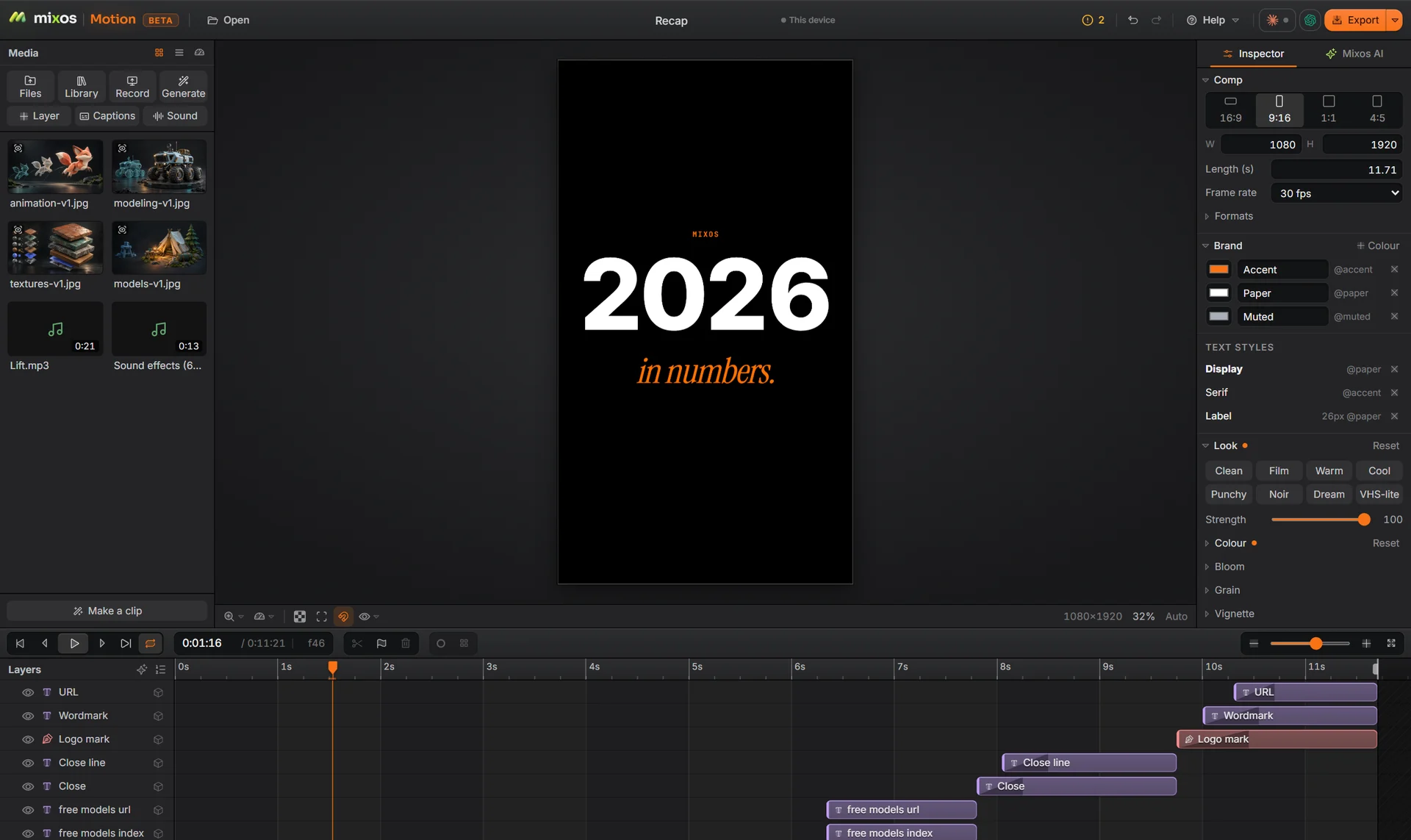
你可以免费搭建和预览任何内容。免费导出为 540 px 且带水印;Pro 或一次性许可可导出最高 4K,且没有水印。
不能。Motion 不读取 .aep 文件。请改为导入素材:视频、图片、SVG 标志、声音和 3D 模型都可以导入。
可以,通过文件:MP4、WebM、PNG 或 JPG 序列;在付费方案中,还可以仅导出声音,格式为 WAV 或 M4A。
有。大多数工作用不到它们,但任何属性都可以打关键帧,并配有缓动曲线和图表编辑器,可手动调整时间。
一台装有最新版 Chrome 或 Edge 的台式机或笔记本电脑,系统为 Windows、macOS、Linux 或 ChromeOS。Motion 通过 WebGPU 调用你的显卡,因此无需安装任何东西,打开它需要一个免费账号。