不上传任何内容
语音模型(Whisper)只需下载一次,并在你的浏览器中运行,因此声音不会离开你的电脑,生成字幕也不消耗积分。
字幕
放入一段带语音的视频,Motion 会听出内容、写出字幕并为每个词标注时间。选一种样式,高亮重要的词,字幕在你发布的每种尺寸里都锚定在画面内。
语音模型(Whisper)只需下载一次,并在你的浏览器中运行,因此声音不会离开你的电脑,生成字幕也不消耗积分。
Clean、Pop、Karaoke、Boxed、One word 和 Creator,可设置字体、字号、颜色,并高亮关键词。
英语、西班牙语、法语、德语、意大利语、葡萄牙语、荷兰语、波兰语、土耳其语、俄语、乌克兰语、阿拉伯语、印地语、日语、韩语和中文,或自动识别。
字幕就是时间轴上的普通文字图层。改一个名字、拆分一行或移动一个词,时间依然对得上。
Every clip here is a template Motion rendered itself. Pick one in the start window and swap the words, the pictures and the brand colours.
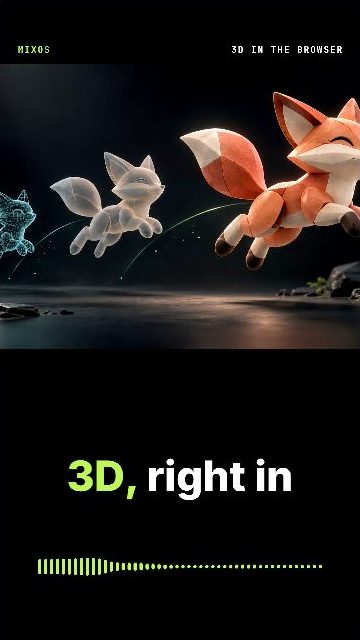
Narrated on this device, captions timed to every word, a waveform that moves with the voice.
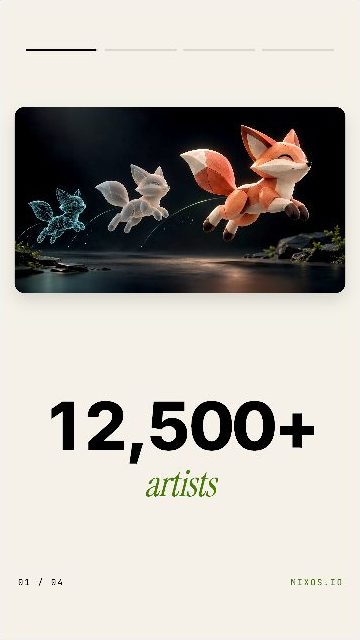
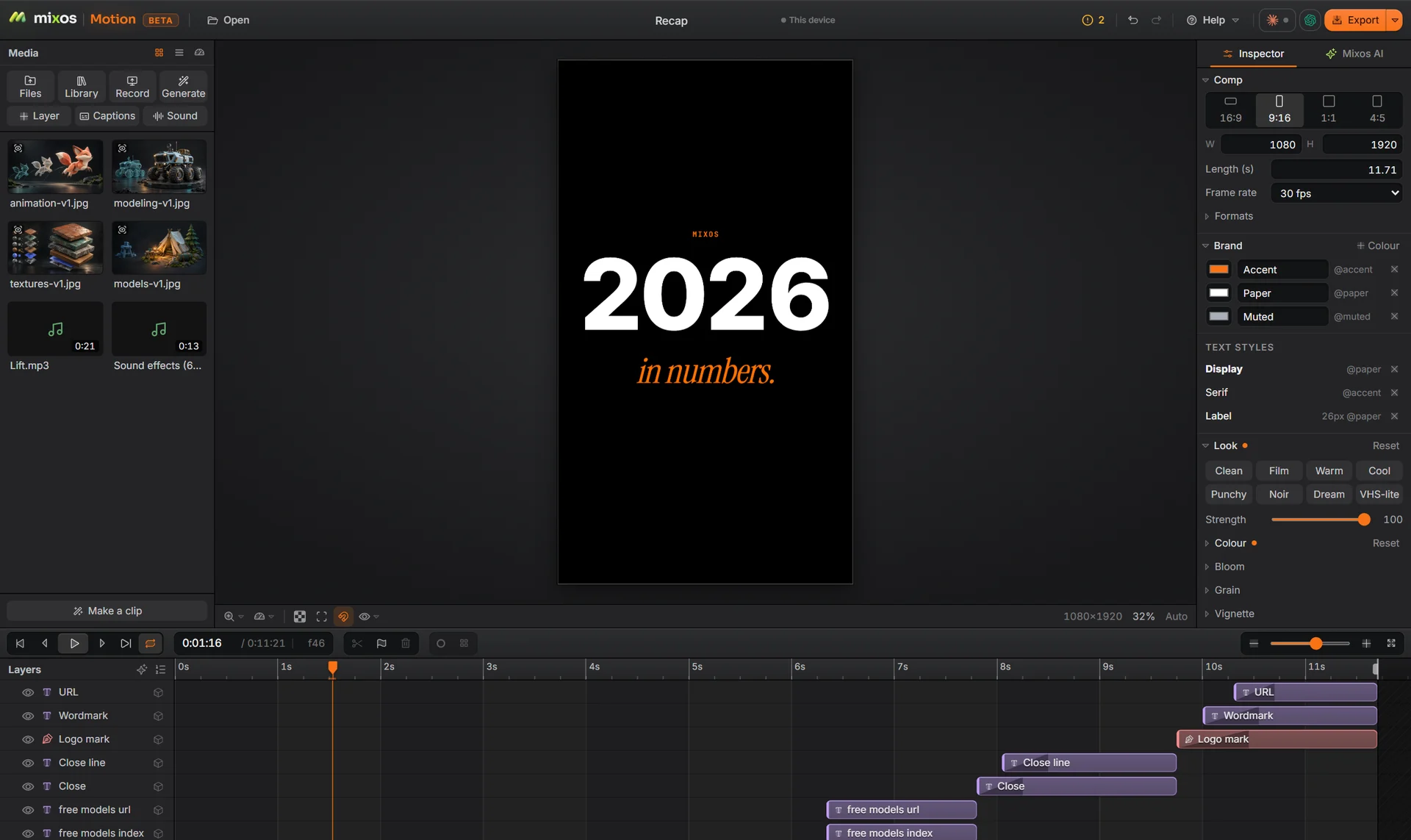
The year in numbers, vertical: one number per shot with a crisp render, cut on the beat.

A place to stay in five photographs, each cut its own way (zoom, whip, clock, colour swipe, light leak), with a rating badge and sign-off built as precomps.
Mixos AI
Type the ask under the viewer. Mixos AI works in your comp with the same tools as the buttons, so what it makes is normal layers you can move, retime or delete, and each request is one undo step.
Open MotionAdd captions from the voice track, two lines at most, in my brand colours.
为什么选择 Mixos
大多数短视频是静音观看的,所以字幕决定了前三秒能否抓住人。在 Reels、TikTok 和 Shorts 上有效的样式,是一次只显示几个词、与人声同步,并突出重点词。
Motion 根据音轨生成这些字幕:它在你的设备上转写语音,为每个词标注时间,并按你选的样式把字幕排成文字图层。你可以设置一次显示多少个词、放在哪里,以及哪些词使用高亮色。
因为字幕是图层,它们能与合成里的其他内容配合:检查会标出快到读不清或超出安全区的字幕,而同一合成的 9:16、1:1 和 16:9 版本也都会让字幕保持在画面内。
字幕会烧录进导出的视频。Motion 不生成 SRT 或 VTT 字幕文件。
使用免费账号即可免费搭建、制作动画和预览,免费导出为 540 px 且带水印。导出最高 4K 且无水印的成片包含在 Pro 中(每月 $10.00),或一次性 $129 的许可中。
不会。语音模型只需下载到你的浏览器一次(约 40 到 80 MB),并在浏览器中运行。生成字幕免费,不消耗积分。
不能。字幕是导出视频画面的一部分。如果你需要为 YouTube 单独准备字幕文件,这一步不适合用 Motion。
安静环境里的清晰语音转写效果很好;人名、专业术语以及人声下的音乐需要检查一下。每个词都可以在时间轴上编辑。
可以。在加字幕之前,Motion 可以在你的设备上,从同一段语音里删除静音和「嗯」「呃」之类的口头禅。
搭建和预览免费。免费账号导出视频时长边为 540 px 并带水印;Pro 和一次性许可可导出最高 4K 且无水印。
一台装有最新版 Chrome 或 Edge 的台式机或笔记本电脑,系统为 Windows、macOS、Linux 或 ChromeOS。Motion 通过 WebGPU 调用你的显卡,因此无需安装任何东西,打开它需要一个免费账号。