你的标志,依然是矢量
导入的 SVG 会保留其路径,因此标志可以逐笔描绘出来,在任何尺寸下都保持清晰。
标志开场
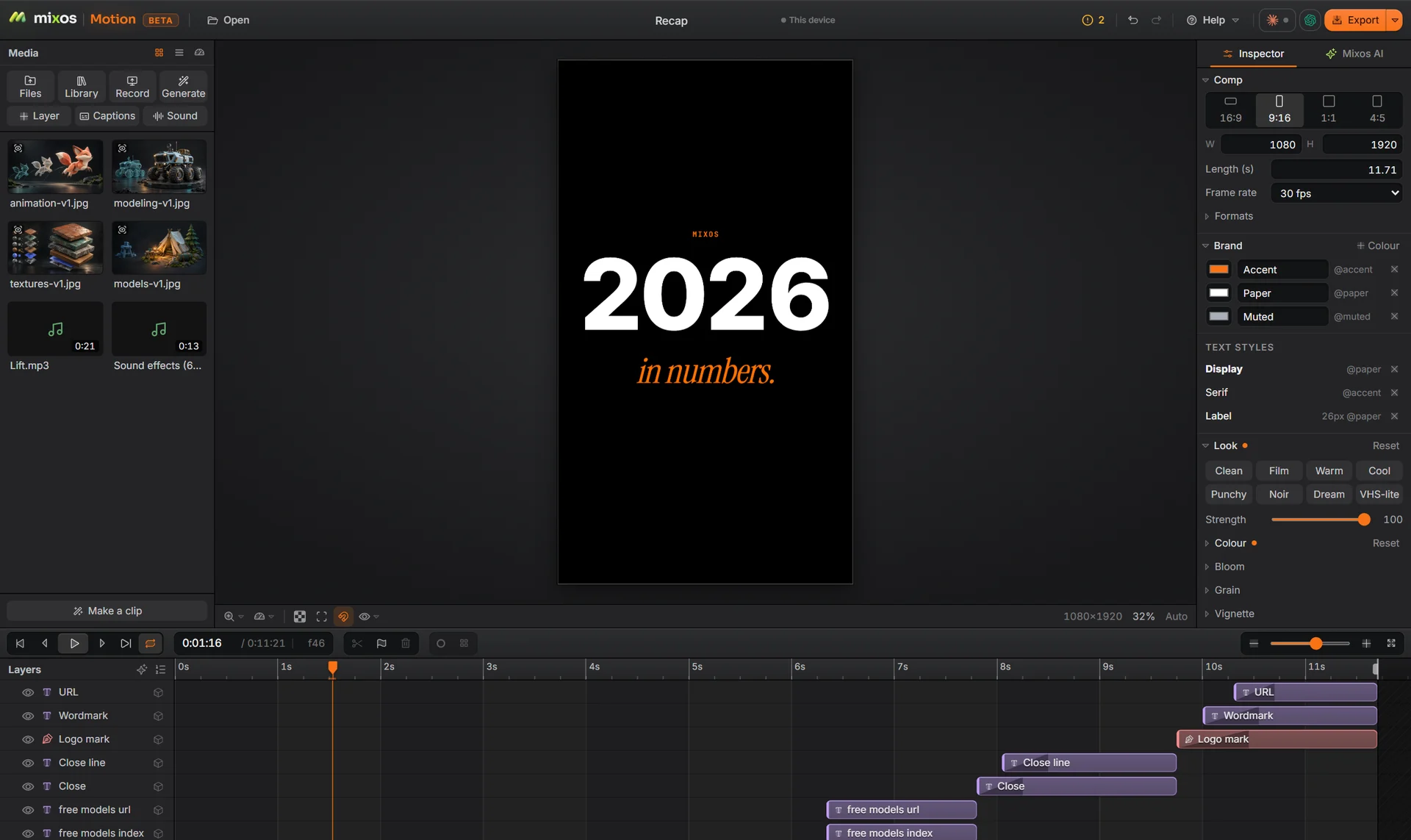
放入标志的 SVG,它依然是矢量:每个部分都可以自己描绘出来、弹出或升起就位,名称随后跟上,并在重点上配上声音。Reveal 模板是一段完成的标志动画,可以直接开始。
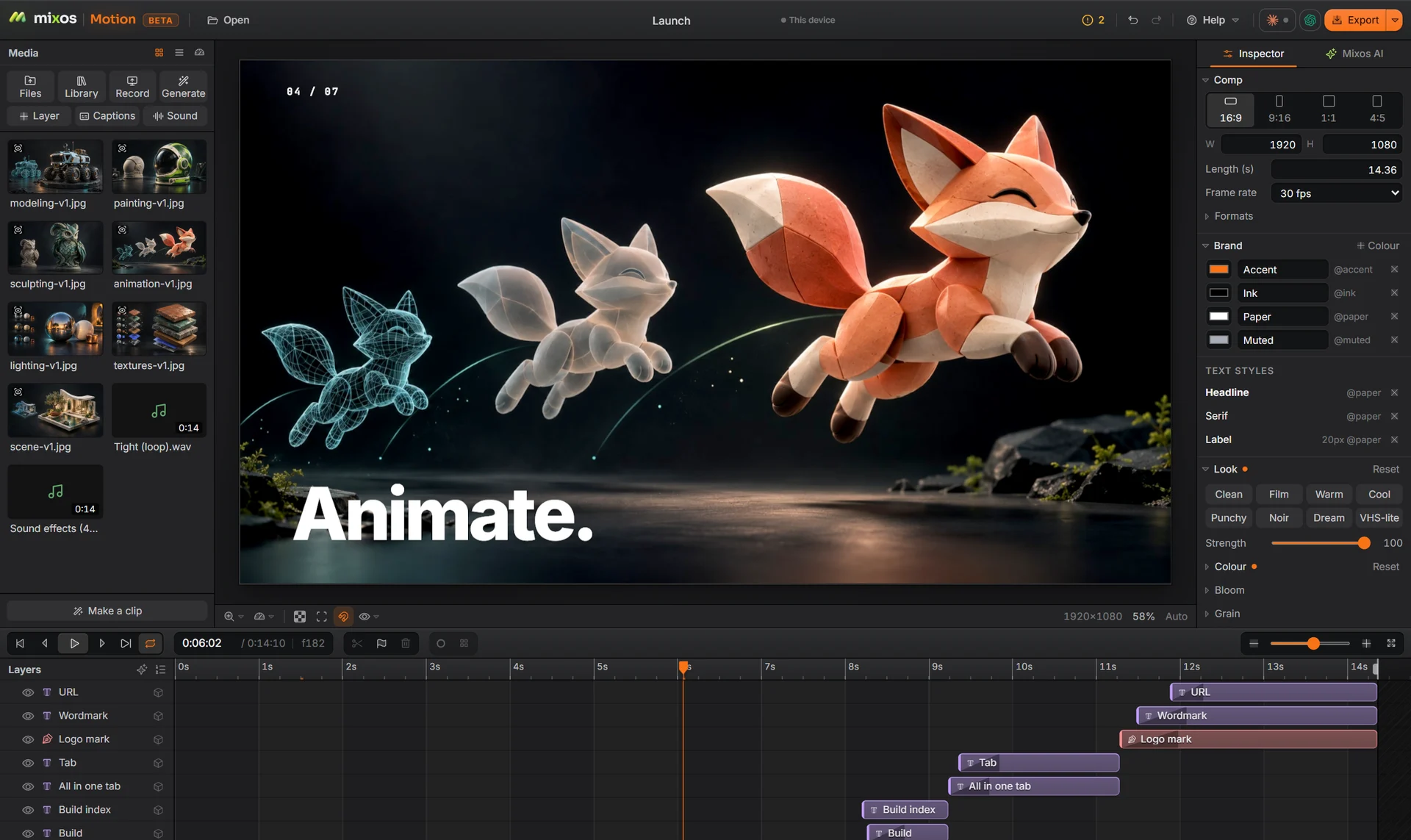
导入的 SVG 会保留其路径,因此标志可以逐笔描绘出来,在任何尺寸下都保持清晰。
Reveal 用光描出标志,切到黑场,再滑出名称。换上你的标志和文字,时间安排保持不变。
音乐库、音效和节拍标记,让标志恰好落在节拍上,而不是差一点。
把名称挤出成 3D 标题,或从 Studio 引入已打好光、构好图的 3D 标志,作为一个图层。
Every clip here is a template Motion rendered itself. Pick one in the start window and swap the words, the pictures and the brand colours.
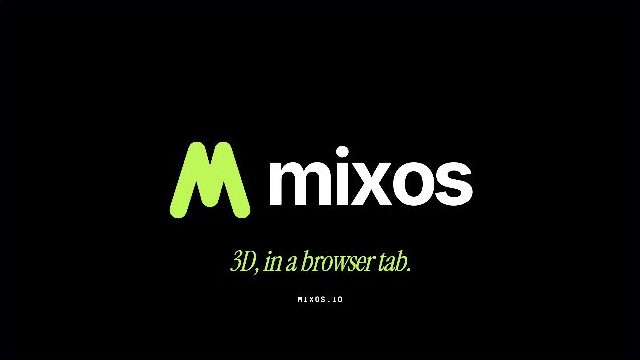
Logo sting: renders strobe on the half-beat, cut to black, the mark draws, the name slides out.
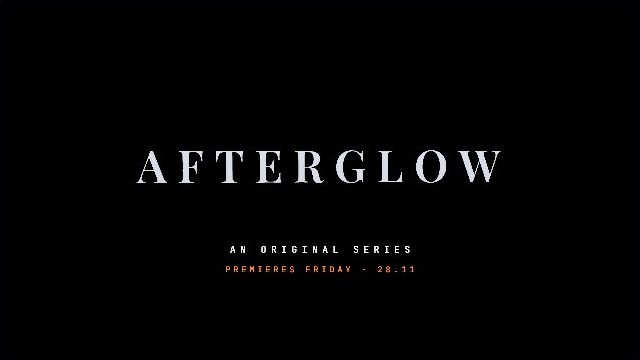
A film title in real 3D chrome, a spaced serif on black: a hairline draws, the title rises out of it turning, the light glides down the letters.
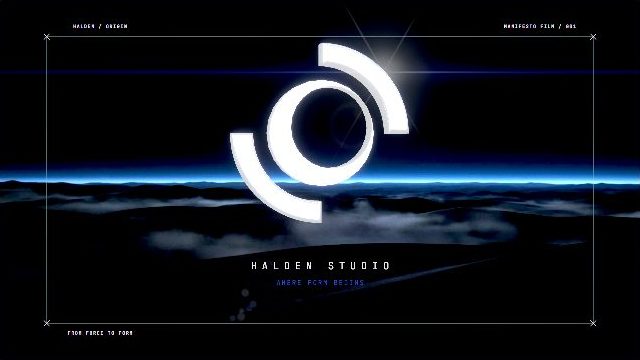
A studio manifesto in dark sci-fi, built as nine scene comps: the name through reeded glass, a signal to a planet, tracking boxes, data blocks, a kaleidoscope, a pixel sort, a mirrored monolith and a light breaking out from behind a chrome mark.
Mixos AI
Type the ask under the viewer. Mixos AI works in your comp with the same tools as the buttons, so what it makes is normal layers you can move, retime or delete, and each request is one undo step.
Open MotionMake a short logo reveal: a shape draws itself, the name slides out from behind it, then a tagline fades up.
为什么选择 Mixos
大多数标志开场的结构都一样:某样东西逐渐构成,标志显现,名称跟上,然后在视频开始前有一拍静默。Motion 的行为涵盖了每一步,Reveal 模板把它们串在一起,你只需替换属于你的部分。
可放在 YouTube 视频开头、产品页面上,或作为社交媒体片段的片尾卡。先做一个 16:9 版本,再用同一个合成添加 9:16 和 1:1 版本;标志是锚定的,所以在每个版本里都保持居中。
用于网页时,同一个开场可以导出为 GIF 或透明 PNG 序列;如果它由矢量形状和文字构成,在付费方案中还可以导出为 Lottie 文件。
使用免费账号即可免费搭建、制作动画和预览,免费导出为 540 px 且带水印。导出最高 4K 且无水印的成片包含在 Pro 中(每月 $10.00),或一次性 $129 的许可中。
SVG 的效果最好,因为每条路径都可以单独制作动画。带透明背景的 PNG 也可以,作为单个图层使用。
可以。在 Motion 中把文字挤出成 3D 标题,或在 Studio 中制作 3D 标志,再一步把渲染图发送到 Motion。如果只要一个单独旋转的 3D 标志,用 Logo 应用更快。
可以,导出为 PNG 序列;矢量标志在付费方案中还可以导出为 Lottie 文件。
搭建和预览免费。免费账号导出视频时长边为 540 px 并带水印;Pro 和一次性许可可导出最高 4K 且无水印。
一台装有最新版 Chrome 或 Edge 的台式机或笔记本电脑,系统为 Windows、macOS、Linux 或 ChromeOS。Motion 通过 WebGPU 调用你的显卡,因此无需安装任何东西,打开它需要一个免费账号。