依詞或字母套用的行為
淡入、上升、彈出、滑動、打字、描繪或模糊,可依行、詞或字母套用,並帶錯開效果。需要時有關鍵影格與圖表編輯器。
Jitter 替代品
Jitter 讓動態設計像在做設計:畫框、預設、一個瀏覽器分頁。Motion 的做法相同,並繼續延伸到片段中不屬於向量的部分,例如素材、字幕、人聲與音樂。
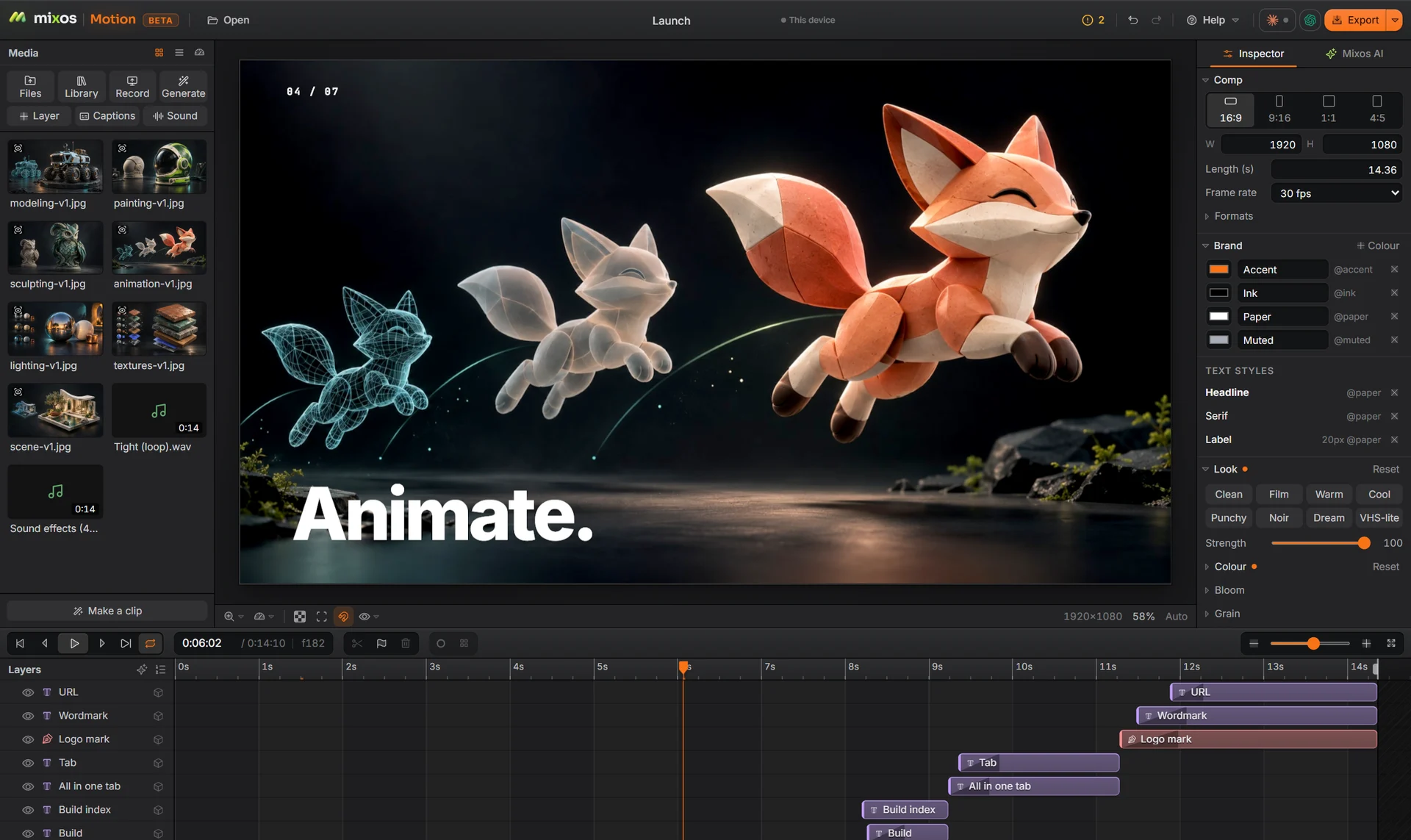
淡入、上升、彈出、滑動、打字、描繪或模糊,可依行、詞或字母套用,並帶錯開效果。需要時有關鍵影格與圖表編輯器。
修剪與剪輯影片、調整速度漸變、追蹤一個點、穩定畫面並把人物去背,與你的文字和形狀放在一起。
從音軌辨識出的字幕、在你裝置上依腳本製作的英文旁白,以及附節拍標記的音樂。
同一組圖層可輸出 16:9、9:16、1:1 與 4:5,依錨點重新排版,所以文字與標誌都留在你放置的位置。
Every clip here is a template Motion rendered itself. Pick one in the start window and swap the words, the pictures and the brand colours.
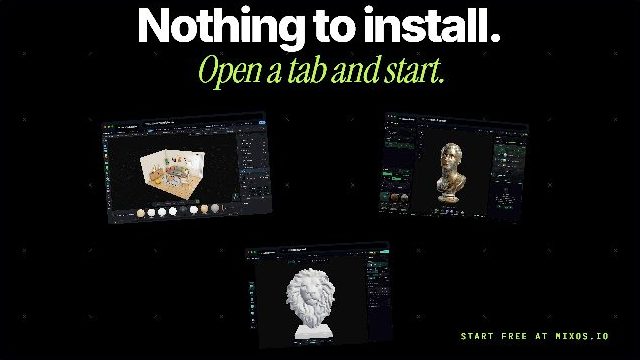
A software demo in one shot: the camera swings between tilted app windows, pushes in on each, then pulls back to all three.
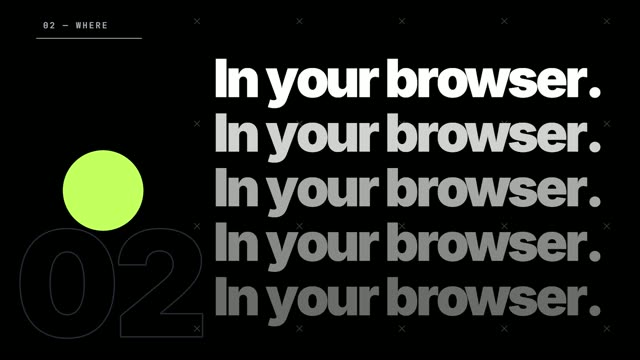
Kinetic type in one unbroken shot: the camera whips, rolls, dives into a full stop and pulls back out, with depth behind every scene.
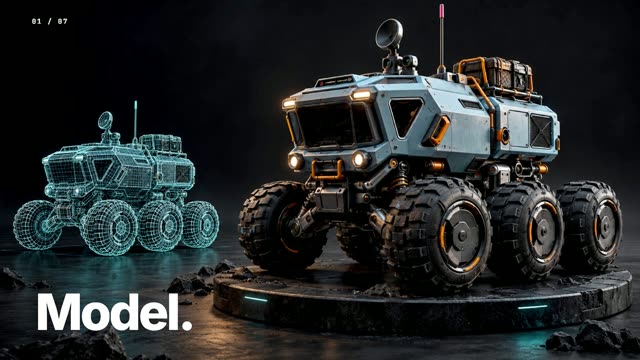
Product sizzle: seven crisp renders cut on the beat, one word each, a clean end card.
Mixos AI
Type the ask under the viewer. Mixos AI works in your comp with the same tools as the buttons, so what it makes is normal layers you can move, retime or delete, and each request is one undo step.
Open MotionAnimate this app screenshot: it slides up into a tilted window, then three feature labels pop in beside it.
逐項比較
兩者都在瀏覽器中執行,也都從預設開始。以下是各自更適合的情況。
| 功能 | Mixos | Jitter |
|---|---|---|
| 執行環境 | 電腦上的 Chrome 或 Edge | 瀏覽器 |
| Figma | 沒有匯入;以 SVG 帶入畫框 | 從 Figma 匯入畫框 |
| 素材 | 剪輯、速度漸變、追蹤、穩定與去背 | 匯入影片與聲音 |
| 字幕與旁白 | 內建;語音模型在你的裝置上執行 | 沒有自動字幕 |
| Lottie 匯出 | 有,Pro 或授權方案 | 有,免費方案即可 |
| 團隊協作 | 合成儲存到你的資料庫;沒有即時共同編輯 | 團隊共用工作區 |
Jitter 的描述依據其公開的產品頁面,2026 年 11 月。Motion 的每個儲存格都描述目前上線的應用程式。
為什麼選擇 Mixos
Jitter 最接近設計工具:它從 Figma 帶入畫框,團隊在共用檔案中工作。如果你的動畫從 Figma 開始、也在 Figma 結束,那條連結的價值很高。
Motion 從你以 SVG、圖片、影片或 3D 帶入的作品開始,或從它自己的範本開始。它沒有 Figma 匯入;請從 Figma 把畫框匯出成 SVG,它的各個部分就會以可製作動畫的向量作品進來。
Motion 更進一步的地方,是圖形周圍的一切。一支產品片段可以在同一個合成中放進螢幕錄影、字幕、旁白、音樂與下三分之一字幕條,而且有一項檢查,會標出被畫面截斷或快到讀不清的文字。
建構、製作動畫與預覽,只要有免費帳號就都免費;免費匯出為 540 px,並帶有浮水印。沒有浮水印、最高 4K 的匯出,屬於每月 $10.00 的 Pro,或一次性 $129 的授權。
無法直接帶入。請從 Figma 把畫框或它的圖層匯出成 SVG 再匯入;每個部分都會以可製作動畫的向量作品進來。
可以。GIF、MP4、WebM 與 PNG 序列都能從同一個合成匯出,Lottie 匯出則屬於 Pro 或一次性授權。
建構與預覽都是免費的。免費帳號匯出影片時,長邊為 540 px 並帶有浮水印;Pro 與一次性授權則可匯出最高 4K 且沒有浮水印。
一台桌上型或筆記型電腦,搭配最新版的 Chrome 或 Edge,作業系統可為 Windows、macOS、Linux 或 ChromeOS。Motion 透過 WebGPU 使用你的顯示卡,所以不需要安裝任何東西,開啟時需要有免費帳號。