Behaviours by word or letter
Fade, rise, pop, slide, type on, draw or blur, by line, word or letter, with a stagger. Keys and a graph editor when you want them.
Jitter alternative
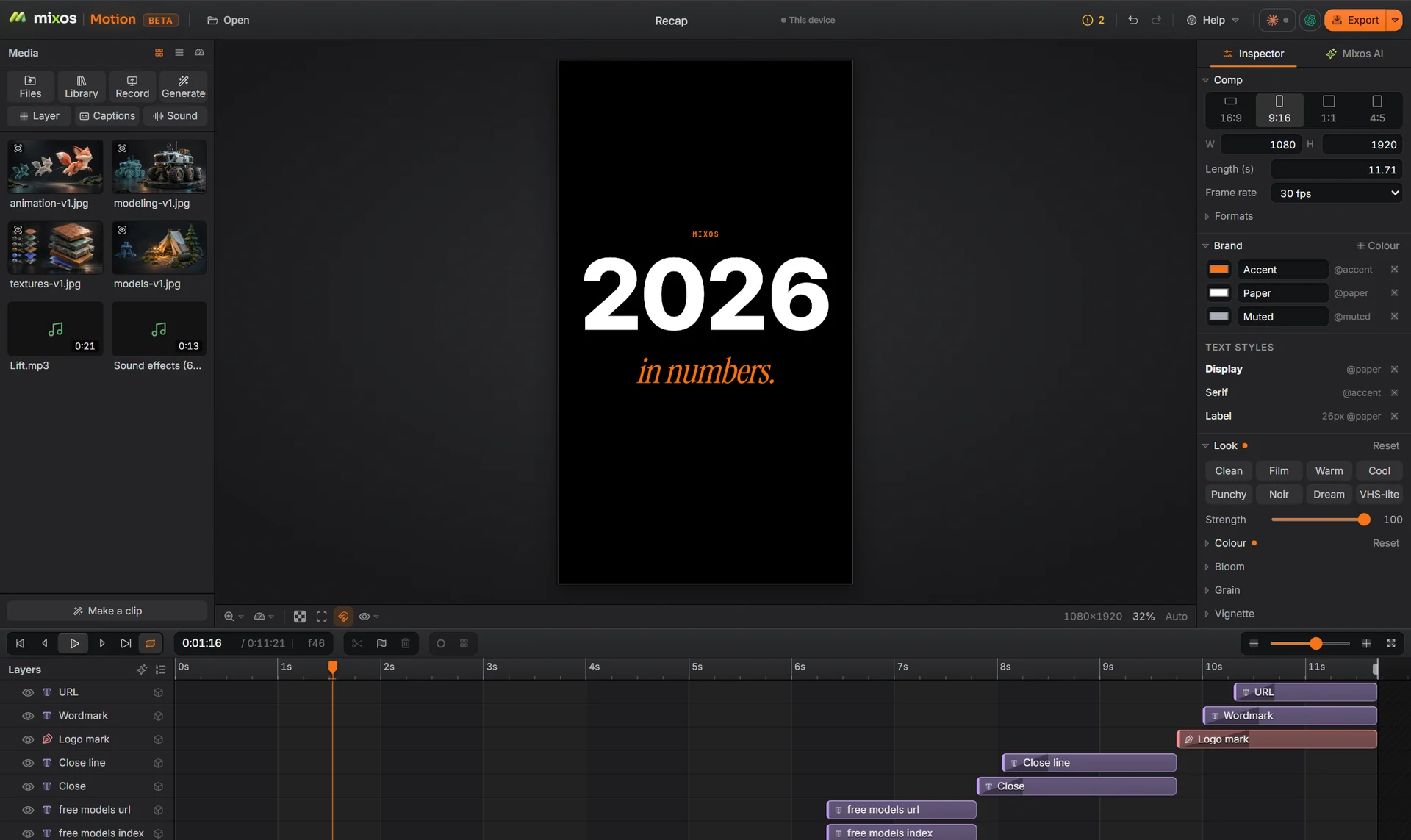
Jitter made motion design feel like designing: frames, presets, a browser tab. Motion works the same way, then carries on into the parts of a clip that are not vector, such as footage, captions, a voice and music.
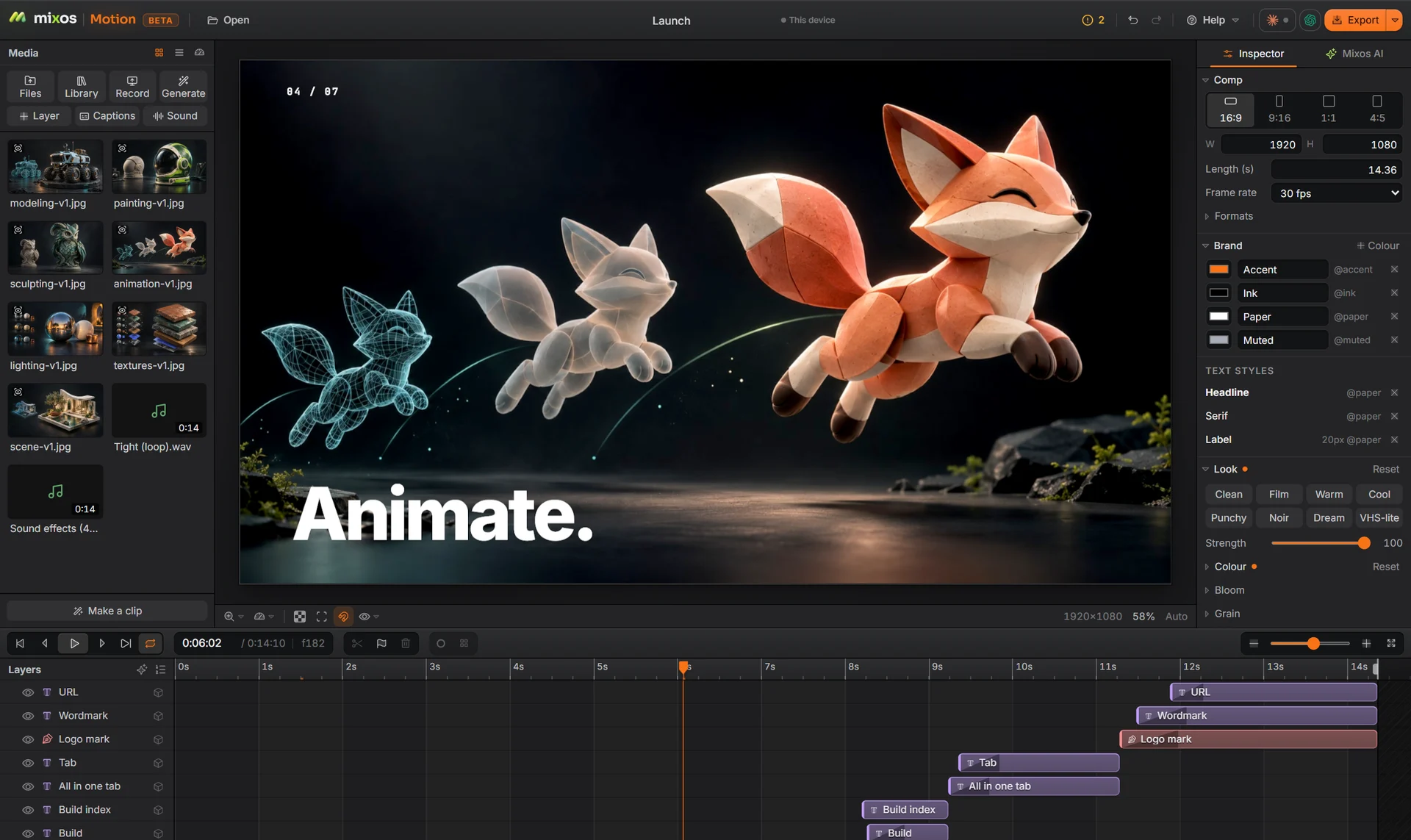
Fade, rise, pop, slide, type on, draw or blur, by line, word or letter, with a stagger. Keys and a graph editor when you want them.
Trim and cut video, ramp its speed, track a point, stabilise a shot and cut out the person, beside your text and shapes.
Captions heard from the sound track, an English voice-over from a script made on your device, and music with beat markers.
16:9, 9:16, 1:1 and 4:5 from the same layers, re-laid by anchors so text and logos stay where you put them.
Every clip here is a template Motion rendered itself. Pick one in the start window and swap the words, the pictures and the brand colours.
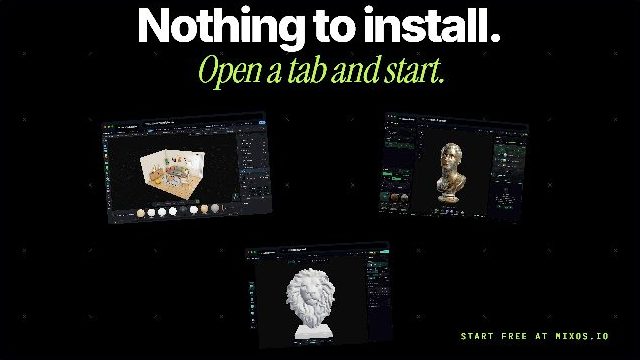
A software demo in one shot: the camera swings between tilted app windows, pushes in on each, then pulls back to all three.
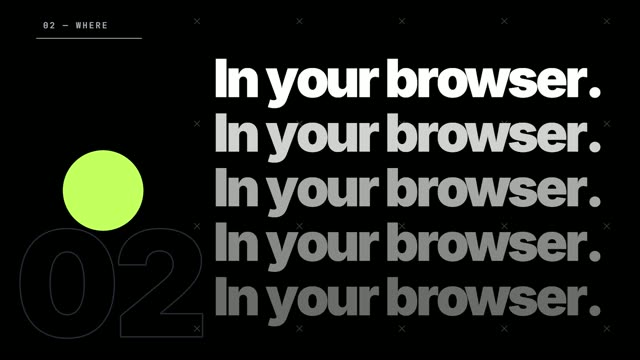
Kinetic type in one unbroken shot: the camera whips, rolls, dives into a full stop and pulls back out, with depth behind every scene.
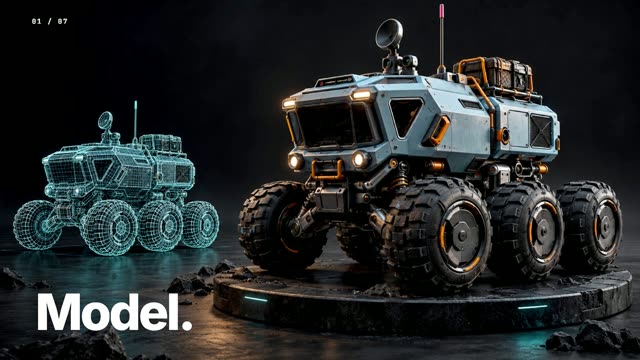
Product sizzle: seven crisp renders cut on the beat, one word each, a clean end card.
Mixos AI
Type the ask under the viewer. Mixos AI works in your comp with the same tools as the buttons, so what it makes is normal layers you can move, retime or delete, and each request is one undo step.
Open MotionAnimate this app screenshot: it slides up into a tilted window, then three feature labels pop in beside it.
Feature by feature
Both run in a browser and both start from presets. Here is where each one is the better choice.
| Feature | Mixos | Jitter |
|---|---|---|
| Runs in | Chrome or Edge on a computer | The browser |
| Figma | No import; bring frames as SVG | Imports frames from Figma |
| Footage | Cuts, speed ramps, tracking, stabilising and cutouts | Video and sound import |
| Captions and voice-over | Built in; the speech models run on your device | No automatic captions |
| Lottie export | Yes, on Pro or the license | Yes, on the free plan |
| Working as a team | Comps saved to your library; no live co-editing | Shared workspaces for teams |
Jitter described from its public product pages, November 2026. Every Motion cell describes the shipping app.
Why Mixos
Jitter sits closest to a design tool: it brings frames in from Figma, and teams work in shared files. If your animation starts and ends in Figma, that link is worth a lot.
Motion starts from artwork you bring as SVG, images, video or 3D, or from its own templates. There is no Figma import; export the frame from Figma as SVG and its parts arrive as vector artwork you can animate.
Where Motion goes further is everything around the graphics. A product clip can hold the screen recording, the captions, the voice-over, the music and the lower thirds in one comp, and a checkup flags text cut off by the frame or too fast to read.
Building, animating and previewing are free with a free account, and a free export is 540 px with a watermark. Exporting up to 4K without the watermark is part of Pro at $10.00 a month or the one-time $129 license.
Not directly. Export the frame or its layers from Figma as SVG and import them; each part arrives as vector artwork you can animate.
Yes. GIF, MP4, WebM and PNG sequences export from the same comp, and Lottie export is part of Pro or the one-time license.
Building and previewing are free. A free account exports video at 540 px on the long edge with a watermark; Pro and the one-time license export up to 4K without one.
A desktop or laptop with current Chrome or Edge, on Windows, macOS, Linux or ChromeOS. Motion draws on your graphics card through WebGPU, so nothing installs, and a free account is needed to open it.
Read next
Key, retime and ease a move, step by step.
Keys, in-betweens, and the interpolation that joins them.
Bones, skin weights, IK, and why auto-riggers want a T-pose.
What carries over to an engine, and what to bake first.
Keep exploring
More in Alternatives