Video and Lottie from one comp
Export MP4, WebM, GIF, PNG sequences, a transparent overlay or a Lottie JSON from the same layers, in every social size.
Rive alternative
Rive is built for animation that runs inside an app and reacts to input. When what you need is a finished piece instead, a Lottie, or a clip with footage, captions and sound, Motion builds it in a browser tab.
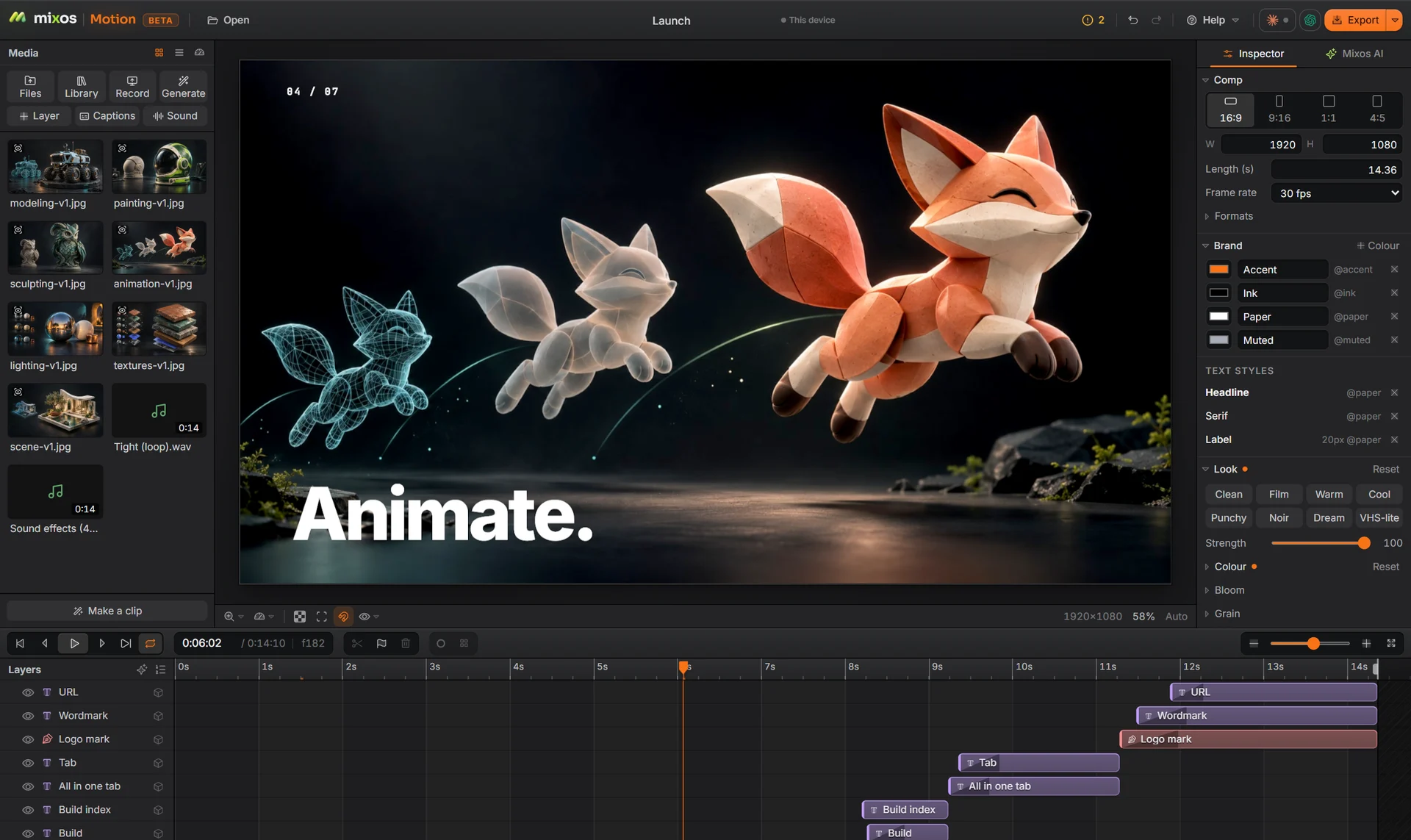
Export MP4, WebM, GIF, PNG sequences, a transparent overlay or a Lottie JSON from the same layers, in every social size.
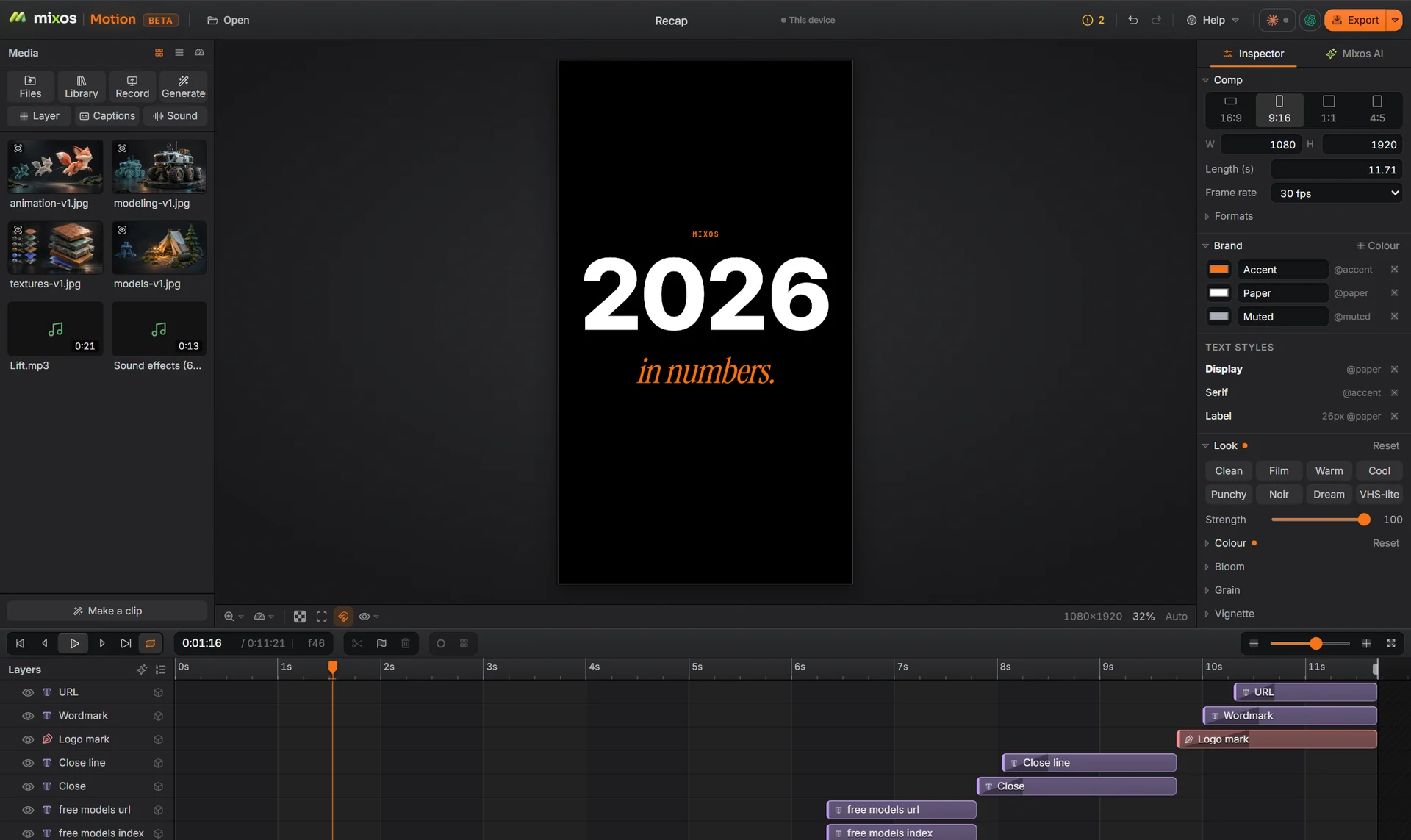
Give a layer an entrance, a loop or an exit, by line, word or letter. Keys, easing curves and a graph editor are there for timing by hand.
A pen, shape morphs, text on a path, repeaters and SVG import, so an icon or a logo is drawn and animated in the same window.
Music, sound effects, captions and an on-device voice-over sit beside the vectors, and video and 3D models go in the same timeline.
Every clip here is a template Motion rendered itself. Pick one in the start window and swap the words, the pictures and the brand colours.
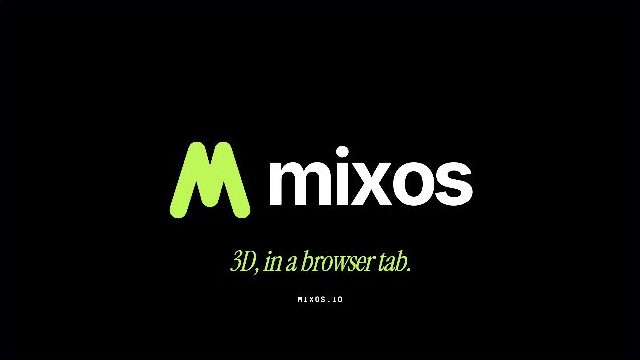
Logo sting: renders strobe on the half-beat, cut to black, the mark draws, the name slides out.
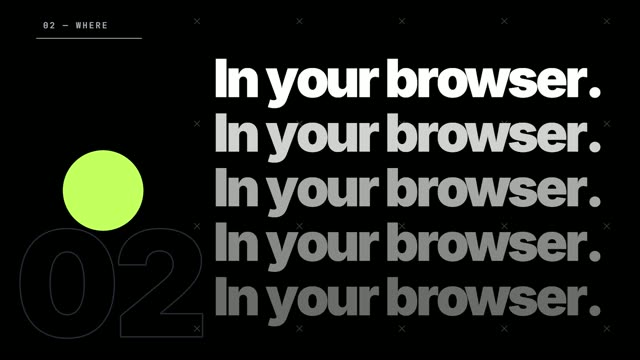
Kinetic type in one unbroken shot: the camera whips, rolls, dives into a full stop and pulls back out, with depth behind every scene.
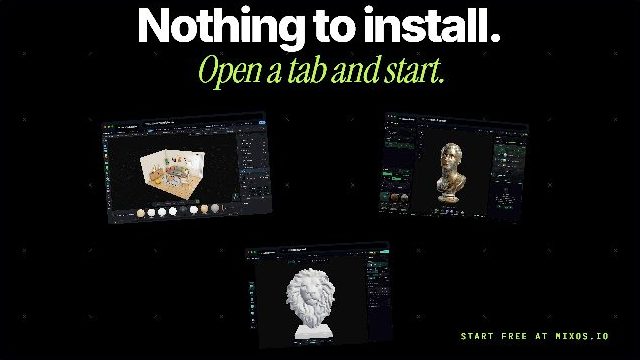
A software demo in one shot: the camera swings between tilted app windows, pushes in on each, then pulls back to all three.
Mixos AI
Type the ask under the viewer. Mixos AI works in your comp with the same tools as the buttons, so what it makes is normal layers you can move, retime or delete, and each request is one undo step.
Open MotionMake a looping icon animation: a bell that rings twice and settles, on a transparent background.
Feature by feature
One makes files, the other makes animation that runs inside your product. Here is where each one is the better choice.
| Feature | Mixos | Rive |
|---|---|---|
| Install | None: a browser tab in Chrome or Edge | Editor in the browser and as a desktop app |
| Interactivity | None: a comp plays from start to end | State machines that react to input at runtime |
| What you ship | MP4, WebM, GIF, PNG sequences and transparent overlays | .riv files for Rive's runtimes, plus video and GIF exports |
| Lottie export | Yes, on Pro or the license | No |
| Footage and captions | Video, captions, a voice-over, music and sound effects in one timeline | Built for vector graphics, not editing footage |
| Character rigs | Parenting and keys; no bones or mesh deformation | Bones, skinning and mesh deformation |
Rive described from its public product pages, November 2026. Every Motion cell describes the shipping app.
Why Mixos
Rive's strength is the runtime. A state machine decides what plays when someone hovers, taps or changes a value, and the file runs live inside a website, an app or a game through Rive's own players. If the animation has to respond to input, use Rive.
Motion makes finished pieces. A comp plays from start to end and exports as a file: a clip for a product page or a social post, a GIF for a doc, a transparent overlay for an edit, or a Lottie for an app that already plays Lottie.
Lottie is a vector format, so it carries the vector work: shapes, SVG artwork, text and their animation. Video, effects, 3D, particles and sound stay in the video exports, and the export report names each layer it left out.
Building, animating and previewing are free with a free account, and a free export is 540 px with a watermark. Exporting up to 4K without the watermark is part of Pro at $10.00 a month or the one-time $129 license.
Lottie export is part of Pro or the license too.
No. A Motion comp plays from start to end. For animation that reacts to taps or hovers inside an app, Rive is the right tool; Motion makes the video, GIF or Lottie version.
No. Bring the artwork as SVG, images or video and animate it in Motion.
Building and previewing are free. Exporting Lottie needs Pro or the one-time license.
Building and previewing are free. A free account exports video at 540 px on the long edge with a watermark; Pro and the one-time license export up to 4K without one.
A desktop or laptop with current Chrome or Edge, on Windows, macOS, Linux or ChromeOS. Motion draws on your graphics card through WebGPU, so nothing installs, and a free account is needed to open it.
Read next
Key, retime and ease a move, step by step.
Keys, in-betweens, and the interpolation that joins them.
Bones, skin weights, IK, and why auto-riggers want a T-pose.
What carries over to an engine, and what to bake first.
Keep exploring
More in Alternatives