有預告片可以起步
Launch 範本是一件完整的作品。或請 mixos AI 用簡潔、大膽或沉靜的風格,為你的鏡頭剪出初版,並附標題與片尾卡。
產品影片
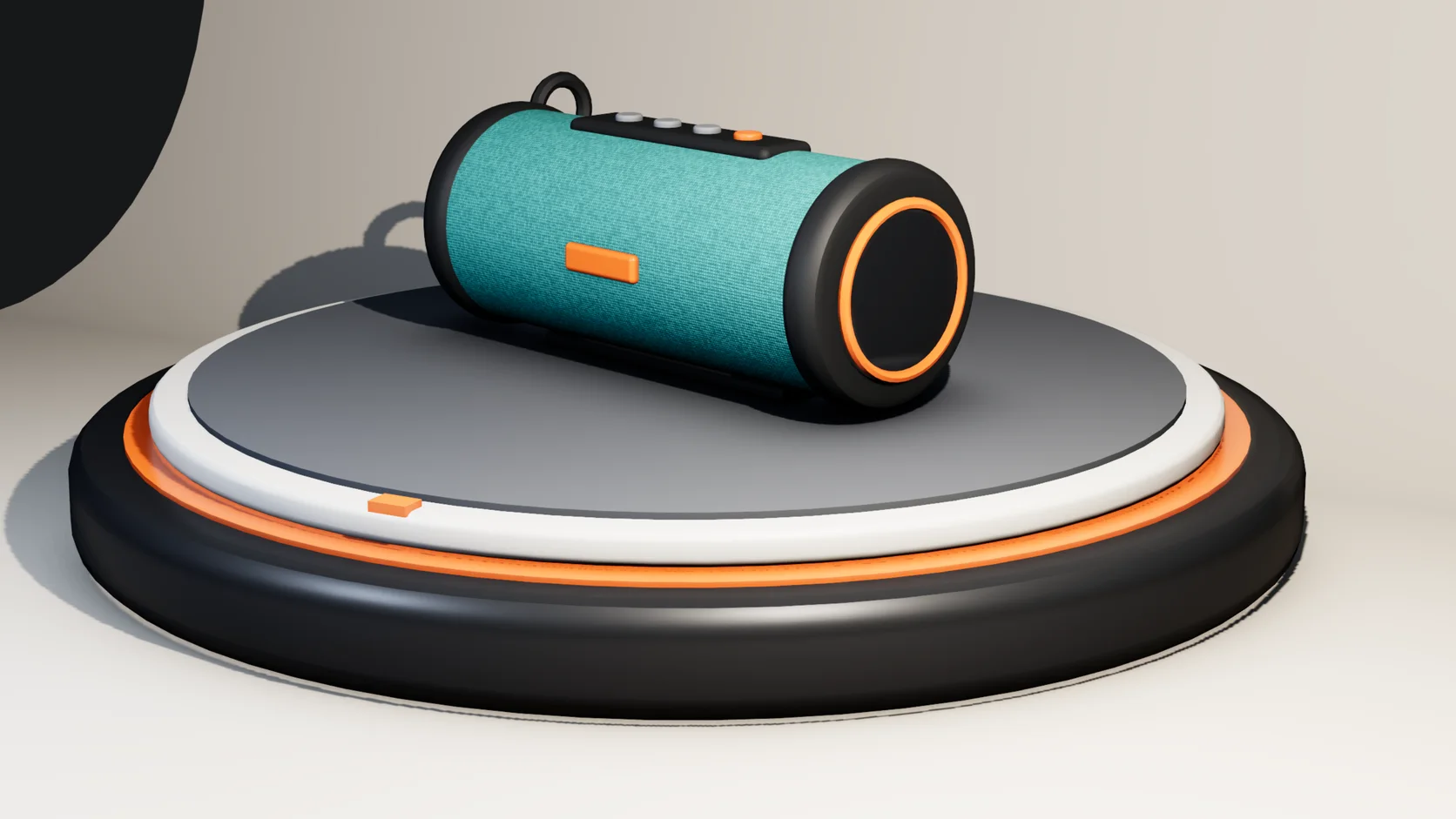
從 Launch 範本開始,它是一支完整的預告片:算圖隨節拍切換,每個鏡頭一個詞,並有片尾卡。換上你的鏡頭與文字;每個圖層都保持可編輯,品牌與時間安排都由你決定。
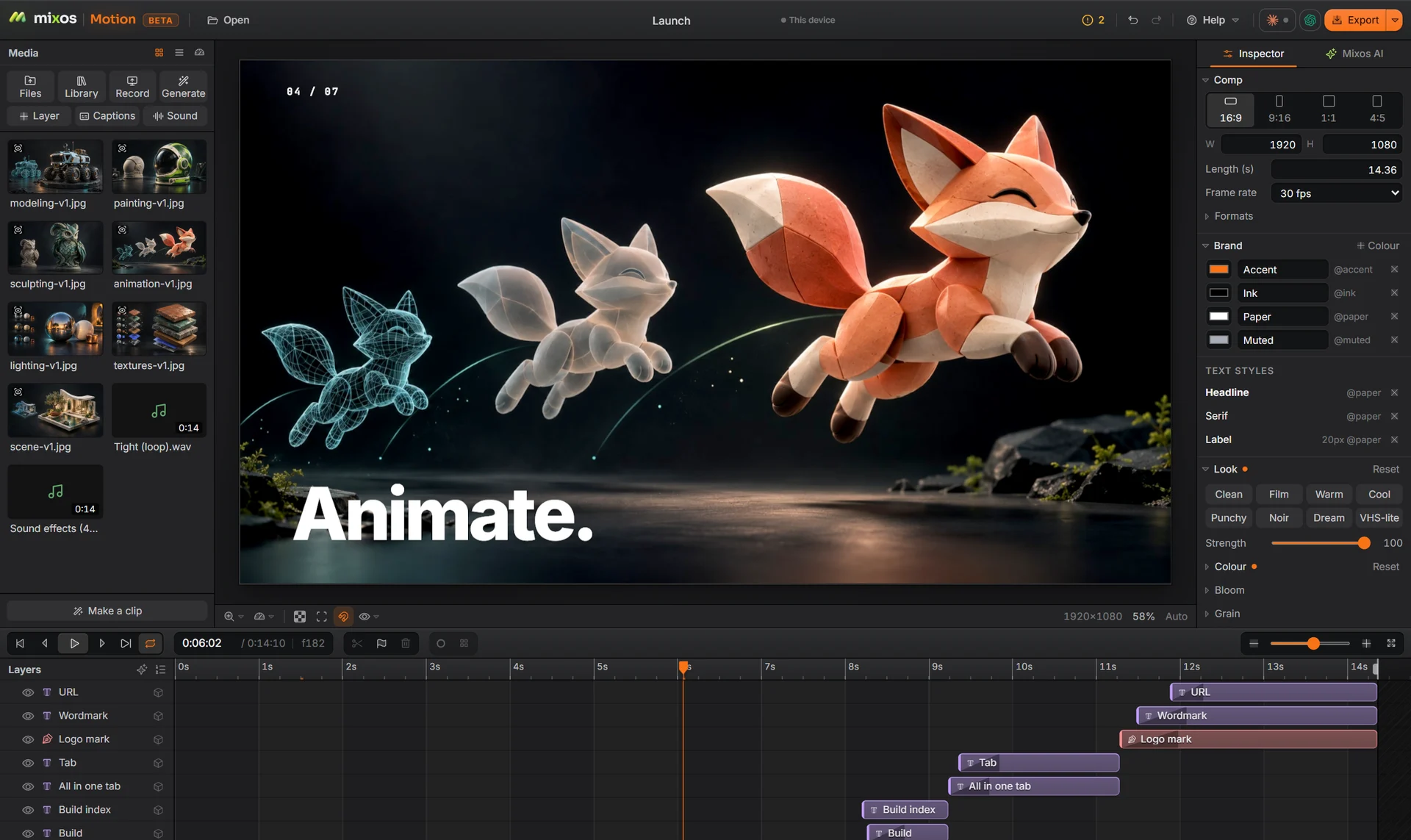
Launch 範本是一件完整的作品。或請 mixos AI 用簡潔、大膽或沉靜的風格,為你的鏡頭剪出初版,並附標題與片尾卡。
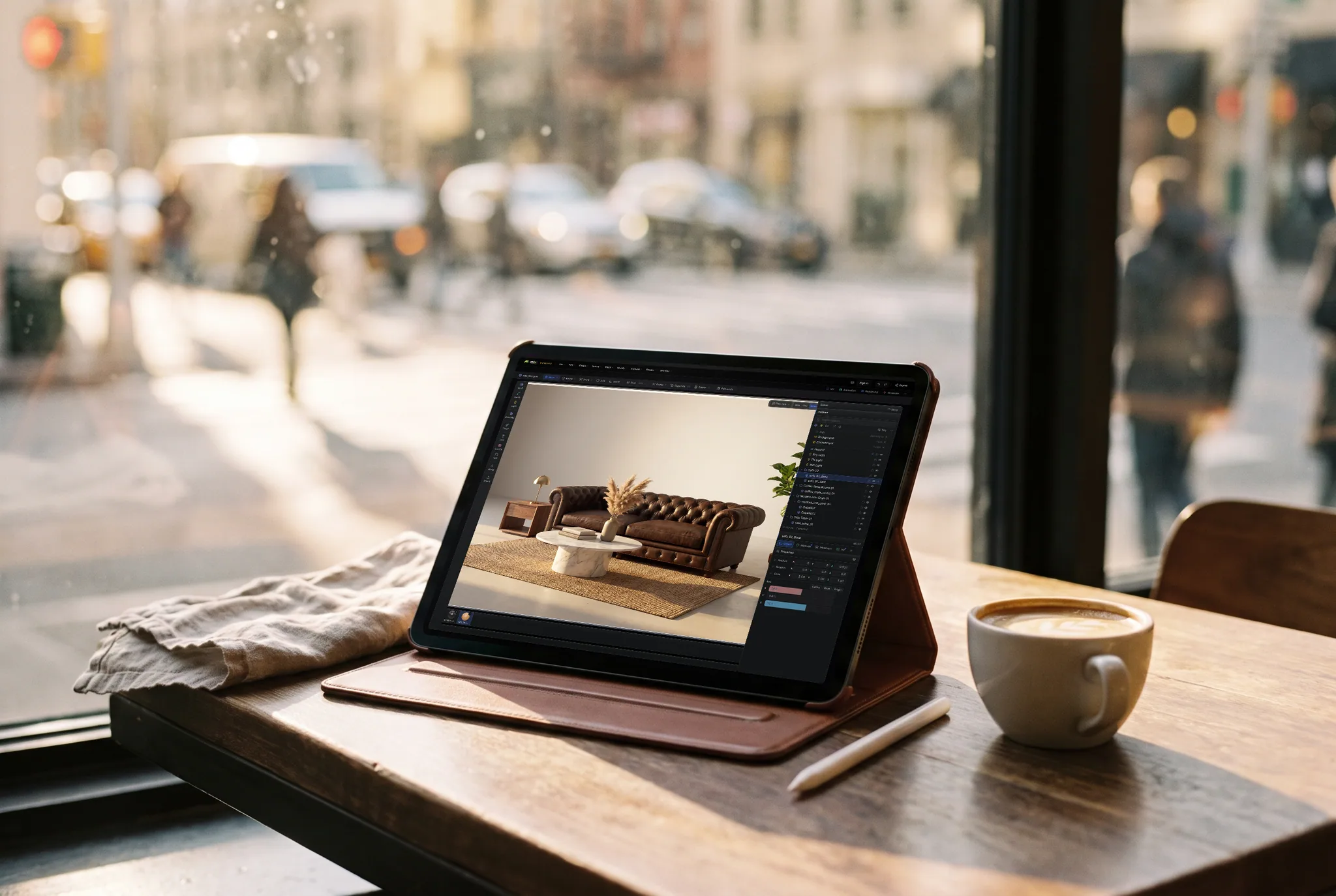
在 Studio(mixos 的 3D 應用程式)中為產品打光並拍攝,再一步把算圖送進 Motion。
品牌色與文字樣式存放在合成中。改一次強調色,所有使用它的圖層都會跟著更新。
16:9 用於產品頁面,9:16 用於 Reels 與 TikTok,1:1 與 4:5 用於動態牆,全部來自同一組圖層。
Every clip here is a template Motion rendered itself. Pick one in the start window and swap the words, the pictures and the brand colours.
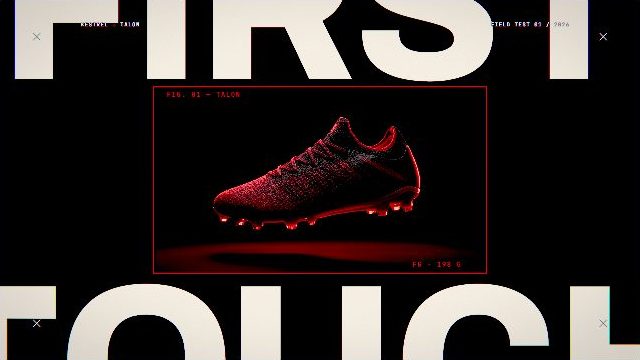
A boot drop in crimson and ink: halftone tickers, giant cropped type round a boxed hero, a three-view split, a 3D turntable, and the boot breaking away on the wind at the drop.
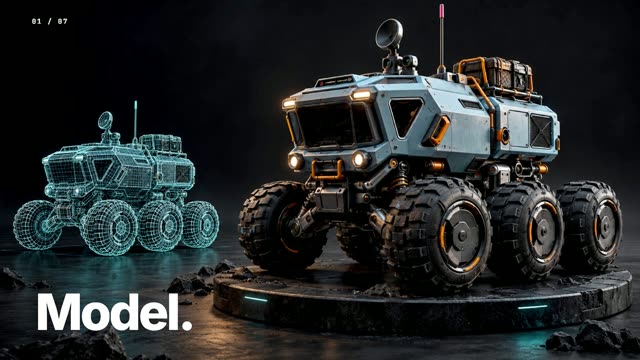
Product sizzle: seven crisp renders cut on the beat, one word each, a clean end card.
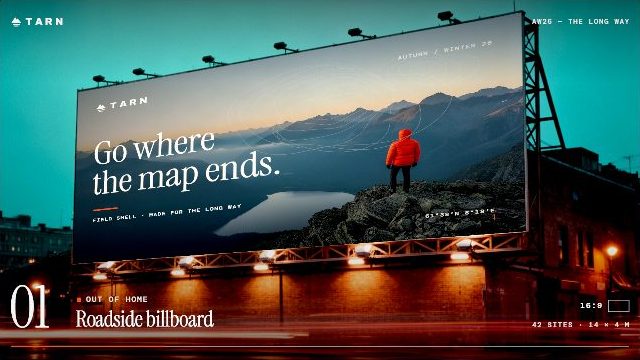
An agency case-study film for an invented outdoor brand: the artwork comps (billboard, posters, a story) corner pinned onto a roadside billboard, a bus shelter, a metro platform and a phone, with a paper slate, results counting up and a sign-off.
Mixos AI
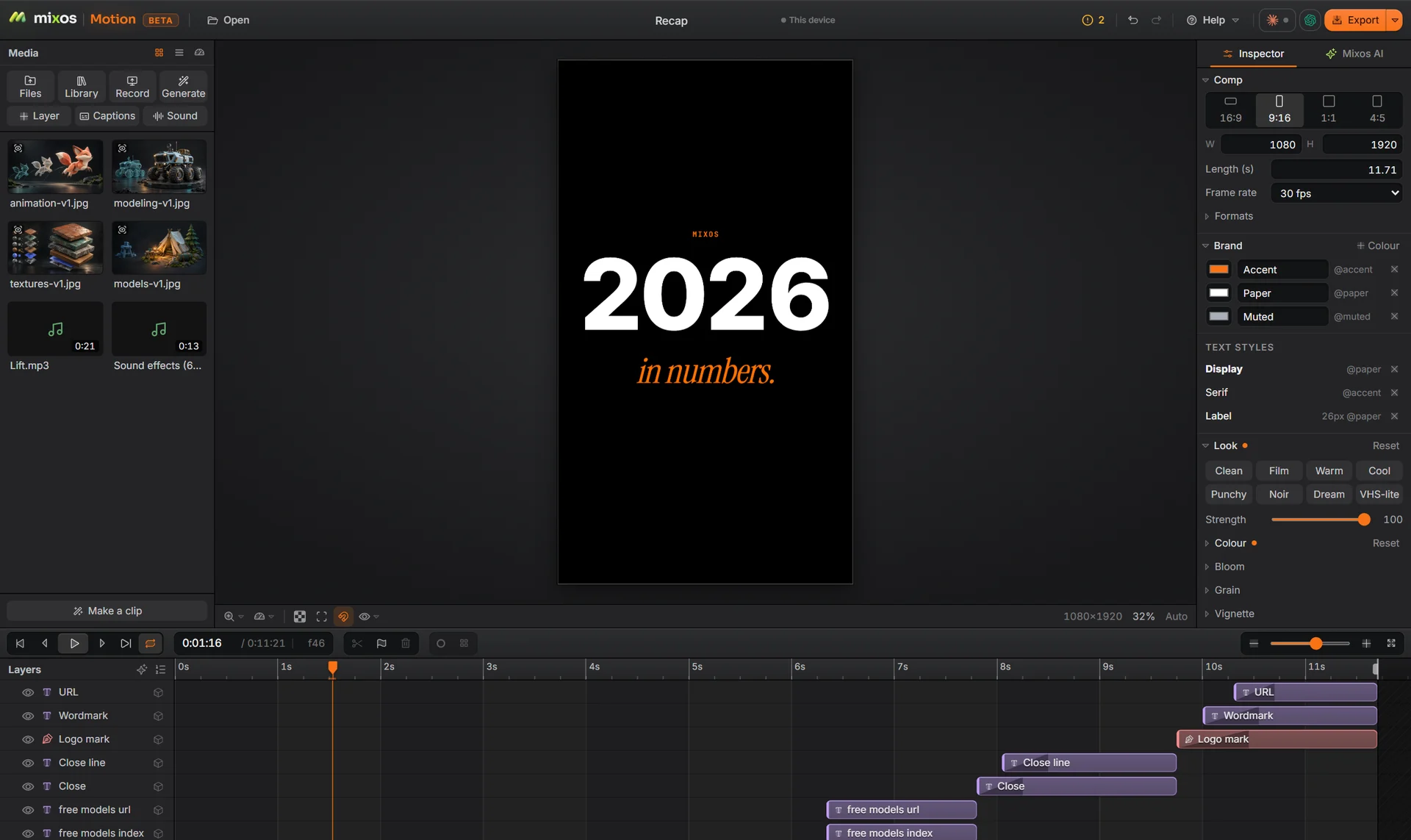
Type the ask under the viewer. Mixos AI works in your comp with the same tools as the buttons, so what it makes is normal layers you can move, retime or delete, and each request is one undo step.
Open MotionMake a 15 second product teaser from the pictures in my media bin: one word per shot, cut on the beat, with an end card.
為什麼選擇 Mixos
發表預告片是一份簡短的決定清單:用哪些鏡頭、什麼順序、每個停留多久、文字說什麼,以及節拍落在哪裡。Launch 範本已經替你做過這些決定:七張算圖隨節拍切換,每個鏡頭一個詞,最後是簡潔的片尾卡。換上你的圖片與文案,時間安排保持不變。
或者把你的鏡頭放進空白合成,在畫布旁的面板中請 mixos AI 依音樂剪輯,並加上標題與片尾卡。回來的是一個一般的合成,你可以調整時間、改色或重寫。
產品鏡頭可以是照片、影片或 3D。如果你還沒有攝影素材,可以在 Studio 中建模或匯入產品,用幾種打光設定算圖,這些算圖會以圖層的形式進入 Motion。
建構、製作動畫與預覽,只要有免費帳號就都免費;免費匯出為 540 px,並帶有浮水印。沒有浮水印、最高 4K 的匯出,屬於每月 $10.00 的 Pro,或一次性 $129 的授權。
不需要。靜態照片與算圖也行:Motion 會移動、裁切它們,並依音樂剪輯。影片片段也能用,並有修剪、變速與定格。
有。Motion 內建 17 首由 mixos 製作的純音樂,可免費用於你匯出的任何內容,另有 15 種音效。節拍標記會顯示剪輯該落在哪裡,你也可以改為匯入自己的音樂。
可以。在 Studio 中建構或匯入產品、算圖,再把算圖送進 Motion。3D 模型也可以作為圖層放在 Motion 合成中。
建構與預覽都是免費的。免費帳號匯出影片時,長邊為 540 px 並帶有浮水印;Pro 與一次性授權則可匯出最高 4K 且沒有浮水印。
一台桌上型或筆記型電腦,搭配最新版的 Chrome 或 Edge,作業系統可為 Windows、macOS、Linux 或 ChromeOS。Motion 透過 WebGPU 使用你的顯示卡,所以不需要安裝任何東西,開啟時需要有免費帳號。