錨點式版面
文字、標誌與圖片會固定在畫面或彼此身上,所以會隨邊緣移動,而不是掉出畫面。
所有社群尺寸
先剪一次,再加入你要發布的尺寸:9:16 用於 Reels、TikTok 與 Shorts,1:1 與 4:5 用於動態牆,16:9 用於 YouTube。每一種都會為同一組圖層重新排版,你也可以單獨調整其中任何一個。
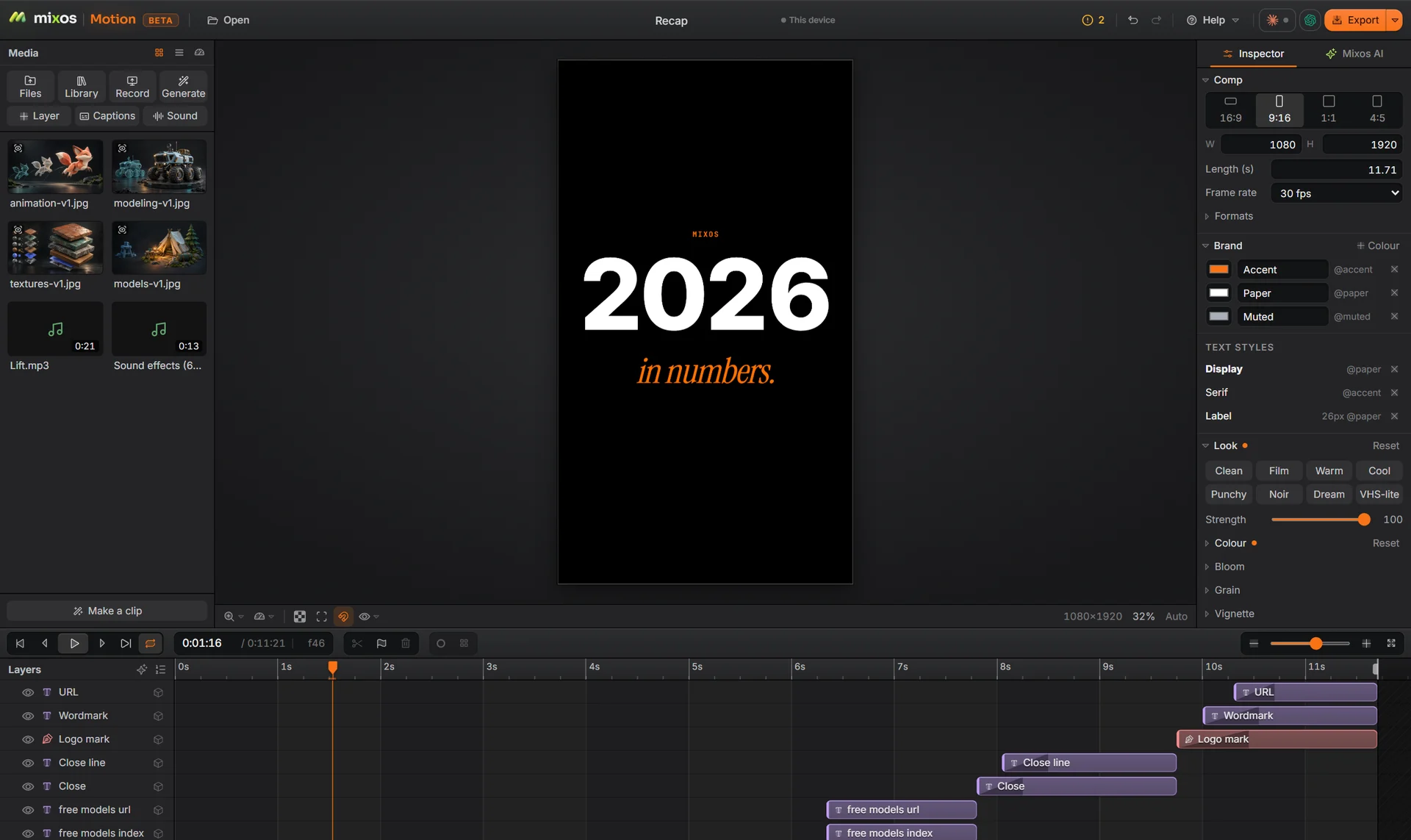
文字、標誌與圖片會固定在畫面或彼此身上,所以會隨邊緣移動,而不是掉出畫面。
影片與圖片會為每種尺寸重新貼合。「跟隨主體」會讓人物的頭肩留在畫面內,任何鏡頭也都能手動重新取景。
更正一個錯字或換一個鏡頭,所有尺寸都會更新,而不是四個重複的專案各走各的。
檢查會標出被截斷或超出安全區的文字,也就是應用程式自己的按鈕與字幕會遮住的地方。
Every clip here is a template Motion rendered itself. Pick one in the start window and swap the words, the pictures and the brand colours.
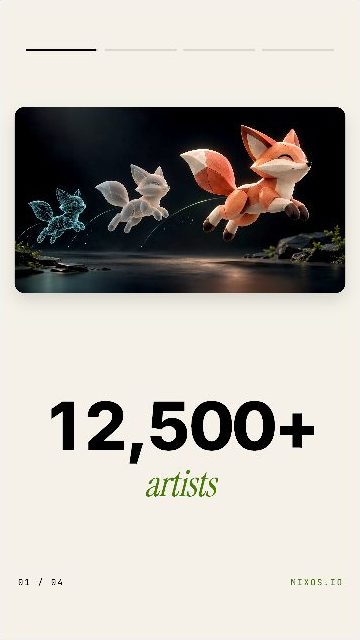
The year in numbers, vertical: one number per shot with a crisp render, cut on the beat.
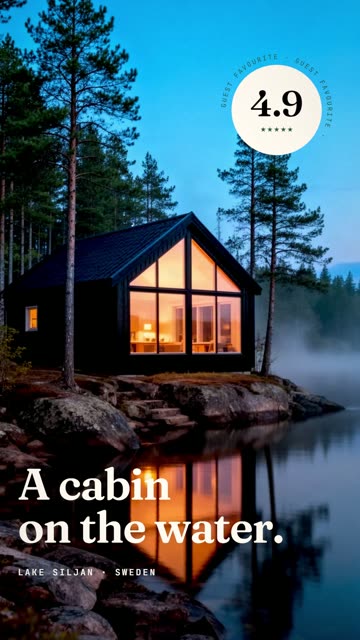
A place to stay in five photographs, each cut its own way (zoom, whip, clock, colour swipe, light leak), with a rating badge and sign-off built as precomps.
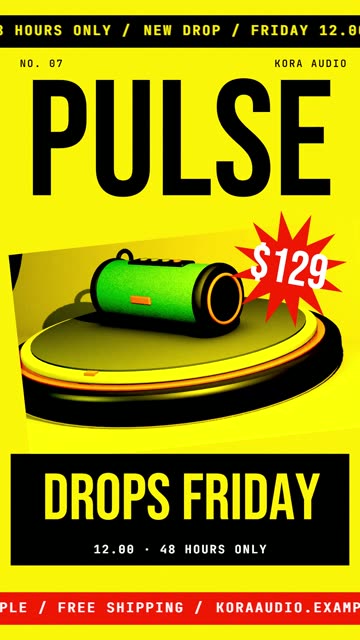
A product drop as one loud poster: yellow, black capitals, a red price burst, and a camera that snaps from crop to crop on the beat.
Mixos AI
Type the ask under the viewer. Mixos AI works in your comp with the same tools as the buttons, so what it makes is normal layers you can move, retime or delete, and each request is one undo step.
Open MotionAdd 9:16 and 1:1 versions of this comp, then check each one and fix anything that is cut off.
為什麼選擇 Mixos
把 16:9 的影片裁成 9:16,會丟掉三分之二的畫面,連同邊緣的標題與角落的標誌。常見的解法是每種尺寸複製一個專案,然後得靠人工讓它們保持同步。
Motion 只保留一個合成,並依各尺寸排版。圖層固定在畫面或安全區中的一點,或固定在另一個圖層的上方與下方,所以下三分之一字幕條在每種形狀中仍然是下三分之一字幕條,某個尺寸需要時,也可以在該版本中加入自己的小調整。
帶入現有的影片,需要的話加上字幕或標題,再加入各種尺寸、檢查,然後逐一匯出。
建構、製作動畫與預覽,只要有免費帳號就都免費;免費匯出為 540 px,並帶有浮水印。沒有浮水印、最高 4K 的匯出,屬於每月 $10.00 的 Pro,或一次性 $129 的授權。
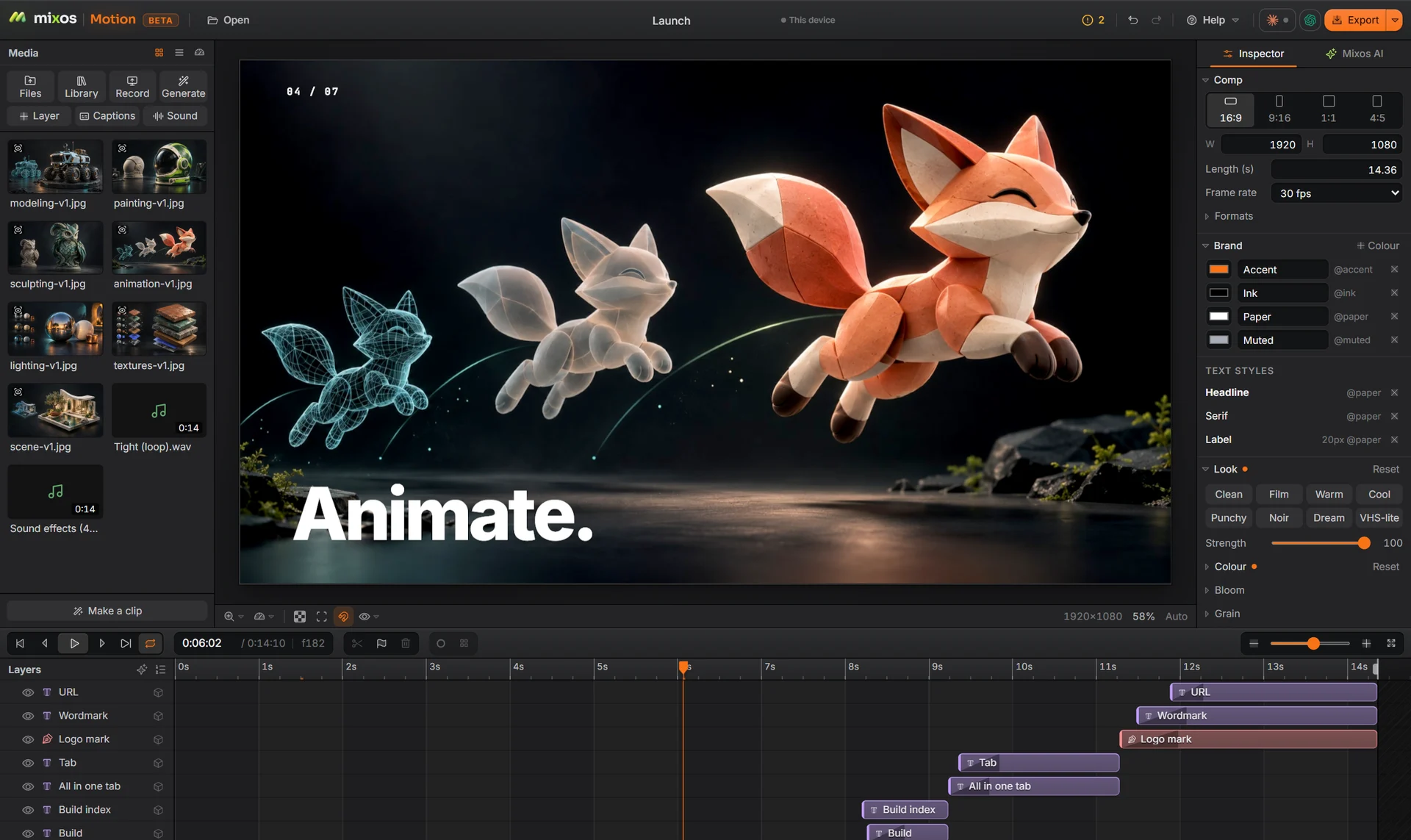
16:9(1920×1080)、9:16(1080×1920)、1:1(1080×1080)與 4:5(1080×1350),都來自同一個合成。
素材會貼合每種尺寸,「跟隨主體」會在你的裝置上找出人臉,讓人物留在畫面內。你也可以在某個版本中重新定位或縮放任何鏡頭,而不影響其他版本。
可以。字幕可以從音軌產生,並且與其他文字一樣固定錨點,所以能貼合每種尺寸。
建構與預覽都是免費的。免費帳號匯出影片時,長邊為 540 px 並帶有浮水印;Pro 與一次性授權則可匯出最高 4K 且沒有浮水印。
一台桌上型或筆記型電腦,搭配最新版的 Chrome 或 Edge,作業系統可為 Windows、macOS、Linux 或 ChromeOS。Motion 透過 WebGPU 使用你的顯示卡,所以不需要安裝任何東西,開啟時需要有免費帳號。