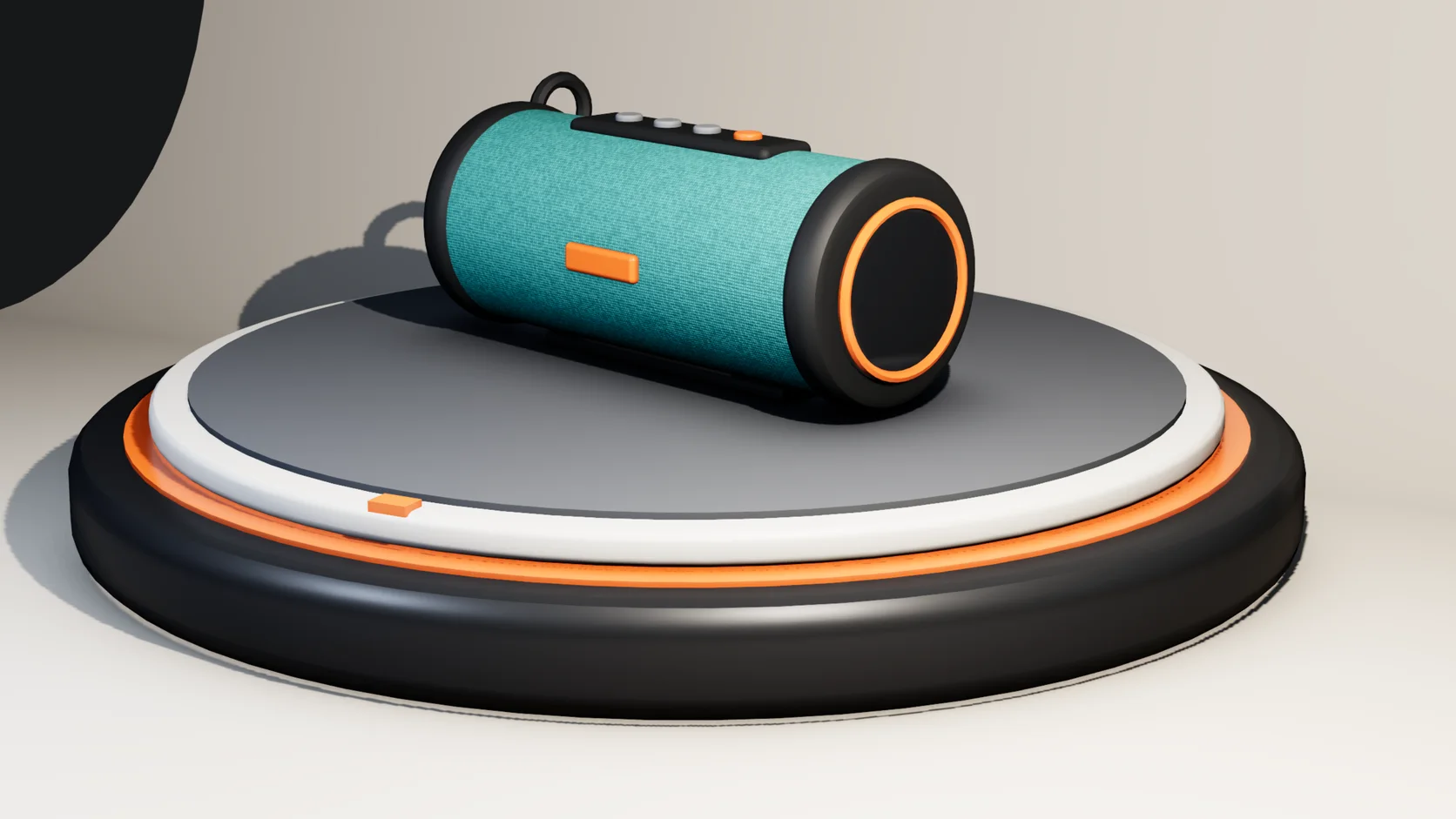
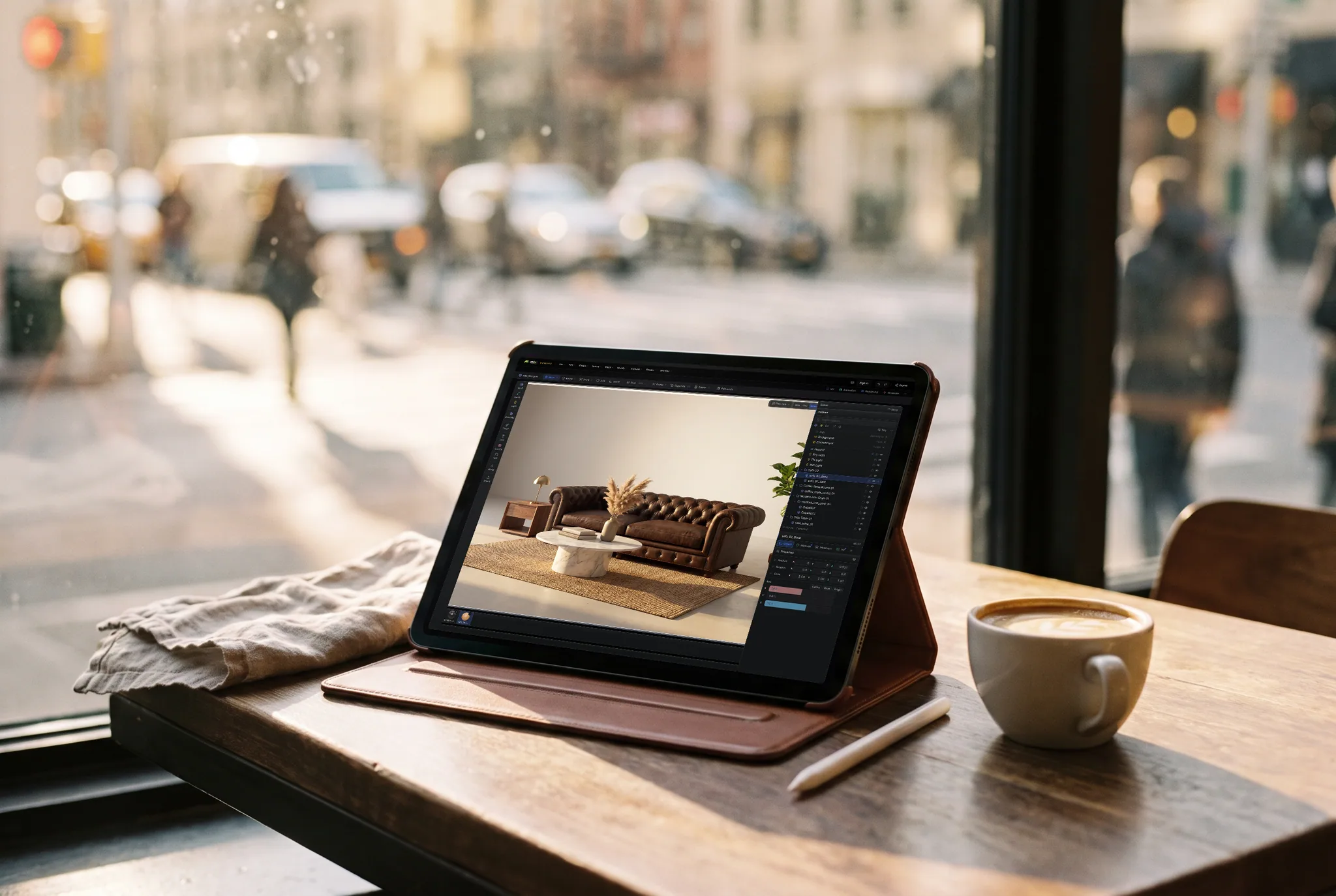
出発点になるティーザー
Launchテンプレートは完成した作品です。または、Mixos AIに、クリーン、ボールド、落ち着いたスタイルで、タイトルとエンドカード付きのショットの最初のカットを頼めます。
プロダクト動画
Launchテンプレートから始めましょう。ビートに合わせてカットしたレンダー、1カットに1語、エンドカードを備えた完成のティーザーです。ショットと言葉を差し替えます。すべてのレイヤーは編集可能なので、ブランドもタイミングもあなたの思いどおりに変えられます。
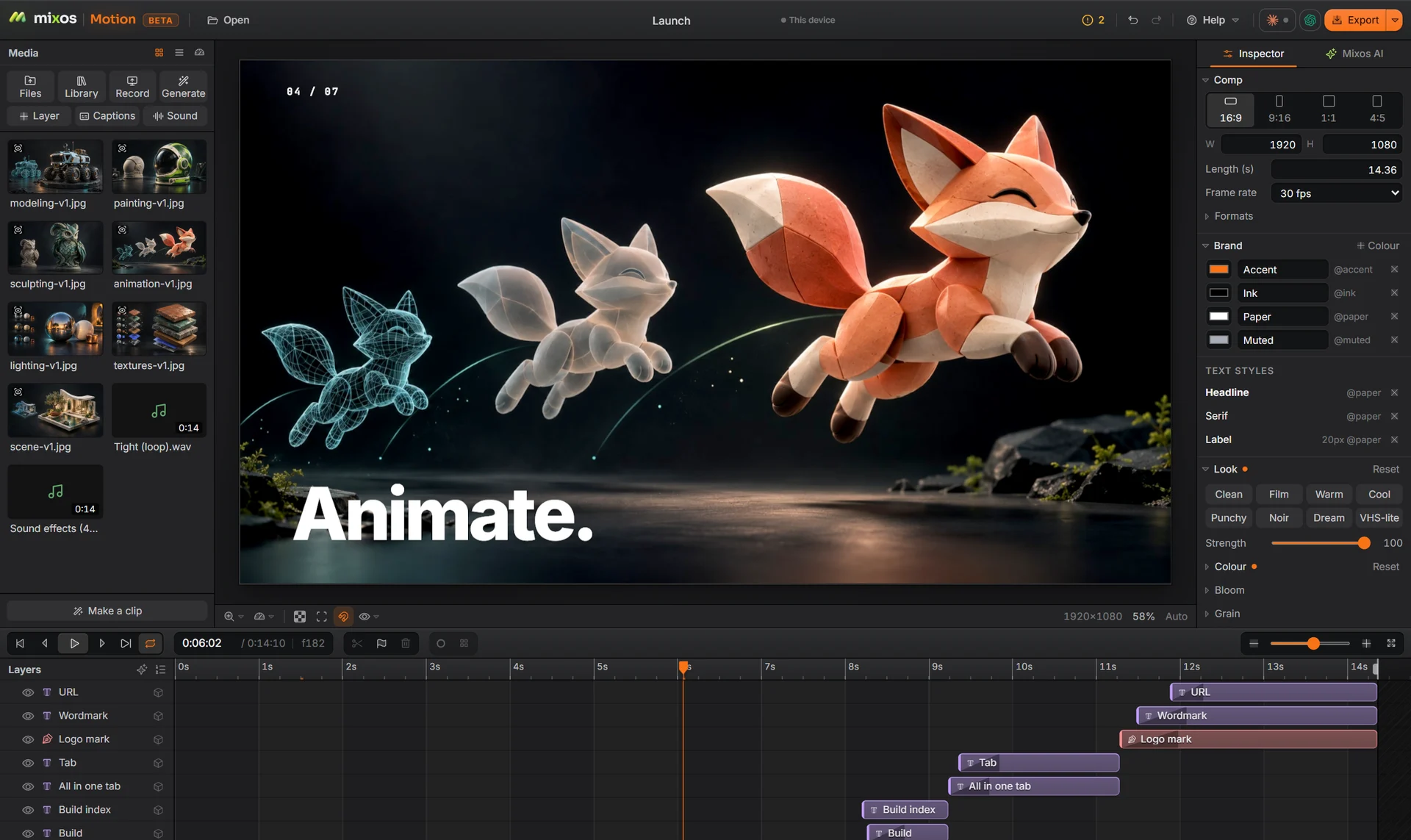
Launchテンプレートは完成した作品です。または、Mixos AIに、クリーン、ボールド、落ち着いたスタイルで、タイトルとエンドカード付きのショットの最初のカットを頼めます。
mixosの3DアプリであるStudioで製品をライティングして撮影し、レンダーを1ステップでMotionに送れます。
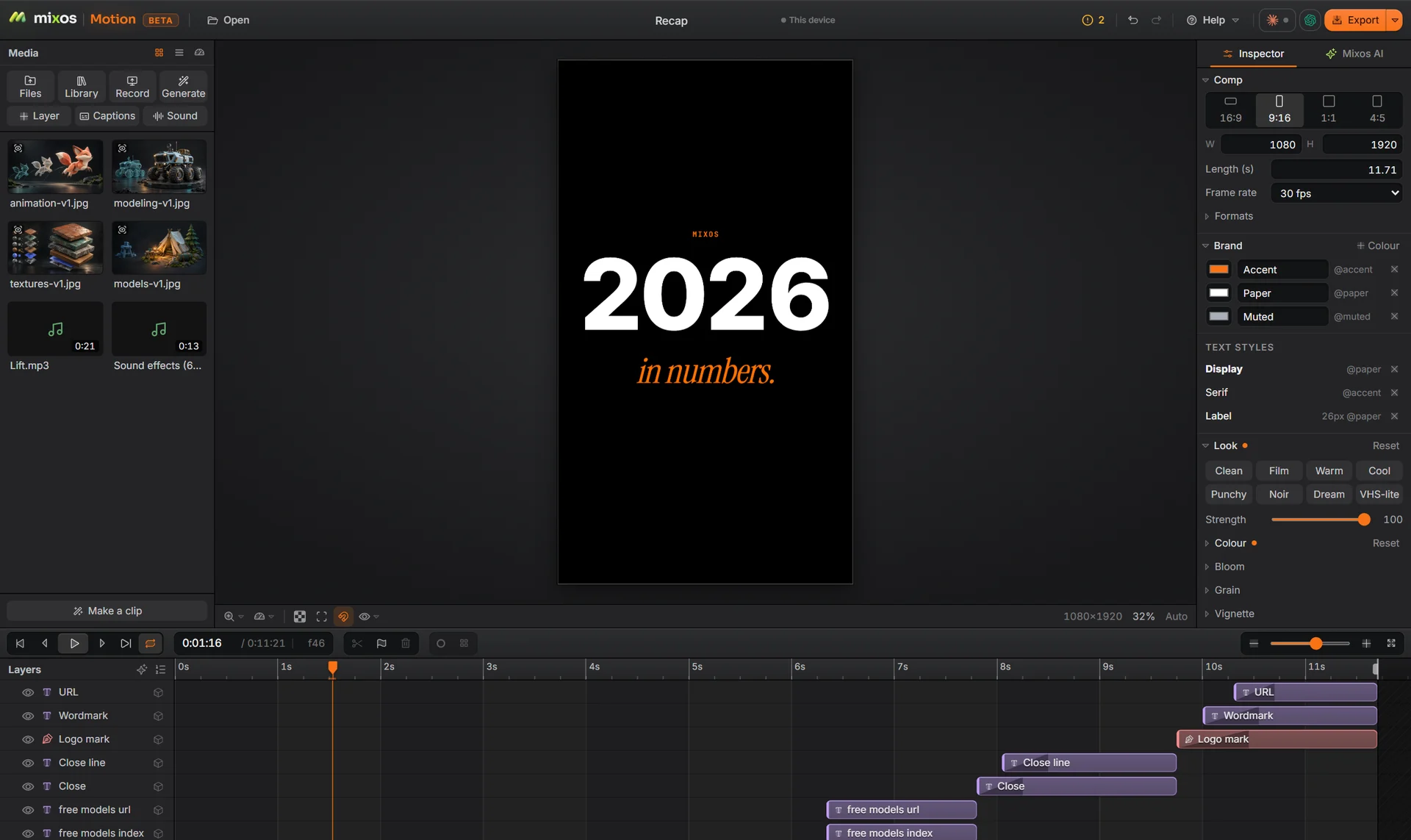
ブランドカラーとテキストスタイルはコンプに保存されます。アクセントを一度変えれば、それを使うすべてのレイヤーが追従します。
プロダクトページには16:9、ReelsとTikTokには9:16、フィードには1:1と4:5を、すべて同じレイヤーから。
Every clip here is a template Motion rendered itself. Pick one in the start window and swap the words, the pictures and the brand colours.

A boot drop in crimson and ink: halftone tickers, giant cropped type round a boxed hero, a three-view split, a 3D turntable, and the boot breaking away on the wind at the drop.
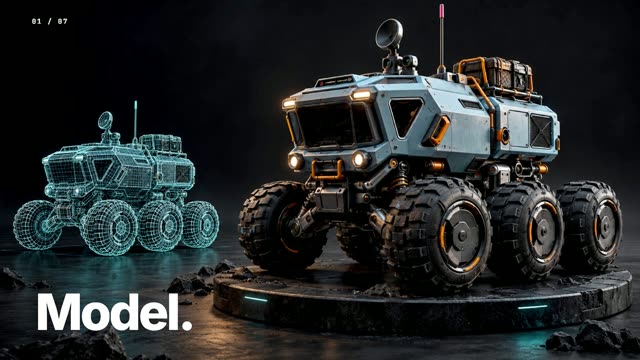
Product sizzle: seven crisp renders cut on the beat, one word each, a clean end card.
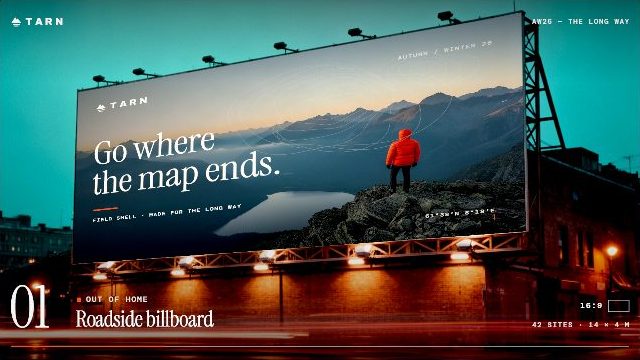
An agency case-study film for an invented outdoor brand: the artwork comps (billboard, posters, a story) corner pinned onto a roadside billboard, a bus shelter, a metro platform and a phone, with a paper slate, results counting up and a sign-off.
Mixos AI
Type the ask under the viewer. Mixos AI works in your comp with the same tools as the buttons, so what it makes is normal layers you can move, retime or delete, and each request is one undo step.
Open MotionMake a 15 second product teaser from the pictures in my media bin: one word per shot, cut on the beat, with an end card.
Mixosが選ばれる理由
ローンチのティーザーは、短い判断の連続です。どのショットを、どの順に、それぞれ何秒見せ、言葉は何を言い、ビートはどこに落ちるか。Launchテンプレートは、すでにそれらを決めてあります。ビートに合わせてカットした7枚のレンダー、1カットに1語、そしてすっきりしたエンドカード。画像とコピーを差し替えても、タイミングは保たれます。
または、ショットを白紙のコンプに入れて、キャンバスの横のパネルでMixos AIに、音楽に合わせてタイトルとエンドカード付きでカットするよう頼めます。返ってくるのは、リタイム、再配色、書き換えができる通常のコンプです。
プロダクトのショットは、写真でも、動画でも、3Dでも構いません。まだ写真がなければ、Studioで製品をモデリングまたは読み込み、いくつかのライティングでレンダーすると、レンダーはレイヤーとしてMotionに届きます。
無料アカウントなら、制作、アニメーション、プレビューは無料です。無料の書き出しは540 pxでウォーターマーク付き。ウォーターマークなしで最大4Kまで書き出せるのは、月額$10.00のProまたは買い切り$129のライセンスです。
いいえ。静止画の写真やレンダーでも使えます。Motionが動かし、トリミングし、音楽に合わせてカットします。動画クリップもトリム、速度変更、フリーズフレームに対応します。
はい。Motionにはmixosが作ったインストゥルメンタル17曲と効果音15種が付属し、書き出すものに自由に使えます。ビートマーカーがカットの落としどころを示し、自分のトラックを読み込むこともできます。
はい。Studioで製品を作るか読み込んでレンダーし、レンダーをMotionに送ります。3DモデルもMotionのコンプにレイヤーとして置けます。
制作とプレビューは無料です。無料アカウントでは、長辺540 pxでウォーターマーク付きの動画を書き出せます。Proまたは買い切りライセンスなら、ウォーターマークなしで最大4Kまで書き出せます。
最新のChromeまたはEdgeが動くデスクトップPCまたはノートPCで、Windows、macOS、Linux、ChromeOSに対応します。MotionはWebGPU経由でお使いのグラフィックスカードを使うため、インストールは不要です。開くには無料アカウントが必要です。