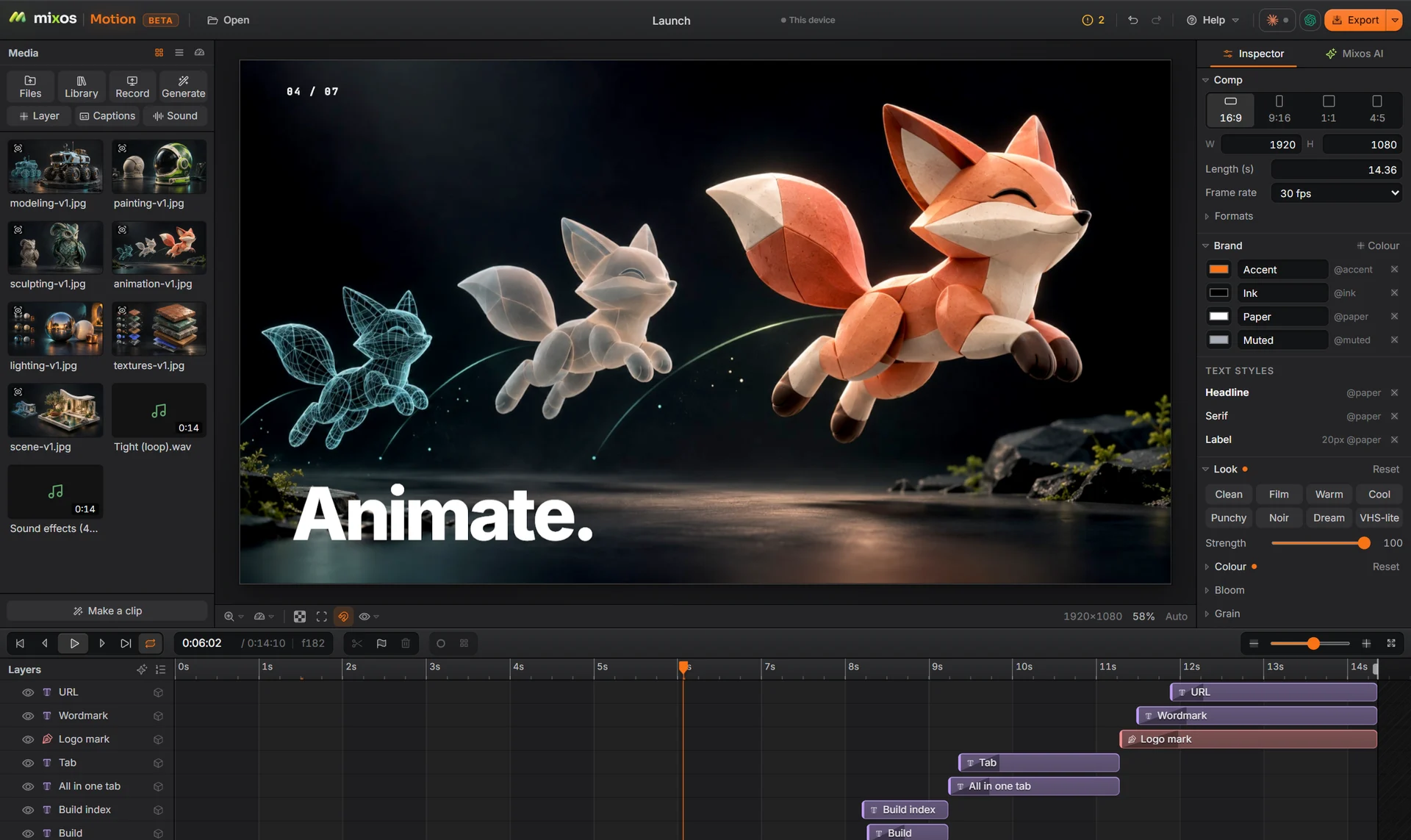
你的圖片就是第一格
模型從你的圖片出發,所以主體、色彩和構圖都是你的。部分模型還支援末影格作為結尾。
緩緩推近、風吹動頭髮、杯中升起蒸氣。用一句話描述動作;執行前會先顯示點數價格。
如果只需要柔和的運鏡、完全不用 AI 影片,Motion 會在你的裝置上讀取照片的景深,並以 2.5D 方式在其中漂移。
片段是普通圖層:修剪、放慢,加字幕、音樂和標題,並匯出每種社群尺寸。
Every clip here is a template Motion rendered itself. Pick one in the start window and swap the words, the pictures and the brand colours.
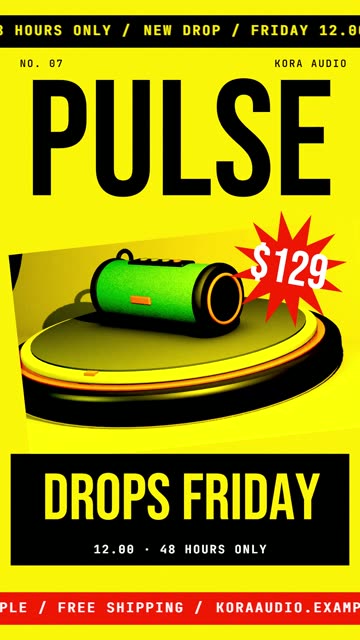
A product drop as one loud poster: yellow, black capitals, a red price burst, and a camera that snaps from crop to crop on the beat.
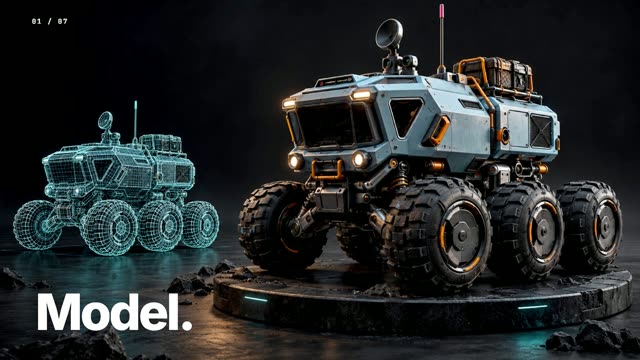
Product sizzle: seven crisp renders cut on the beat, one word each, a clean end card.
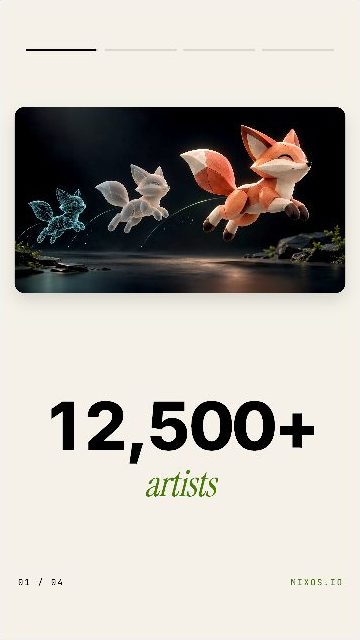
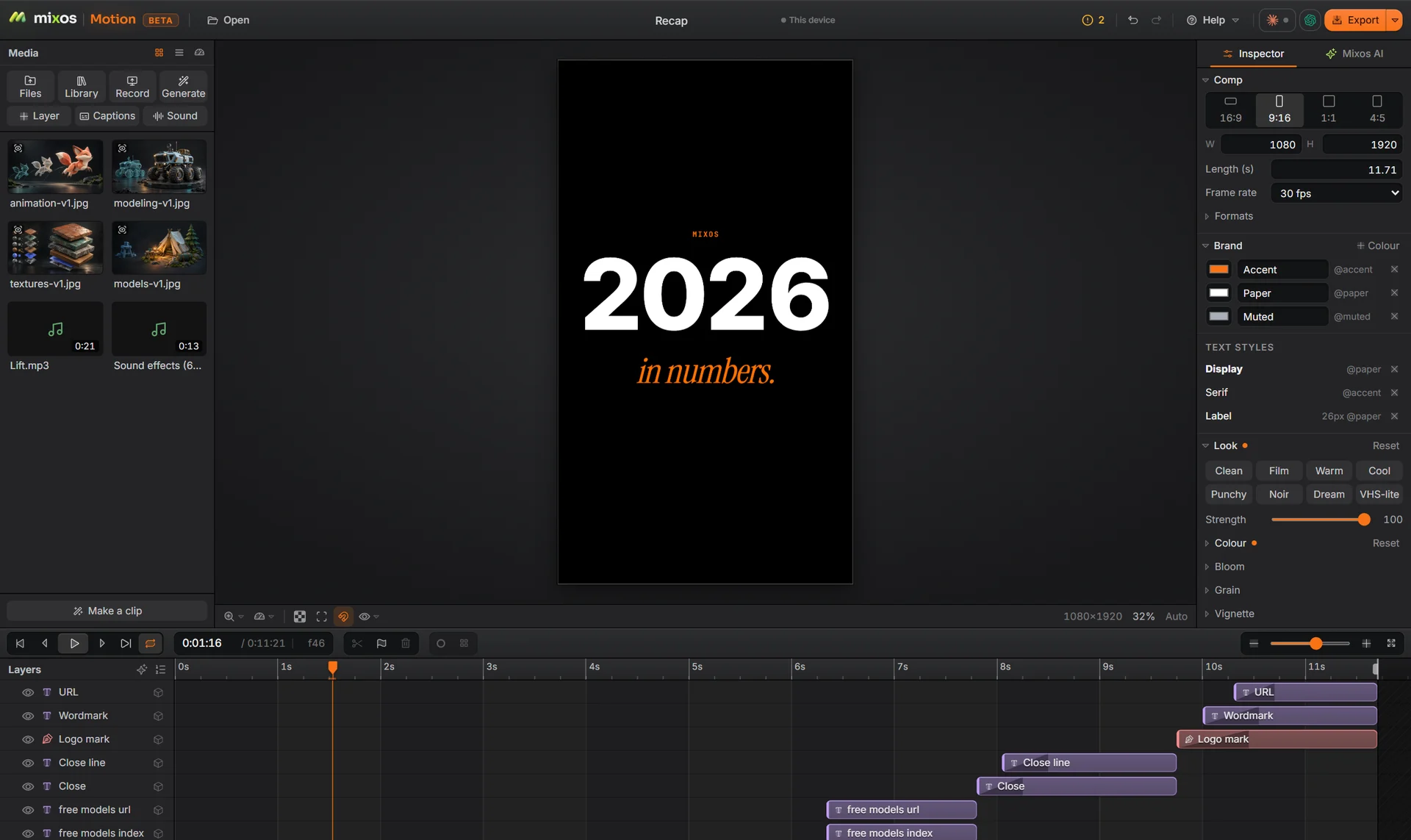
The year in numbers, vertical: one number per shot with a crisp render, cut on the beat.
Mixos AI
Type the ask under the viewer. Mixos AI works in your comp with the same tools as the buttons, so what it makes is normal layers you can move, retime or delete, and each request is one undo step.
Open MotionAnimate this photo: a slow push in while the steam rises from the coffee cup.
為什麼選擇 Mixos
AI 圖生影片用於畫面內部真正的動態:流動的水、轉身的人、旋轉的產品。在 Motion 中開啟「Generate」,選擇 Video,新增圖片並描述發生的事。完成的片段會作為圖層下載到專案中。
有時一張照片只需要一個運鏡。這時 Motion 會在你的裝置上產生圖片的深度圖,並讓視角穿過它,近處移動得比遠處多,還可加上可選的鏡頭模糊。這不消耗點數。
無論哪種方式,結果都在完整的剪輯器裡:把多張動起來的照片依音樂剪輯,在上面加文字,並把同一個專案匯出為 16:9、9:16 和 1:1。
生成片段會消耗 AI 點數,點數包含在 Pro 中:每月 500($10.00)。一次性 $129 的授權不含 AI 點數。
有免費帳號即可免費建立、製作動畫與預覽,免費匯出為 540 px 並帶浮水印。匯出最高 4K 且無浮水印,包含在 Pro(每月 $10.00)或一次性 $129 的授權中。
清晰、光線良好、主體明確的圖片。模型會保留它看到的內容,所以裁掉了頭或手的構圖,在動起來時也仍然是被裁掉的。
幾秒,通常五到十秒,視模型而定。如果需要更長,片段可以從最後一格延長。
可以。2.5D 景深運鏡在你的裝置上執行並且免費:它讓虛擬攝影機穿過照片,而不是在其中憑空造出新的動作。
建立與預覽免費。免費帳號匯出影片時長邊為 540 px 並帶浮水印;Pro 與一次性授權可匯出最高 4K,且無浮水印。
一台桌上型或筆記型電腦,搭配最新版的 Chrome 或 Edge,作業系統可為 Windows、macOS、Linux 或 ChromeOS。Motion 透過 WebGPU 使用你的顯示卡,所以不需要安裝任何東西,開啟時需要有免費帳號。