Your picture is the first frame
The model starts from your image, so the subject, colours and framing are yours. Some models also take a last frame to end on.
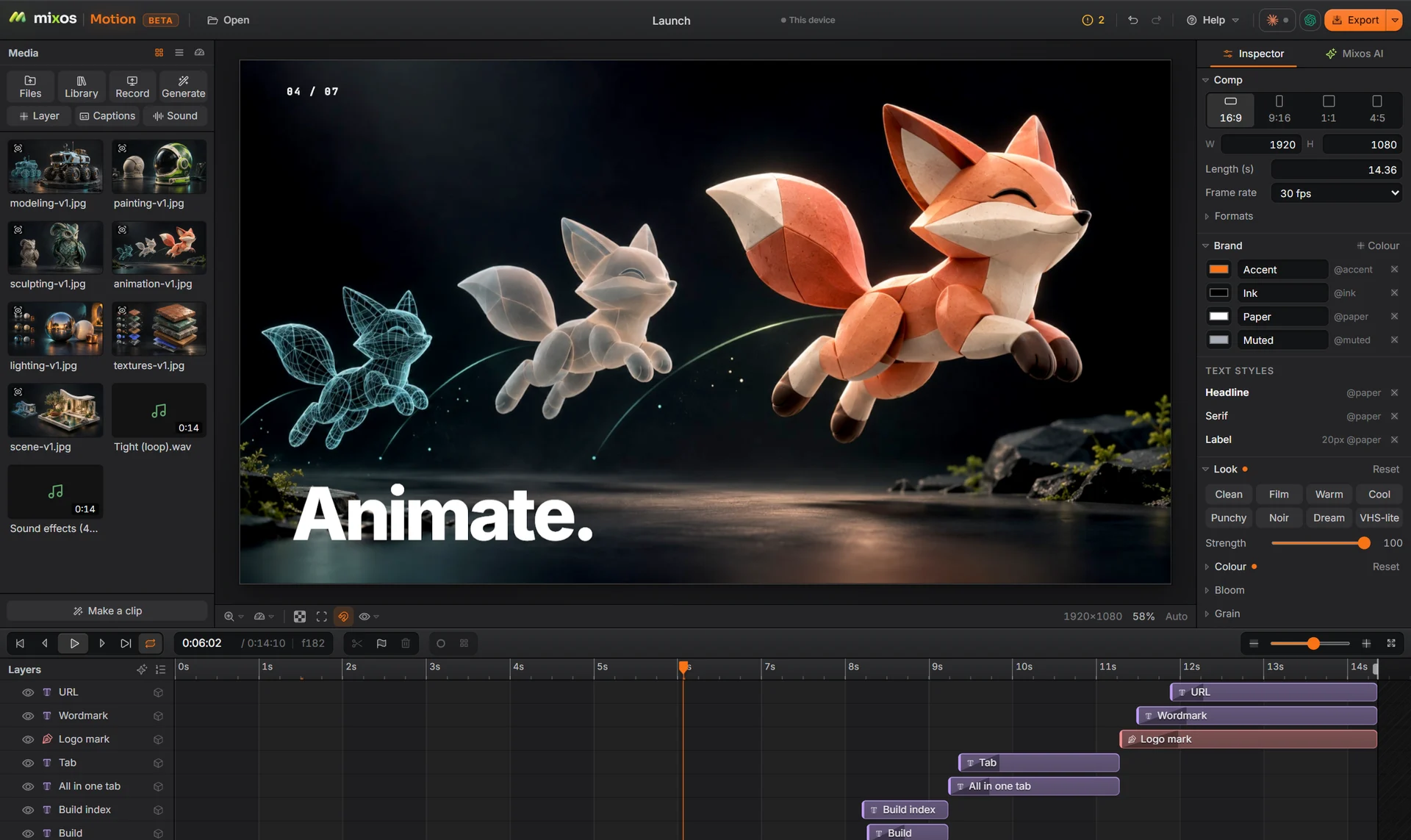
Pick a photo, a product shot or a render, say how it should move, and a video model turns it into a clip of a few seconds. It lands as a layer on your timeline, next to the music and titles.
Maps that drop into
The model starts from your image, so the subject, colours and framing are yours. Some models also take a last frame to end on.
A slow push in, hair in the wind, steam rising from the cup. Describe the motion in a sentence; the price in credits shows before it runs.
For a gentle camera move with no AI video at all, Motion reads the photo's depth on your device and drifts through it in 2.5D.
The clip is an ordinary layer: trim it, slow it, add captions, music and a title, and export every social size.
Every clip here is a template Motion rendered itself. Pick one in the start window and swap the words, the pictures and the brand colours.

A product drop as one loud poster: yellow, black capitals, a red price burst, and a camera that snaps from crop to crop on the beat.
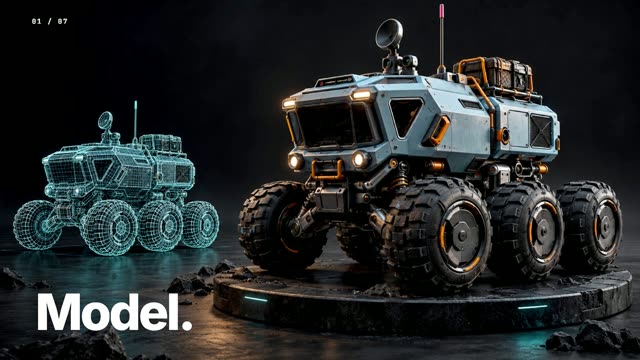
Product sizzle: seven crisp renders cut on the beat, one word each, a clean end card.
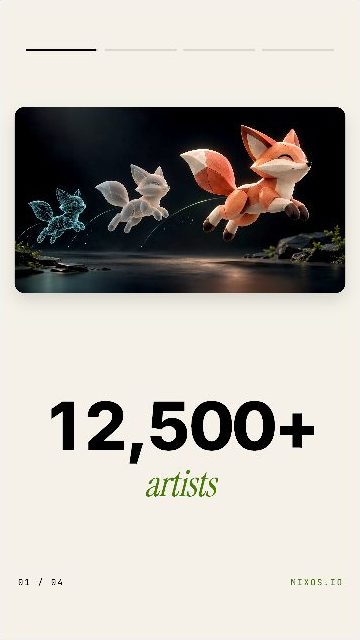
The year in numbers, vertical: one number per shot with a crisp render, cut on the beat.
Mixos AI
Type the ask under the viewer. Mixos AI works in your comp with the same tools as the buttons, so what it makes is normal layers you can move, retime or delete, and each request is one undo step.
Open MotionAnimate this photo: a slow push in while the steam rises from the coffee cup.
Why Mixos
Image to video with AI is for real motion inside the picture: water that flows, a person who turns, a product that rotates. Open Generate in Motion, choose Video, add your picture and describe what happens. The finished clip is downloaded into the project as a layer.
Sometimes a photo only needs a camera move. For that, Motion makes a depth map of the picture on your device and moves the view through it, with near parts shifting more than far ones, plus an optional lens blur. That spends no credits.
Either way, the result sits in a full editor: cut several animated photos to music, put words over them, and export the same project in 16:9, 9:16 and 1:1.
Generating a clip spends AI credits, which come with Pro: 500 a month at $10.00. The one-time $129 license includes no AI credits.
Building, animating and previewing are free with a free account, and a free export is 540 px with a watermark. Exporting up to 4K without the watermark is part of Pro at $10.00 a month or the one-time $129 license.
A clear, well-lit picture with one obvious subject. The model keeps what it can see, so a crop that cuts off a head or a hand will stay cut off when it moves.
A few seconds, usually five to ten depending on the model. A clip can be extended from its last frame if it needs to run longer.
Yes. The 2.5D depth move runs on your device and is free: it moves a virtual camera through the photo rather than inventing new motion inside it.
Building and previewing are free. A free account exports video at 540 px on the long edge with a watermark; Pro and the one-time license export up to 4K without one.
A desktop or laptop with current Chrome or Edge, on Windows, macOS, Linux or ChromeOS. Motion draws on your graphics card through WebGPU, so nothing installs, and a free account is needed to open it.
Read next
Key, retime and ease a move, step by step.
Keys, in-betweens, and the interpolation that joins them.
Bones, skin weights, IK, and why auto-riggers want a T-pose.
What carries over to an engine, and what to bake first.
Keep exploring
More in Animation & rendering
Open Motion, add your picture, and open Generate.