Depth from any photo
A depth model runs in your browser and maps near and far. No special camera, no upload, no credits.
Motion works out how far away each part of a photo is, on your computer, and then moves a camera through it: near things shift and grow more than far ones, so a still picture gets real depth.
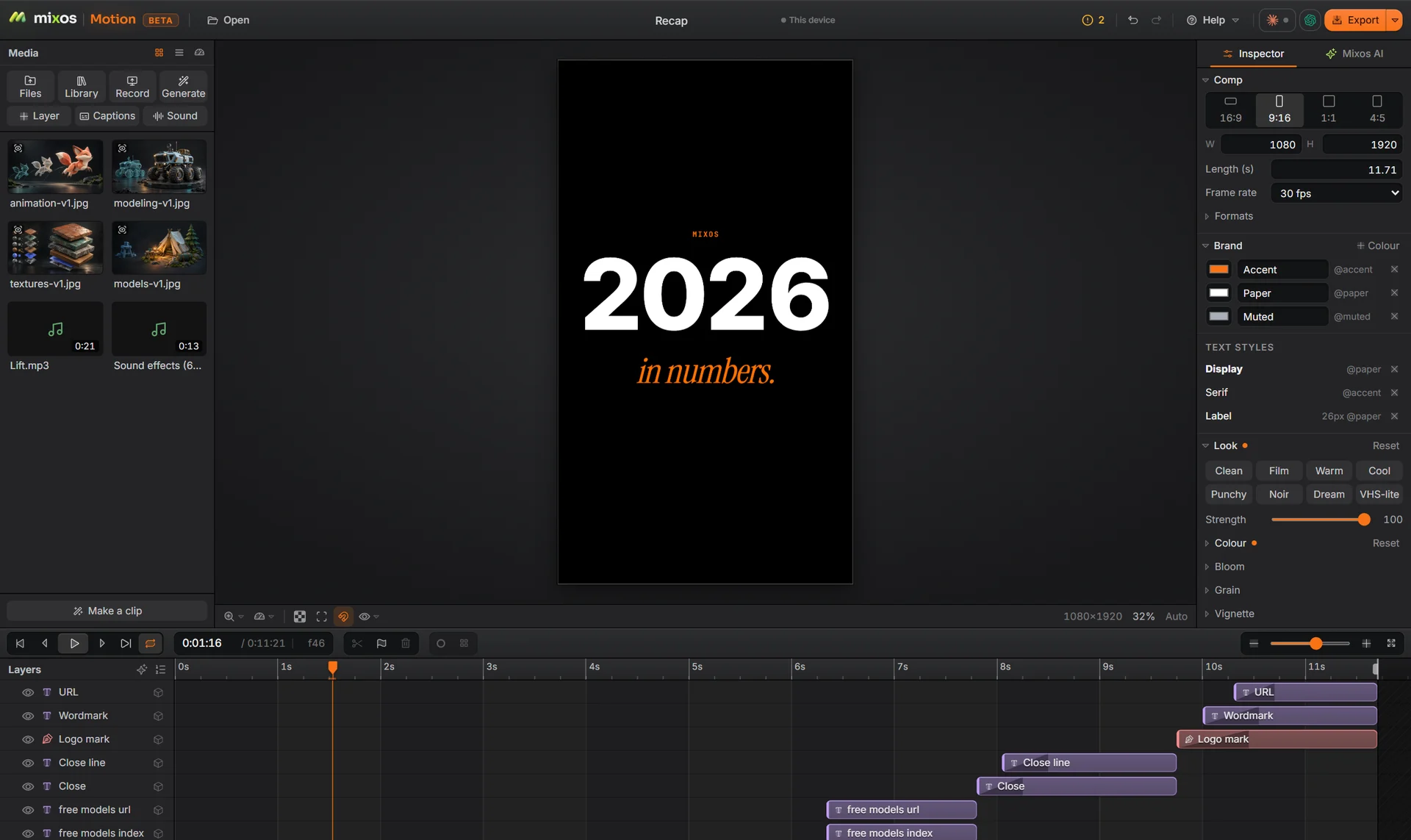
Maps that drop into
A depth model runs in your browser and maps near and far. No special camera, no upload, no credits.
Animate the move with keys or pick a ready-made 2.5D camera move in the Inspector.
Choose what stays sharp and let the rest fall out of focus by how far it is, as a real lens would.
Add fog that thickens with distance to separate the subject from the background.
Every clip here is a template Motion rendered itself. Pick one in the start window and swap the words, the pictures and the brand colours.
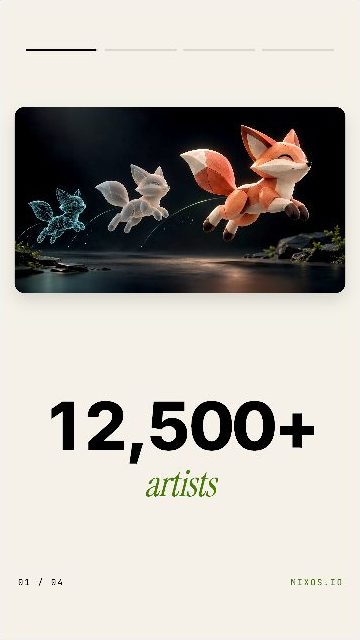
The year in numbers, vertical: one number per shot with a crisp render, cut on the beat.

A product drop as one loud poster: yellow, black capitals, a red price burst, and a camera that snaps from crop to crop on the beat.

A place to stay in five photographs, each cut its own way (zoom, whip, clock, colour swipe, light leak), with a rating badge and sign-off built as precomps.
Mixos AI
Type the ask under the viewer. Mixos AI works in your comp with the same tools as the buttons, so what it makes is normal layers you can move, retime or delete, and each request is one undo step.
Open MotionGive this photo a slow 3D push in with the background slightly blurred.
Why Mixos
Add a photo, turn on Depth in the Inspector, and Motion makes a depth map of it on your computer the first time. From then on, a 2.5D move shifts the view: the parts of the picture that are close move and grow more than the parts that are far, which reads as a camera moving through the scene.
The picture is drawn slightly larger so a move never uncovers an edge. Small, slow moves look most convincing; a big swing reveals that the photo has no back side.
Use it for a travel reel, a property listing, a memorial slideshow or an album cover. When you need motion inside the picture itself, such as people walking or water moving, image to video with AI is the next step.
Building, animating and previewing are free with a free account, and a free export is 540 px with a watermark. Exporting up to 4K without the watermark is part of Pro at $10.00 a month or the one-time $129 license.
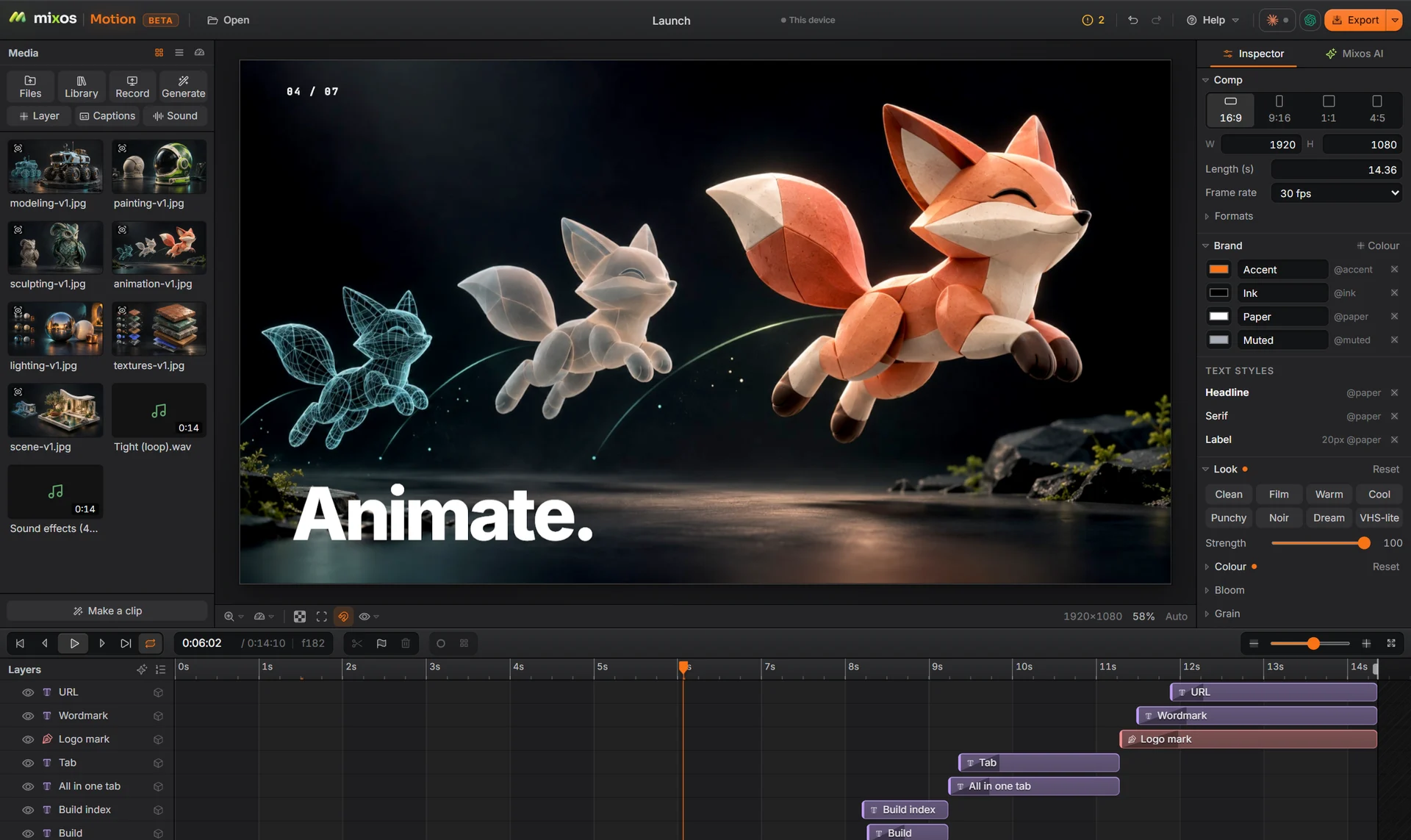
Photos with a clear foreground and background, such as a person against a landscape or a street receding into the distance. Flat scenes, like a wall or a document, have little depth to move through.
No. The depth model downloads to your browser once and runs on your computer.
Yes. Make it in any size, including 9:16, and export an MP4.
Building and previewing are free. A free account exports video at 540 px on the long edge with a watermark; Pro and the one-time license export up to 4K without one.
A desktop or laptop with current Chrome or Edge, on Windows, macOS, Linux or ChromeOS. Motion draws on your graphics card through WebGPU, so nothing installs, and a free account is needed to open it.
Read next
Key, retime and ease a move, step by step.
Keys, in-betweens, and the interpolation that joins them.
Bones, skin weights, IK, and why auto-riggers want a T-pose.
What carries over to an engine, and what to bake first.
Keep exploring
More in Animation & rendering
Open Motion, add a photo, and turn on Depth.